



Learndash LMS Notes GPL
$4.49
LearnDash LMS Notes is a LearnDash LMS addon that gives learners a central place to create and manage notes inside their courses.
LearnDash LMS Notes is a LearnDash LMS addon that gives learners a central place to create and manage notes inside their courses. Students add notes in a form below the page content or in a popup that opens on page load, and instructors can receive email notifications about new notes and reply to them. The plugin is a GPL build sold at digitumb.com for $4.49.
| Product | learndash-lms-notes |
|---|---|
| Version | 2.0.1 |
| Works with | WordPress 6.x+ / PHP 8.x+ |
| Tested up to | WordPress current |
| License | GPLv2 or later |
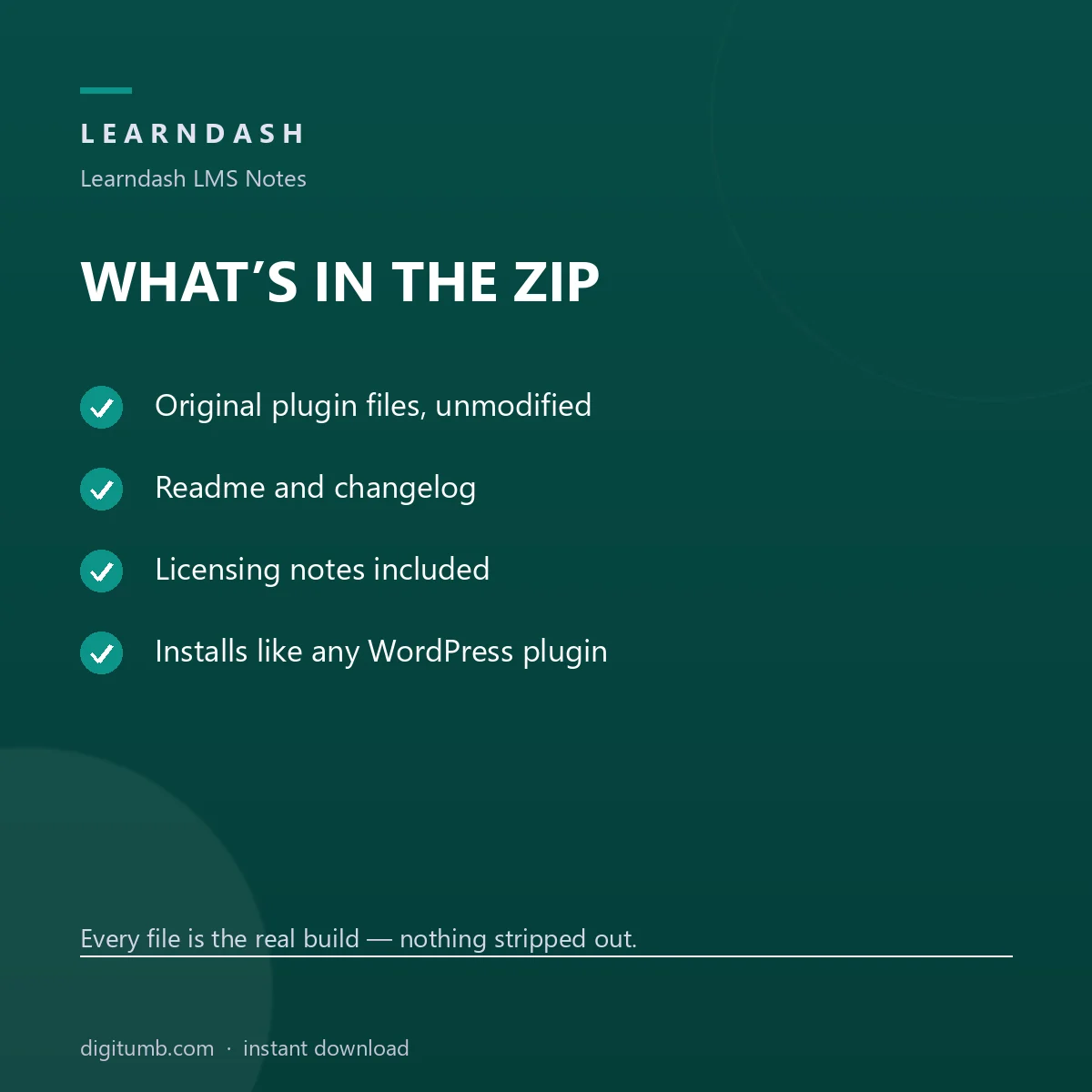
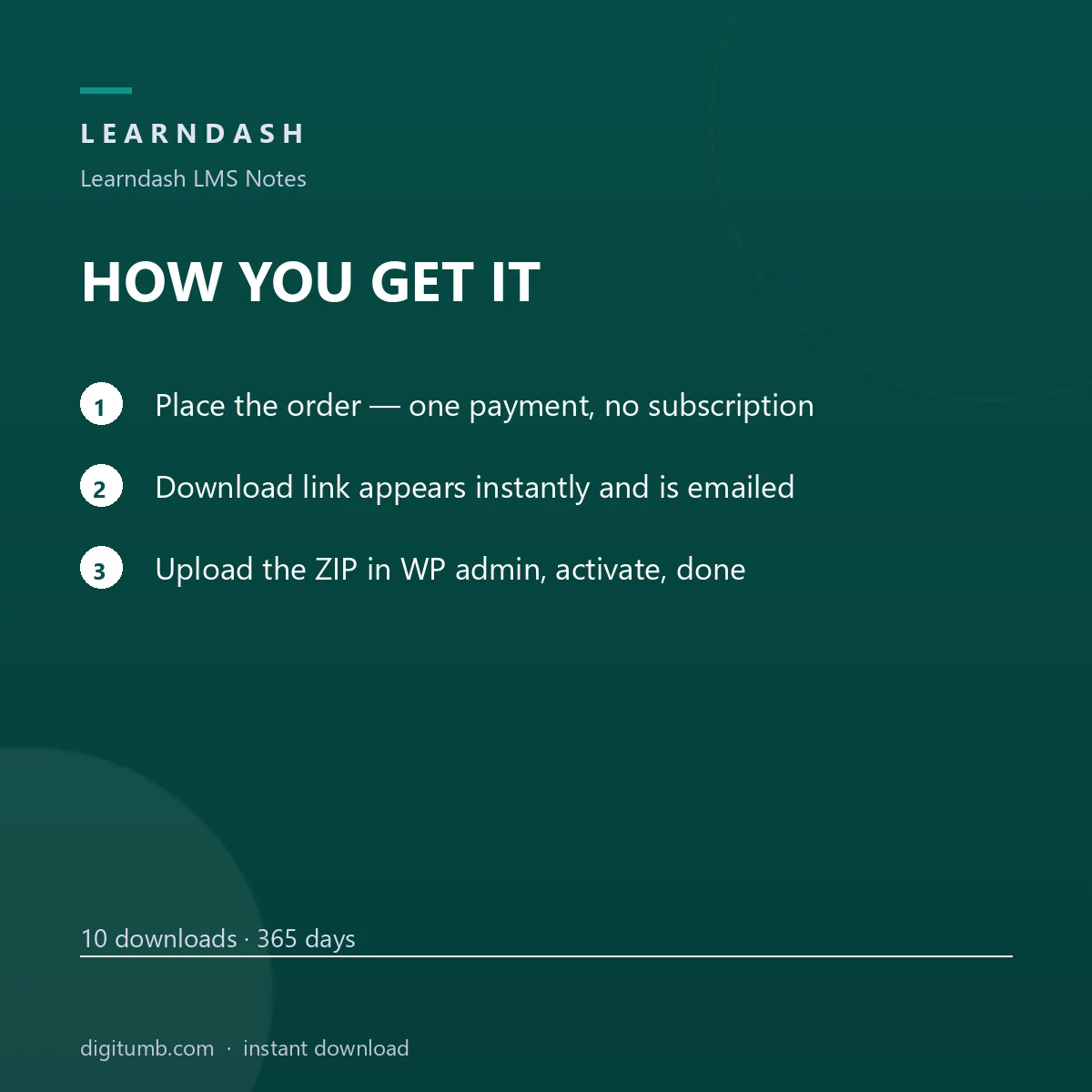
| Delivery | Instant ZIP download, 10 downloads, 365 days |
How learners add notes inside a LearnDash course
Notes by LearnDash places a New Note Section on the course content where students can write and submit a note. The form appears below the page content by default, and a shortcode is provided so you can manually insert it onto a specific piece of content. You choose which content types display the section, so notes appear only where you want them.
A second option is the New Note Popup, a flexible form that pops open on page load. Like the inline section, the popup displays within the content types you select. Both forms can show an editor toolbar with text formatting tools above the note textarea, and a character count keeps the note length visible while the student writes.
Instructor notifications and replies to student notes
Instructor Notification Emails can be switched on so that a message goes out when a student submits a note. The email subject and body are editable, and available merge codes let you insert details such as the student's first and last name into the message. A separate Instructor Response to Your Note email carries the instructor's reply back to the learner.
The instructor email subject and body and the learner email subject and body are configured separately, so the notification a student receives reads differently from the one the instructor gets. The notes list shows the student's notes that have been submitted, giving instructors a place to read and respond.
Who can see student notes
Instructor View Settings control the visibility of notes across the course. You can show all student notes to instructors, hide all student notes from instructors, or leave the decision to the student's choice. The third option is only available when Instructor Notification Emails is enabled.
This gives course owners a single setting to decide whether instructors read every note or only the ones learners choose to share. The notes list displays all student notes that have been submitted, so the chosen visibility rule applies to a single review screen.
What this build includes
| Inline New Note Section | Students add a note in a form shown below the page content, or you place the same form on specific content with the supplied shortcode. |
|---|---|
| New Note Popup | A flexible note form that pops open on page load, displayed within the content types you select in the settings. |
| Editor toolbar and character count | Text formatting tools can appear above the New Notes textarea, and a character count shows the length of the note as it is written. |
| Instructor notification emails | Send an email when a student submits a note, with editable subject and body and merge codes for student name details. |
| Instructor response email | An Instructor Response to Your Note email delivers the instructor's reply to the learner, with its own editable subject and body. |
| Instructor view settings | Choose to show all student notes to instructors, hide them all, or let each student decide; the student option requires notification emails to be on. |
| Compatibility with common plugins | Designed to work with WooCommerce and BuddyPress for extended functionality, and with Elementor for custom course page layouts and designs. |
Installing it on a WordPress site
- Download the plugin zip from your digitumb.com account and keep the file ready for upload.
- In your WordPress dashboard, go to Plugins, choose Add New, upload the zip file and activate LearnDash LMS Notes.
- Open the plugin settings to configure the New Note Section, the New Note Popup, instructor notification emails and instructor view settings for your courses.
Frequently asked questions
What does LearnDash LMS Notes actually do?
It lets users create and manage notes within the LearnDash platform, giving learners a centralized location for important course information. Students write notes in a form below the page content or in a popup, and instructors can be notified by email and reply to those notes.
Can I choose where the note form appears?
Yes. The New Note Section and the New Note Popup each display within the content types you select in the settings. For a single piece of content, the plugin provides a shortcode you can insert manually to place the note form exactly where you want it.
Can instructors see every note a student writes?
Instructor View Settings give you three choices: show all student notes to instructors, hide all student notes from instructors, or let the student's choice decide. The student's choice option is only available when Instructor Notification Emails is enabled.
Does it work with WooCommerce, BuddyPress and Elementor?
The plugin is designed to work with popular plugins such as WooCommerce and BuddyPress for extended functionality. It also works with Elementor, so you can build custom layouts and designs for your course pages around the notes feature.
What do I get for $4.49 and how is it licensed?
You receive the GPL build of the plugin, version 2.0.1, as a 0.2 MB zip: the same files the developer ships. There is no vendor update channel and no vendor support desk with this build; the price is $4.49 at digitumb.com.
What the GPL build means for you
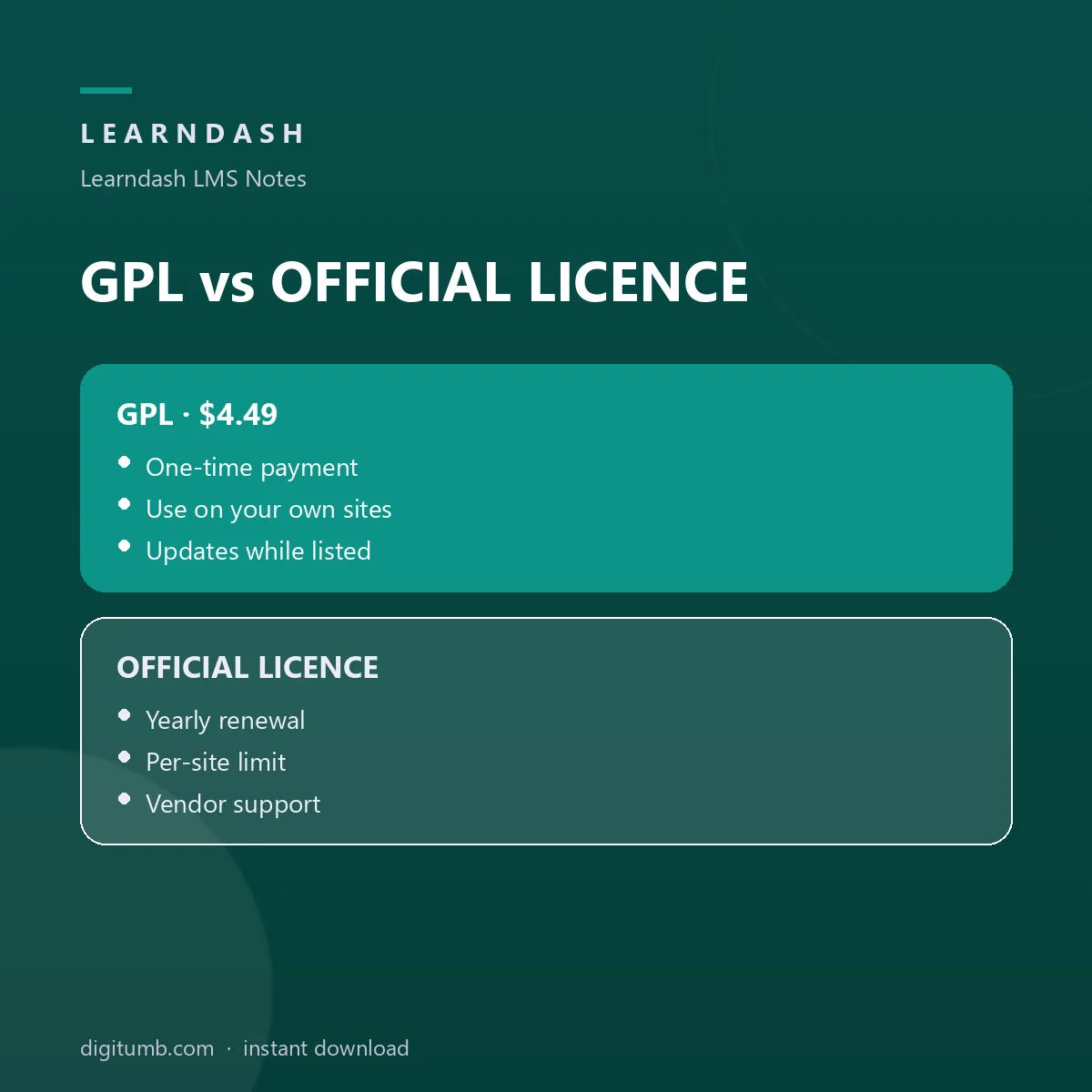
This is the same archive the developer publishes, redistributed under the GNU General Public License: you get the working files for $4.49 with no vendor update channel and no vendor support desk. If you need automatic updates or a support contract, buy the official license from the developer.
| This GPL build | Official license | |
|---|---|---|
| Price | $4.49 one time | Vendor subscription |
| Automatic updates | No | Yes |
| Developer support | No | Yes |
| Number of sites | Unlimited | Depends on plan |
Browse the rest of the WordPress plugins category or the full shop. The licence text is at GNU GPL v2, and general documentation is at WordPress.org.
You must be logged in to post a review.
You may also like…

Related products







Reviews
Clear filtersThere are no reviews yet.