



YITH WooCommerce Name Your Price Premium GPL
$4.49
YITH WooCommerce Name Your Price is a WooCommerce plugin that removes fixed prices from the products you choose and lets each customer enter the amount they want to spend.
YITH WooCommerce Name Your Price is a WooCommerce plugin that removes fixed prices from the products you choose and lets each customer enter the amount they want to spend. You can show a suggested price, set a floor and a ceiling, and apply the same rules to whole product categories. Shoppers type their own number, then add the item to the cart as usual.
| Product | YITH WooCommerce Name Your Price |
|---|---|
| Version | 1.53.0 |
| Works with | WordPress 6.8+ / PHP 8.x+ |
| Tested up to | WordPress 7.0 |
| License | GPLv2 or later |
| Delivery | Instant ZIP download, 10 downloads, 365 days |
How does the price field appear on a product page?
Each product gets a Name Your Price switch. Turn it on for a product and the standard price is replaced by an open field where the buyer enters an amount, with the text you configure shown before the field.
The button labels are yours to set as well. One text applies to the Add to Cart button on the shop page and another to the single product page, so the wording can differ between the archive and the detail view.
Suggested, minimum and maximum price limits
Three separate values shape what the customer sees and what they are allowed to submit. The suggested price is a reference figure, and you can place your own wording before it so buyers understand that the number is a recommendation rather than a requirement.
A minimum price allowed and a maximum price allowed define the accepted range. Both can carry their own text before the price, and the plugin returns a message when an entered amount falls outside the range: one for values below the minimum and one for values above the maximum.
Category rules for groups of products
Instead of editing products one by one, you can add a category rule. The rule screen lets you select one or more product categories and apply the pricing configuration to everything filed under them.
Added rules appear in a category rule list, where each entry can be removed when it is no longer needed. A confirmation message reports that the rule was updated successfully.
Validation messages when a price is rejected
The settings screen includes editable text for the cases where a submitted amount cannot be accepted. A negative price message is shown when someone tries to add a price lower than zero.
Separate messages cover values below the minimum and values above the maximum, and the numeric fields themselves reject anything below 0 or anything that is not a valid price.
What this build includes
| Per-product pay-what-you-want switch | Enable Name Your Price on selected products only, leaving the rest of the catalogue on standard fixed pricing. |
|---|---|
| Suggested price with custom intro text | Display a recommended figure and write the sentence that appears in front of it to guide the buyer. |
| Minimum and maximum price range | Set a floor and a ceiling for accepted amounts, each with its own label text before the value. |
| Editable validation messages | Customise the warnings shown for negative prices, values under the minimum and values over the maximum. |
| Category rule list | Select product categories to apply the pricing rule in bulk and remove entries from the list later. |
| Separate shop and product button texts | Give the Add to Cart button different wording on the shop archive and on the single product page. |
| Custom field label | Set the Name Your Price text that is displayed before the price input field. |
Installing it on a WordPress site
- Upload the plugin zip through the WordPress admin panel and activate it.
- Open the plugin settings and configure the general options, including button texts and validation messages.
- Edit a product, enable Name Your Price for it, and set the suggested, minimum and maximum prices, or add a category rule instead.
Latest changes
Version 1.53.0 adds support for WordPress 7.0 and WooCommerce 10.7.
Frequently asked questions
Can customers pay nothing at all?
The minimum price allowed setting controls the lowest accepted amount. The plugin shows a message when a user tries to add a price lower than zero, and the price fields reject values below 0. What the floor is set to for each product or category is your decision.
Does it work with WooCommerce Subscriptions?
Yes. The plugin is compatible with WooCommerce Subscriptions, so flexible pricing options can be offered on subscription products as well as on ordinary ones.
Will it match my theme?
The plugin is built to work with most popular WordPress themes that support WooCommerce, so the price field and buttons follow your existing product page layout.
What do I get for $4.49?
You receive the GPL build of the plugin, version 1.53.0, as a 1.7 MB zip containing the same files the developer ships. There is no vendor update channel and no vendor support desk with this purchase.
Which WordPress and WooCommerce versions are supported?
The plugin requires WordPress 6.8 and has been tested up to WordPress 7.0. Version 1.53.0 adds support for WooCommerce 10.7.
What the GPL build means for you
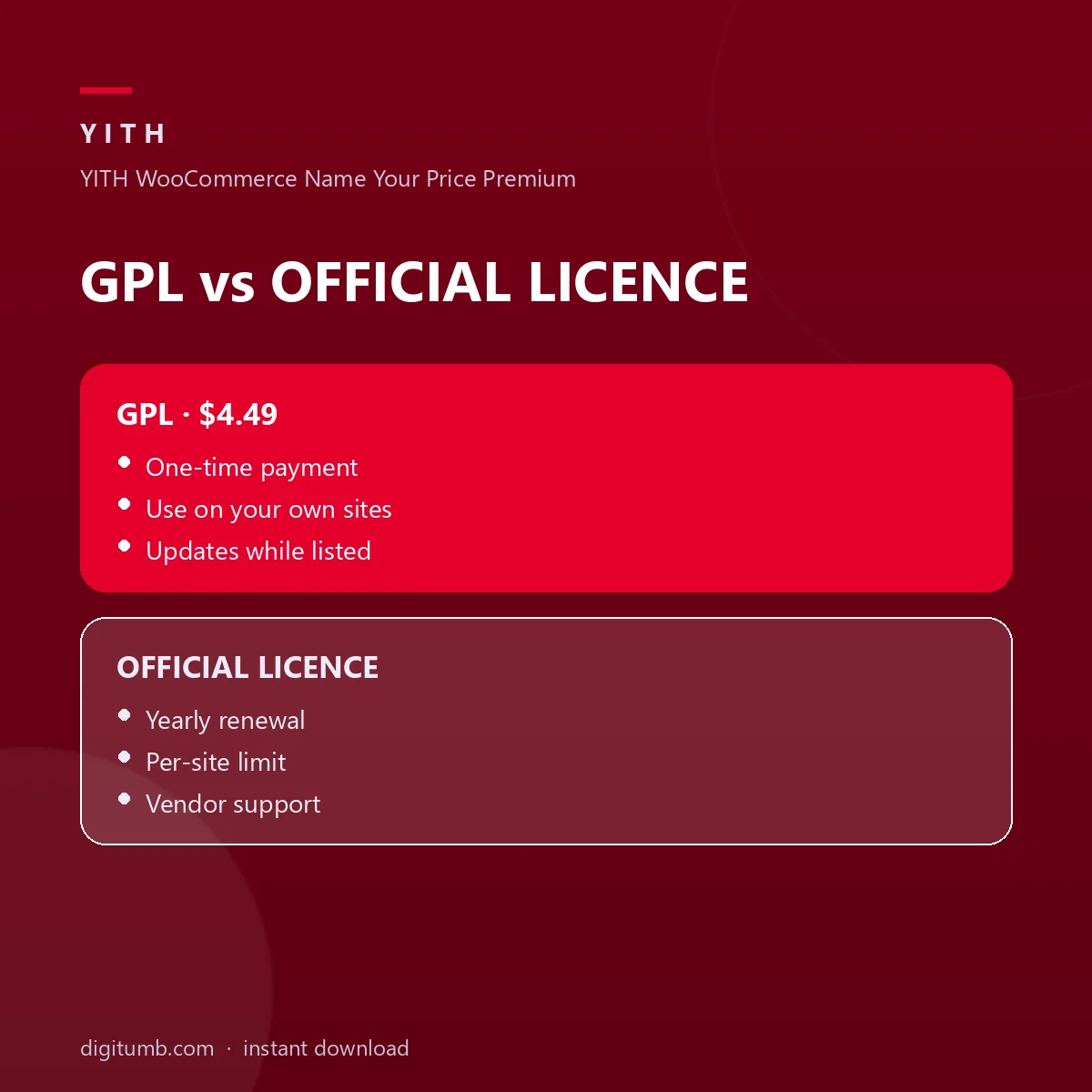
This is the same archive the developer publishes, redistributed under the GNU General Public License: you get the working files for $4.49 with no vendor update channel and no vendor support desk. If you need automatic updates or a support contract, buy the official license from the developer.
| This GPL build | Official license | |
|---|---|---|
| Price | $4.49 one time | Vendor subscription |
| Automatic updates | No | Yes |
| Developer support | No | Yes |
| Number of sites | Unlimited | Depends on plan |
Browse the rest of the WordPress plugins category or the full shop. The licence text is at GNU GPL v2, and general documentation is at WordPress.org.
You must be logged in to post a review.
You may also like…

Related products








Reviews
Clear filtersThere are no reviews yet.