


Bookly Paypal Checkout GPL
$4.49
Bookly PayPal Checkout is a Bookly add-on that lets clients pay for appointments through PayPal inside your booking form.
Bookly PayPal Checkout is a Bookly add-on that lets clients pay for appointments through PayPal inside your booking form. It connects your PayPal account to the Bookly booking system so the payment step happens where the booking happens. This GPL build ships the same files as the developer releases, with no vendor update channel and no vendor support desk, at $4.49.
| Product | bookly-paypal-checkout |
|---|---|
| Version | 2.9 |
| Works with | WordPress 6.x+ / PHP 8.x+ |
| Tested up to | WordPress current |
| License | GPLv2 or later |
| Delivery | Instant ZIP download, 10 downloads, 365 days |
How PayPal payments fit into the Bookly booking form
The add-on adds PayPal as a payment route for the booking form you already run with Bookly. Instead of leaving the booking flow to pay elsewhere, the client completes the PayPal payment as part of booking the appointment. That keeps the payment step inside the form and reduces the number of separate pages a client has to visit.
Service providers get a simpler payment process on their side too: the money arrives through PayPal, and the booking record stays in Bookly. The plugin is built specifically for Bookly and does not integrate with WooCommerce, so it is the right piece when Bookly is your booking engine and PayPal is your chosen payment method.
Does Bookly PayPal Checkout work with Astra and Divi?
Yes. The add-on is compatible with popular WordPress themes, including Astra and Divi, so it sits inside a site built on either without fighting the design. The booking form keeps the look your theme gives it while the PayPal payment step is handled by the add-on.
Compatibility here means the plugin works alongside those themes in the same WordPress install. It does not mean the add-on is a WooCommerce payment gateway; it is tied to Bookly.
Linking your PayPal account in Bookly settings
Setup runs through the Bookly settings screen. After the plugin is active, you link your PayPal account there and adjust your payment preferences, which decides how PayPal appears to clients during booking. No separate payment dashboard is needed for this step.
Because the account link is made in Bookly, the payment configuration lives next to the rest of your booking setup. Changing the PayPal preference later is done in the same place.
What the $4.49 GPL build includes
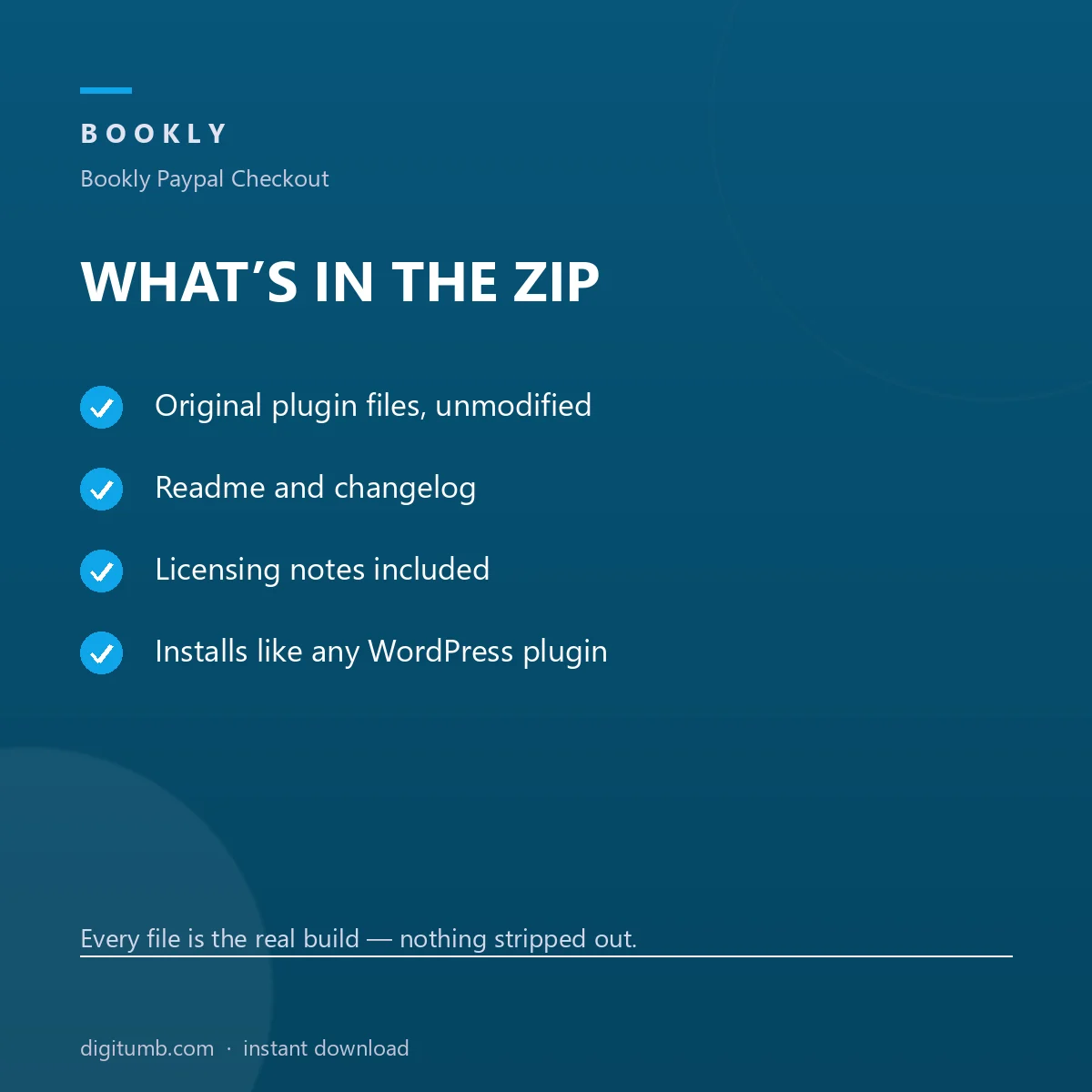
You receive the plugin files as shipped by the developer, packaged in a zip with the lib and backend folders. The version in this package is 2.9, and the download is 0.0 MB. Install it like any other WordPress plugin and activate it alongside Bookly.
This is a GPL build sold at $4.49. There is no vendor update channel attached and no vendor support desk; the files are the same ones the developer ships, distributed through this store.
What this build includes
| PayPal payments in the booking form | Clients pay for their appointment through PayPal directly inside the Bookly booking form, without a separate checkout page. |
|---|---|
| Account linking from Bookly settings | Connect your PayPal account in the Bookly settings and set your payment preferences from the same screen. |
| Built for Bookly | The add-on is designed to work specifically with the Bookly booking plugin rather than as a general payment gateway. |
| Theme compatibility | Works with popular WordPress themes such as Astra and Divi, so the booking form fits your site's design. |
| Payment preferences you control | Adjust how PayPal is offered to clients during booking from the Bookly payment settings. |
Installing it on a WordPress site
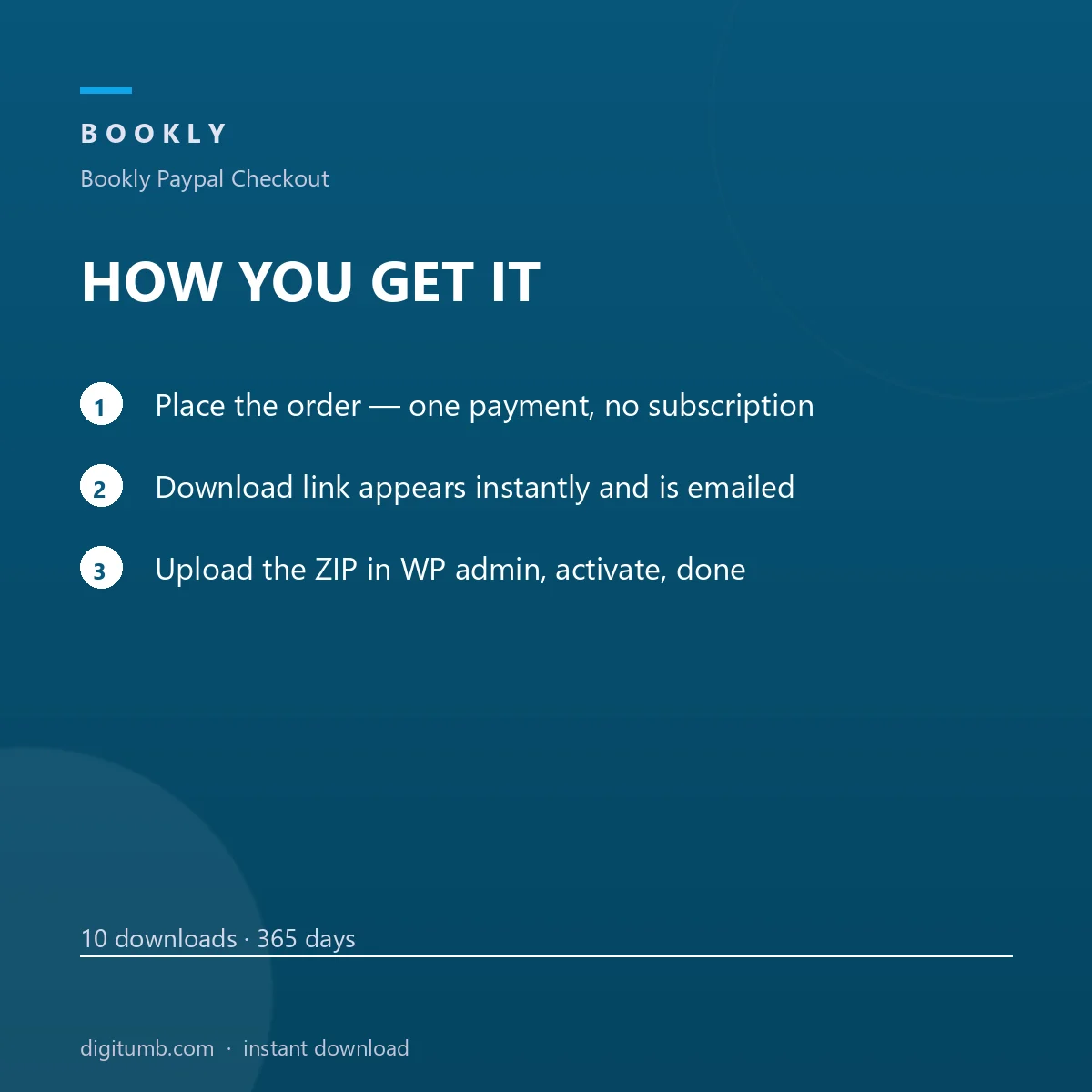
- Download the plugin zip from your order and install it through your WordPress dashboard, or upload the zip under Plugins > Add New.
- Activate Bookly PayPal Checkout so it runs alongside the Bookly booking plugin.
- Open the Bookly settings, link your PayPal account, and adjust your payment preferences.
Frequently asked questions
What does Bookly PayPal Checkout do?
It lets businesses accept payments via PayPal directly through their Bookly booking system. Clients pay as part of the booking form, and service providers receive the payment through PayPal, which simplifies the payment process for both sides.
Is Bookly PayPal Checkout compatible with WooCommerce?
No. The add-on is designed to work specifically with the Bookly booking plugin and does not directly integrate with WooCommerce. If your checkout runs on WooCommerce, this is not the payment connector for it.
How do I set up Bookly PayPal Checkout on my WordPress site?
Install the plugin from your WordPress dashboard and activate it. Then go to the Bookly settings to link your PayPal account and adjust your payment preferences. The account connection and the payment options are both handled from that settings area.
Can I use it with themes like Astra or Divi?
Yes. Bookly PayPal Checkout is compatible with popular WordPress themes, including Astra and Divi, so it integrates well with your site's design. The booking form and its PayPal payment step work within those theme setups.
What version and package do I get for $4.49?
You get version 2.9 of the plugin as a zip containing the lib and backend folders, sized 0.0 MB. It is a GPL build at $4.49 with no vendor update channel and no vendor support desk.
What the GPL build means for you
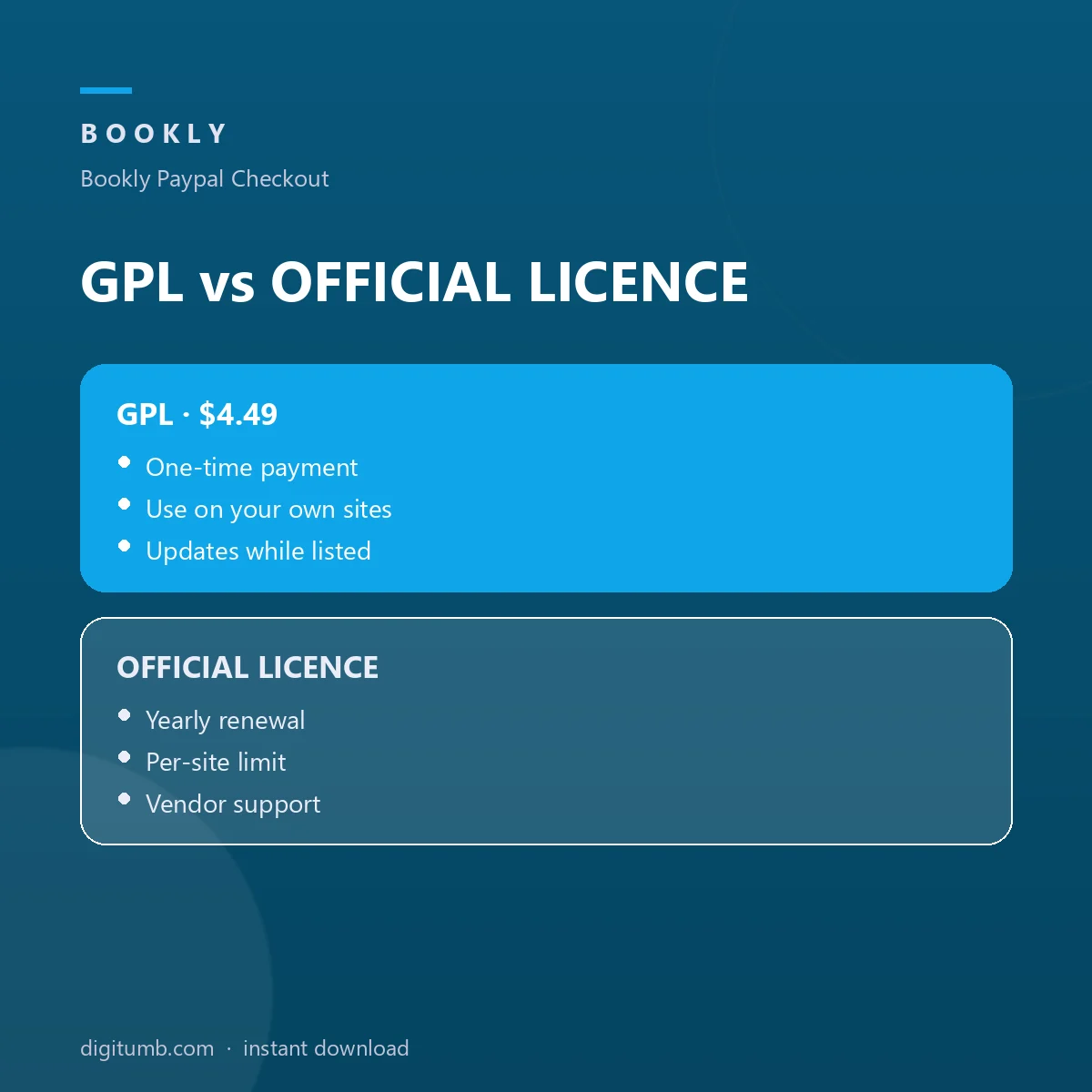
This is the same archive the developer publishes, redistributed under the GNU General Public License: you get the working files for $4.49 with no vendor update channel and no vendor support desk. If you need automatic updates or a support contract, buy the official license from the developer.
| This GPL build | Official license | |
|---|---|---|
| Price | $4.49 one time | Vendor subscription |
| Automatic updates | No | Yes |
| Developer support | No | Yes |
| Number of sites | Unlimited | Depends on plan |
Browse the rest of the WordPress plugins category or the full shop. The licence text is at GNU GPL v2, and general documentation is at WordPress.org.
You must be logged in to post a review.
You may also like…

Related products







Reviews
Clear filtersThere are no reviews yet.