




Gravity Forms Image Choices GPL
$4.49
Gravity Forms Image Choices is a WordPress plugin that adds images as choices for Radio Buttons and Checkboxes fields in Gravity Forms.
Gravity Forms Image Choices is a WordPress plugin that adds images as choices for Radio Buttons and Checkboxes fields in Gravity Forms. It works with Survey, Quiz, Product and Option fields whose field type is set to Radio Buttons or Checkboxes. Instead of plain text options, form builders present a set of images that visitors click to make a selection. The plugin requires Gravity Forms to be active on the site.
| Product | Gravity Forms Image Choices |
|---|---|
| Version | 1.7.5 |
| Works with | WordPress 3.5+ / PHP 8.x+ |
| Tested up to | WordPress 7.1.5 |
| License | GPLv2 or later |
| Delivery | Instant ZIP download, 10 downloads, 365 days |
Which Gravity Forms fields can use image choices
Image choices are available on Radio Buttons and Checkboxes fields. That covers standard radio and checkbox fields as well as Survey, Quiz, Product and Option fields when their field type is set to Radio Buttons or Checkboxes.
Form builders keep the existing field settings and attach images to individual choices, so the choice structure of a form stays intact while each option gets a visual counterpart.
How image choices change a form for visitors
Visitors pick an option by clicking an image rather than reading a text label. This gives survey and quiz questions, product options and other choice fields a visual layer that plain radio buttons and checkboxes do not have.
The plugin is designed to work with any WordPress theme that supports Gravity Forms, so the image choices follow the theme's own layout and styling.
Compatibility with other Gravity Forms add-ons
Gravity Forms Image Choices is compatible with other Gravity Forms add-ons. A form that already uses other add-ons can add image choices without removing those integrations.
Because the plugin extends the Radio Buttons and Checkboxes field types, it slots into forms built with the standard Gravity Forms field set.
GPL build, price and what it means for your site
You receive the same plugin files the developer ships, distributed as a GPL build at $4.49. There is no vendor update channel and no vendor support desk attached to this purchase.
The download is a 4.0 MB zip. Installation is the standard WordPress route: upload the files, activate the plugin, and confirm Gravity Forms is active at version 2.6 or later.
What this build includes
| Images as radio button choices | Attach images to the choices of a Radio Buttons field so visitors select an option by clicking a picture. |
|---|---|
| Images as checkbox choices | Use images on Checkboxes fields, letting visitors pick one or more visual options in the same form. |
| Works with Survey fields | Apply image choices to Survey fields whose field type is set to Radio Buttons or Checkboxes. |
| Works with Quiz fields | Add image-based answers to Quiz fields configured as Radio Buttons or Checkboxes. |
| Works with Product and Option fields | Present product options and choices as images when the field type is Radio Buttons or Checkboxes. |
| Theme-friendly output | Designed to work with any WordPress theme that supports Gravity Forms, keeping the visual choices consistent with your site. |
| Settings tab with license key field | A dedicated settings tab under Forms > Settings accepts the license key for the plugin. |
Installing it on a WordPress site
- Upload the Gravity Forms Image Choices files to your server and activate the plugin through the Plugins menu in WordPress.
- Confirm that Gravity Forms is installed and activated at version 2.6 or later.
- Open Forms > Settings, go to the Gravity Forms Image Choices settings tab and enter your license key.
Latest changes
This listing is for version 1.7.5 of the plugin.
Frequently asked questions
Does Gravity Forms Image Choices work without Gravity Forms?
No. Gravity Forms must be installed and activated, and it needs to be at least version 2.6. The image choices are built on the Radio Buttons and Checkboxes field types that Gravity Forms provides, so the plugin depends on it.
Which field types accept images as choices?
Radio Buttons and Checkboxes fields accept image choices. This also applies to Survey, Quiz, Product and Option fields when their field type is set to Radio Buttons or Checkboxes.
Will the image choices match my theme?
The plugin is designed to work with any WordPress theme that supports Gravity Forms, so the choices render within your theme's existing form layout and styling.
Can I use it alongside other Gravity Forms add-ons?
Yes. Gravity Forms Image Choices is compatible with other Gravity Forms add-ons, so you can keep existing integrations in place while adding image choices to your fields.
What WordPress version does it need?
The plugin requires WordPress 3.5 or later and has been tested up to WordPress 7.1.5. Gravity Forms 2.6 or later is also required.
What the GPL build means for you
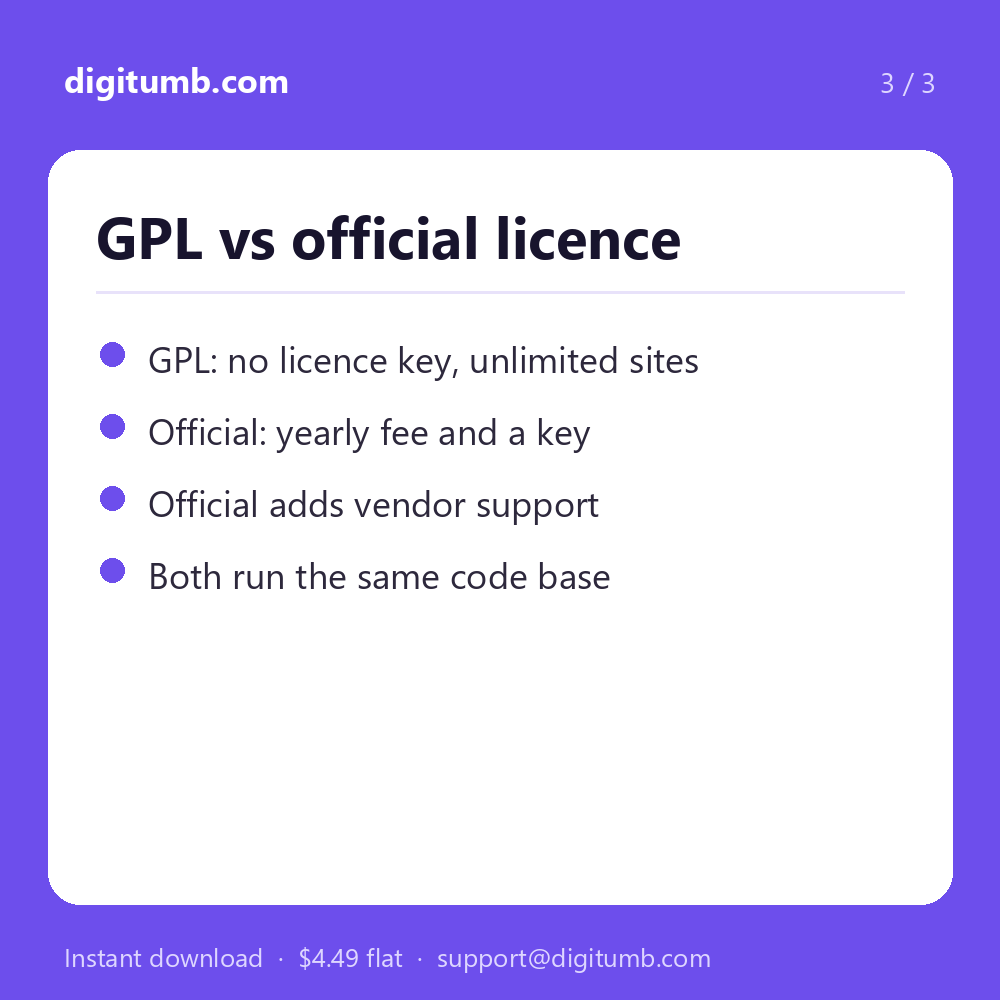
This is the same archive the developer publishes, redistributed under the GNU General Public License: you get the working files for $4.49 with no vendor update channel and no vendor support desk. If you need automatic updates or a support contract, buy the official license from the developer.
| This GPL build | Official license | |
|---|---|---|
| Price | $4.49 one time | Vendor subscription |
| Automatic updates | No | Yes |
| Developer support | No | Yes |
| Number of sites | Unlimited | Depends on plan |
Browse the rest of the WordPress plugins category or the full shop. The licence text is at GNU GPL v2, and general documentation is at WordPress.org.
You must be logged in to post a review.
You may also like…

Related products







Reviews
Clear filtersThere are no reviews yet.