



Memberpress Course Gradebook GPL
$4.49
MemberPress Course Gradebook is a WordPress add-on that gives educators a gradebook for MemberPress Courses.
MemberPress Course Gradebook is a WordPress add-on that gives educators a gradebook for MemberPress Courses. It tracks student performance by letting you grade quiz attempts and assignment submissions, and by organizing that grading work in one place. The plugin surfaces ungraded quizzes and assignments alongside recent activity, so the work that still needs a score is visible from the gradebook screens.
| Product | memberpress-course-gradebook |
|---|---|
| Version | 1.3.1 |
| Works with | WordPress 6.x+ / PHP 8.x+ |
| Tested up to | WordPress current |
| License | GPLv2 or later |
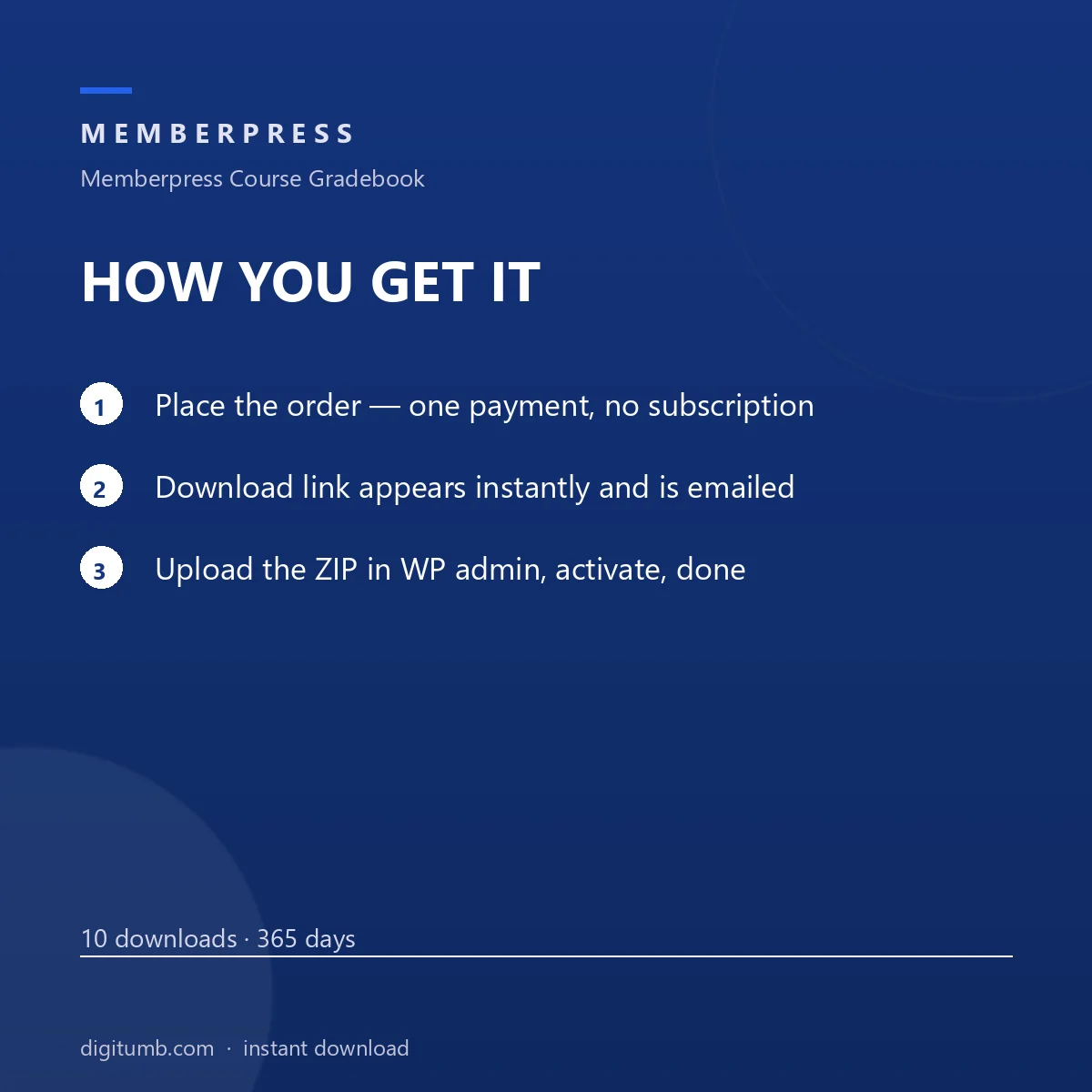
| Delivery | Instant ZIP download, 10 downloads, 365 days |
How the gradebook organizes quiz and assignment grading
The gradebook groups your grading work into four views: Ungraded Quizzes, Recent Quizzes, Ungraded Assignments and Recent Assignments. Ungraded views show what is still waiting for a score, while recent views show the latest activity. Each view is aimed at a specific task, so you can move between quiz grading and assignment grading without hunting through course content.
Grading is tied to the latest work a student submits. For quizzes, only the latest attempt can be graded and older attempts are read-only. For assignments, only the latest submission can be graded and older submissions are read-only. This keeps the recorded score attached to the attempt or submission that counts.
Which add-ons the gradebook depends on
The gradebook reads quiz attempts and assignment submissions from the MemberPress Courses add-ons. If the Quizzes add-on is not active or needs updating, the gradebook tells you so. The same applies to the Assignments add-on. Attempt and submission history also depends on a current MemberPress Courses install; when it is unavailable, the gradebook says so and asks you to update.
A course selection is part of the workflow: the gradebook prompts you to select a course before it can work with a student's attempts or submissions. Together these checks keep grading pointed at the right course and the right add-on data.
What happens when an attempt cannot be graded
Some attempts carry no gradeable value. When the point possible for an attempt is 0, the gradebook reports that the attempt cannot be graded, and the attempt stays out of the graded set. Missing records are reported plainly as well: quiz not found, attempt not found, assignment not found and submission not found each return their own message instead of a blank screen.
Permission and security checks are part of the flow. Users without the required rights see an insufficient permissions message, and a failed security check stops the action before any grade is written.
What this build includes
| Grade quiz attempts | Score student quiz attempts from the gradebook. Only the latest attempt can be graded; older attempts remain read-only. |
|---|---|
| Grade assignment submissions | Score assignment submissions in the same gradebook. Only the latest submission can be graded; older submissions are read-only. |
| Ungraded quizzes view | See quiz attempts that still need a score in one list before you open them for grading. |
| Ungraded assignments view | See assignment submissions waiting for grading, so unmarked work is not left behind. |
| Recent activity views | Recent Quizzes and Recent Assignments show the latest activity for quick review of what has come in. |
| Dependency awareness | The gradebook reports when the Quizzes or Assignments add-on is inactive or out of date, instead of failing silently. |
| Course selection | The grading workflow asks you to select a course, keeping attempts and submissions tied to the right course. |
| Clear error states | Missing records, zero-point attempts, insufficient permissions and failed security checks each return a specific message. |
Installing it on a WordPress site
- Upload the plugin zip to your WordPress dashboard under Plugins, then activate it.
- Confirm that MemberPress Courses and the Quizzes and Assignments add-ons are active and current, then configure the gradebook settings to match your grading policies.
- Select a course in the gradebook and begin grading the latest quiz attempts and assignment submissions.
Latest changes
Version 1.3.1 is the current build offered here.
Frequently asked questions
Does MemberPress Course Gradebook work without MemberPress?
The gradebook is built as an add-on for MemberPress Courses and reads quiz attempts and assignment submissions from the MemberPress Courses add-ons. It is primarily designed to work with MemberPress. Integration with WooCommerce is possible for additional e-commerce functionality.
Can I regrade an older quiz attempt?
No. Only the latest attempt can be graded for a quiz; older attempts are read-only. The same rule applies to assignments, where only the latest submission can be graded and older submissions are read-only.
Why does the gradebook say an attempt cannot be graded?
An attempt with a point possible of 0 cannot be graded, and the gradebook reports that directly. Attempts that no longer exist return an attempt not found message, and missing quizzes return quiz not found.
What do I need to update to see attempt history?
Attempt history depends on MemberPress Courses. When the history is unavailable, the gradebook asks you to update MemberPress Courses. If the Quizzes add-on is not active or needs updating, the gradebook reports that as well.
Is this the same plugin file the developer ships?
Yes. This is the GPL build of MemberPress Course Gradebook, version 1.3.1, distributed as a 0.1 MB zip at $4.49. It contains the same files as the developer ships, with no vendor update channel and no vendor support desk.
What the GPL build means for you
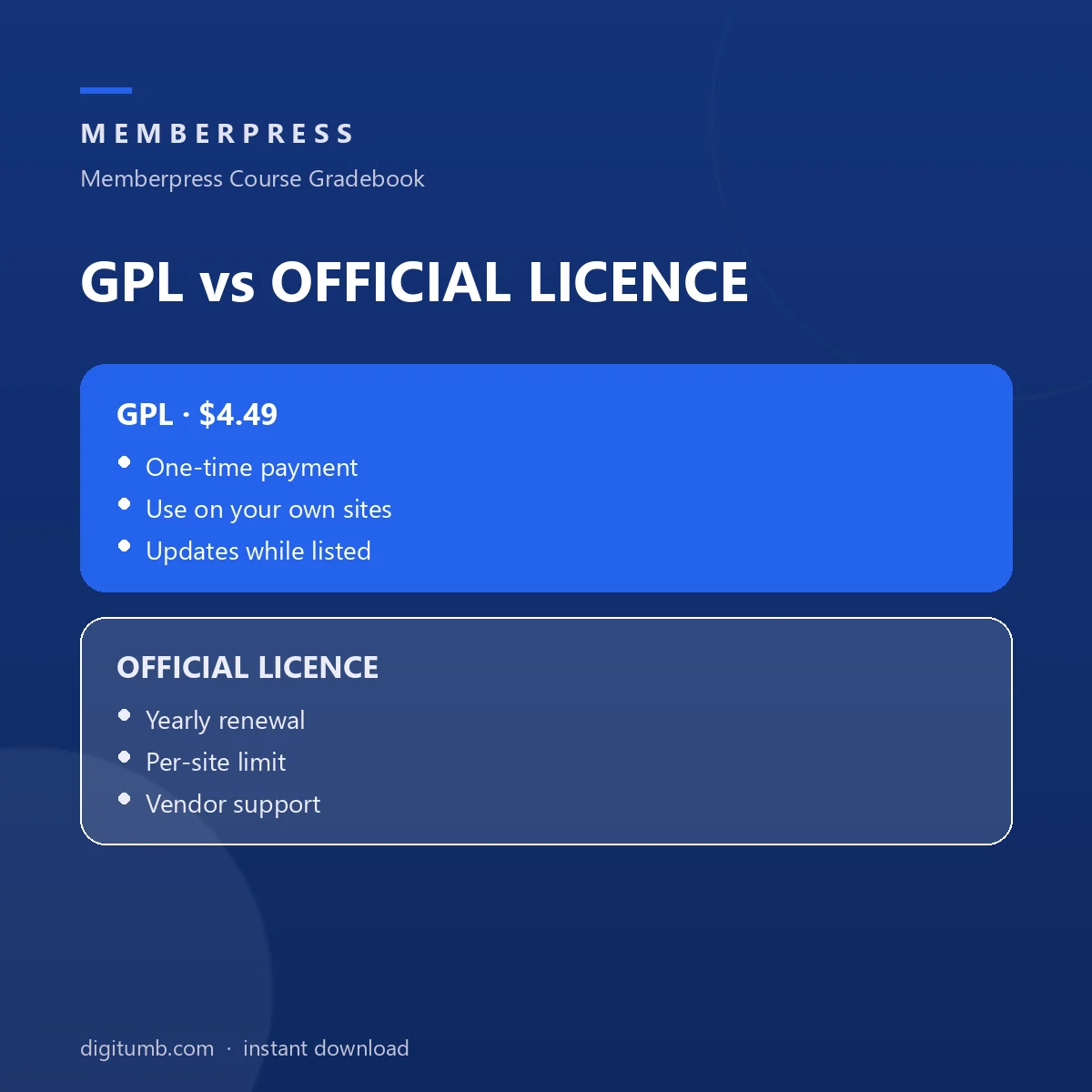
This is the same archive the developer publishes, redistributed under the GNU General Public License: you get the working files for $4.49 with no vendor update channel and no vendor support desk. If you need automatic updates or a support contract, buy the official license from the developer.
| This GPL build | Official license | |
|---|---|---|
| Price | $4.49 one time | Vendor subscription |
| Automatic updates | No | Yes |
| Developer support | No | Yes |
| Number of sites | Unlimited | Depends on plan |
Browse the rest of the WordPress plugins category or the full shop. The licence text is at GNU GPL v2, and general documentation is at WordPress.org.
You must be logged in to post a review.
You may also like…

Related products









Reviews
Clear filtersThere are no reviews yet.