

Pw Woocommerce Bogo Pro GPL
$4.49
PW WooCommerce BOGO Pro is a WooCommerce plugin for creating Buy One Get One promotions in an online store.
PW WooCommerce BOGO Pro is a WooCommerce plugin for creating Buy One Get One promotions in an online store. You define which products are eligible, which products receive the discount, and how the offer is triggered at checkout. The plugin adds its own PW BOGO screens to the WordPress admin, where each promotion is saved as a separate entry you can create, update, search and filter.
| Product | pw-woocommerce-bogo-pro |
|---|---|
| Version | 4.18 |
| Works with | WordPress 6.x+ / PHP 8.x+ |
| Tested up to | WordPress current |
| License | GPLv2 or later |
| Delivery | Instant ZIP download, 10 downloads, 365 days |
How a Buy One Get One promotion is configured in PW BOGO
Each promotion lives in its own PW BOGO entry. The admin list supports Add New PW BOGO, Create New PW BOGO and Update PW BOGO, plus search and a filter for the PW BOGO list. A promotion can also carry a logo, set or removed from the same screens.
Inside a promotion you choose the Eligible Products that trigger the offer and the Discounted Products that receive it. Both fields accept a blank value, which makes the BOGO available for all products or lets the discount apply to any product. Product categories and excluded categories narrow the selection further, and an option lets the discounted products match the eligible products.
Product and category rules that control which items qualify
The settings separate the buy side from the get side. Products and Specific Products fields define what must be in the cart, while Exclude products and Exclude categories remove items from the offer. The same structure repeats for the discounted side, with its own Specific Products field and a Same as Eligible Products shortcut.
Two checkboxes control variation behaviour: Only discount identical products and Only discount identical variations. Another pair limits how the discount is applied: Restrict discounted product quantity caps how many discounted units a shopper can take, and Automatically add discounted product(s) to the cart places the free or reduced item in the basket without the customer adding it manually.
Coupon codes, dates and free shipping in a BOGO offer
A promotion can run on a Begin date and can be tied to a Coupon Code. The Coupon Code Message field supplies the text shown with the code, and an Allow free shipping switch adds free shipping to the offer. A coupon usage limit stops the promotion once the limit has been reached.
The Spend amount can be calculated including tax, so the threshold used for the offer matches how your store totals the cart. When a promotion is no longer needed it can be moved to trash, and the list view keeps a Not found in Trash state for items that are gone.
Compatibility with themes and other WooCommerce extensions
PW WooCommerce BOGO Pro is built to work alongside other popular WooCommerce extensions, so promotions can run next to the rest of your store's functionality without conflicts. It is also compatible with popular themes such as Astra and Divi, so the promotions display correctly across the site.
The plugin belongs to the Pimwick Plugins family, and its settings screens carry the Pimwick Plugins label alongside the PW BOGO screens.
What this build includes
| Eligible and discounted product selection | Pick the products that trigger a Buy One Get One offer and the products that receive the discount, or leave either blank to cover all products. |
|---|---|
| Category filters and exclusions | Target product categories for an offer and exclude specific products or categories so they never qualify. |
| Automatic cart insertion | Automatically add discounted product(s) to the cart when the offer conditions are met, instead of relying on the shopper to add them. |
| Quantity and identity restrictions | Restrict discounted product quantity and choose to discount only identical products or only identical variations. |
| Coupon codes with custom messages | Attach a Coupon Code to a promotion and show a Coupon Code Message to shoppers, with a usage limit that stops the offer once reached. |
| Begin date and free shipping | Set a Begin date for the promotion and enable Allow free shipping as part of the offer. |
| Tax-inclusive spend calculation | Calculate the Spend amount including tax so the offer threshold follows your store's tax settings. |
| Admin list with search and filter | Manage promotions from a dedicated PW BOGO list with add, create, update, search, filter and trash actions, plus a promotion logo. |
Installing it on a WordPress site
- Upload the plugin zip file through the WordPress Plugins screen and activate PW WooCommerce BOGO Pro.
- Open the PW BOGO menu in the admin and choose Add New PW BOGO to create your first promotion.
- Set Eligible Products and Discounted Products, then add categories, coupon code, begin date and any exclusions before saving.
Latest changes
Version 4.18 is the current release in this package; no changelog is available for it.
Frequently asked questions
What does PW WooCommerce BOGO Pro do?
It creates various Buy One Get One promotions for a WooCommerce store. You define which products are eligible, which products are discounted, and how the offer is triggered, with support for coupon codes, begin dates, free shipping and product exclusions, so the store can run attractive offers and increase sales and customer engagement.
Can I run a BOGO offer on only some products or categories?
Yes. The Eligible Products and Discounted Products fields accept specific products, and you can also set Product categories and Exclude categories. Leaving the product fields blank makes the BOGO available for all products or lets the discount apply to any product, depending on the field.
Does the plugin add the free product to the cart automatically?
There is a setting called Automatically add discounted product(s) to the cart. When enabled, the discounted item is placed in the cart once the offer conditions are met, so the shopper does not have to add it manually.
Is PW WooCommerce BOGO Pro compatible with Astra or Divi and other extensions?
The plugin is compatible with popular themes such as Astra and Divi, so promotions display correctly across the site. It is also designed to work well with other popular WooCommerce extensions, adding its functionality without conflicts.
What do I receive for $4.49 and is support included?
You receive the GPL build of PW WooCommerce BOGO Pro version 4.18, a 0.8 MB zip containing the same files the developer ships. There is no vendor update channel and no vendor support desk with this build; the price is $4.49.
What the GPL build means for you
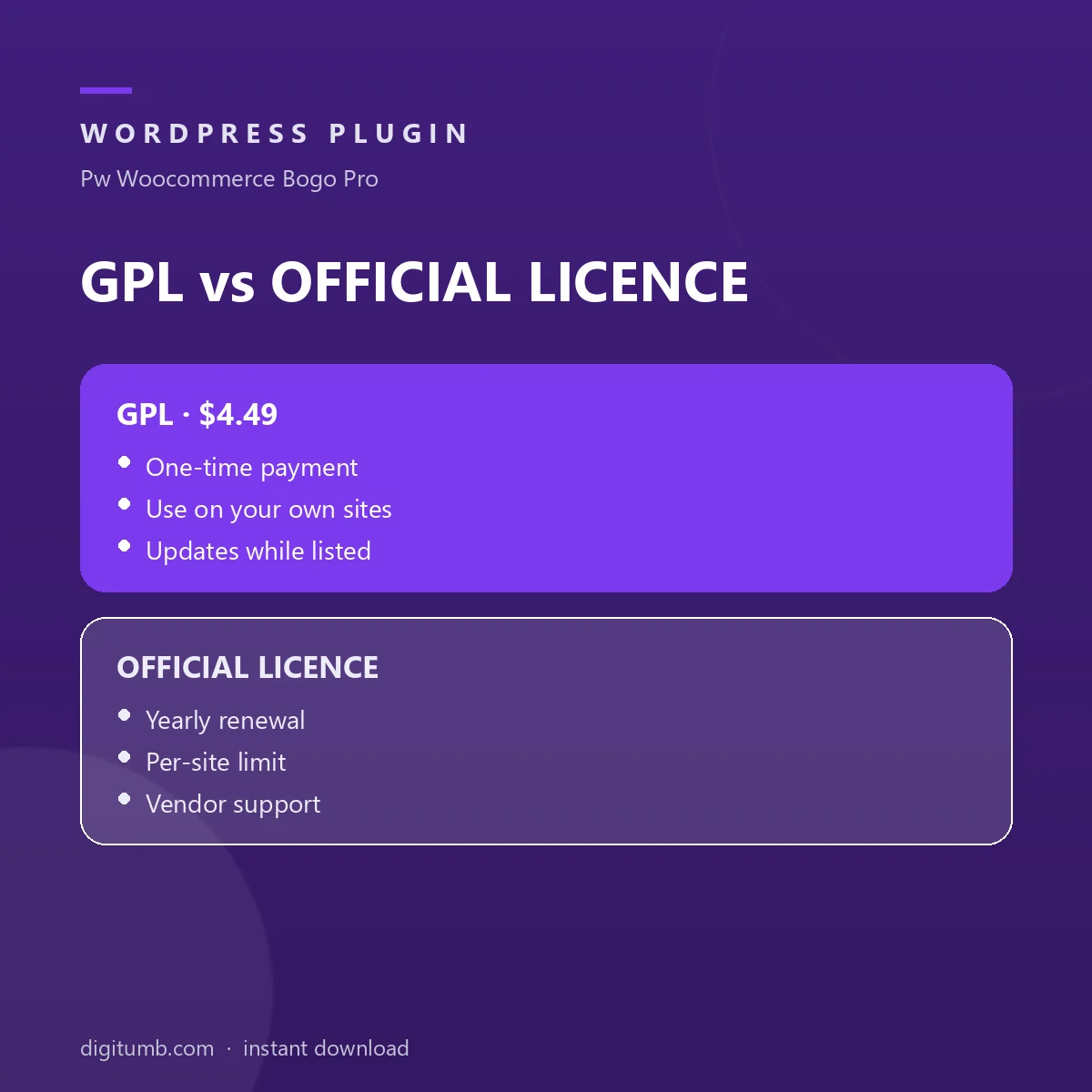
This is the same archive the developer publishes, redistributed under the GNU General Public License: you get the working files for $4.49 with no vendor update channel and no vendor support desk. If you need automatic updates or a support contract, buy the official license from the developer.
| This GPL build | Official license | |
|---|---|---|
| Price | $4.49 one time | Vendor subscription |
| Automatic updates | No | Yes |
| Developer support | No | Yes |
| Number of sites | Unlimited | Depends on plan |
Browse the rest of the WordPress plugins category or the full shop. The licence text is at GNU GPL v2, and general documentation is at WordPress.org.
You must be logged in to post a review.
You may also like…

Related products








Reviews
Clear filtersThere are no reviews yet.