


Ninja Forms – Layout & Styles Extension And GPL
$4.49
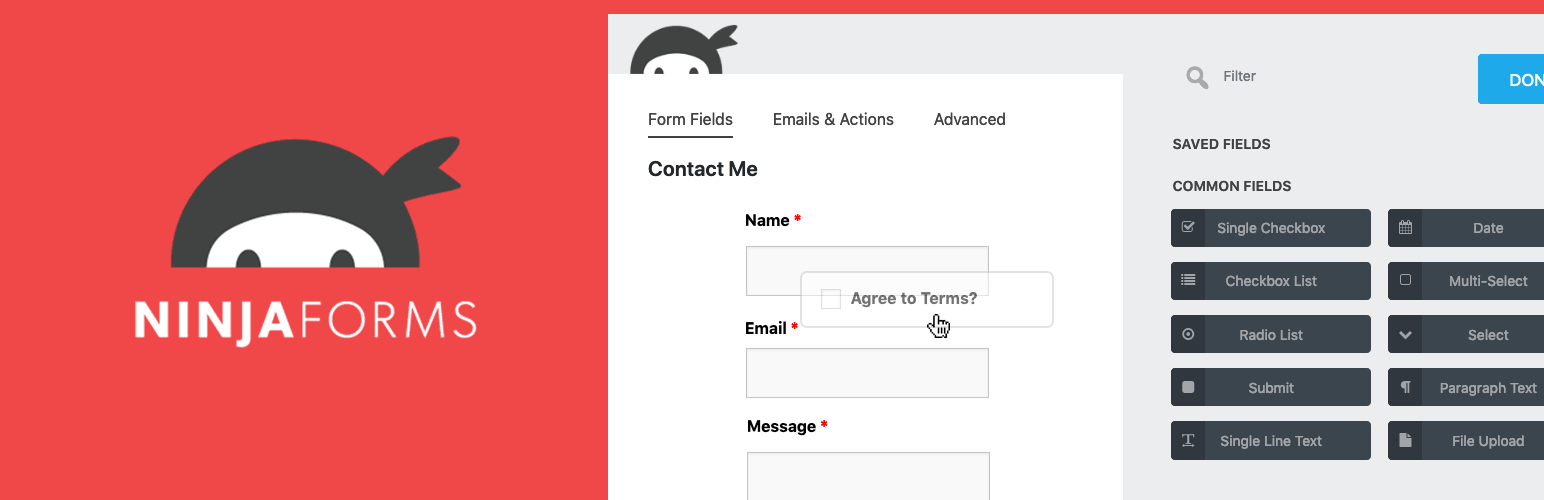
Ninja Forms Layout & Styles Extension is an add-on for Ninja Forms that lets you create complex form layouts and styles directly in the WordPress admin, with little to no CSS experience.
Ninja Forms Layout & Styles Extension is an add-on for Ninja Forms that lets you create complex form layouts and styles directly in the WordPress admin, with little to no CSS experience. You arrange fields into rows and columns, set column widths, and style individual fields, option lists and dropdowns from the form builder. The extension ships as version 3.1.2 in a 0.3 MB zip and runs on WordPress 6.9, tested up to 7.1.
| Product | Ninja Forms – Layout & Styles Extension |
|---|---|
| Version | 3.1.2 |
| Works with | WordPress 6.9+ / PHP 8.x+ |
| Tested up to | WordPress 7.1 |
| License | GPLv2 or later |
| Delivery | Instant ZIP download, 10 downloads, 365 days |
How Layout & Styles changes the Ninja Forms builder
The addon adds Layout and Styles controls to the Ninja Forms form builder. Instead of writing CSS, you set rows, columns and column widths for a form and apply styles to fields and forms from the Styling tabs. A CSS Mode switch is available in the Styles settings, and the extension remembers whether that switch was on when you close and reopen field or form Styles settings.
Because the work happens inside the admin, the layout you build is saved with the form itself. Version 3.1.2 keeps the builder responsive when you open and close field settings on large forms, so heavy forms stay workable while you edit.
Styling field types, dropdowns and option lists
Element Styles can be applied to Checkbox List, Radio List, Single Checkbox and Terms List fields, and the checked state is now visible on those fields when styled. Background Color applies to the option list of Select and State dropdowns and to the Country field.
Reset all styles removes site-wide styles from live forms immediately when used from any Styling tab, so a reset takes effect on the published form without waiting.
What happens to layouts when the extension is deactivated
If a form is published while Layout & Styles is deactivated, the extension restores that form's rows, columns and column widths when it is reactivated. Layout work is therefore not lost by switching the addon off and on again.
Help icons on the Styling page and in the form builder Styles panel open the Layout and Styles documentation, so the reference material is one click from where you edit.
GPL build, price and what you receive
digitumb.com sells this as a GPL build for $4.49. The zip contains the same files the developer ships, packaged in the layouts, styles and lib folders. There is no vendor update channel and no vendor support desk with this build; updates and help come from the store, not the plugin author.
Installation follows the standard WordPress plugin route: upload the ninja-forms-style directory to /wp-content/plugins/ and activate it from the Plugins menu.
What this build includes
| Multi-column layouts without CSS | Build rows, columns and column widths for a form inside the WordPress admin, with no CSS writing required. |
|---|---|
| Per-field element styles | Apply Element Styles to individual fields, including Checkbox List, Radio List, Single Checkbox and Terms List, with a visible checked state. |
| Dropdown and country field backgrounds | Set Background Color on the option list of Select and State dropdowns and on the Country field. |
| CSS Mode switch | Toggle CSS Mode in the Styles settings; the extension remembers the setting when field or form Styles settings are reopened. |
| Immediate style reset on live forms | Use Reset all styles from any Styling tab to remove site-wide styles from live forms right away. |
| Layout recovery after reactivation | Rows, columns and column widths are restored for forms published while the extension was deactivated, once it is active again. |
| Builder stays responsive on large forms | Opening and closing field settings on large forms keeps the form builder responsive while you edit. |
| Documentation links in the builder | Help icons on the Styling page and in the form builder Styles panel open the Layout and Styles documentation. |
Installing it on a WordPress site
- Upload the ninja-forms-style directory to your /wp-content/plugins/ directory.
- Activate the plugin through the Plugins menu in WordPress.
- Open a form in the Ninja Forms builder and use the Layout and Styles controls to set rows, columns and field styles.
Latest changes
Version 3.1.2 fixes builder responsiveness on large forms, restores layouts after reactivation, keeps dropdown and option-list background colors, and adds documentation links in the builder.
Frequently asked questions
Do I need to know CSS to use Layout & Styles?
No. The extension is built so you can create complex layouts and styles with little to no CSS experience, working from the WordPress admin. You set rows, columns and column widths and apply styles from the Styling tabs; a CSS Mode switch is available in the Styles settings if you want it.
Will my form layout survive deactivating the extension?
Yes. If a form was published while Layout & Styles was deactivated, the extension restores that form's rows, columns and column widths when it is reactivated. The layout is tied to the form rather than lost when the addon is switched off.
Does the extension work with Elementor?
Yes. Layout & Styles is designed to work with a variety of popular WordPress plugins, and it works with Elementor, so you can place styled Ninja Forms forms on Elementor-built pages. The addon is an extension for Ninja Forms, so Ninja Forms itself must be installed.
What WordPress version does this build need?
The extension requires WordPress 6.9 and is tested up to WordPress 7.1. Install it on a site running at least 6.9, with Ninja Forms active, and the Layout and Styles controls appear in the form builder.
What is included for $4.49?
You receive the GPL build of Ninja Forms Layout & Styles Extension version 3.1.2 as a 0.3 MB zip, with the layouts, styles and lib folders. The files are the same ones the developer ships; there is no vendor update channel and no vendor support desk with this build.
What the GPL build means for you
This is the same archive the developer publishes, redistributed under the GNU General Public License: you get the working files for $4.49 with no vendor update channel and no vendor support desk. If you need automatic updates or a support contract, buy the official license from the developer.
| This GPL build | Official license | |
|---|---|---|
| Price | $4.49 one time | Vendor subscription |
| Automatic updates | No | Yes |
| Developer support | No | Yes |
| Number of sites | Unlimited | Depends on plan |
Browse the rest of the WordPress plugins category or the full shop. The licence text is at GNU GPL v2, and general documentation is at WordPress.org.
You must be logged in to post a review.
You may also like…

Related products










Reviews
Clear filtersThere are no reviews yet.