
Elfsight Vimeo Gallery Plugin – WordPress Plugin
$4.49
Elfsight Vimeo Gallery Plugin is a WordPress plugin that creates a visual gallery of your Vimeo videos, so video content is easy to display and manage on a WordPress site. You upload the plugin file.
Elfsight Vimeo Gallery Plugin is a WordPress plugin that creates a visual gallery of your Vimeo videos, so video content is easy to display and manage on a WordPress site. You upload the plugin file, activate it, and use the setup wizard to customize the gallery settings to your preferences. This store sells the GPL build for $4.49: the same files the developer ships, with no vendor update channel and no vendor support desk.
| Product | elfsight-vimeo-gallery-plugin |
|---|---|
| Version | 1.1.1 |
| Works with | WordPress 6.x+ / PHP 8.x+ |
| Tested up to | WordPress current |
| License | GPLv2 or later |
| Delivery | Instant ZIP download, 10 downloads, 365 days |
What the Vimeo gallery actually does on your site
The plugin turns your Vimeo videos into a gallery you can place on a WordPress site. Instead of one embedded player after another, you get a single gallery view where the videos sit together, which makes video content easier to display and to manage from the WordPress dashboard.
The setup wizard walks you through the gallery settings so you can adjust how the gallery behaves on your site. That is the core of the product: collect Vimeo videos into a gallery, then customize the settings to match how you want the video content presented.
Does it work with Astra, Divi and other video plugins?
The plugin is compatible with popular WordPress themes such as Astra and Divi, so it can be integrated into a site that already uses one of those designs. It is also designed to work alongside other video plugins, so adding a Vimeo gallery does not require removing the video tools you already run.
That combination matters if your site already has a video stack. You can keep the existing plugins in place and add this gallery for Vimeo content, rather than rebuilding the media setup around it.
What the 1.1.1 package contains
The download is a 1.0 MB zip file at version 1.1.1. Inside, the package is organized into three top-level folders: api, core and preview. The api folder holds the plugin's API layer, core carries the main plugin code, and preview contains the preview assets used by the gallery.
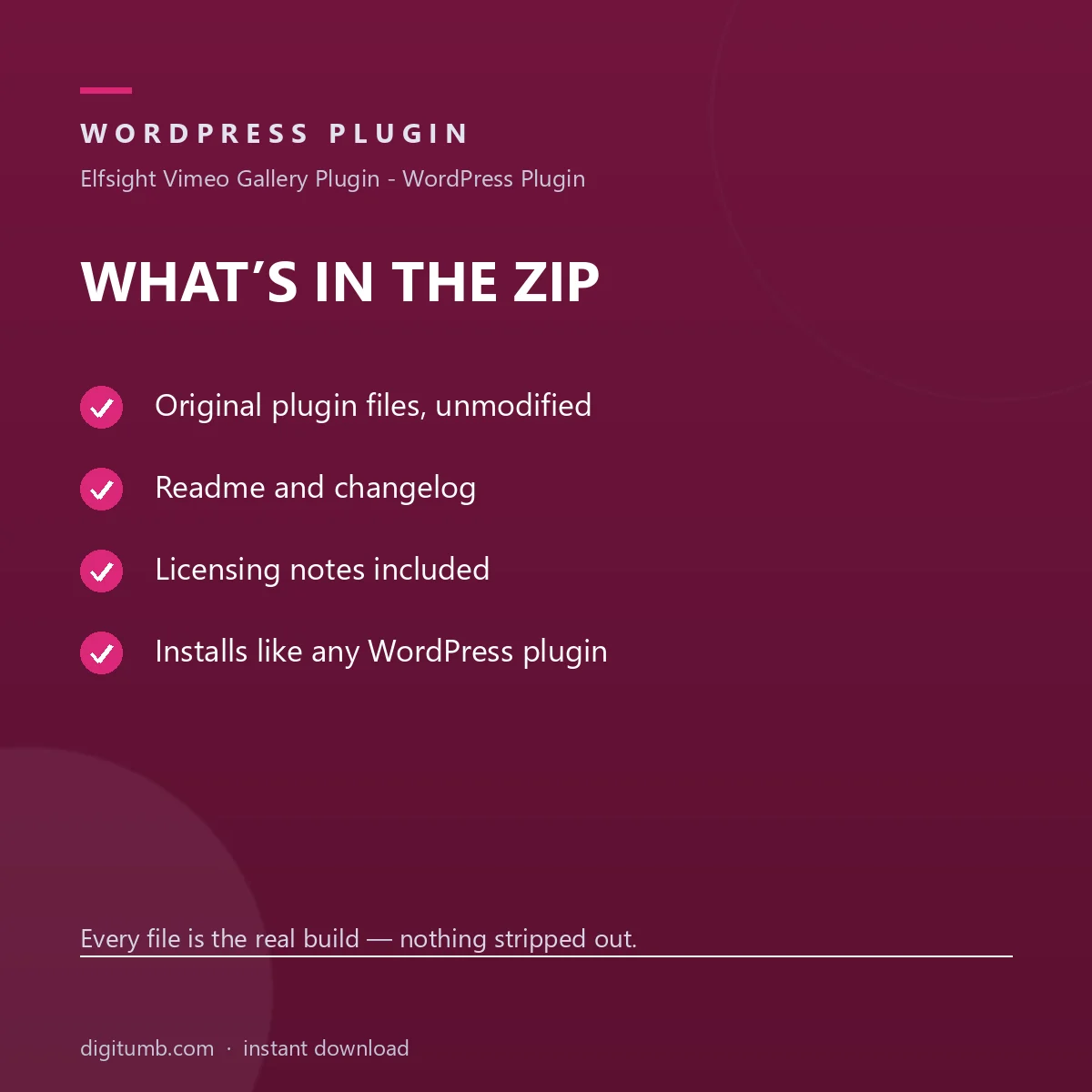
Because the zip is a standard WordPress plugin package, you install it through the WordPress dashboard the same way you install any plugin. Updates for the plugin are included for life as part of this build.
What this build includes
| Vimeo video gallery | Create a visually appealing gallery of your Vimeo videos so video content is easy to display and manage on a WordPress site. |
|---|---|
| Setup wizard | Follow the setup wizard after activation to customize the gallery settings according to your preferences. |
| Theme compatibility | Works with popular WordPress themes such as Astra and Divi, integrating into an existing website design. |
| Runs alongside other video plugins | Designed to work with other video plugins, so you can enhance video content without conflicts. |
| Plugin API layer | The package includes an api folder that carries the plugin's API layer alongside the core plugin code. |
| Preview assets | A preview folder ships in the zip with the preview assets used by the gallery. |
Installing it on a WordPress site
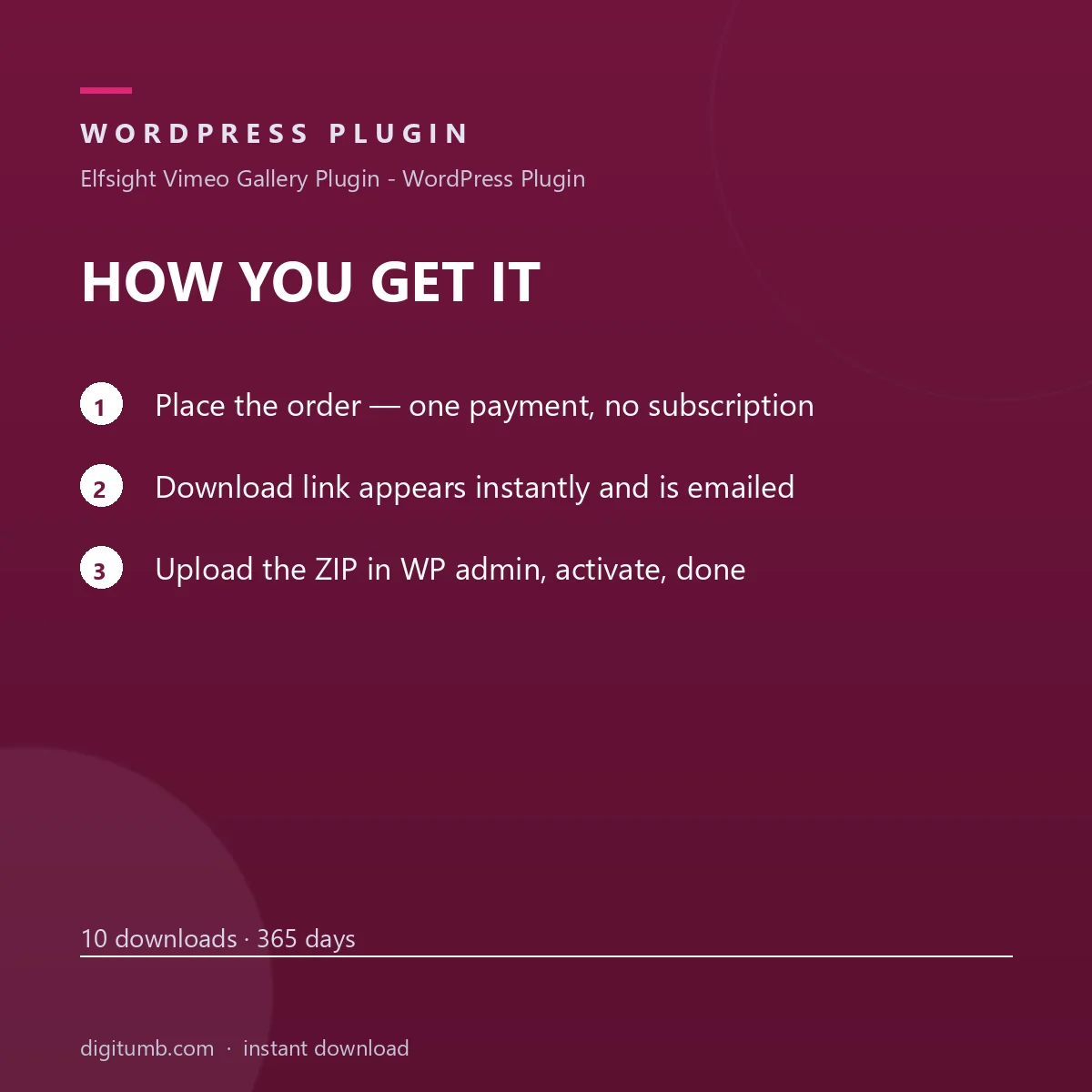
- Download the plugin zip file from your order and keep it on hand for the WordPress upload step.
- In your WordPress dashboard, upload the downloaded plugin file and activate the plugin.
- Follow the setup wizard to customize the gallery settings according to your preferences.
Latest changes
This build is version 1.1.1, packaged as a 1.0 MB zip with api, core and preview folders.
Frequently asked questions
What does Elfsight Vimeo Gallery Plugin do?
It lets you create a visually appealing gallery of your Vimeo videos, making it easy to display and manage video content on your WordPress site. After activation, the setup wizard lets you customize the gallery settings to your preferences.
How do I set up the plugin on my WordPress site?
Upload the downloaded plugin file to your WordPress dashboard, activate it, and follow the setup wizard to customize the gallery settings according to your preferences. The zip is a standard WordPress plugin package, so the install path is the usual dashboard upload.
Is the plugin compatible with Astra or Divi?
Yes. The plugin is compatible with popular WordPress themes like Astra and Divi, which allows it to integrate into your existing website design. You can add the Vimeo gallery without changing the theme your site already uses.
Will it conflict with my other video plugins?
The plugin is designed to work alongside other video plugins, so you can enhance your video content without conflicts. Existing video tools can stay in place while you add the Vimeo gallery.
What am I buying for $4.49?
You get the GPL build of Elfsight Vimeo Gallery Plugin: the same files the developer ships, at version 1.1.1 in a 1.0 MB zip. The purchase does not include a vendor update channel or a vendor support desk.
What the GPL build means for you
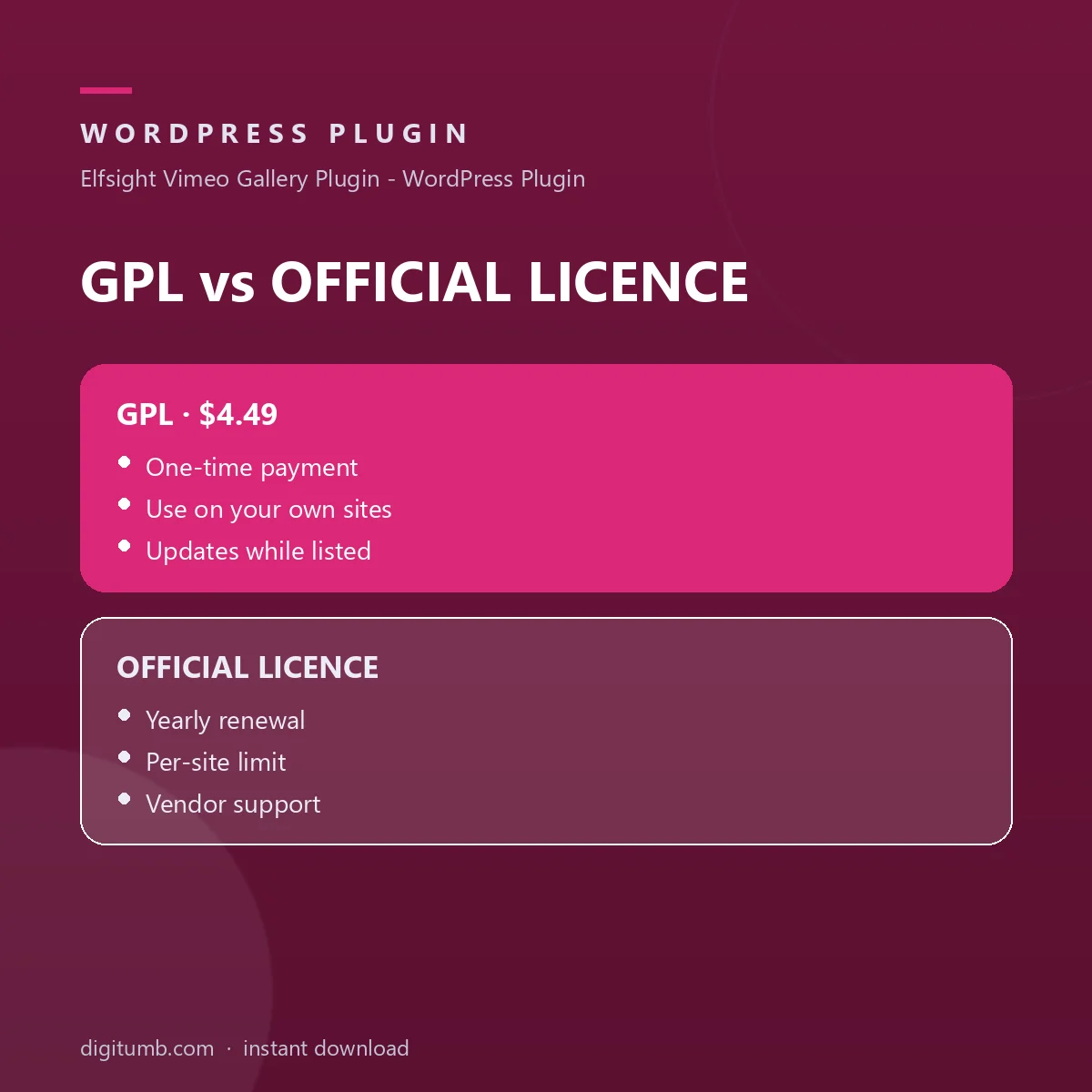
This is the same archive the developer publishes, redistributed under the GNU General Public License: you get the working files for $4.49 with no vendor update channel and no vendor support desk. If you need automatic updates or a support contract, buy the official license from the developer.
| This GPL build | Official license | |
|---|---|---|
| Price | $4.49 one time | Vendor subscription |
| Automatic updates | No | Yes |
| Developer support | No | Yes |
| Number of sites | Unlimited | Depends on plan |
Browse the rest of the WordPress plugins category or the full shop. The licence text is at GNU GPL v2, and general documentation is at WordPress.org.
You must be logged in to post a review.
You may also like…







Reviews
Clear filtersThere are no reviews yet.