




Order Delivery for WooCommerce – WordPress Plugin
$4.49
Order Delivery for WooCommerce is a plugin that lets customers choose a delivery or pickup date during checkout. Store owners decide whether customers see an estimated date or a calendar, whether a.
Order Delivery for WooCommerce is a plugin that lets customers choose a delivery or pickup date during checkout. Store owners decide whether customers see an estimated date or a calendar, whether a date is required, and where the delivery and pickup details appear on the checkout page. Version 4.2.4 ships as a 3.4 MB zip with the same files the developer releases, for $4.49.
| Product | Order Delivery for WooCommerce |
|---|---|
| Version | 4.2.4 |
| Works with | WordPress 6.2+ / PHP 7.4+ |
| Tested up to | WordPress 7.1.3 |
| License | GPLv2 or later |
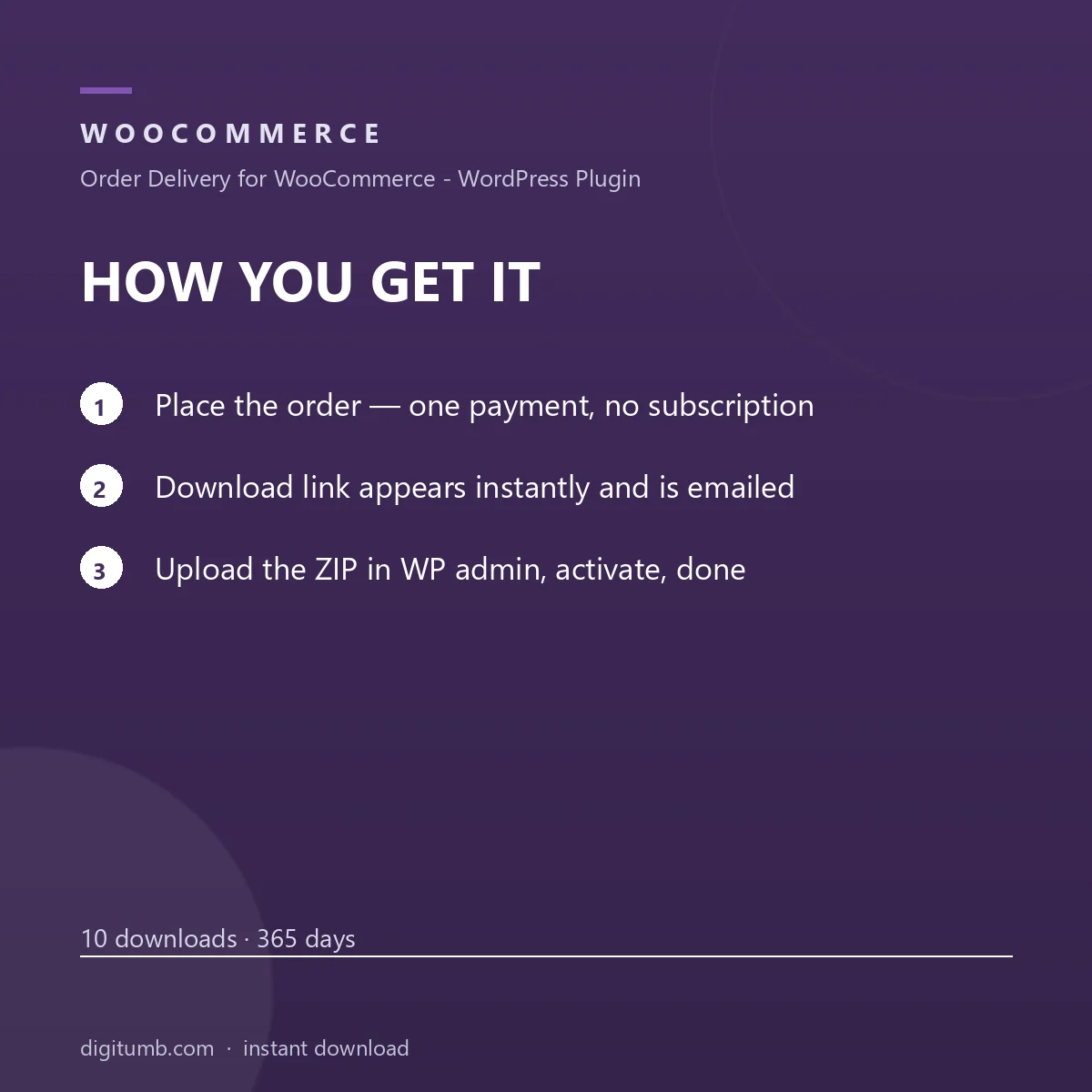
| Delivery | Instant ZIP download, 10 downloads, 365 days |
How customers choose a delivery or pickup date at checkout
The plugin adds delivery and pickup scheduling to your checkout. Under the setting Show dates/estimates for, you choose whether the date controls apply to deliveries only, pickups only, or both delivery and pickup, so a store that offers both can present the right option for each order type. The option label spells the choice out as Both delivery & pickup.
Customers should then controls what they see: either an estimated date or a calendar they pick from. If picking a date is required, the customer must select one before continuing; if not, the field is optional. Use a default date can prefill the field with the first available date so the checkout starts from a valid choice rather than an empty field.
Setting the booking window and placing the date fields at checkout
Show dates for the next lets you set how far ahead the calendar runs, entered in weeks, up to a maximum of 52 weeks (one year). This keeps the range of selectable dates within the period you actually want to take orders for, and the week value is entered under the Custom option.
Date position at checkout sets where the delivery or pickup details sit on the checkout page. The plugin notes that this position setting does not apply when you use the WooCommerce Block Checkout, so the two checkout types behave differently for placement and it is worth checking your live checkout after changing it.
Pickup details, delivery details and unsaved-changes warnings
The settings screens are split into Pickup details and Delivery details, so each mode has its own configuration, alongside a Delivery & Pickup Dates area that holds the shared scheduling switches. A timezone settings area is present for the scheduling options, which matters when your customers order from outside your store's local time.
While you edit, the plugin warns you before losing work. Leaving the screen with changes prompts You have unsaved changes. Are you sure you want to leave?, and the same guard applies inside dialogs, asking whether to discard changes or close without saving. A feedback prompt is also part of the interface, and an error message appears if events cannot be fetched.
What this build includes
| Delivery and pickup date selection | Customers pick a delivery or pickup date during checkout, and you decide whether the scheduling applies to deliveries, pickups, or both. |
|---|---|
| Estimated date or calendar | Choose between showing customers an estimated date and letting them pick a date from a calendar at checkout. |
| Required or optional dates | Control whether picking a date is mandatory for the customer or left optional during checkout. |
| Default date prefill | Populate the date field with the first available date so customers start from a valid selection instead of an empty field. |
| Booking window up to 52 weeks | Set how many weeks of dates to show, entered under Custom, with a maximum of 52 weeks (one year). |
| Checkout placement control | Choose where the delivery or pickup details sit on the checkout page, with a separate behaviour noted for WooCommerce Block Checkout. |
| Separate pickup and delivery settings | Pickup details and Delivery details are configured in their own sections, alongside timezone settings for the scheduling options. |
| Unsaved-changes protection | Warnings appear before you leave a settings screen or dialog with unsaved changes, so edits are not lost by accident. |
| Order status and timing updates | The plugin is offered so customers can select delivery days and receive updates on their order status and timing. |
Installing it on a WordPress site
- Upload the 3.4 MB zip through the WordPress plugins screen and activate Order Delivery for WooCommerce.
- Open the Delivery & Pickup Dates settings and choose what the date controls cover under Show dates/estimates for: deliveries, pickups, or both.
- Set the customer experience (estimated date or calendar, required or optional, default date), then set the number of weeks and the date position at checkout.
- Adjust the timezone settings and save; the plugin will warn you if you try to leave with unsaved changes.
Latest changes
This page covers Order Delivery for WooCommerce version 4.2.4.
Frequently asked questions
Can customers pick a time as well as a date?
Does it work with the WooCommerce Block Checkout?
Is it compatible with Elementor and other WooCommerce plugins?
What am I buying at $4.49?
What does the plugin require to run?
What the GPL build means for you
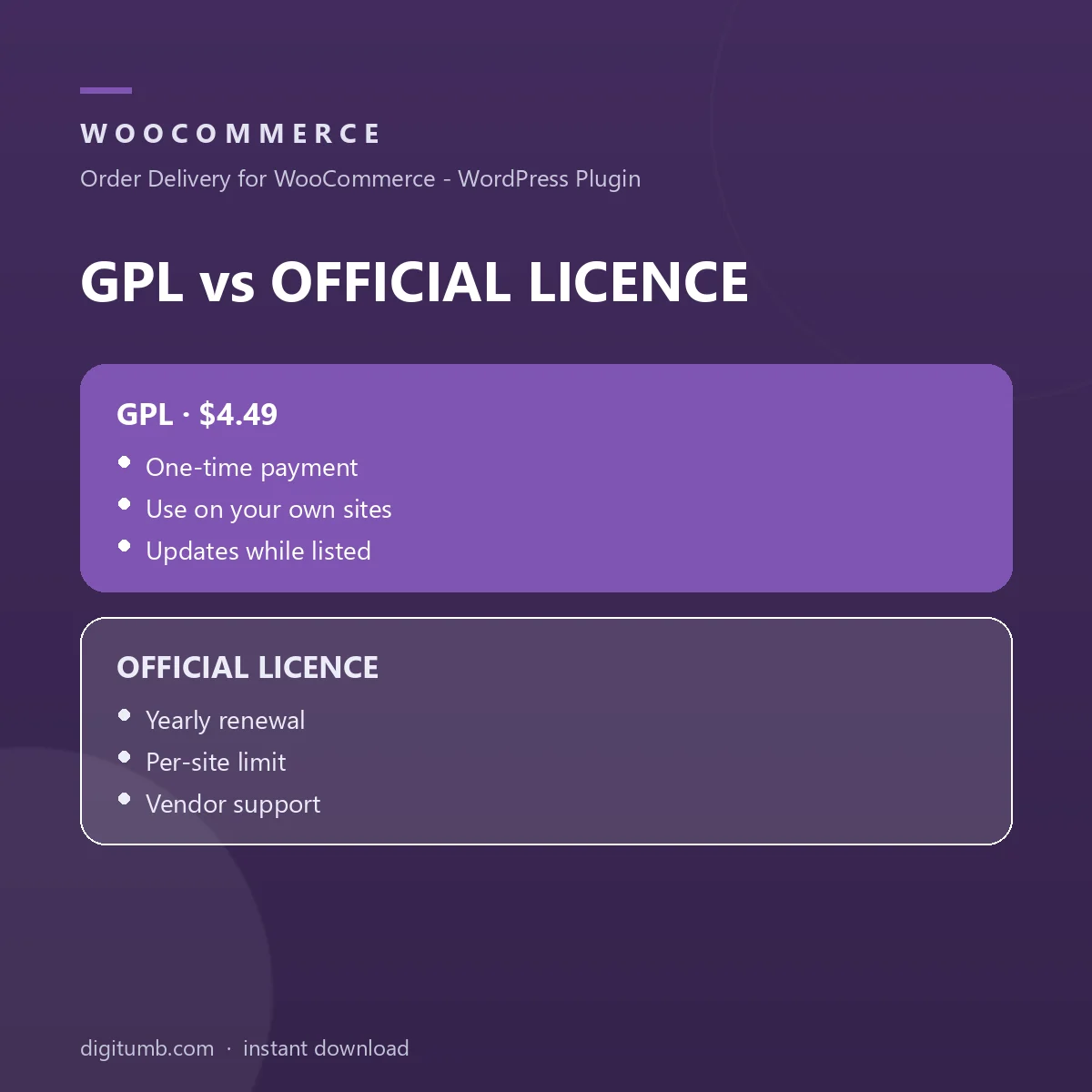
This is the same archive the developer publishes, redistributed under the GNU General Public License: you get the working files for $4.49 with no vendor update channel and no vendor support desk. If you need automatic updates or a support contract, buy the official license from the developer.
| This GPL build | Official license | |
|---|---|---|
| Price | $4.49 one time | Vendor subscription |
| Automatic updates | No | Yes |
| Developer support | No | Yes |
| Number of sites | Unlimited | Depends on plan |
Browse the rest of the WordPress plugins category or the full shop. The licence text is at GNU GPL v2, and general documentation is at WordPress.org.
You must be logged in to post a review.
You may also like…









Reviews
Clear filtersThere are no reviews yet.