


wpDiscuz GPL – WordPress Plugin
$4.49
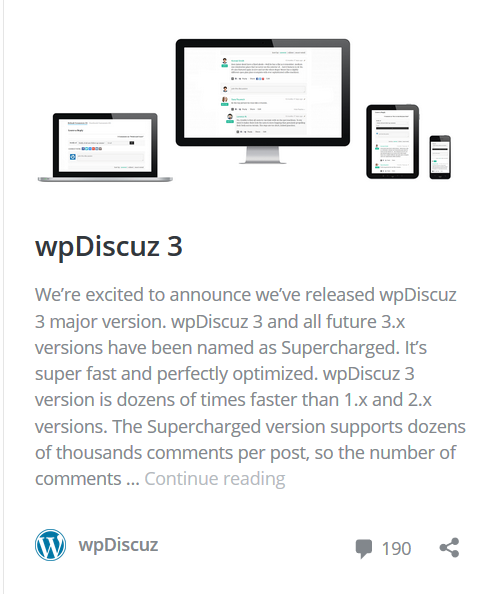
wpDiscuz Media Uploader is an extension for the wpDiscuz comment system that lets visitors attach media files directly inside the comment form. It is built to work with wpDiscuz and requires wpDiscuz.
wpDiscuz Media Uploader is an extension for the wpDiscuz comment system that lets visitors attach media files directly inside the comment form. It is built to work with wpDiscuz and requires wpDiscuz to be installed and active. Administrators control which post types and user roles may upload, how large images are, how many files a comment can carry, and how attached video, audio and images are displayed to readers.
| Product | wpDiscuz – Media Uploader |
|---|---|
| Version | 7.1.7 |
| Works with | WordPress 5.0+ / PHP 5.4 and higher+ |
| Tested up to | WordPress 6.8 |
| License | GPLv2 or later |
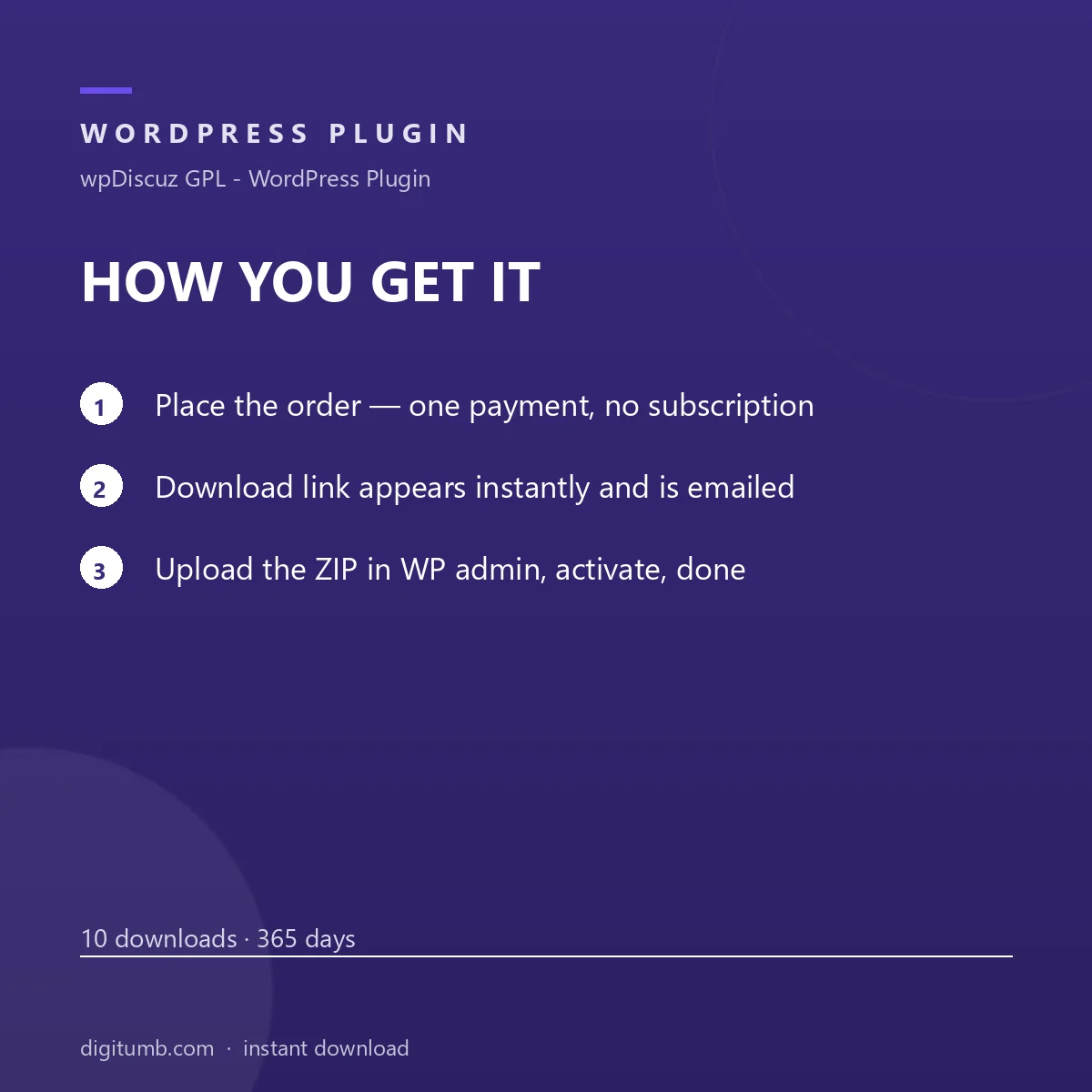
| Delivery | Instant ZIP download, 10 downloads, 365 days |
What wpDiscuz Media Uploader adds to your comment section
With this extension active, commenters can upload media files along with their text instead of only writing. The plugin separates attached video, attached files and images, and comments that carry media can be grouped under a "Comments with attachments" or "With Attachments" view. Uploading is gated per post type and per user role, so you decide where the upload button appears.
The settings panel exposes the pieces that usually matter on a busy site: maximum number of files, maximum image width and height, a custom message when an image exceeds those limits, and a server check that reports the current max_file_uploads value. When an upload is refused, the plugin shows a specific message rather than a blank failure.
Images, HTML5 video and audio players inside comments
Attached images can be resized for display in the comment thread, with separate width and height settings and an option to enable lazy loading. Image compression can be switched on before upload, with a compression quality setting, so large photos do not arrive at full weight.
For video and audio, the plugin offers an HTML5 video player and an HTML5 audio player, each of which you can enable, plus selectable video player sizes. If a visitor's browser does not support the video or audio tag, the plugin falls back to a browser message instead of a broken element.
Who is allowed to upload, and where
Two settings decide scope: Allow Media Uploading for Post Types and Allow Media Uploading for User Roles. You can also choose whether files are attached to the current post, and whether a comments filtering view is shown so readers can find media-bearing comments.
A Media tab can be surfaced inside the "My Content and Settings" area, with an editable Media tab title, giving commenters a place to review their own attachments. Uploads outside the permitted context return a clear "uploading not allowed for this post" or insufficient permissions message.
Custom file types and regeneration tools
Beyond the default media categories, the plugin lets you define custom file types by entering one or more mime types separated by a pipe character and adding them as a new file type. This is how a site can accept a document format that wpDiscuz does not cover by default.
A Regenerate attachments action is available for rebuilding attachment output. The plugin also exposes auto-update controls (enable or disable) and a license disconnect action in its settings area.
What this build includes
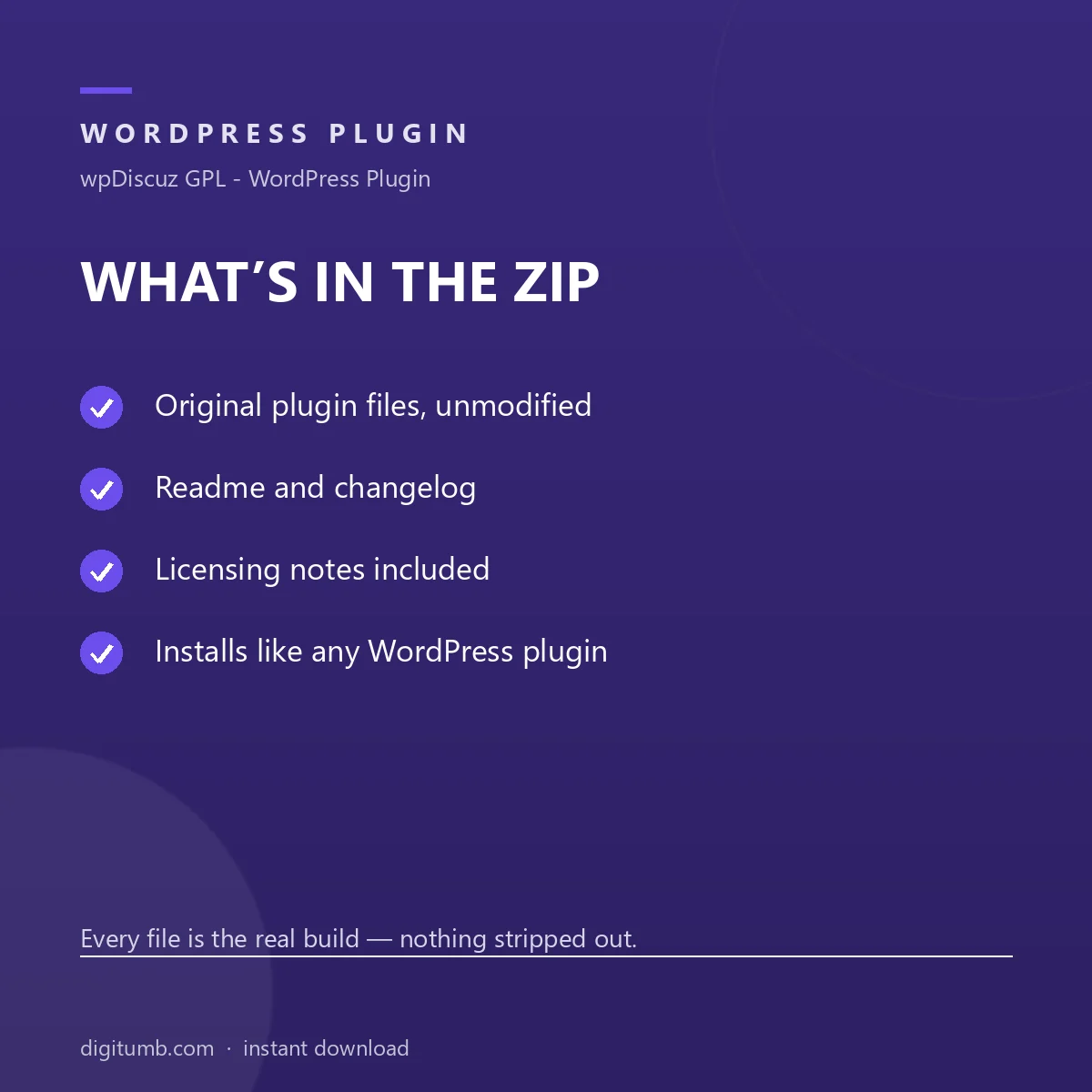
| Per-role upload permission | Allow Media Uploading for User Roles limits the upload control to the roles you choose, keeping anonymous or low-trust accounts from attaching files. |
|---|---|
| Per-post-type upload permission | Allow Media Uploading for Post Types turns attachments on only for the content types where you want discussion threads to carry media. |
| Image size limits | Set images max width and max height for uploading, with a custom message shown when a file exceeds the allowed dimensions. |
| File count cap | Max number of files sets how many attachments a single comment may carry. |
| HTML5 players | Enable an HTML5 video player and an HTML5 audio player for attached media, and pick from the available video player sizes. |
| Image compression | Compress images before upload and set the compression quality to control the weight of photos posted in comments. |
| Lazy loading and display sizes | Enable images lazy loading and configure image sizes on comment so thumbnails fit your thread layout. |
| Custom file types | Add New File Type accepts one or more mime types separated by a pipe, extending accepted uploads beyond standard media. |
| Media tab for commenters | Show a Media tab in My Content and Settings, with an editable Media tab title, where users review their own attachments. |
Installing it on a WordPress site
- Upload the plugin zip through the WordPress admin area, then activate it.
- Make sure wpDiscuz is installed and active; the uploader reports that it requires wpDiscuz.
- Open the wpDiscuz options panel and configure media uploads: post types, user roles, file limits, image dimensions, players and compression.
Latest changes
This package contains wpDiscuz – Media Uploader version 7.1.7 in a 0.2 MB zip.
Frequently asked questions
Does wpDiscuz Media Uploader work without wpDiscuz?
No. The plugin states that wpDiscuz – Media Uploader requires wpDiscuz to be installed. It extends the wpDiscuz comment system, so install and activate wpDiscuz first, then activate the uploader and configure the media settings in the wpDiscuz options panel.
Can I limit uploads to certain users or post types?
Yes. Two settings handle this: Allow Media Uploading for Post Types and Allow Media Uploading for User Roles. Uploads attempted outside those rules return a message such as uploading not allowed for this post or insufficient permissions, so the restriction is visible to the commenter.
What happens if an image is too large?
The plugin checks images against the max width and max height you set. If a file exceeds them, the upload is stopped and the custom message for oversized images is displayed, so the visitor knows to try a smaller image.
Can visitors attach video and audio, not just images?
Yes. The settings include Enable HTML5 video player and Enable HTML5 audio player, along with video player sizes. Where a browser does not support the video or audio tag, the plugin shows a browser message instead of a non-working element.
Is this the GPL build, and what does that mean for updates?
This is a GPL build distributed by our store at $4.49. You receive the same files as the developer ships, without a vendor update channel and without a vendor support desk. Auto-update controls appear in the plugin settings, and version 7.1.7 is the build in this package.
What the GPL build means for you
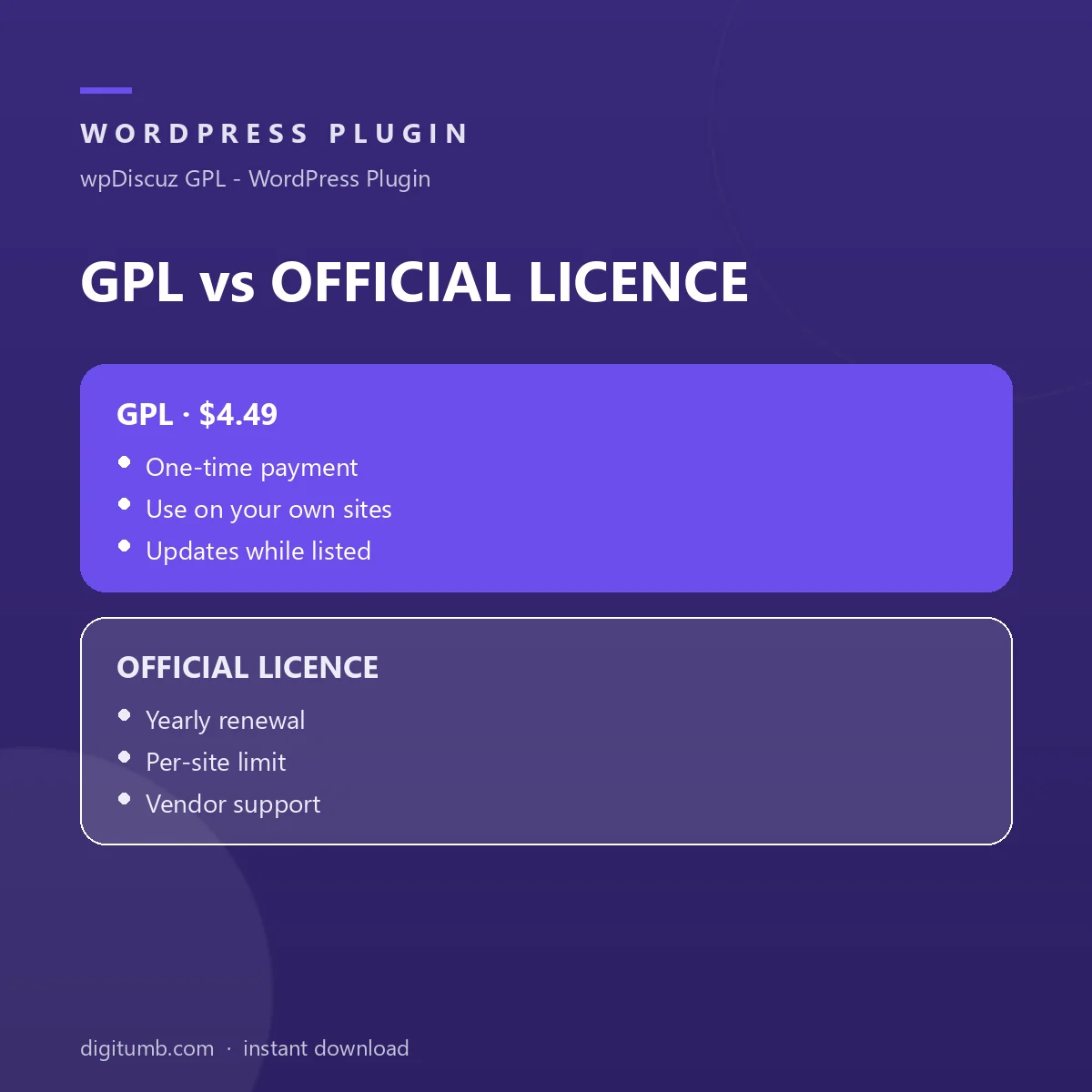
This is the same archive the developer publishes, redistributed under the GNU General Public License: you get the working files for $4.49 with no vendor update channel and no vendor support desk. If you need automatic updates or a support contract, buy the official license from the developer.
| This GPL build | Official license | |
|---|---|---|
| Price | $4.49 one time | Vendor subscription |
| Automatic updates | No | Yes |
| Developer support | No | Yes |
| Number of sites | Unlimited | Depends on plan |
Browse the rest of the WordPress plugins category or the full shop. The licence text is at GNU GPL v2, and general documentation is at WordPress.org.
You must be logged in to post a review.
You may also like…

Related products



Reviews
Clear filtersThere are no reviews yet.