


City Government Municipal Portal – WordPress Theme
$4.49
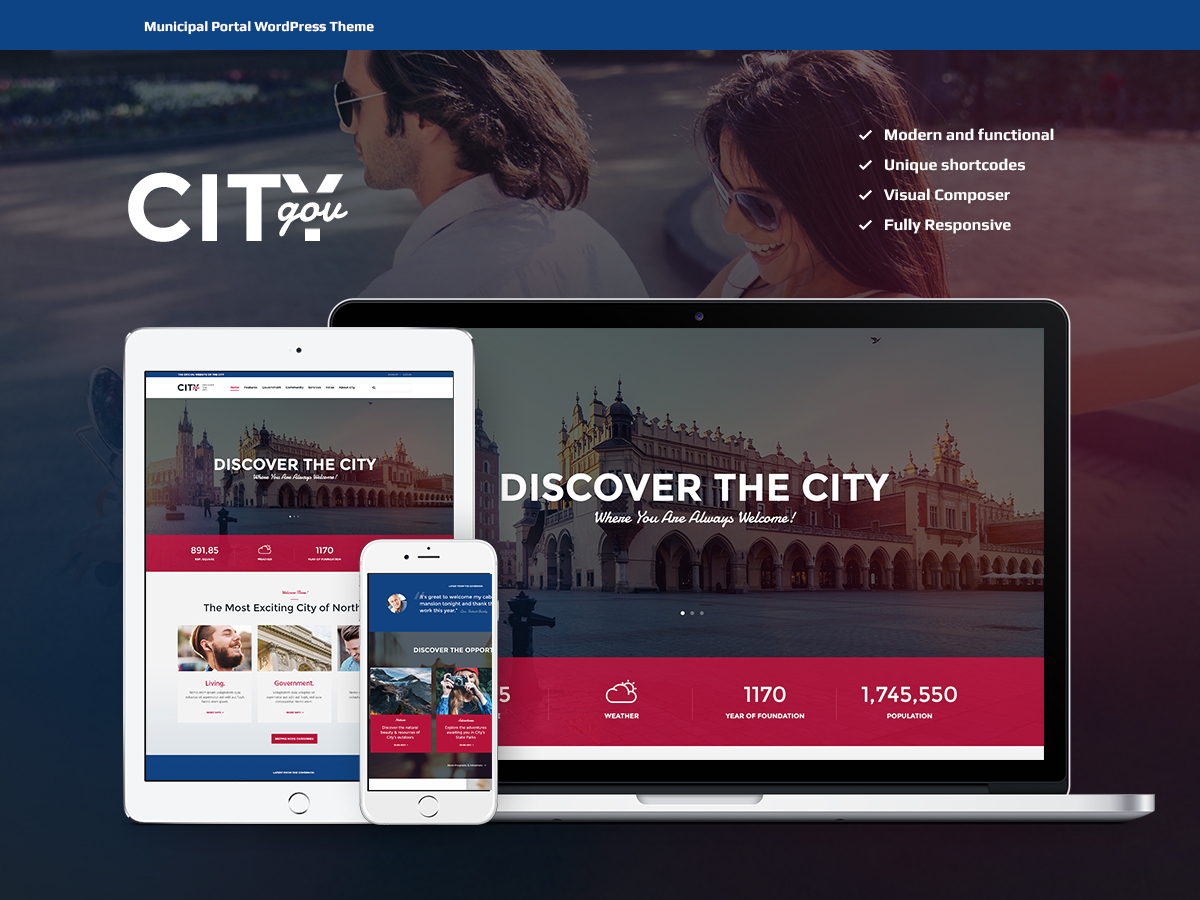
CityGov is a multipurpose, multiskin responsive WordPress theme built for city government and municipal portal websites. It packages layouts, skins and a utility settings panel for local governments.
CityGov is a multipurpose, multiskin responsive WordPress theme built for city government and municipal portal websites. It packages layouts, skins and a utility settings panel for local governments that publish services, news and community information from one WordPress install. What you buy here is a GPL build: the same files the developer ships, at $4.49, with no vendor update channel and no vendor support desk.
| Product | CityGov |
|---|---|
| Version | 1.8 |
| Works with | WordPress 6.x+ / PHP 8.x+ |
| Tested up to | WordPress current |
| License | GPLv2 or later |
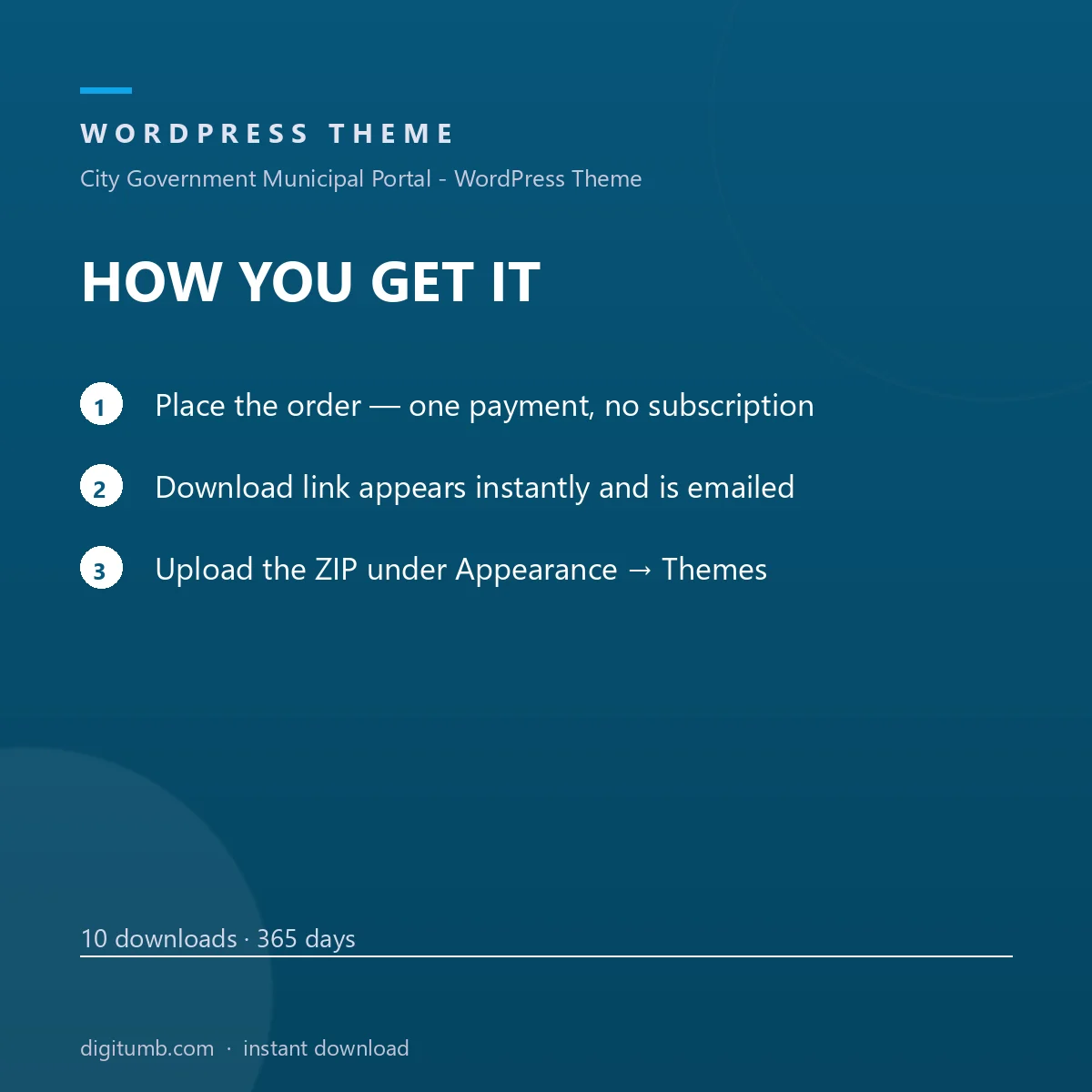
| Delivery | Instant ZIP download, 10 downloads, 365 days |
What CityGov gives a municipal website
The theme is described as multipurpose and multiskin, and its stated purpose is the city government and municipal portal use case: a practical site for a local authority and the community it serves. Because it is multiskin, the visual layer is not locked to one palette; the skins folder in the package holds the alternative presentations you can switch between.
Behind the design sits CityGov Utilities, the panel where the theme's own options live. Its sections are Fonts & Colors, Text and Headers, Page/Block decoration and Typography settings, with separate controls for accent colors, inverse text and links, highlight areas and input fields.
How the color and typography controls work
Fonts & Colors separates text and headers from page and block decoration. You set colors for plain text, post info blocks and headers apart from the border color and its hover state, and set accent colors for accented elements and their hover state independently. Inverse text and inverse links, meaning text and links on an accented background, get their own pair of controls.
Backgrounds use two image slots, Background image and Background image 2, each with its own display parameters, plus a background color and hover state. Alternative colors cover highlight areas and input fields so forms can differ from the surrounding page, and highlight blocks carry their own link color. Typography settings list weights such as 500 and 600 (Semibold). The panel will not let you delete your last color scheme.
Page building, plugins and event content
CityGov is fully compatible with Elementor, so pages are assembled with drag-and-drop building and customized in the same editor. It is also compatible with many popular WordPress plugins, including WooCommerce and Contact Form 7. A WooCommerce Cart Sidebar widget area is provided, and footer placement can be set to after page content, after theme HTML output or in the footer sidebar.
Package folders show the modules included: shortcodes, templates, widgets, plugins, skins and demo content, plus a tribe-events folder for event content. A demo-block sits pinned by the right side of the window and can be pinned or unpinned while you work through the demo layout. A category selector with a '- Select category -' prompt filters content by category.
What sits in the CityGov zip
Unzipping the package reveals fw, shortcodes, templates, css, images, plugins, skins, widgets, demo, js and tribe-events. That structure tells you where to look when adjusting a template, dropping in a shortcode, or checking which widget areas the theme registers.
Widget areas named in the settings include the Footer Sidebar and the WooCommerce Cart Sidebar. A comment setting closes comments and places the note after page content or after theme HTML output.
What this build includes
| Multiskin presentation | Switch between the skins shipped in the theme's skins folder to change the site's visual presentation without rebuilding content. |
|---|---|
| CityGov Utilities panel | A dedicated settings area for fonts, colors, backgrounds and typography, separate from the standard WordPress customizer flow. |
| Accent and inverse color pairs | Set colors for accented elements and their hover state, plus separate colors for text and links placed on accented backgrounds. |
| Two background image slots | Assign a first and second background image, each with its own display parameters, alongside a background color and hover state. |
| Highlight and form field colors | Decorate inner blocks and input fields in forms with alternative colors, including separate link colors inside highlight blocks. |
| Elementor page building | Build and customize pages with Elementor's drag-and-drop editor, which the theme is stated to be fully compatible with. |
| WooCommerce and Contact Form 7 | Run a shop and forms on the municipal site; a WooCommerce Cart Sidebar widget area is provided for cart content. |
| Shortcodes and widgets | Use the bundled shortcodes and widget areas to place content blocks, footer content and sidebar elements across the site. |
| Event content folder | A tribe-events folder in the package supports event-related content alongside the theme's templates and demo files. |
| Color scheme protection | The color panel refuses to remove your last scheme, so a working palette stays in place while you edit the others. |
Installing it on a WordPress site
- Upload the theme zip through Appearance > Themes > Add New > Upload Theme, then activate CityGov.
- Open CityGov Utilities to set fonts and colors, typography, background images and accent colors for headers, text and form fields.
- Install Elementor, WooCommerce or Contact Form 7 as needed, import the demo content, and pin or unpin the demo-block while adjusting layouts.
Latest changes
This is CityGov version 1.8, distributed as a 21.5 MB zip.
Frequently asked questions
Is CityGov compatible with Elementor?
Yes. The theme is fully compatible with Elementor, so you can build and customize pages with drag-and-drop editing rather than writing templates by hand. The styling panels in CityGov Utilities handle fonts, colors and backgrounds independently of the page builder.
Can I use WooCommerce and Contact Form 7 with this theme?
CityGov is compatible with many popular WordPress plugins, including WooCommerce and Contact Form 7. A WooCommerce Cart Sidebar is available as a widget area, so cart content can be shown in a sidebar alongside municipal pages and forms.
What can I change in the CityGov Utilities settings?
The panel covers fonts and colors, typography, page and block decoration, border color and hover state, two background image slots, background color and hover state, accent colors, inverse text and link colors, and alternative colors for highlight areas and input fields. Typography includes weights such as 500 and 600 (Semibold).
What does the GPL build at $4.49 include?
You receive the same theme files the developer ships, version 1.8, as a 21.5 MB zip. The build carries no vendor update channel and no vendor support desk; the price is $4.49.
Where does CityGov place footer content?
Footer placement can be set to after page content, after theme HTML output, or in the footer sidebar. The theme also provides a Footer Sidebar widget area, so you can choose which arrangement fits the municipal site's layout.
What the GPL build means for you
This is the same archive the developer publishes, redistributed under the GNU General Public License: you get the working files for $4.49 with no vendor update channel and no vendor support desk. If you need automatic updates or a support contract, buy the official license from the developer.
| This GPL build | Official license | |
|---|---|---|
| Price | $4.49 one time | Vendor subscription |
| Automatic updates | No | Yes |
| Developer support | No | Yes |
| Number of sites | Unlimited | Depends on plan |
Browse the rest of the WordPress themes category or the full shop. The licence text is at GNU GPL v2, and general documentation is at WordPress.org.
You must be logged in to post a review.
You may also like…

Related products






Reviews
Clear filtersThere are no reviews yet.