




Elfsight Weather Plugin For WordPress – WordPress Plugin
$4.49
The Elfsight Weather Plugin for WordPress displays real-time weather information and forecasts for any location, so visitors to your site can see current conditions and what is coming next. It is a.
The Elfsight Weather Plugin for WordPress displays real-time weather information and forecasts for any location, so visitors to your site can see current conditions and what is coming next. It is a GPL build of the developer's plugin, sold at $4.49, and it ships with all premium features included. You install it like any other WordPress plugin, activate it, and then adjust the weather display to suit your site.
| Product | elfsight-weather-plugin-for-wordpress |
|---|---|
| Version | 1.3.0 |
| Works with | WordPress 6.x+ / PHP 8.x+ |
| Tested up to | WordPress current |
| License | GPLv2 or later |
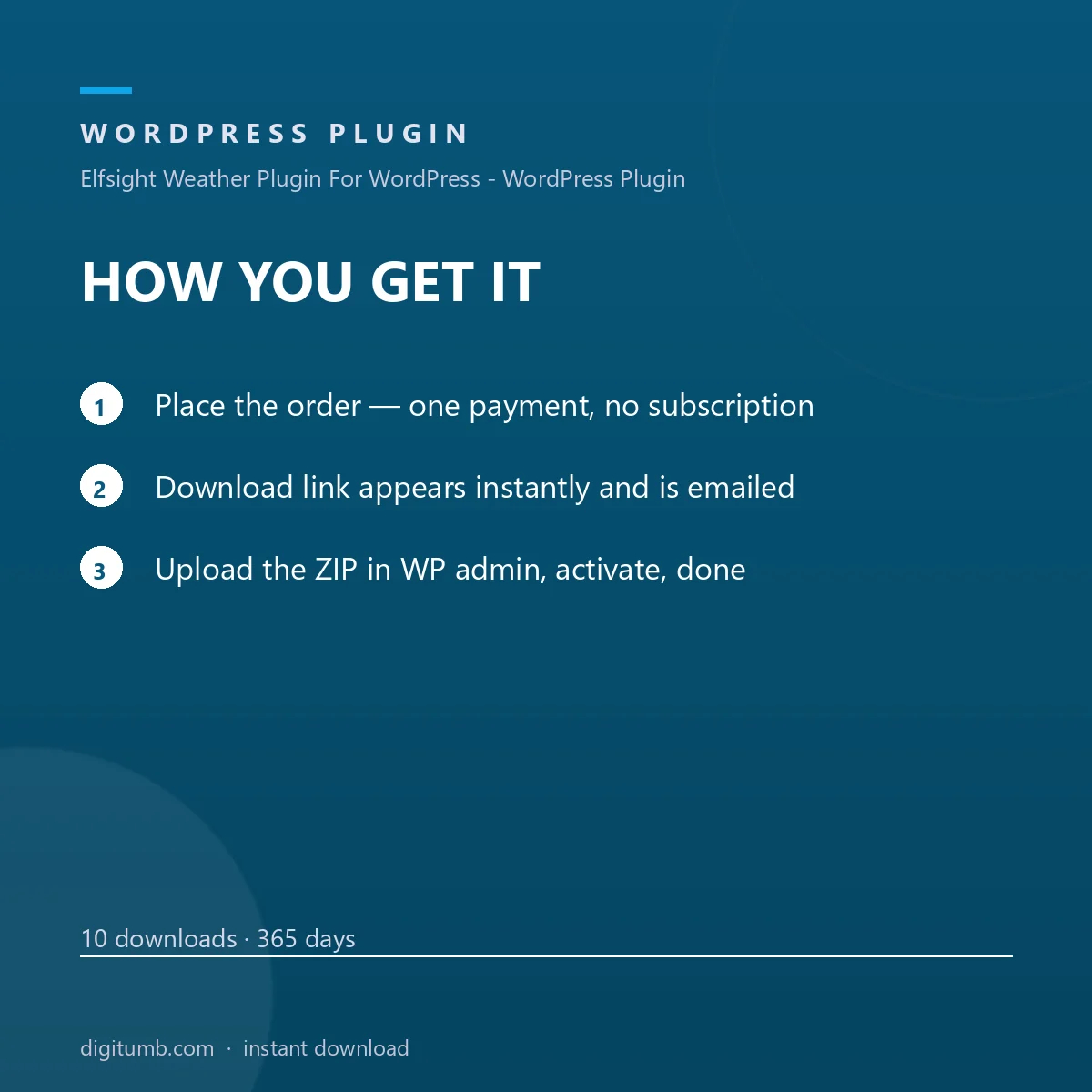
| Delivery | Instant ZIP download, 10 downloads, 365 days |
What the Elfsight Weather Plugin shows on your site
Weather data appears through widgets that you create inside the plugin. Each widget has its own name, and that name is shown only in your admin panel, so you can keep several widgets apart without exposing the labels to visitors. From the settings screens you adjust how the widget looks and behaves, and the plugin applies your choices to the display.
Any location can be covered, which means a single site can present weather for one city or for several places depending on how you set up the widgets. The plugin is built to work with any WordPress theme, so the weather display sits inside your existing design rather than replacing it.
Where weather information fits into a WooCommerce store
The plugin is compatible with WooCommerce. That gives store owners a way to put weather information in front of shoppers, which can influence purchasing decisions, for example on seasonal goods or outdoor products.
Because the weather widget works with any theme, you can place it on shop pages without rebuilding your store's layout. The plugin's own settings control the widget, and the store keeps running as it did before.
Admin controls and access settings in the plugin
Widget management happens in the WordPress dashboard. The interface includes a widget selector, and it reports when a widget with the specified id does not exist or when the required id parameter is missing. When there are no widgets yet, it invites you to create the first one and to name it.
Access to the plugin is configurable: a setting controls who can access the plugin. There is also a field for custom JavaScript, and a note that certain settings apply to each widget of the plugin, so you can set a behaviour once and have it cover every widget.
GPL build, license activation screen and price
This is the same plugin files the developer ships, offered as a GPL build for $4.49. There is no vendor update channel and no vendor support desk behind this purchase; you get the plugin files and the features they contain.
The settings screens include a CodeCanyon License area, where the plugin asks for a CodeCanyon purchase code and offers to activate or deactivate a license on the registered domain. Activation is optional for using the plugin; the screens also answer common questions about what a CodeCanyon purchase code is, where to find it, and how to activate it.
What this build includes
| Real-time weather display | Show current weather information and forecasts for a chosen location directly on your WordPress site. |
|---|---|
| Multi-widget management | Create and name widgets in the admin panel, with names visible only to administrators and separate from the public display. |
| Any-theme compatibility | The plugin is designed to work with any WordPress theme, so the weather display fits your existing design. |
| WooCommerce compatibility | Use weather information alongside a WooCommerce store, where conditions can influence customer purchasing decisions. |
| Access control setting | Choose who can access the plugin through a dedicated setting in the plugin's configuration screens. |
| Custom JavaScript field | Add your own JavaScript through the plugin settings to extend how the weather display behaves on the page. |
| Global widget settings | Apply chosen settings to each widget of the plugin at once rather than configuring every widget separately. |
| License activation screen | Enter a CodeCanyon purchase code and activate or deactivate it on the registered domain from the plugin settings. |
Installing it on a WordPress site
- Download the plugin zip file from your order and upload it through the WordPress dashboard under Plugins, then activate it.
- Open the plugin's settings and create your first widget, giving it a name that will appear only in your admin panel.
- Adjust the widget settings to match your preferences, set who can access the plugin, and save so the weather display appears on your site.
Latest changes
This is version 1.3.0 of the plugin, delivered as a 2.0 MB zip file.
Frequently asked questions
What does the Elfsight Weather Plugin do for a WordPress site?
It provides real-time weather information and forecasts for any location, so website owners can display relevant weather data to their visitors. You create widgets in the admin panel, adjust the settings, and the weather display appears on the site within your existing theme.
Can I use the Elfsight Weather Plugin with WooCommerce?
Yes, the plugin is compatible with WooCommerce. You can add weather information to a store, which can influence customer purchasing decisions, for example on products that depend on conditions such as temperature or season.
Will it work with my current WordPress theme?
The plugin is designed to work with any WordPress theme. Its weather display integrates with your existing design, so you do not need to switch themes to use it.
How do I set the plugin up?
Upload the downloaded plugin file through the WordPress dashboard, activate it, and then go to the settings to customize your weather display. From there you create a widget, name it, and adjust the options to your preferences.
What does the license section in the settings do?
It asks for a CodeCanyon purchase code and lets you activate or deactivate a license on the registered domain. The screens also explain what a CodeCanyon purchase code is and where to find it, so you can decide whether to activate.
What do I receive for $4.49?
You receive a GPL build of the Elfsight Weather Plugin for WordPress, version 1.3.0, as a 2.0 MB zip file with all premium features included. There is no vendor update channel and no vendor support desk with this purchase.
What the GPL build means for you
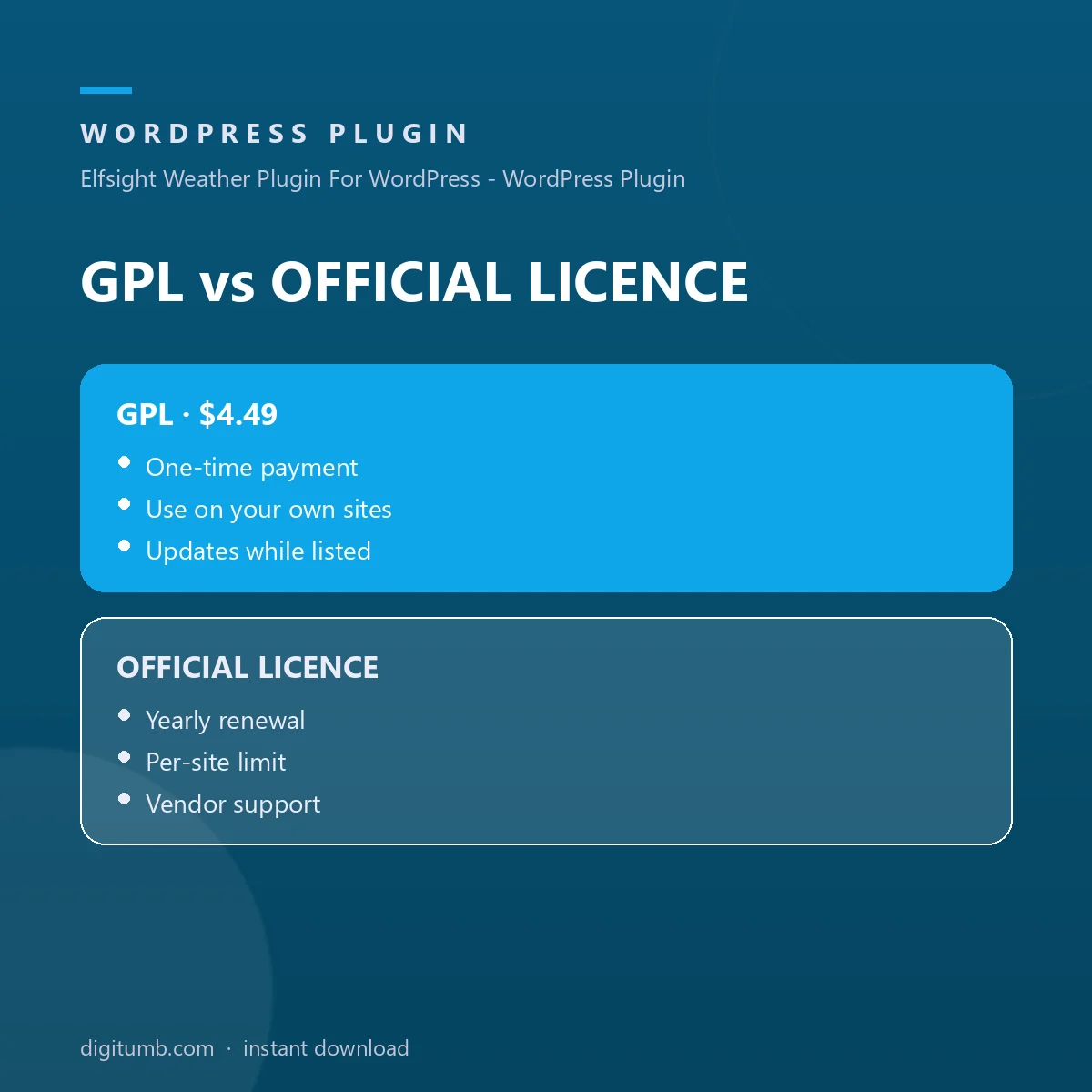
This is the same archive the developer publishes, redistributed under the GNU General Public License: you get the working files for $4.49 with no vendor update channel and no vendor support desk. If you need automatic updates or a support contract, buy the official license from the developer.
| This GPL build | Official license | |
|---|---|---|
| Price | $4.49 one time | Vendor subscription |
| Automatic updates | No | Yes |
| Developer support | No | Yes |
| Number of sites | Unlimited | Depends on plan |
Browse the rest of the WordPress plugins category or the full shop. The licence text is at GNU GPL v2, and general documentation is at WordPress.org.
You must be logged in to post a review.
You may also like…

Related products






Reviews
Clear filtersThere are no reviews yet.