



WP Fusion – Logins Addon GPL
$4.49
WP Fusion – Logins Addon is a GPL build of the WP Fusion extension that tracks when each user last logged in and turns that history into automated actions.
WP Fusion – Logins Addon is a GPL build of the WP Fusion extension that tracks when each user last logged in and turns that history into automated actions. It can apply tags on first login, tag accounts that have not logged in for a set number of days, and tag a user again when a stale account returns. Login redirects can also be chosen based on a user's tags.
| Product | WP Fusion – Logins Addon |
|---|---|
| Version | 1.4.1 |
| Works with | WordPress 4.0+ / PHP 8.x+ |
| Tested up to | WordPress 6.8.0 |
| License | GPLv2 or later |
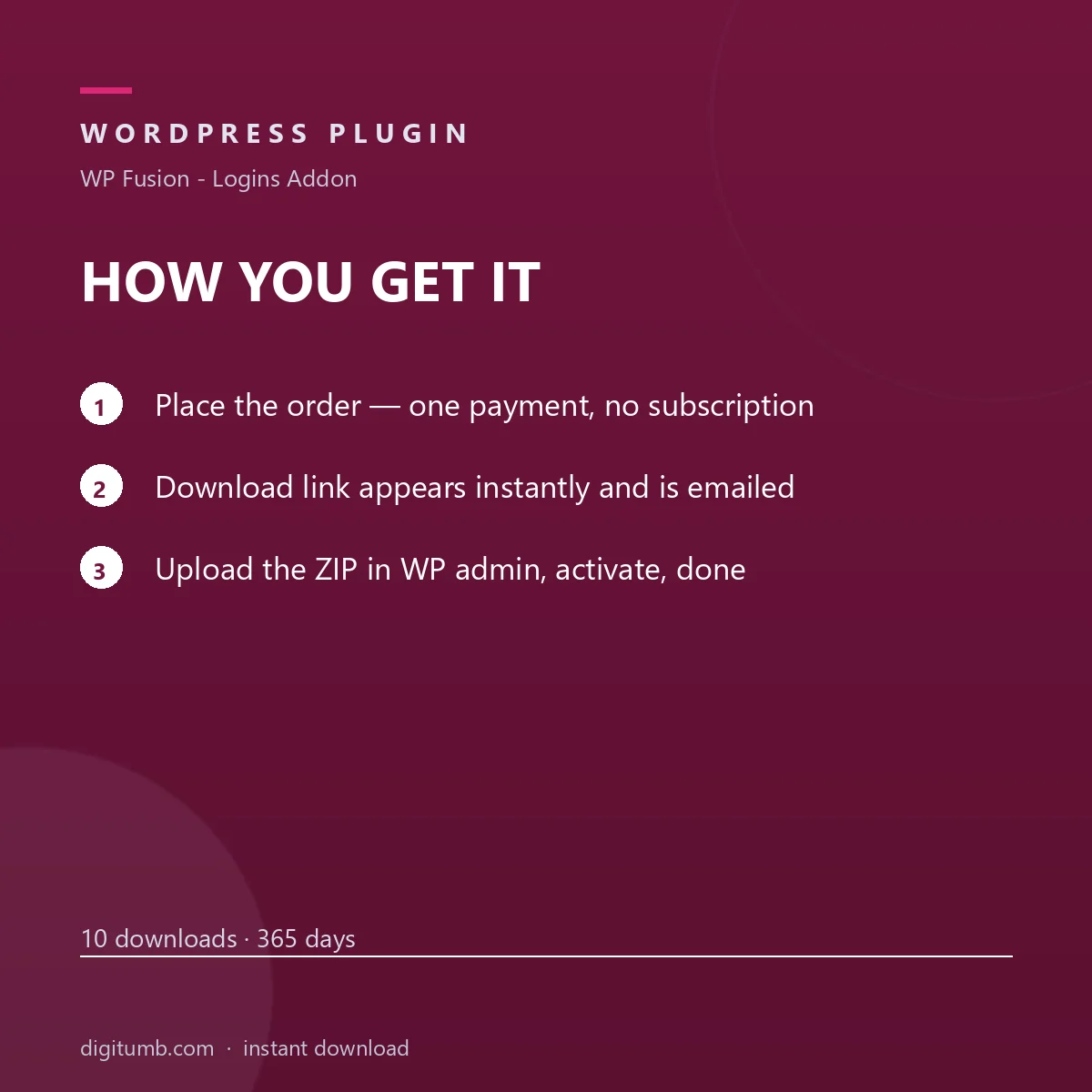
| Delivery | Instant ZIP download, 10 downloads, 365 days |
How the Logins Addon tracks user login activity
The addon records the last login date for each user on your site. A setting called Login Count Method lets you choose the measuring point: once a day on site visit, or when a user actually logs in. With the once-a-day option, the last login date is also synced for the BuddyBoss app once per day on app engagement.
Login counting is handled carefully. Some plugins trigger the wp_login hook twice during a single login, and the addon updates the login count only on the first trigger. A PHP warning that could appear when wp_login fired on an invalid username was fixed, so a bad username no longer produces that notice.
Tagging first-time, stale and recovered accounts
Three tag rules sit at the centre of the addon. Apply Tags – First Login lets you attach tags the first time a user logs in. Apply Tags – Stale Accounts works with a Number of Days value: users who have not logged in for that many days get tagged as stale.
Apply Tags – Recovered Accounts closes the loop. When a user who was tagged as stale logs in again, the addon applies the recovery tags you selected. The result is a login history you can act on inside WP Fusion without writing custom code.
Redirecting users on login by their tags
Login Redirect Rules let you send users to different destinations after login depending on the tags they carry. Each rule accepts a tag selection, with an option to leave tags blank for any user, plus a Required tags field when a rule should only fire for specific tag combinations.
Bricks login forms are supported for login redirects, and the settings screens include a WooCommerce Redirects section for stores. Log entries created by login-triggered actions are labelled with wpf-logins as the source, so you can tell them apart from other WP Fusion activity.
BuddyBoss social login and app support
Sites running BuddyBoss can apply tags when a user registers through BuddyBoss social login. The addon also supports tracking BuddyBoss App logins, and the once-a-day login tracking mode syncs the last login date for the app on app engagement.
These integrations sit alongside the standard WordPress login tracking, so social registrations and app sessions feed the same tag and redirect rules as ordinary logins.
What this build includes
| Last login tracking | Records the last login date for each user, with a choice between counting once a day on site visit or when a user actually logs in. |
|---|---|
| First login tags | Apply chosen tags automatically the first time a user logs in to your site. |
| Stale account tagging | Tag users who have not logged in for a number of days that you set in the addon settings. |
| Recovered account tags | Apply a separate set of tags when a user previously marked as stale logs in again. |
| Tag-based login redirects | Send users to different pages after login according to their tags, with optional required tags per rule and a blank-for-any option. |
| Bricks login form redirects | Login redirect rules work with Bricks login forms as well as standard WordPress logins. |
| BuddyBoss social login tags | Apply tags when a user registers through BuddyBoss social login on your site. |
| BuddyBoss App login support | Track BuddyBoss App logins, with last login date synced once per day on app engagement when once-a-day tracking is enabled. |
| WooCommerce redirects section | A dedicated WooCommerce Redirects area in the settings lets store owners configure login redirect behaviour for their shop. |
| Labelled login log entries | Actions triggered by user logins are written to the logs with wpf-logins as the source for easier review. |
Installing it on a WordPress site
- Install and activate WP Fusion first, since the Logins Addon requires it to be installed.
- Upload the Logins Addon plugin file through the Plugins section of your WordPress dashboard and activate it.
- Open the addon settings to choose your Login Count Method, set the Number of Days for stale accounts, and configure first login, stale and recovered account tags.
- Add Login Redirect Rules with your tag selections and required tags, and save the changes.
Latest changes
Version 1.4.1 adds an option to apply tags when a user registers via BuddyBoss social login, syncs the last login date for the BuddyBoss app once a day on app engagement, and fixes a PHP warning when wp_login fires on an invalid username.
Frequently asked questions
Do I need WP Fusion installed to use the Logins Addon?
Yes. The Logins Addon requires WP Fusion to be installed first. Install and activate WP Fusion, then add the Logins Addon on top of it so the login tracking, tagging and redirect rules have the core plugin to work with.
What is the difference between the two login count methods?
Once a day on site visit counts a login when the user visits the site that day, while the other option counts when a user actually logs in. The once-a-day mode also syncs the last login date for the BuddyBoss app once per day on app engagement.
How does the stale account tagging work?
You enter a Number of Days in the Apply Tags – Stale Accounts setting. Users who have not logged in for that many days receive the tags you choose. If such a user logs in again, the Apply Tags – Recovered Accounts rule applies the recovery tags you selected.
Can login redirects depend on more than one tag?
Yes. Each Login Redirect Rule has a tag selection, which can be left blank for any user, and a Required tags field for narrowing the rule to specific tags. Rules can be used with Bricks login forms, and a WooCommerce Redirects section is available for shops.
What does the GPL build include and what does it not include?
You receive the same plugin files the developer ships, version 1.4.1, for $4.49. There is no vendor update channel and no vendor support desk with this build, so updates and help come from your own arrangements rather than the original developer.
What the GPL build means for you
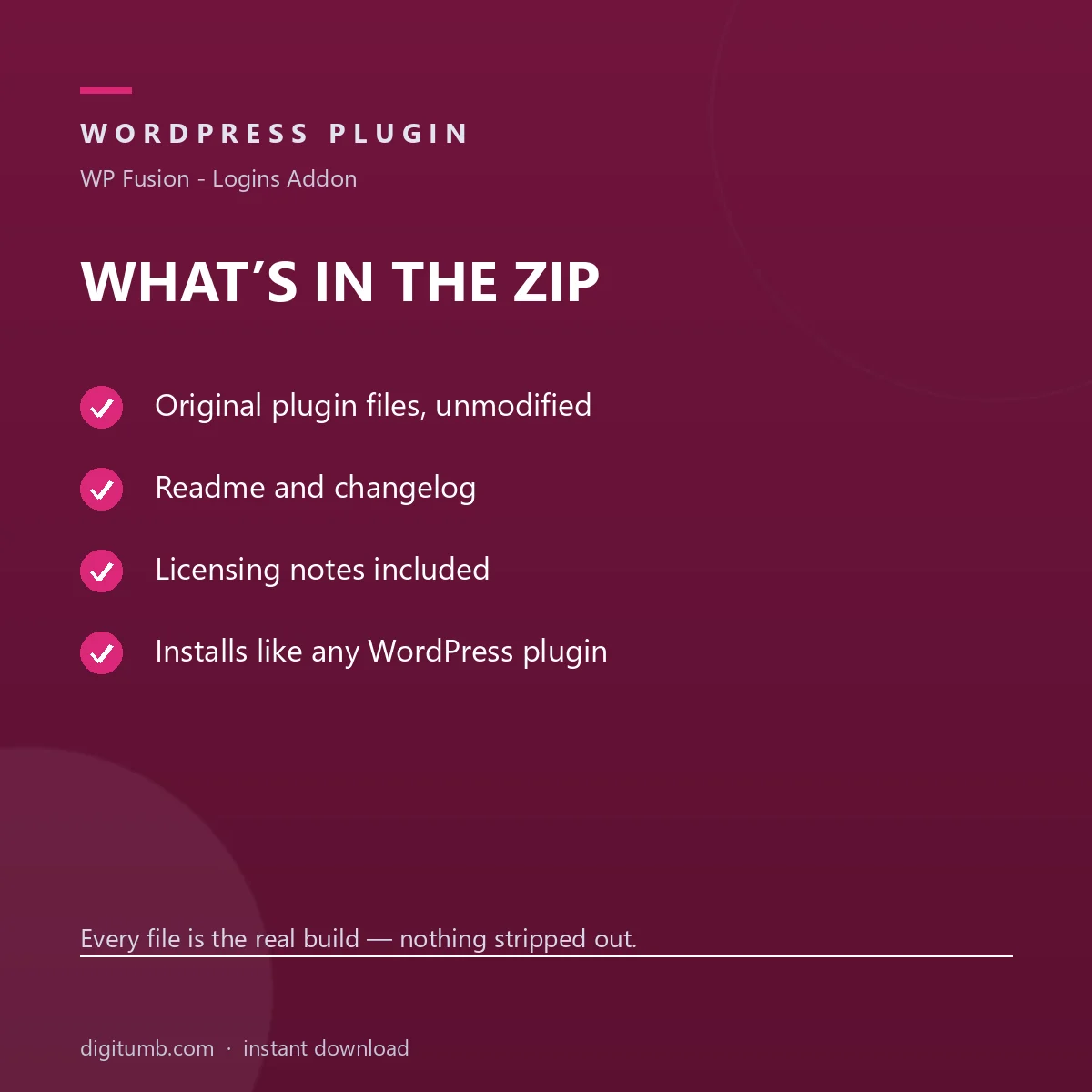
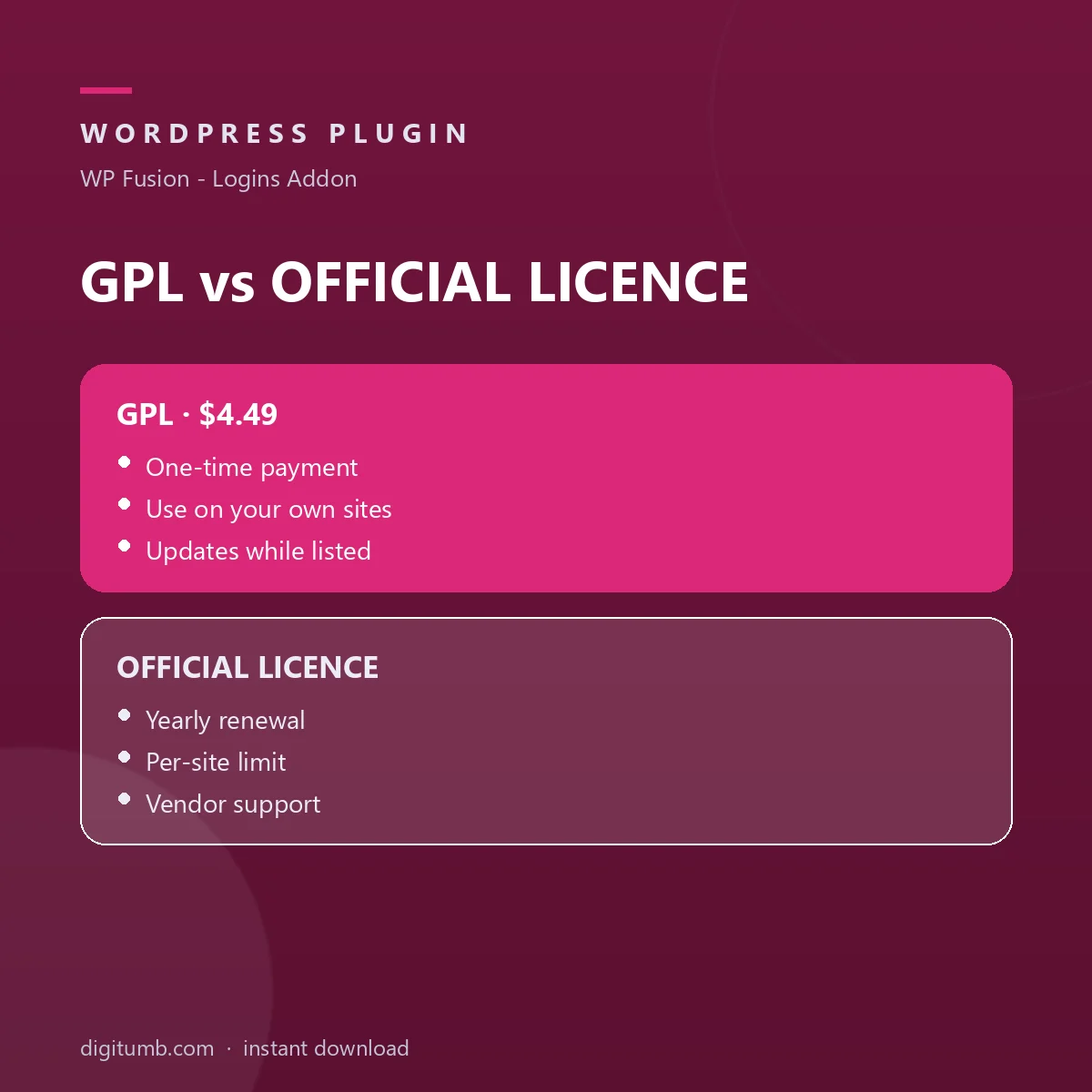
This is the same archive the developer publishes, redistributed under the GNU General Public License: you get the working files for $4.49 with no vendor update channel and no vendor support desk. If you need automatic updates or a support contract, buy the official license from the developer.
| This GPL build | Official license | |
|---|---|---|
| Price | $4.49 one time | Vendor subscription |
| Automatic updates | No | Yes |
| Developer support | No | Yes |
| Number of sites | Unlimited | Depends on plan |
Browse the rest of the WordPress plugins category or the full shop. The licence text is at GNU GPL v2, and general documentation is at WordPress.org.
You must be logged in to post a review.
You may also like…

Related products









Reviews
Clear filtersThere are no reviews yet.