

AutomatorWP – SliceWP GPL
$4.49
AutomatorWP – SliceWP is a WordPress plugin that connects AutomatorWP with SliceWP, the affiliate program plugin.
AutomatorWP – SliceWP is a WordPress plugin that connects AutomatorWP with SliceWP, the affiliate program plugin. It adds SliceWP triggers and actions to AutomatorWP workflows, so affiliate events such as a user becoming an affiliate or earning a commission can start automated actions, and commissions can be added to users or to their affiliates. The build is GPL, version 1.0.2, priced at $4.49.
| Product | AutomatorWP – SliceWP |
|---|---|
| Version | 1.0.2 |
| Works with | WordPress 4.4+ / PHP 8.x+ |
| Tested up to | WordPress 6.1 |
| License | GPLv2 or later |
| Delivery | Instant ZIP download, 10 downloads, 365 days |
Which SliceWP events can start an AutomatorWP workflow
Three triggers are available for building workflows. The first fires when a user becomes an affiliate. The second fires when a user earns a commission, either of any type or of a specific type. The third fires when a user gets a commission of any or a specific type paid or rejected.
Each trigger is selected inside AutomatorWP like any other trigger, and the commission type can be narrowed where the trigger supports it. That gives you a starting point for automations tied to affiliate sign-ups and to commission activity.
Adding commissions from an AutomatorWP workflow
Two actions let a workflow write commission data back into SliceWP. Add commission to the user credits a commission to the user who triggered the workflow. Add commission to the user's affiliate credits the commission to that user's affiliate instead.
The action settings include the commission amount and the commission currency, and the interface shows the currency sign and the formatted amount. A commission reference field is also part of the action, so a workflow can record which event produced the commission.
Commission tags available to workflow steps
Commission tags carry commission information into the rest of a workflow, including amount, currency and campaign. They are the way a later step in the same automation can read what the commission contained rather than working from a fixed value.
Use the tags wherever AutomatorWP accepts dynamic values, for example when the next step needs the commission amount or the campaign it belongs to.
How the GPL build is supplied
You receive the same plugin files the developer ships, as a zip you upload to WordPress yourself. There is no vendor update channel and no vendor support desk attached to this purchase; the price is $4.49 and the download is 0.0 MB.
The plugin requires WordPress 4.4 or newer and has been tested up to WordPress 6.1.
What this build includes
| Affiliate sign-up trigger | Start an AutomatorWP workflow the moment a user becomes an affiliate in SliceWP. |
|---|---|
| Commission earned trigger | Fire a workflow when a user earns a commission, of any type or one specific type. |
| Commission status trigger | Run automation when a commission of any or a specific type is paid or rejected. |
| Add commission to user | An action that creates a commission for the user who triggered the workflow, with amount, currency and reference. |
| Add commission to affiliate | An action that credits a commission to the triggering user's affiliate instead of the user. |
| Commission tags | Pass commission details such as amount, currency and campaign into later steps of the workflow. |
Installing it on a WordPress site
- In the WordPress backend go to Plugins -> Add new and click Upload Plugin next to the Add plugins title.
- Upload the downloaded zip file and activate the plugin.
- Alternatively, upload the zip into wp-content/plugins/, unzip it there, then open the Plugins menu in the WordPress admin area and activate AutomatorWP – SliceWP.
Frequently asked questions
Do I need both AutomatorWP and SliceWP installed?
Yes. This plugin is the connection between the two: AutomatorWP runs the workflows and SliceWP holds the affiliate program. The triggers and actions listed here act on SliceWP affiliate and commission data, so both plugins need to be active on the site for those workflow steps to work.
Can I target one commission type instead of all of them?
Yes. The commission triggers accept either any type or a specific type, and the settings screen shows a Commission type field. The paid or rejected trigger works the same way, so you can limit a workflow to the commission type and status you care about.
What happens when a workflow adds a commission to an affiliate?
The Add commission to user's affiliate action credits the commission to the affiliate attached to the user who triggered the workflow, rather than to the user directly. You set the commission amount, currency and reference in the action, and the interface shows the currency sign and the formatted amount.
Which WordPress versions does this build support?
The plugin requires WordPress 4.4 and has been tested up to WordPress 6.1. The download is a GPL build of version 1.0.2, supplied as a zip you install and activate yourself.
Does the $4.49 price include updates and support?
No. The purchase gives you the same plugin files the developer ships, with no vendor update channel and no vendor support desk. You install the zip and manage updates on your own site.
What the GPL build means for you
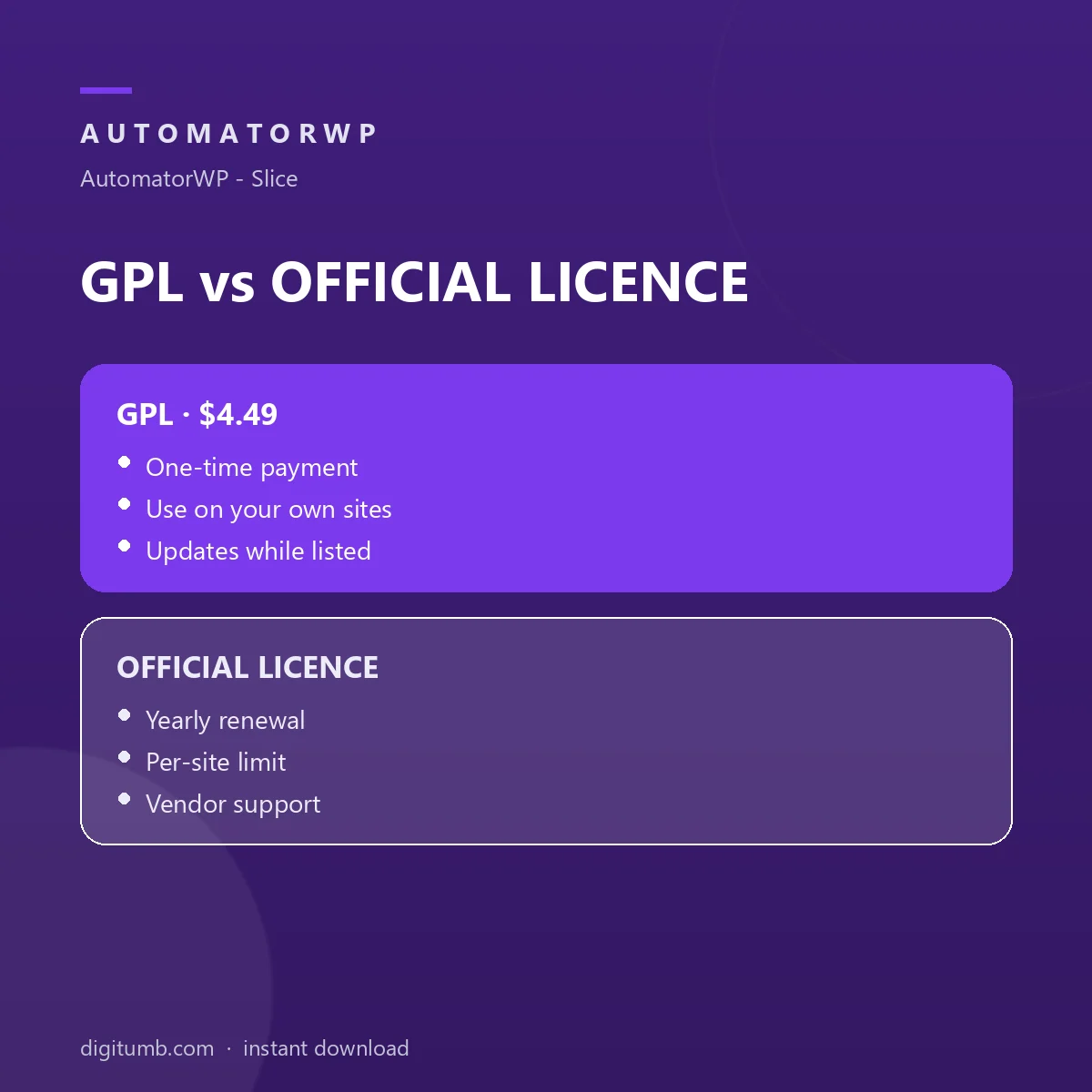
This is the same archive the developer publishes, redistributed under the GNU General Public License: you get the working files for $4.49 with no vendor update channel and no vendor support desk. If you need automatic updates or a support contract, buy the official license from the developer.
| This GPL build | Official license | |
|---|---|---|
| Price | $4.49 one time | Vendor subscription |
| Automatic updates | No | Yes |
| Developer support | No | Yes |
| Number of sites | Unlimited | Depends on plan |
Browse the rest of the WordPress plugins category or the full shop. The licence text is at GNU GPL v2, and general documentation is at WordPress.org.
You must be logged in to post a review.
You may also like…

Related products







Reviews
Clear filtersThere are no reviews yet.