
WP All Export Pro Premium GPL
$4.49
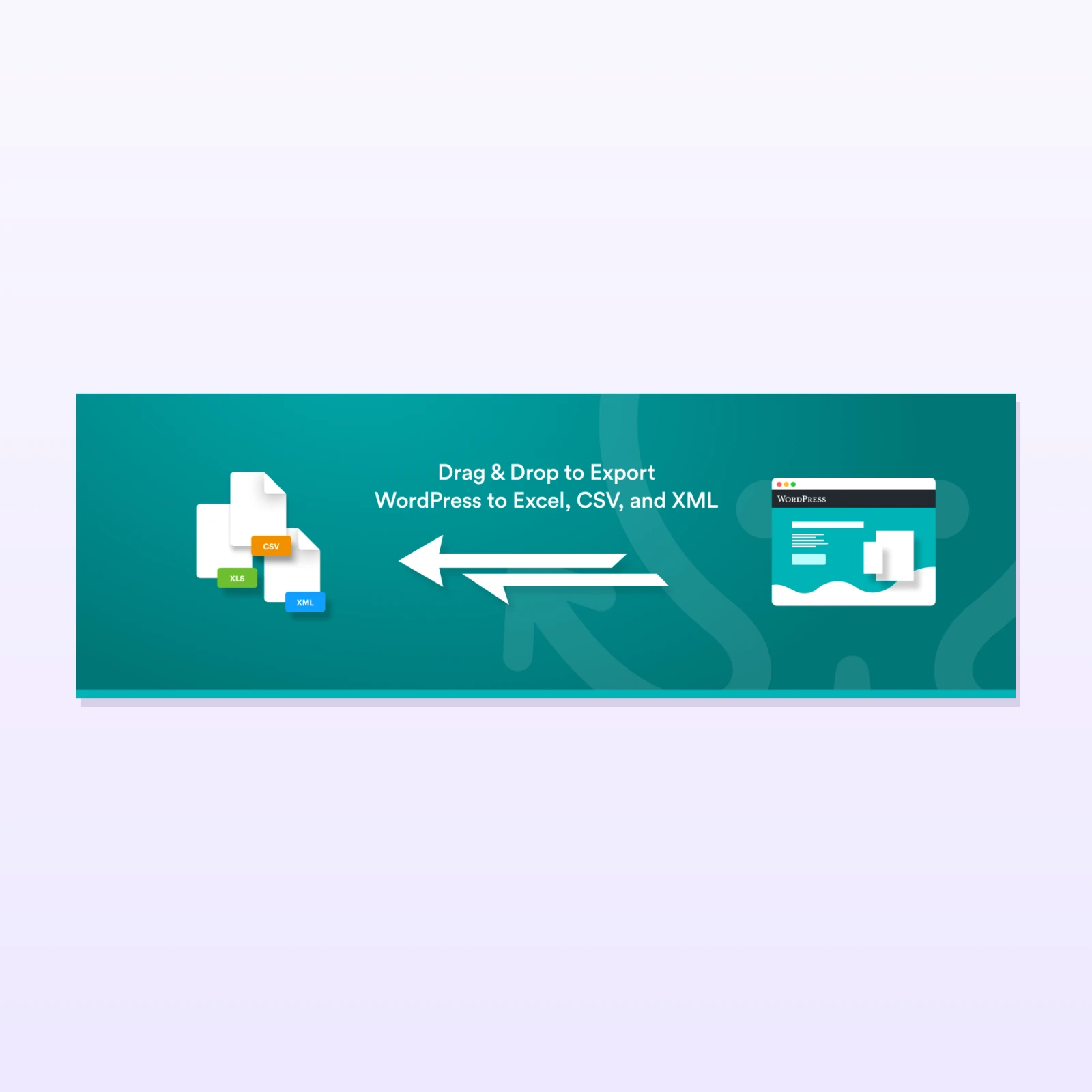
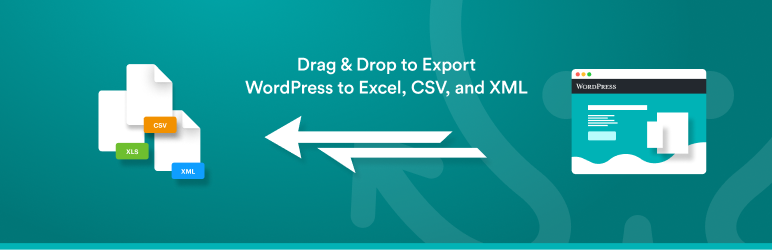
WP All Export Pro Premium is a WordPress plugin for exporting site data to CSV, XML or Excel, so content from posts, pages and custom data types can be managed and analyzed outside WordPress.
WP All Export Pro Premium is a WordPress plugin for exporting site data to CSV, XML or Excel, so content from posts, pages and custom data types can be managed and analyzed outside WordPress. You choose which data goes into the export file by dragging and dropping fields into the export layout. The build sold here is the GPL release: the same files the developer ships, with no vendor update channel and no vendor support desk, priced at $4.49.
| Product | wp-all-export-pro-premium |
|---|---|
| Version | 2.0.2 |
| Works with | WordPress 6.x+ / PHP 8.x+ |
| Tested up to | WordPress current |
| License | GPLv2 or later |
| Delivery | Instant ZIP download, 10 downloads, 365 days |
Which data formats can WP All Export Pro Premium write?
Exports are built in CSV, XML or Excel, and the plugin lets you customize the export file before it runs. The settings screens include a drag-and-drop area where you decide which data to include in the export file, so the output matches the columns you need rather than a fixed template.
Format handling is explicit. If a requested format is not supported, the plugin reports that the format is not supported instead of producing a broken file, and an empty XML template is flagged as empty.
Exporting WooCommerce and Advanced Custom Fields data
Filtering records before an export runs
What this build includes
| CSV, XML and Excel output | Write export files in CSV, XML or Excel so content can move into spreadsheets and other tools. |
|---|---|
| Drag-and-drop field selection | Drag and drop data to choose exactly which fields are included in the export file. |
| WooCommerce data export | Works with WooCommerce; migrating orders and products requires the separate WooCommerce Export Add-On Pro. |
| Advanced Custom Fields compatibility | Designed to work with Advanced Custom Fields so custom field data can be exported without issues. |
| Filtering options | Add filtering options with conditions such as equal to, doesn't contain, is in list and equal to or greater than. |
| Theme independence | Works with any WordPress theme, so exports run regardless of the site's design or layout. |
| Export file customization | Customize the export file layout and continue to configure and run the export from the same screen. |
| Taxonomy export | Exporting taxonomies is supported on WordPress 4.6 or greater. |
Installing it on a WordPress site
- Upload the downloaded plugin file through the Plugins section of your WordPress admin.
- Activate WP All Export Pro Premium.
- Follow the on-screen instructions to configure your export settings, then build and run the export.
Latest changes
This product page covers version 2.0.2 of the plugin, distributed as a 3.1 MB zip.
Frequently asked questions
What does WP All Export Pro Premium do?
It exports data from a WordPress site in various formats, making it easy to manage and analyze content from posts, pages and custom data types. You pick the fields for the export file, apply filters if needed, and run the export from the plugin's Manage Exports screen.
Does it work with WooCommerce and Advanced Custom Fields?
Yes. It is designed to work with popular plugins such as WooCommerce and Advanced Custom Fields, so that data can be exported without issues. Migrating WooCommerce orders or products specifically requires the WooCommerce Export Add-On Pro, which is a separate add-on.
Can I use it with my existing theme?
Yes. WP All Export Pro Premium works with any WordPress theme, so you can export data regardless of your site's design or layout.
How do I install and set it up?
Upload the downloaded plugin file through the WordPress Plugins section, activate it, and follow the on-screen instructions to configure your export settings. The plugin's own screens then walk you through choosing data, customizing the file and running the export.
Is this a GPL build, and what does that mean for updates and support?
Yes. You receive the same files the developer ships, distributed under GPL, at $4.49 from digitumb.com. There is no vendor update channel and no vendor support desk attached to this build.
What happens if an export has nothing to include?
The plugin reports the condition in its interface rather than producing an empty file silently, with messages such as "Nothing to export." and "Data not found." You can then adjust the data selection or filters and run the export again.
What the GPL build means for you
This is the same archive the developer publishes, redistributed under the GNU General Public License: you get the working files for $4.49 with no vendor update channel and no vendor support desk. If you need automatic updates or a support contract, buy the official license from the developer.
| This GPL build | Official license | |
|---|---|---|
| Price | $4.49 one time | Vendor subscription |
| Automatic updates | No | Yes |
| Developer support | No | Yes |
| Number of sites | Unlimited | Depends on plan |
Browse the rest of the WordPress plugins category or the full shop. The licence text is at GNU GPL v2, and general documentation is at WordPress.org.
You must be logged in to post a review.
You may also like…

Related products









Reviews
Clear filtersThere are no reviews yet.