


Livemesh Addons by Elementor For GPL
$4.49
Livemesh Addons for Elementor is an addons plugin for the Elementor page builder that ships a large collection of drag-and-drop widgets with multiple ready-made styles.
Livemesh Addons for Elementor is an addons plugin for the Elementor page builder that ships a large collection of drag-and-drop widgets with multiple ready-made styles. It covers services, team profiles, counters, bar charts, piecharts, testimonials, clients lists, portfolio and posts grids, posts carousels and pricing plans, so a site can be assembled without building each element from scratch. Elementor must be installed and active for the widgets to appear.
| Product | Livemesh Addons by Elementor |
|---|---|
| Version | 9.0 |
| Works with | WordPress 5.8+ / PHP 5.8+ |
| Tested up to | WordPress 6.8 |
| License | GPLv2 or later |
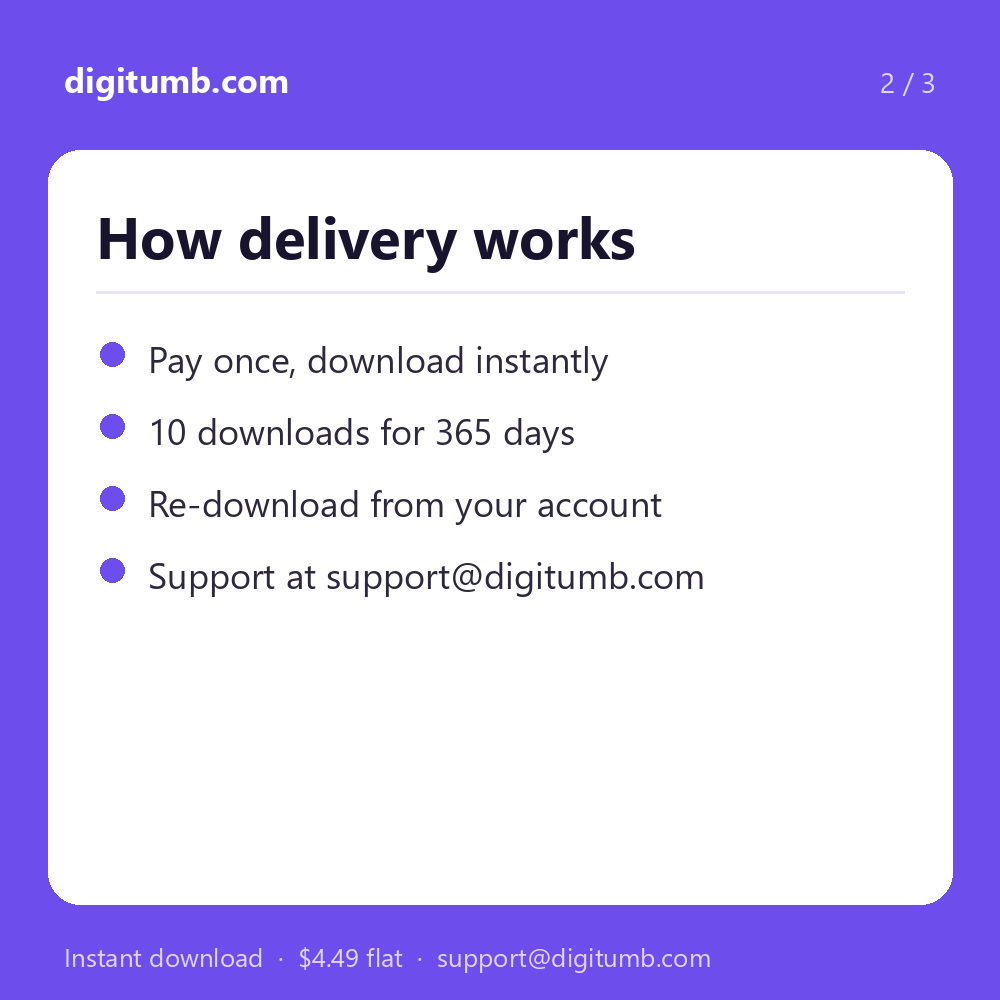
| Delivery | Instant ZIP download, 10 downloads, 365 days |
Which widgets does Livemesh Addons add to Elementor?
The plugin bundles widgets for the elements most business sites need: services, team profiles, counters, bar charts, piecharts, testimonials, client lists, portfolio and blog post grids, post carousels and pricing plans. Additional widgets sit in the PRO version. Everything installs as a single plugin and is dragged into a page from the Elementor panel once activated.
The Portfolio Grid shows portfolio entries in a responsive grid with masonry and packed layout options. The Blog Posts Grid does the same for post entries. Both accept a custom skin and custom grid when Theme Builder Templates from Elementor PRO are available on the site.
How do the bundled styles reduce setup work?
Rather than shipping many plain widgets that need heavy styling, the plugin bundles several elegant styles for the most common addons. Each style is designed to look finished, so little to no customization is required after you drop it on the page. Almost all elements come with a dark version as well.
Design work behind the addons has been featured on AWWWARDS, Dribbble, TheBestDesigns, Envato and Colorlib. Mobile behaviour is tested on devices of all sizes, and the plugin avoids feature bloat by concentrating on essential widgets and styles.
Theme compatibility and Elementor PRO requirements
None of the widgets require Elementor PRO to run. The custom skin and custom grid options inside Posts Grid and Posts Carousel do rely on Theme Builder Templates, which are exclusive to Elementor PRO. Without PRO, those two options stay unavailable while the rest of the widget set works normally.
Testing shows the elements work well with well-coded themes built for Elementor, including Hello Elementor, Astra, OceanWP and GeneratePress. Themes that override heading styling with the !important keyword may need minor custom CSS. The demo site is best recreated with a full-width page template without sidebars.
Settings, media feeds and plugin administration
A settings screen sits under Elementor Addons and covers widget settings, documentation links, updates and support. From there you set the default theme color scheme and theme hover color used across the widgets.
The same panel stores connection details for media sources: Twitter consumer key and secret, a YouTube API key, and a Vimeo client ID. The Portfolio addon can use the optional Portfolio Post Type plugin, which registers the custom post type the element builds on.
What this build includes
| Portfolio Grid widget | Displays portfolio entries in a responsive grid with masonry and packed layout options, plus support for a custom skin and custom grid via Elementor PRO Theme Builder Templates. |
|---|---|
| Blog Posts Grid widget | Shows blog post entries in a responsive grid with masonry and packed options and the same custom skin and custom grid support as the portfolio element. |
| Dark version of elements | Almost all of the addons ship with a dark version, so a page can be styled for dark layouts without building alternate versions by hand. |
| Theme color controls | Plugin settings let you pick the default theme color scheme and the default hover color applied across the widgets. |
| Media feed connections | The settings panel stores Twitter consumer key and secret, a YouTube API key and a Vimeo client ID for connecting the widgets to those services. |
| Portfolio Post Type integration | The Portfolio element can be built on the custom post type registered by the optional Portfolio Post Type plugin, installed and activated separately. |
| Theme-ready output | Elements are tested with Hello Elementor, Astra, OceanWP and GeneratePress, and are tested on devices of all sizes for mobile usability. |
| Widget output caching | Version 8.7 enabled widget output caching on the widgets, reducing the work done on each page render. |
Installing it on a WordPress site
- Install and activate the Elementor page builder first; the addons only become available in Elementor after that.
- Upload the unzipped addons-for-elementor folder to /wp-content/plugins/ or install the plugin from the WordPress repository, then activate it through the Plugins menu.
- Enter the license key you received after purchase and activate it, then optionally install the Portfolio Post Type plugin if you plan to use the Portfolio element.
Latest changes
Version 9.0 removes translation related warnings in WordPress 6.8.3 and updates the plugin banners and icons.
Frequently asked questions
Can Livemesh Addons for Elementor be used without Elementor?
No. The plugin is built specifically for Elementor, with 30+ addons, 60+ styles and 100+ demo elements, and it cannot run without Elementor installed and activated on the site. Activate Elementor first, then activate the addons plugin.
Do I need Elementor PRO for the widgets to work?
None of the widgets require Elementor PRO. Only the custom skin and custom grid features inside Posts Grid and Posts Carousel depend on Theme Builder Templates, which come with Elementor PRO. Those two options stay inactive without it; the rest of the widget set runs normally.
Will it work with Astra, OceanWP or GeneratePress?
Yes. The plugin is tested with Hello Elementor, Astra, OceanWP and GeneratePress, and generally works with well-coded themes built for Elementor. Themes that override heading tags with the !important keyword may require minor custom CSS. For demo-like layouts, use a full-width page template without sidebars.
Is the plugin compatible with other Elementor addon packs?
Yes. Compatibility with other Elementor addons and extensions is maintained, and the plugin is also tested to integrate with Elementor PRO. Livemesh Addons is also stated to work on WordPress multisite installations, so it can be used across sites in one network.
What do I get for $4.49 and what is not included?
You receive the GPL build of the plugin, version 9.0, as a 4.6 MB zip containing the same files the developer ships. There is no vendor update channel and no vendor support desk with this build. The price is $4.49 from digitumb.com.
What the GPL build means for you
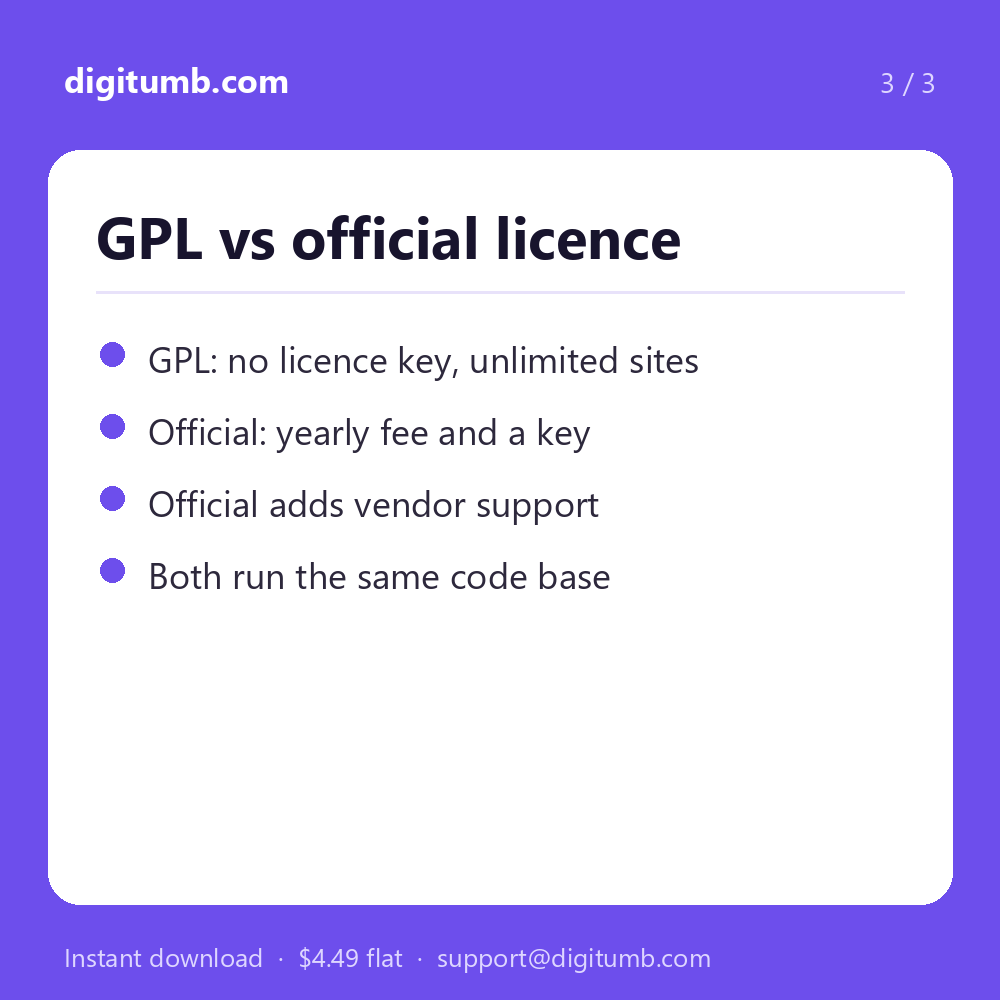
This is the same archive the developer publishes, redistributed under the GNU General Public License: you get the working files for $4.49 with no vendor update channel and no vendor support desk. If you need automatic updates or a support contract, buy the official license from the developer.
| This GPL build | Official license | |
|---|---|---|
| Price | $4.49 one time | Vendor subscription |
| Automatic updates | No | Yes |
| Developer support | No | Yes |
| Number of sites | Unlimited | Depends on plan |
Browse the rest of the WordPress plugins category or the full shop. The licence text is at GNU GPL v2, and general documentation is at WordPress.org.
You must be logged in to post a review.
You may also like…

Related products





Reviews
Clear filtersThere are no reviews yet.