




Grid Layout For Gravity Forms GPL
$4.49
Grid Layout For Gravity Forms is an add-on that arranges your Gravity Forms fields into a multi-column grid instead of a single stacked column.
Grid Layout For Gravity Forms is an add-on that arranges your Gravity Forms fields into a multi-column grid instead of a single stacked column. Using a drag and drop interface, you place fields into columns so long forms read as a tidy layout and are easier for visitors to move through. The plugin adds grid layout options inside the Gravity Forms settings, where you customize the arrangement of each form.
| Product | grid-layout-for-gravity-forms |
|---|---|
| Version | 3.4 |
| Works with | WordPress 6.x+ / PHP 8.x+ |
| Tested up to | WordPress current |
| License | GPLv2 or later |
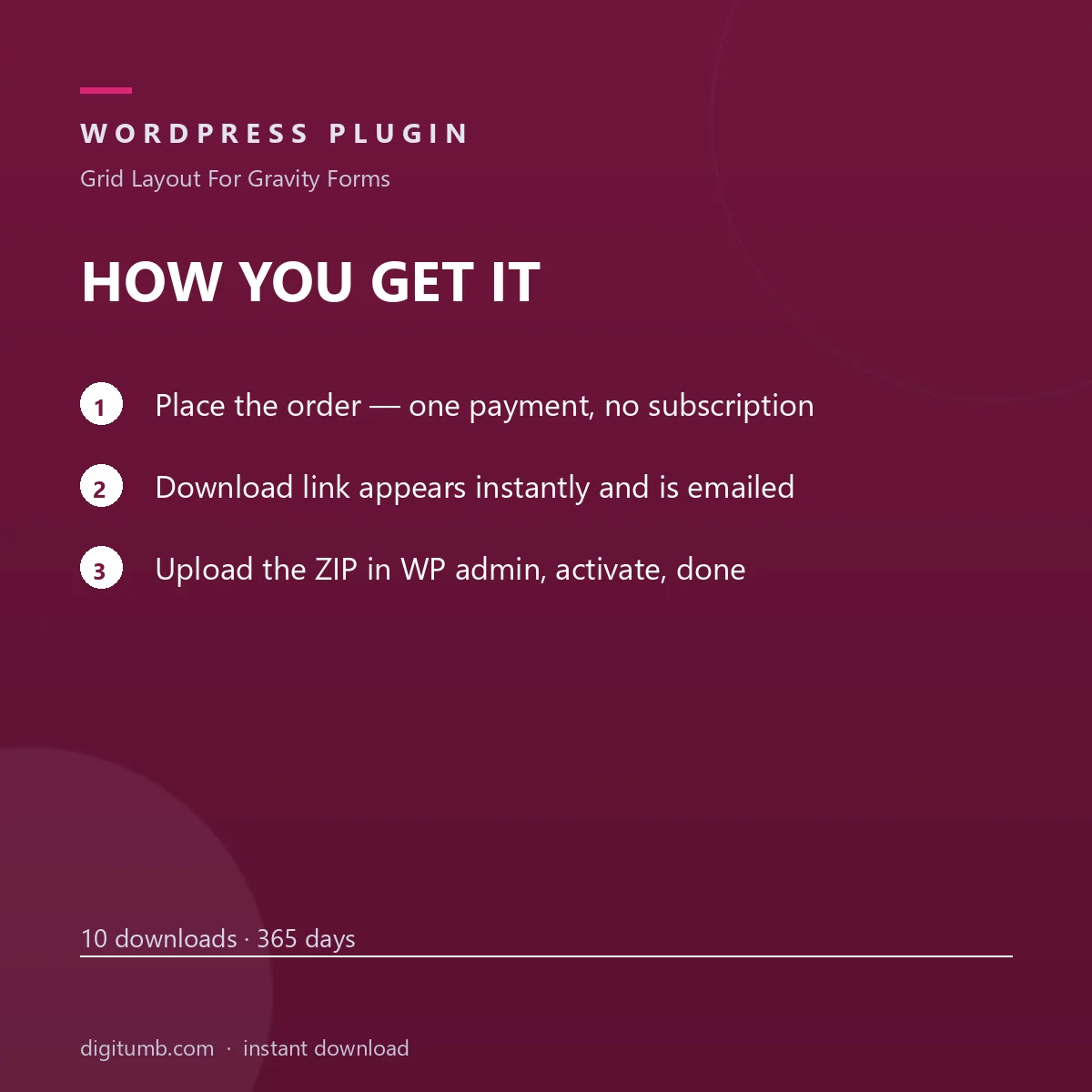
| Delivery | Instant ZIP download, 10 downloads, 365 days |
How the grid layout changes a Gravity Forms form
Gravity Forms normally stacks fields one under another. This add-on reorganizes those fields into a grid format, so related inputs can sit side by side in columns. The result is a form that takes up less vertical space and is easier to scan.
Layout work happens with drag and drop. You drag fields into the column structure you want rather than writing CSS or editing templates. Layout options appear in the Gravity Forms settings once the plugin is active.
Using Grid Layout with Elementor and other Gravity Forms plugins
The add-on is compatible with Elementor, so forms you build with that page builder can use the same grid layouts. Elementor compatibility means the grid layout applies to forms placed through the builder, not only to forms embedded directly.
It is also designed to work alongside other plugins that extend Gravity Forms, including payment gateways and marketing integrations. You keep the add-on functions you already rely on while the form fields are arranged in columns.
What you receive with this GPL build
The download is the GPL build of Grid Layout For Gravity Forms version 3.4, packaged as a 0.5 MB zip file. The archive contains the plugin folders styles-layouts-gf-grid-layouts, build, css and js, which are the files the developer ships.
This build comes with no vendor update channel and no vendor support desk. The price is $4.49 from digitumb.com. Installation and use follow the standard WordPress plugin process described below.
What this build includes
| Multi-column form layouts | Organize Gravity Forms fields into a grid format so long forms use horizontal space and are easier to navigate. |
|---|---|
| Drag and drop field placement | Arrange fields into columns by dragging them, without editing form templates or writing layout code. |
| Settings inside Gravity Forms | Find the grid layout options in the Gravity Forms settings and customize the arrangement of each form there. |
| Elementor compatibility | Apply grid layouts to Gravity Forms forms created with the Elementor page builder. |
| Works with Gravity Forms extensions | Designed to work with popular plugins that enhance Gravity Forms, such as payment gateways and marketing integrations. |
Installing it on a WordPress site
- Download the plugin zip from your digitumb.com account.
- In WordPress, open the Plugins section, upload the zip file and activate the plugin.
- Open the Gravity Forms settings, where the grid layout options are available to customize your forms.
Latest changes
This listing ships version 3.4 of Grid Layout For Gravity Forms.
Frequently asked questions
What does Grid Layout For Gravity Forms do?
It organizes Gravity Forms into a visually appealing grid format. Fields are placed in columns instead of a single stack, which improves the overall user experience and makes forms easier to navigate. You control the arrangement with drag and drop and adjust layout options in the Gravity Forms settings.
Can I use it with Elementor?
Yes. Grid Layout For Gravity Forms is compatible with Elementor and can be used to enhance forms created with that page builder. The grid layout options apply to those forms the same way they do to forms embedded directly.
Does it work with payment gateways and marketing integrations?
The add-on is designed to work with other popular plugins that enhance Gravity Forms functionality, including payment gateways and marketing integrations. You can keep those integrations in place while fields are arranged in a grid.
How do I install and set it up?
Download the plugin from your account, upload it through the Plugins section of WordPress and activate it. After activation, the grid layout options appear in the Gravity Forms settings, where you customize the layout of your forms.
What is included in the download and what does it cost?
You receive the GPL build of version 3.4 as a 0.5 MB zip containing the plugin folders styles-layouts-gf-grid-layouts, build, css and js. The price is $4.49. This build has no vendor update channel and no vendor support desk.
What the GPL build means for you
This is the same archive the developer publishes, redistributed under the GNU General Public License: you get the working files for $4.49 with no vendor update channel and no vendor support desk. If you need automatic updates or a support contract, buy the official license from the developer.
| This GPL build | Official license | |
|---|---|---|
| Price | $4.49 one time | Vendor subscription |
| Automatic updates | No | Yes |
| Developer support | No | Yes |
| Number of sites | Unlimited | Depends on plan |
Browse the rest of the WordPress plugins category or the full shop. The licence text is at GNU GPL v2, and general documentation is at WordPress.org.
You must be logged in to post a review.
You may also like…

Related products







Reviews
Clear filtersThere are no reviews yet.