

Ninja Forms – SalesForce CRM GPL
$4.49
Ninja Forms SalesForce CRM is a Ninja Forms addon that connects your WordPress forms to a Salesforce account.
Ninja Forms SalesForce CRM is a Ninja Forms addon that connects your WordPress forms to a Salesforce account. You map form fields to Salesforce objects, and submitted lead data transfers automatically instead of being copied by hand. The addon handles the OAuth connection to Salesforce, token refresh for External Client Apps, and field mapping inside the Ninja Forms builder, so one form submission can create or update a Salesforce record.
| Product | Ninja Forms – SalesForce CRM |
|---|---|
| Version | 3.3.8 |
| Works with | WordPress 6.9+ / PHP 8.x+ |
| Tested up to | WordPress 7.1 |
| License | GPLv2 or later |
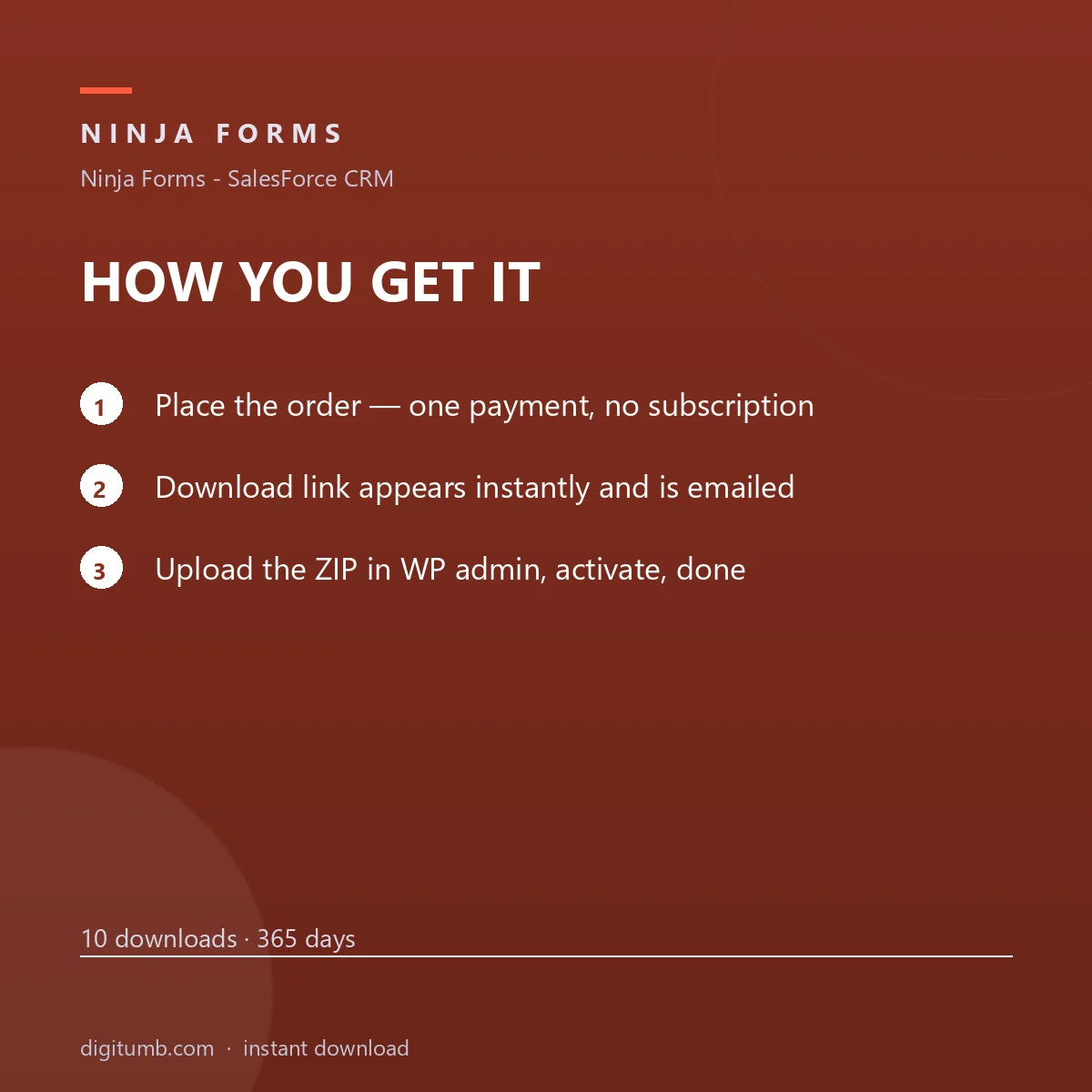
| Delivery | Instant ZIP download, 10 downloads, 365 days |
How field mapping sends form data into Salesforce
Each form field can be mapped to a Salesforce object field. The mapping lives in the Ninja Forms form builder, so you choose which submission value lands in which Salesforce field without writing code. Once the form is connected, submissions carry the lead data across automatically.
The addon also manages the connection itself. Version 3.3.8 adds PKCE support to the Salesforce OAuth authorization flow and refresh token rotation for External Client Apps, which keeps connected accounts working when tokens rotate. Connection timeouts now return clearer error messages so a failed send is easier to trace.
Ninja Forms SalesForce CRM build and GPL terms
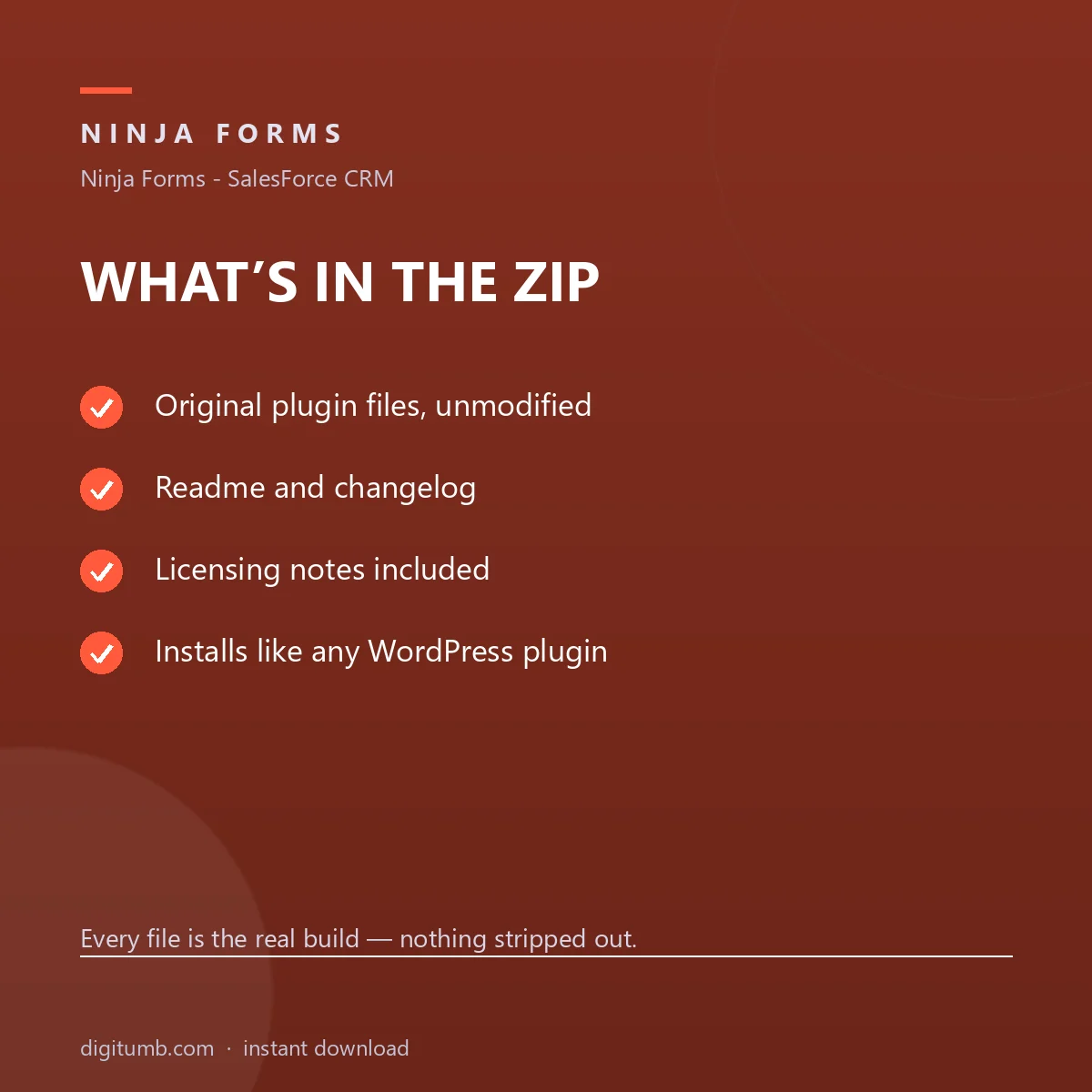
This is a GPL build distributed by digitumb.com at $4.49. You get the same plugin files the developer ships, packaged as a 0.1 MB zip. There is no vendor update channel and no vendor support desk attached to this build; the price covers the files, not a subscription.
The plugin requires WordPress 6.9 and has been tested up to WordPress 7.1. Recent releases fixed PHP 8.2+ deprecation notices, translation loading before the init hook in admin settings, and a refresh token that failed to generate because of an authorization code encoding issue.
Working alongside Elementor, WooCommerce and Yoast SEO
The addon is compatible with popular plugins including WooCommerce and Yoast SEO, and it works with Elementor, so forms placed on Elementor-built pages can still send their submissions to Salesforce.
Version 3.3.7 corrected the Form Field column width when Salesforce field labels are long, kept special characters when the Keep ampersands and quotes option is on, and fixed connection failures that followed the manual connect workaround.
What this build includes
| Field-to-object mapping | Map any Ninja Forms field to a Salesforce object field so submitted lead data lands in the right record. |
|---|---|
| Automatic lead transfer | Form submissions transfer lead data to your Salesforce account without manual copying or export steps. |
| PKCE OAuth support | The Salesforce OAuth authorization flow supports PKCE, added in version 3.3.8 for the connection handshake. |
| Refresh token rotation | Refresh token rotation for External Client Apps keeps connected Salesforce accounts authorized as tokens rotate. |
| Clearer timeout errors | Connection timeout failures return improved error messaging, making a broken connection easier to diagnose. |
| Character-safe submissions | With the Keep ampersands and quotes option enabled, special characters in submitted values are preserved rather than stripped. |
| Elementor page compatibility | Forms embedded in Elementor-built pages work with the Salesforce connection like any other Ninja Forms form. |
Installing it on a WordPress site
- Install the plugin zip through your WordPress dashboard and activate it.
- Open the plugin settings and connect your Salesforce account through the OAuth authorization flow.
- Map your form fields to Salesforce object fields and save the form configuration.
Frequently asked questions
What does Ninja Forms SalesForce CRM actually do?
It connects WordPress forms built with Ninja Forms to a Salesforce account. Submitted lead data transfers automatically, and you manage the field mapping from the form builder. The addon handles the Salesforce OAuth connection, including PKCE support and refresh token rotation for External Client Apps in version 3.3.8.
Is it compatible with Elementor, WooCommerce and Yoast SEO?
Yes. The addon is compatible with popular plugins including WooCommerce and Yoast SEO, and it works with Elementor, so forms placed on Elementor-built pages can send their data to Salesforce without conflicts.
How do I set the plugin up on my WordPress site?
Install and activate the plugin through your WordPress dashboard, then open the plugin settings to connect your Salesforce account. After the connection is authorized, configure your form fields according to your needs and map them to Salesforce objects.
What does the $4.49 GPL build include?
You receive the same plugin files the developer ships, in a 0.1 MB zip, for $4.49. This build has no vendor update channel and no vendor support desk. The plugin requires WordPress 6.9 and has been tested up to WordPress 7.1.
Which WordPress version does the addon need?
The plugin requires WordPress 6.9 and has been tested up to WordPress 7.1. Version 3.3.6 fixed PHP 8.2+ deprecation notices, so the addon runs without those notices on newer PHP releases.
What the GPL build means for you
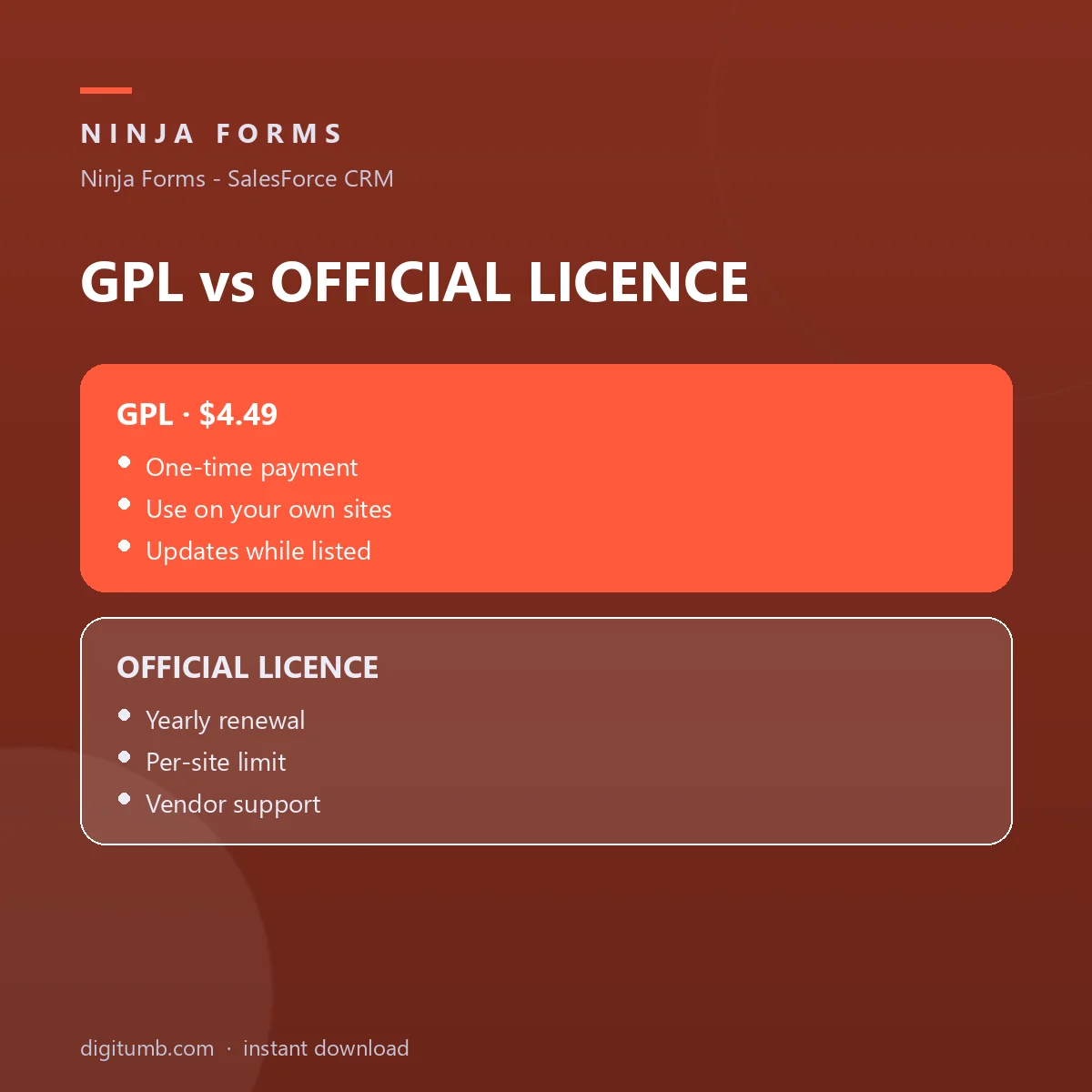
This is the same archive the developer publishes, redistributed under the GNU General Public License: you get the working files for $4.49 with no vendor update channel and no vendor support desk. If you need automatic updates or a support contract, buy the official license from the developer.
| This GPL build | Official license | |
|---|---|---|
| Price | $4.49 one time | Vendor subscription |
| Automatic updates | No | Yes |
| Developer support | No | Yes |
| Number of sites | Unlimited | Depends on plan |
Browse the rest of the WordPress plugins category or the full shop. The licence text is at GNU GPL v2, and general documentation is at WordPress.org.
You must be logged in to post a review.
You may also like…

Related products








Reviews
Clear filtersThere are no reviews yet.