



Popup Builder Recent Sales GPL
$4.49
Popup Builder Recent Sales is a WordPress plugin that displays real-time notifications of recent purchases on your website.
Popup Builder Recent Sales is a WordPress plugin that displays real-time notifications of recent purchases on your website. Each notification tells a visitor that someone has just bought, which builds trust and encourages visitors to make their own purchases. The plugin integrates with WooCommerce for store sales and works with Elementor-designed pages, so the popups fit into the layouts you already build.
| Product | popup-builder-recent-sales |
|---|---|
| Version | 2.1 |
| Works with | WordPress 6.x+ / PHP 8.x+ |
| Tested up to | WordPress current |
| License | GPLv2 or later |
| Delivery | Instant ZIP download, 10 downloads, 365 days |
How recent purchase notifications build trust on a WooCommerce store
Visitors who land on a product page often leave without buying because they have no signal that anyone else buys from the store. Popup Builder Recent Sales answers that by showing real-time notifications of recent purchases. The notification appears on the site and gives the visitor a concrete, current reason to consider the product in front of them.
Because the plugin is designed to integrate with WooCommerce, the notifications tie directly to sales activity on your online store. You decide how the notifications appear by configuring the plugin settings, so the popup presentation matches the rest of your site rather than sitting on top of it as a foreign element.
Using Popup Builder Recent Sales inside Elementor pages
Elementor compatibility means notification popups can be incorporated into pages you design with Elementor. If your landing pages and product pages are built in Elementor, you do not need a separate toolchain for the sales notifications; the plugin works within that setup.
This matters for stores that run campaign pages, category highlights or seasonal offers built in Elementor. The same recent-sales notifications that run elsewhere on the site can appear on those pages too, keeping the trust signal consistent across the store.
What the GPL build from digitumb.com includes
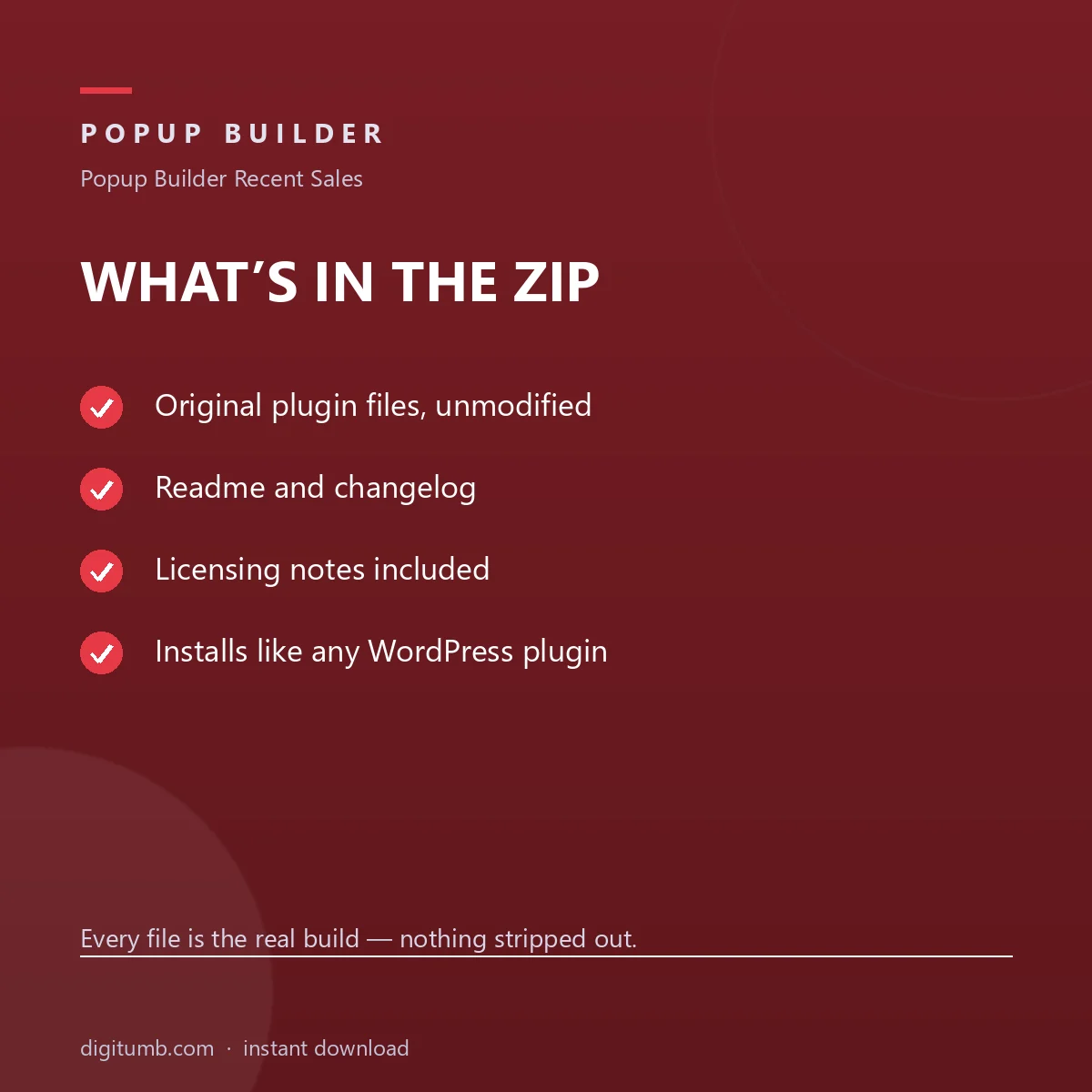
You receive the same plugin files the developer ships, packaged as a GPL build. The download is a 0.1 MB zip containing the com and public folders. Version 2.1 is the build offered here, priced at $4.49.
The GPL build does not include a vendor update channel and does not include a vendor support desk. Setup and configuration are handled on your own WordPress installation, following the steps below.
What this build includes
| Real-time purchase notifications | Show visitors notifications of recent purchases as they happen, so the store displays current buying activity rather than static content. |
|---|---|
| WooCommerce integration | Designed to integrate with WooCommerce, so sales notifications from your online store can be showcased directly on the site. |
| Elementor compatibility | Incorporate notification popups into pages you design with Elementor, keeping the trust signal present on your Elementor layouts. |
| Configurable notification display | Configure the plugin settings to customize how notifications appear, so the popup presentation fits how you want visitors to see them. |
| Trust-building sales prompts | Recent purchase notifications give visitors social proof at the moment they are deciding, encouraging them to make their own purchases. |
Installing it on a WordPress site
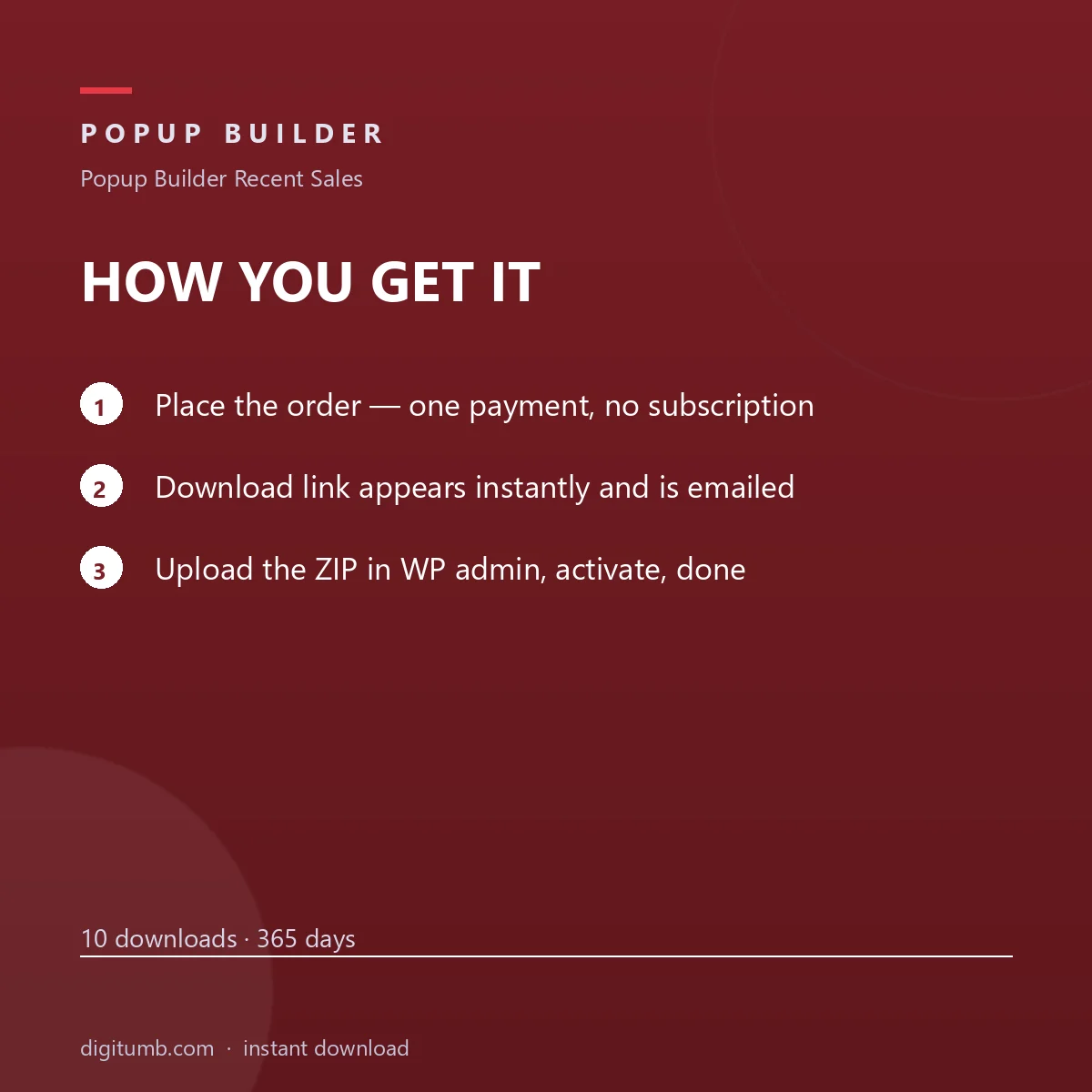
- Download the Popup Builder Recent Sales zip from digitumb.com and keep the file on hand for upload.
- In your WordPress admin, go to the Plugins section, upload the zip, and activate the plugin.
- Open the plugin settings and configure how the recent-sales notifications appear on your site.
Frequently asked questions
What does Popup Builder Recent Sales actually show to visitors?
It displays real-time notifications of recent purchases on your website. A visitor sees that a purchase has just happened, which builds trust and encourages them to make their own purchase. You control how those notifications appear through the plugin settings.
Does Popup Builder Recent Sales work with WooCommerce?
Yes. The plugin is designed to integrate with WooCommerce, allowing you to showcase sales notifications effectively on your online store. The notifications reflect purchase activity from the store rather than generic messages.
Can I use the plugin on pages built with Elementor?
Yes. Popup Builder Recent Sales is compatible with Elementor, so notification popups can be incorporated into your Elementor-designed pages. Your campaign and product pages built in Elementor can carry the same recent-sales notifications as the rest of the store.
How do I set up Popup Builder Recent Sales on WordPress?
Download the plugin, upload it to your WordPress site through the Plugins section, activate it, and then configure the settings to customize how notifications appear. No other installation path is needed; the plugin runs from your standard WordPress plugins area.
What do I receive for $4.49 at digitumb.com?
You receive the GPL build of Popup Builder Recent Sales version 2.1 as a 0.1 MB zip. It contains the same files the developer ships. The build has no vendor update channel and no vendor support desk, and the price is $4.49.
What the GPL build means for you
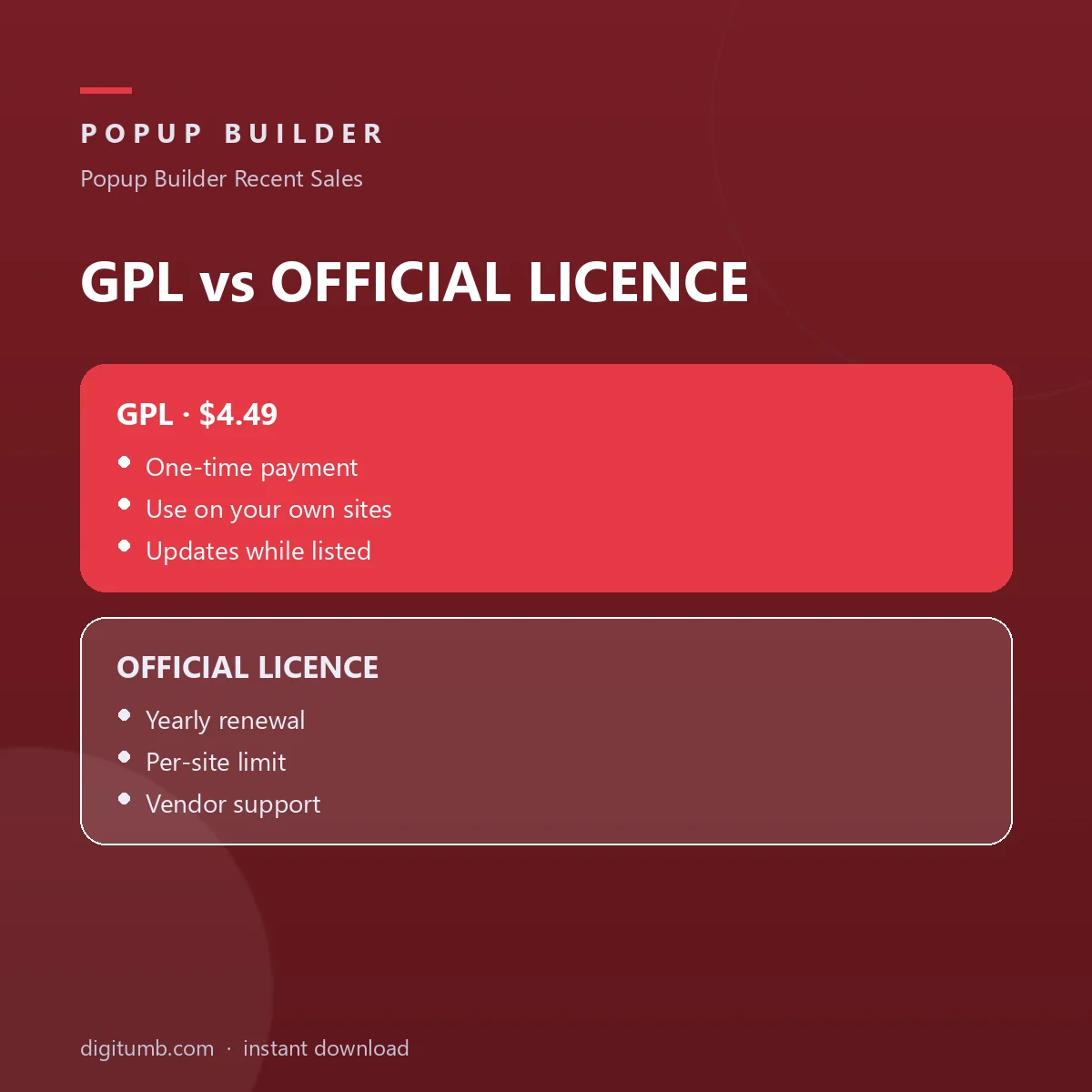
This is the same archive the developer publishes, redistributed under the GNU General Public License: you get the working files for $4.49 with no vendor update channel and no vendor support desk. If you need automatic updates or a support contract, buy the official license from the developer.
| This GPL build | Official license | |
|---|---|---|
| Price | $4.49 one time | Vendor subscription |
| Automatic updates | No | Yes |
| Developer support | No | Yes |
| Number of sites | Unlimited | Depends on plan |
Browse the rest of the WordPress plugins category or the full shop. The licence text is at GNU GPL v2, and general documentation is at WordPress.org.
You must be logged in to post a review.
You may also like…

Related products









Reviews
Clear filtersThere are no reviews yet.