


Ninja Forms ActiveCampaign Add-on GPL
$4.49
Ninja Forms ActiveCampaign Add-on is a WordPress plugin that connects your Ninja Forms submissions to ActiveCampaign, the email marketing automation platform.
Ninja Forms ActiveCampaign Add-on is a WordPress plugin that connects your Ninja Forms submissions to ActiveCampaign, the email marketing automation platform. When a visitor submits a form, the entry is sent to your ActiveCampaign account, where it can be tagged, placed on the right list and used to start automation sequences and campaigns. You need an active ActiveCampaign account, and a trial account also works.
| Product | Ninja Forms ActiveCampaign Add-on |
|---|---|
| Version | 3.1.4 |
| Works with | WordPress 6.7+ / PHP 5.6+ |
| Tested up to | WordPress 6.9 |
| License | GPLv2 or later |
| Delivery | Instant ZIP download, 10 downloads, 365 days |
What happens to a form submission once it reaches ActiveCampaign?
Submissions collected by Ninja Forms are pushed to your ActiveCampaign account. From there the contact can be tagged, added to the appropriate lists, and used to initiate automation sequences and campaigns. The plugin is built for businesses and professionals who already run email marketing through ActiveCampaign and want their WordPress forms to feed that platform directly.
Because the handoff happens on submission, the data a visitor enters in the form becomes the data ActiveCampaign works with. Tags and list placement are set on the ActiveCampaign side, so the structure of your lists and automations is the same one you already use.
How do I authenticate the plugin with my ActiveCampaign account?
Authentication uses your ActiveCampaign URL and API Key. Log in to your ActiveCampaign account dashboard, open the settings page from your account username in the upper-right corner, and copy the credentials the plugin asks for. Enter them in the plugin settings to connect the two systems.
A single ActiveCampaign account is not the only option. Action level credentials let you connect to multiple ActiveCampaign accounts, so different forms can point at different accounts. If plugin settings credentials are not already present, the plugin automatically updates them with the action settings credentials.
Submission diagnostics and the metabox inside WordPress admin
Version 3.1.0 added submission diagnostics that display per-submission responses, so you can see what ActiveCampaign returned for each entry. The metabox appears on the new submission page, and the latest release loads that metabox only in admin context.
These admin-side views are where you check that a submission was handled as expected. The plugin requires WordPress 6.7 and PHP 5.6, and it is tested up to WordPress 6.9.
What this build includes
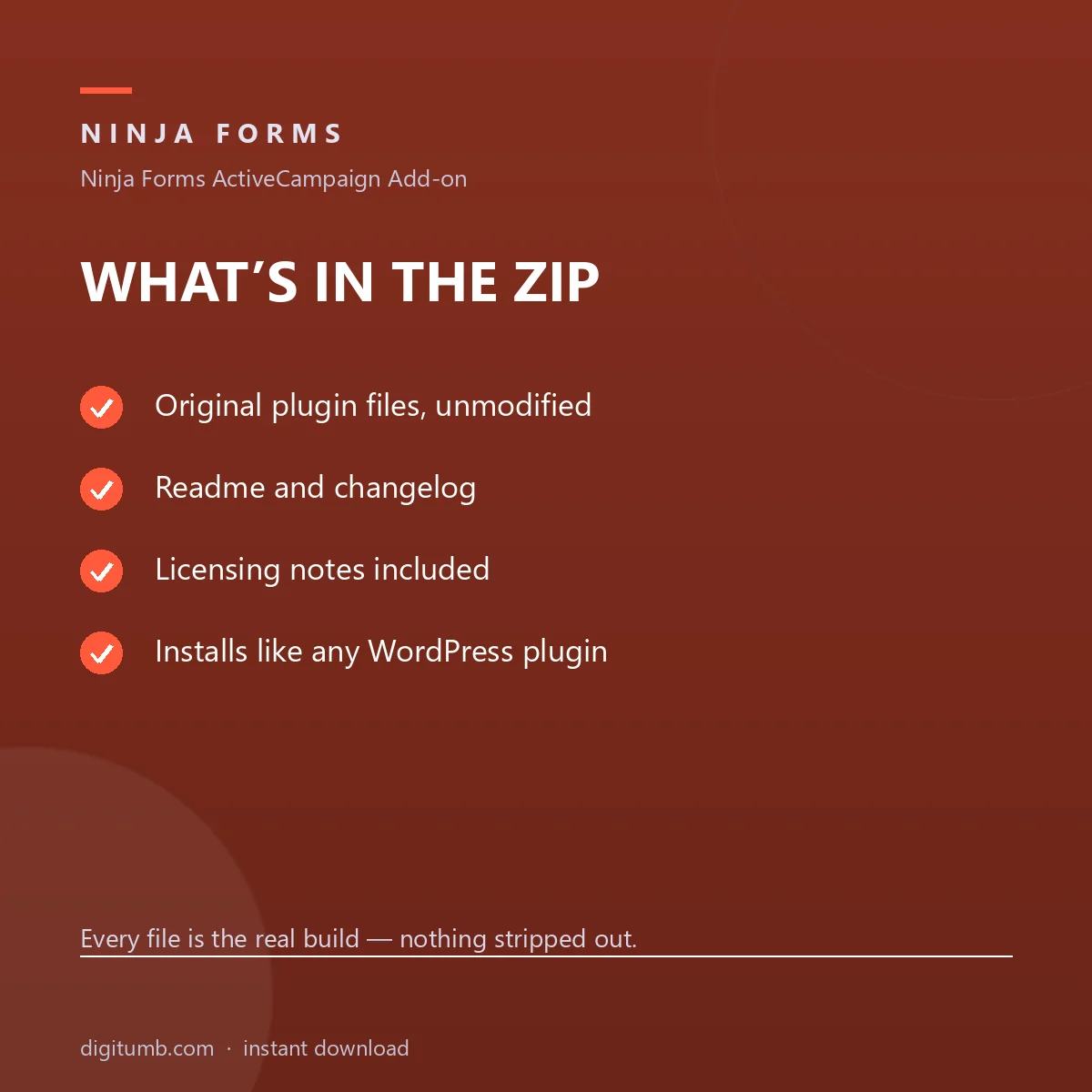
| Send submissions to ActiveCampaign | Form entries from Ninja Forms are sent directly to your ActiveCampaign account instead of being handled only inside WordPress. |
|---|---|
| Tag contacts and add them to lists | Submitted contacts can be tagged and added to the appropriate lists in ActiveCampaign as part of the same flow. |
| Start automation sequences and campaigns | A submission can initiate intelligent automation sequences and campaigns configured in your ActiveCampaign account. |
| Multiple ActiveCampaign accounts | Action level credentials let you connect to more than one ActiveCampaign account from the same WordPress install. |
| Per-submission diagnostics | Submission diagnostics show the response recorded for each individual submission, giving you a per-entry view of what happened. |
| Submission metabox in admin | A metabox on the new submission page shows the ActiveCampaign side of an entry, and it loads only in admin context. |
Installing it on a WordPress site
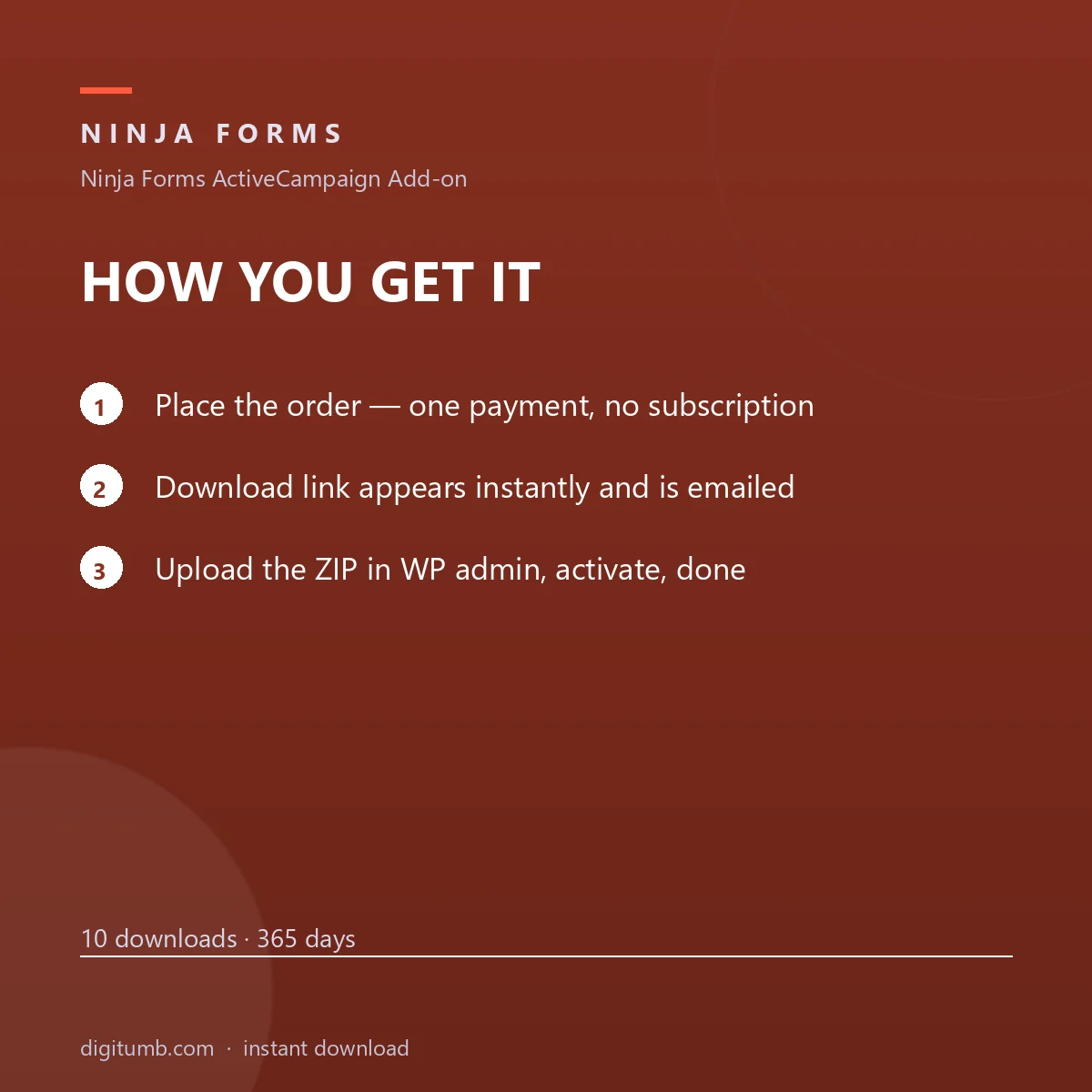
- Download the Ninja Forms ActiveCampaign Add-on zip and install it through the WordPress plugin installer.
- Activate the plugin so the ActiveCampaign features become available in Ninja Forms.
- Log in to your ActiveCampaign dashboard, open settings from your account username, and enter your ActiveCampaign URL and API Key in the plugin settings.
Latest changes
Version 3.1.4, dated 9 February 2026, fixes the metabox so it only loads in admin context.
Frequently asked questions
Can I use the plugin without an ActiveCampaign account?
No. An active ActiveCampaign account is required to use this plugin. A trial ActiveCampaign account is enough to get the connection working, so you can test the integration before committing to a paid plan.
Does this GPL build include vendor updates or support?
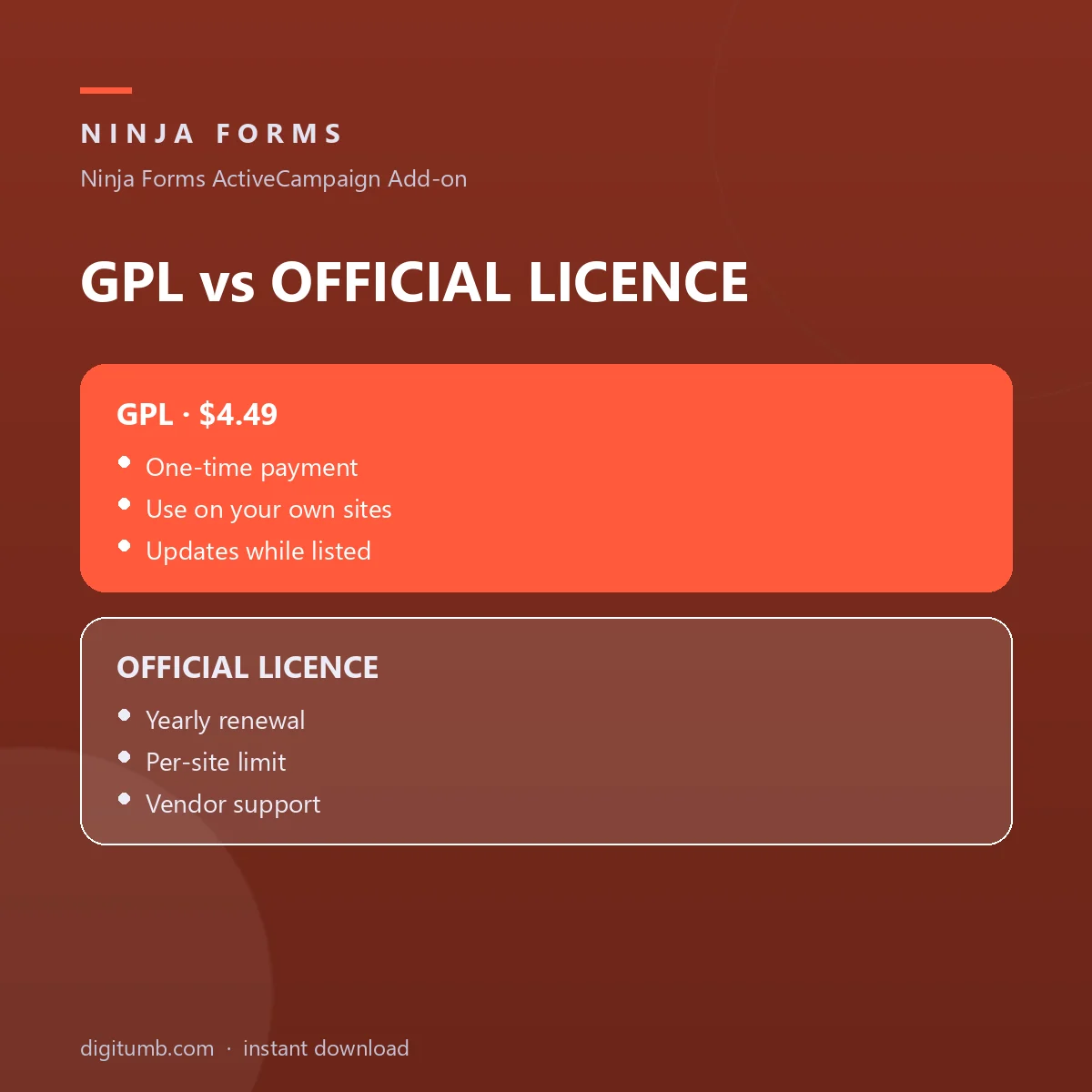
The build contains the same files the developer ships, at $4.49 from our store. It does not come with a vendor update channel or a vendor support desk, so updates and answers to support questions are not provided by the original developer through this purchase.
Can I connect forms to more than one ActiveCampaign account?
Yes. Action level credentials allow a connection to multiple ActiveCampaign accounts. If plugin settings credentials are not already set, the plugin automatically updates them with the action settings credentials.
Which WordPress and PHP versions does it need?
The plugin requires WordPress 6.7 and PHP 5.6. It is tested up to WordPress 6.9, so sites running recent WordPress releases are covered by the tested range.
How do I see what ActiveCampaign returned for a submission?
Submission diagnostics display the per-submission responses, and the metabox on the new submission page shows the entry inside WordPress admin. The latest release loads that metabox only in admin context.
What the GPL build means for you
This is the same archive the developer publishes, redistributed under the GNU General Public License: you get the working files for $4.49 with no vendor update channel and no vendor support desk. If you need automatic updates or a support contract, buy the official license from the developer.
| This GPL build | Official license | |
|---|---|---|
| Price | $4.49 one time | Vendor subscription |
| Automatic updates | No | Yes |
| Developer support | No | Yes |
| Number of sites | Unlimited | Depends on plan |
Browse the rest of the WordPress plugins category or the full shop. The licence text is at GNU GPL v2, and general documentation is at WordPress.org.
You must be logged in to post a review.
You may also like…

Related products






Reviews
Clear filtersThere are no reviews yet.