




Meta Box Geolocation GPL
$4.49
Meta Box Geolocation is a Meta Box addon that adds geolocation fields to your WordPress site, so you can capture and manage location-based data without building the field logic yourself.
Meta Box Geolocation is a Meta Box addon that adds geolocation fields to your WordPress site, so you can capture and manage location-based data without building the field logic yourself. Location data is auto-filled through geocoding APIs, which cuts the manual typing of addresses and coordinates. The build sold here is the GPL version, priced at $4.49.
| Product | meta-box-geolocation |
|---|---|
| Version | 1.3.7 |
| Works with | WordPress 6.x+ / PHP 8.x+ |
| Tested up to | WordPress current |
| License | GPLv2 or later |
| Delivery | Instant ZIP download, 10 downloads, 365 days |
How Meta Box Geolocation captures and manages location data
The addon gives you geolocation fields that you attach to content through the Meta Box interface. Once a field exists, the site stores and manages the location value like any other custom field, so it travels with the post, page or record it belongs to.
Filling those fields is largely automatic. Meta Box Geolocation auto-fills location data using geocoding APIs, which means an address or coordinate value can be resolved without a person typing it in by hand. That keeps location entries consistent across the content types where you use them.
Because the fields are created in Meta Box, the addon fits into a field setup you may already have. You decide which content gets a geolocation field and what it is called, then let the geocoding step supply the data.
Meta Box Geolocation with WooCommerce and Elementor
WooCommerce compatibility means location fields can be added to product listings and to user profiles. A store that needs a location attached to a product, or to the customer record behind an account, can collect it with the same Meta Box field workflow used on the rest of the site.
Elementor compatibility covers page building. Geolocation fields can be integrated into pages you design in Elementor, so a layout built there is not a dead end for location capture. The fields are still created through Meta Box; Elementor is where the page itself is assembled.
Between the two, the addon reaches the places buyers most often ask about: shop content, account profiles and custom-designed pages.
What the GPL build at $4.49 contains
You receive the same plugin files the developer ships, packaged as a GPL build and priced at $4.49. There is no vendor update channel in this build and no vendor support desk behind it, so plan on handling updates and troubleshooting on your own installation.
The download is a zip file, version 1.3.7. Installation is the ordinary WordPress route: upload the plugin, activate it, then create the custom fields you need through the Meta Box interface. Nothing in the setup requires a separate account or a second plugin beyond Meta Box itself.
Is Meta Box Geolocation the right addon for your field setup?
It suits sites that already build custom fields with Meta Box and want a location value among them. If your content needs an address or coordinates stored alongside other fields, and you would rather have the value filled through a geocoding API than typed manually, the addon covers that case.
It also suits shops and Elementor users: product listings, user profiles and Elementor-designed pages are all named as supported places for the fields. Sites that need neither location fields nor Meta Box do not need this addon.
What this build includes
| Geolocation fields | Add geolocation fields to your WordPress site so you can capture and manage location-based data on your content. |
|---|---|
| Automatic location fill | Location data is auto-filled using geocoding APIs, so addresses and coordinates do not have to be entered by hand. |
| WooCommerce location fields | Add location fields to product listings and to user profiles on a WooCommerce store. |
| Elementor page integration | Integrate geolocation fields into pages you have designed with Elementor. |
| Meta Box field creation | Create the custom geolocation fields through the Meta Box interface, then start capturing data. |
Installing it on a WordPress site
- Download the Meta Box Geolocation zip file from your order.
- Upload the plugin to your WordPress site and activate it.
- Create custom fields using the Meta Box interface to begin capturing geolocation data.
Latest changes
This listing is for version 1.3.7 of Meta Box Geolocation.
Frequently asked questions
What does Meta Box Geolocation actually do?
It adds geolocation fields to your WordPress site so you can capture and manage location-based data easily. Location data is auto-filled using geocoding APIs, and the fields themselves are created through the Meta Box interface you already use for custom fields.
Does Meta Box Geolocation work with WooCommerce?
Yes. It is compatible with WooCommerce, so you can add location fields to product listings and to user profiles. The fields are managed through Meta Box, the same interface used for other custom fields on the site, so the workflow stays consistent.
Can I use it on Elementor-designed pages?
Yes. Meta Box Geolocation works with Elementor, which means you can integrate geolocation fields into pages you have designed in Elementor. The fields are added through Meta Box rather than through a separate Elementor widget.
How do I set up Meta Box Geolocation?
Download the plugin, upload it to your WordPress site, and activate it. Then create custom fields using the Meta Box interface to start capturing geolocation data. From there, choose which content types carry a location field and let the geocoding API fill the values.
What do I get for $4.49?
You get the GPL build of Meta Box Geolocation, version 1.3.7, as a zip download. The files are the same ones the developer ships. This build does not include a vendor update channel or a vendor support desk, and the price is $4.49.
What the GPL build means for you
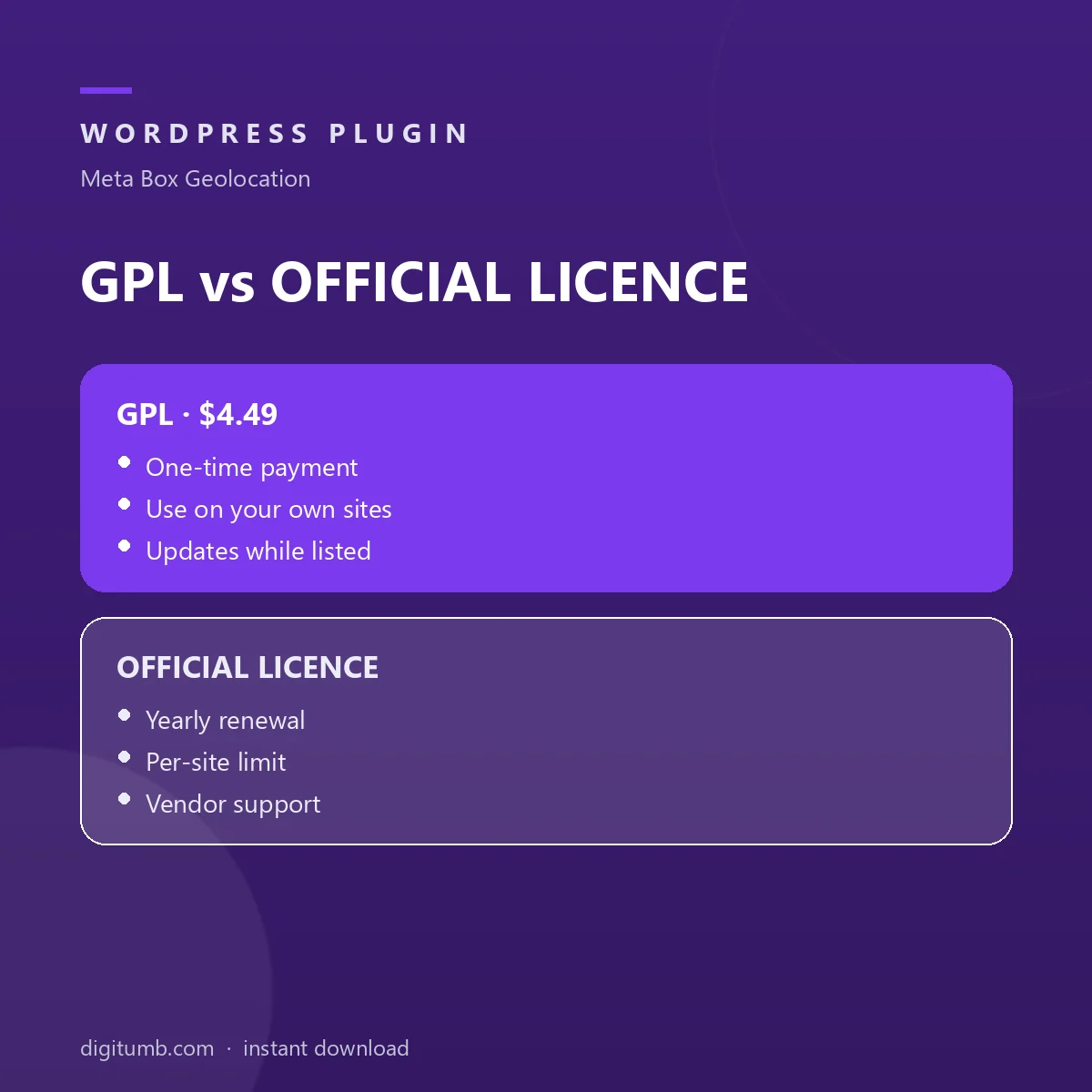
This is the same archive the developer publishes, redistributed under the GNU General Public License: you get the working files for $4.49 with no vendor update channel and no vendor support desk. If you need automatic updates or a support contract, buy the official license from the developer.
| This GPL build | Official license | |
|---|---|---|
| Price | $4.49 one time | Vendor subscription |
| Automatic updates | No | Yes |
| Developer support | No | Yes |
| Number of sites | Unlimited | Depends on plan |
Browse the rest of the WordPress plugins category or the full shop. The licence text is at GNU GPL v2, and general documentation is at WordPress.org.
You must be logged in to post a review.
You may also like…

Related products








Reviews
Clear filtersThere are no reviews yet.