Blog
Buy Windows 11 Pro License Key Cheap: 2026 Price Guide

A professional operating system does not require full retail price once you understand how the digital licensing market works. Budget-conscious professionals and system builders can buy a cheap Windows 11 Pro license key that provides the same functionality as a boxed copy, at a fraction of the cost. Digitumb supplies these keys for instant delivery, so you can activate and keep working without delaying a project or blowing a hardware budget.
Windows 11 Pro Activation Key Price Tiers in 2026
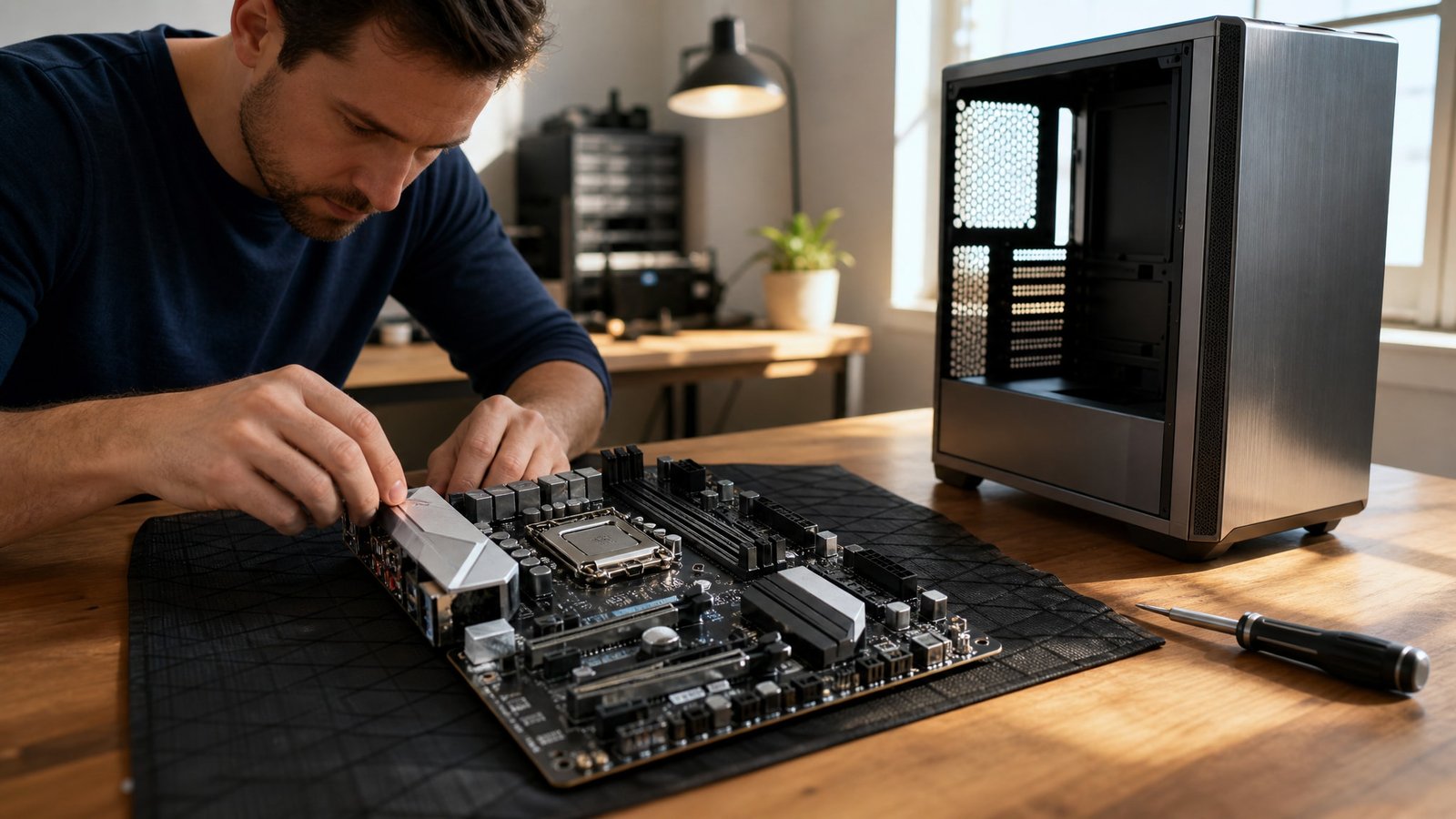
The market splits clearly into OEM and Retail tiers, not one inflated standard price. Before picking a tier, think about your hardware lifecycle and whether you’ll need to move the license later, since that decides long-term value more than the sticker price does. Digitumb lists Windows 11 Pro OEM keys for system builders assembling custom hardware who want professional security features at a lower cost than retail.
The OEM tier is the entry point for new builds where the motherboard stays put for the system’s whole working life. The Windows 11 Pro OEM key costs around GBP 13.99 and activates permanently on the first device it touches. System integrators and students building their own workstations tend to pick this option, since it unlocks BitLocker, Remote Desktop and Group Policy Management without paying extra for transfer rights.
Retail licenses sit in the higher tier because they can move across machines over time. A genuine Windows 11 Pro key in the Retail category costs around GBP 17.99 at Digitumb, which reflects the flexibility of moving activation from an old PC to a new one. That gap holds regardless of seasonal sales, because it comes from Microsoft’s licensing structure rather than a retailer discount.
Discounted licensing is now a normal market segment for professionals who know how to configure their own software and see no reason to overspend on it.
OEM vs Retail: Choosing the Right Cheap Windows 11 License
Choosing between OEM and Retail comes down to whether you expect to change your motherboard in the next few years. The Windows 11 Pro Retail license carries transfer rights that OEM keys don’t, which suits professionals who expect hardware changes or plan to upgrade their workstation on a schedule. Build systems often, or expect to replace your current machine soon? The Retail variant protects that investment by letting you reactivate on future hardware.
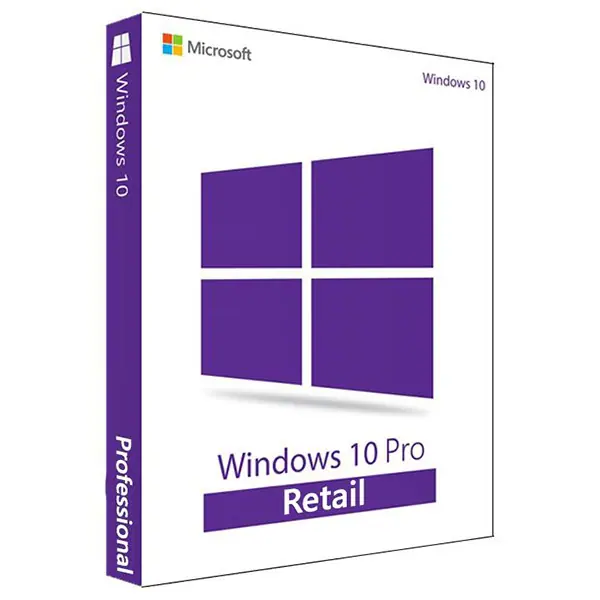
OEM licenses bind permanently to the first motherboard they activate and can’t move to another computer later. That restriction is the trade-off for the lower Windows 11 activation key price that makes custom builds affordable. Freelancers and small businesses running several fixed workstations often prefer OEM for this reason: each station gets its own permanent license at minimal cost.
Accepting that an OEM license can’t transfer is the price of admission for the lowest tier.
Retail buyers get peace of mind: the license survives hardware failures or planned upgrades without a repurchase. The Windows 11 Pro Retail license installs identically to OEM, but it carries the backend entitlement to deactivate one machine and activate another. That distinction only matters if you actually use the transfer right. Otherwise both editions deliver the same Windows 11 Pro experience, with every professional feature enabled.
Instant Delivery Windows Key: How Digital Activation Works
Digital distribution cuts physical media and shipping delays out of the transaction entirely. Digitumb delivers license keys instantly across its operating system and office categories, so you get access right after purchase with no shipping wait. The key appears on screen as soon as checkout completes, so you can activate in the same session you place the order.
Once entered into Windows Setup or Settings, a discounted key is treated exactly like a full-price retail purchase. Microsoft’s servers check the alphanumeric string against their database; they don’t distinguish between a key bought at a discount and one bought at full price. That’s why a cheap Windows 11 license gets the same updates, support eligibility and feature access as any other legitimate copy.
Instant delivery means no wait for postal service or email confirmation loops before you can start work.
You enter the 25-character product key during installation, or through the Activation menu in Settings after setup finishes. The system contacts Microsoft’s activation servers automatically and confirms validity within seconds under normal network conditions. Discounted keys from Digitumb behave identically to full-price retail keys here, because they come from authorized channels and carry valid entitlements in Microsoft’s system.
Upgrade Paths: Transitioning to Windows 11 Pro from Older Editions
An existing Windows installation often qualifies for a targeted upgrade key instead of a full Windows 11 Pro purchase. If you’re running Windows 10 Home, you can use a dedicated upgrade key rather than buying a full Windows 11 Pro license. The upgrade from Windows 10 Home to Pro costs around GBP 12.99 and converts your current installation in place, with no data loss or reinstall.
This path applies specifically to systems already running a genuine Windows 10 Home edition that meet Windows 11’s hardware requirements. The upgrade key unlocks Pro features, including domain join, Azure Active Directory integration and stronger encryption, while keeping your files and apps intact. Try it on a clean install or a non-Home edition and it will fail, because it validates against the underlying base license.
Enterprise environments moving to standardized Pro deployments have their own path. The Windows 10 Enterprise to Pro Upgrade License Key costs around GBP 14.99 and simplifies the move from a complex managed environment to a standalone Pro installation. Organizations consolidating legacy enterprise setups use this key to keep core security features while cutting management overhead.
A fresh Windows 11 Pro OEM or Retail key becomes necessary when upgrading from Windows 7, 8.1, or a non-genuine installation, since none of those carry a valid base entitlement. These older systems can’t accept upgrade keys built for Windows 10 transitions; they need full licensing to activate legitimately. Check your current edition under Settings > System > About before buying, to confirm which path applies to your machine.
Genuine Windows 11 Pro Key Online: Verifying Legitimacy
Legitimate third-party licensing markets sell unused OEM and volume surplus keys below direct retail prices. Keys from a reputable vendor like Digitumb, which specializes in digital software distribution, are genuine and permanently activatable. The low price reflects efficient digital fulfillment and bulk procurement, not compromised authenticity.
You can verify legitimacy the moment your instantly delivered key arrives, by entering it in Windows activation settings. A successful activation confirms Microsoft recognizes the key as valid and grants full access to Pro features with no restrictions. A failed activation usually points to a typo during entry rather than a bad key, so double-check the characters before assuming anything’s wrong.
Third-party keys skip Microsoft’s direct phone support but get the same updates and security patches through Windows Update. That only matters if you specifically want phone-based help from Microsoft; otherwise the experience is indistinguishable from retail. Community forums, documentation and third-party support cover nearly every troubleshooting scenario a professional runs into.
Complete Microsoft License Catalog: OS and Office Bundles
Operating system licensing is only part of a complete professional workstation setup. Many people buying Windows 11 Pro also need a productivity suite for documents, spreadsheets and presentations. Office 2021 Professional Plus pairs naturally with Windows 11 Pro and costs around GBP 59.99 for a perpetual retail license.
Bundle around actual workflow, not a sense of completeness. A small business running several stations might put a Windows 11 Pro OEM key on each machine while sharing fewer Office licenses across staff who don’t all need it at once. Students and freelancers often do better securing the OS first and adding Office later, once budget allows.
You can browse all Windows operating system licenses to compare versions and find alternatives like Windows 10 Pro if your hardware doesn’t support Windows 11. Windows 10 Pro OEM and Retail options sit at similar price points, for systems that can’t meet the TPM 2.0 or processor requirements. Getting the version right upfront avoids a failed activation and a return.
Digitumb also stocks CCleaner, CorelDRAW, Autodesk products and various security utilities alongside the Microsoft licenses, for one-stop provisioning. Checking total workstation cost across categories often turns up savings beyond the operating system alone.
Frequently Asked Questions
Can I transfer a Windows 11 Pro OEM key to a new computer?
No, OEM licenses bind permanently to the first motherboard they activate and cannot move to different hardware later. You must purchase a Windows 11 Pro Retail license if you need transferability rights for future upgrades or replacements. The Retail variant costs slightly more but allows deactivation on one machine and reactivation on another.
How fast is instant delivery for Windows 11 Pro keys?
Keys appear on screen immediately after checkout completes with no email delay or physical shipping involved. You can begin installation and activation within the same browsing session you place the order. This digital fulfillment model eliminates waiting periods entirely compared to traditional retail packaging.
Will a cheap Windows 11 Pro key receive official updates?
Yes, discounted keys receive identical Windows Updates, security patches, and feature releases as full-price retail copies through the standard Windows Update mechanism. Microsoft’s servers validate legitimacy during activation without distinguishing purchase source or price paid. Only direct Microsoft phone support differs; all automated updates and online resources remain fully accessible.
Do I need a full Windows 11 Pro key if I already have Windows 10 Home?
No, you can use a dedicated Windows 10 Home to Pro Upgrade License Key to convert your existing installation in place without reinstalling. This upgrade key costs less than a full Windows 11 Pro license and preserves your files and applications during conversion. Full keys are only necessary for clean installs or systems without valid Windows 10 Home base licenses.


