


YITH WooCommerce Tab Manager Premium GPL
$4.49
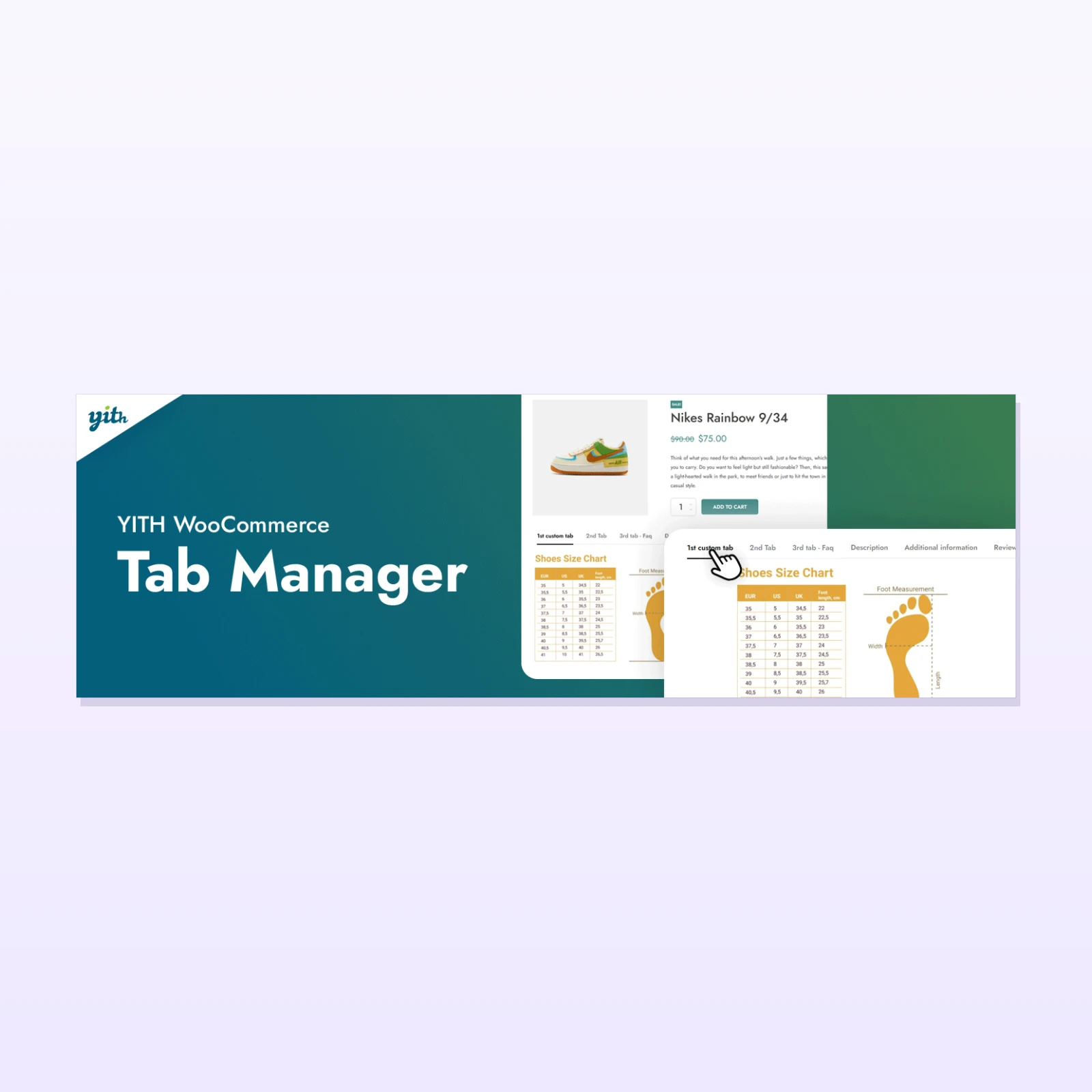
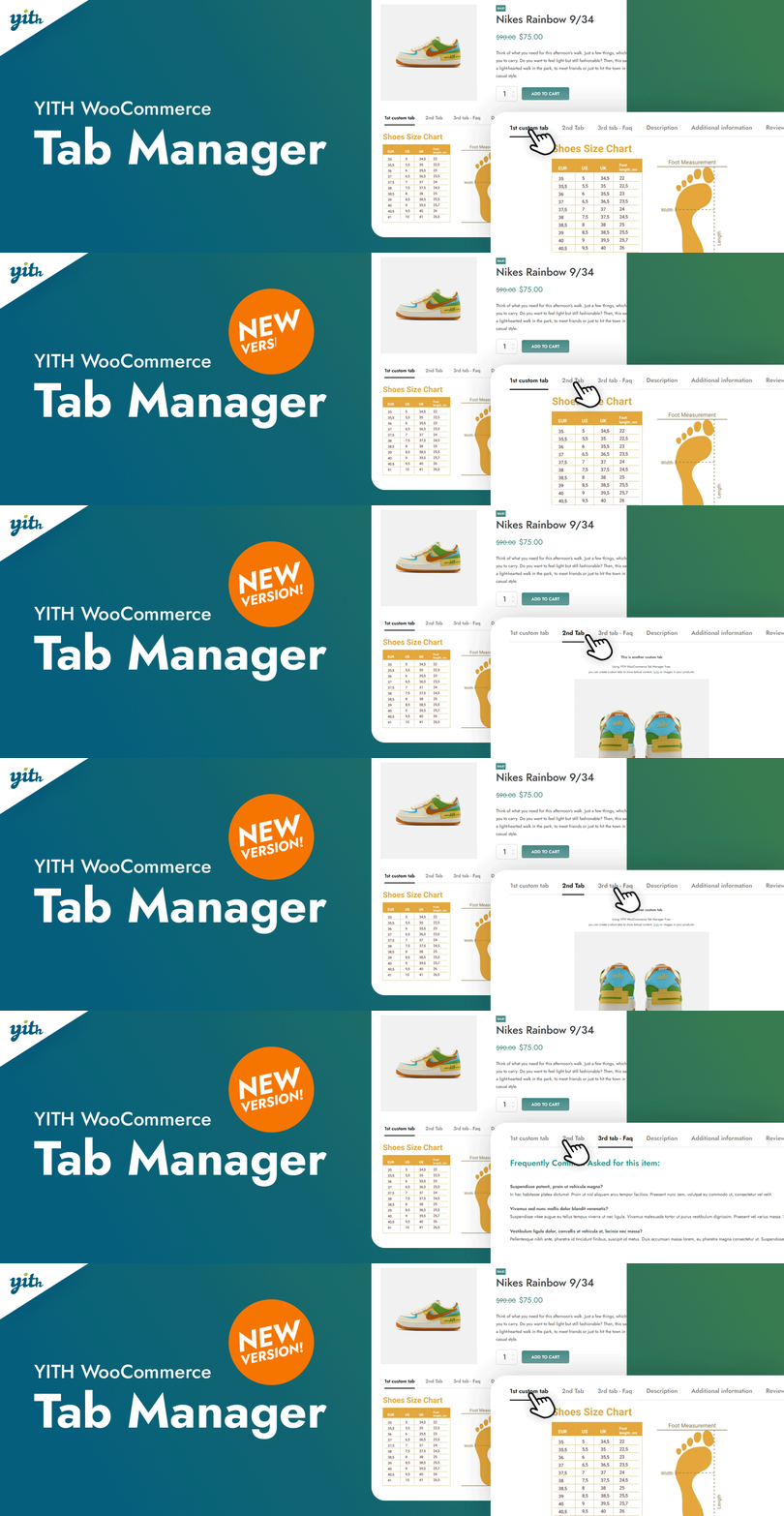
YITH WooCommerce Tab Manager is a WooCommerce plugin for creating and managing custom tabs on product pages.
YITH WooCommerce Tab Manager is a WooCommerce plugin for creating and managing custom tabs on product pages. You add a tab, give it a name and description, write its content, and decide which product categories or individual products display it. The plugin also lets you work with the default WooCommerce content area, so the tab layout on a product page follows the structure you set rather than the default one.
| Product | YITH WooCommerce Tab Manager |
|---|---|
| Version | 2.16.0 |
| Works with | WordPress 6.x+ / PHP 8.x+ |
| Tested up to | WordPress 7.0 |
| License | GPLv2 or later |
| Delivery | Instant ZIP download, 10 downloads, 365 days |
How custom product tabs are configured in the plugin
Each tab is a separate entry with its own configuration screen. There you enter a name that identifies the tab and a description that helps you find the tab in the table later. The tab content is what shoppers read on the product page, and the general behavior of the plugin is set in its own options area.
Placement is controlled from the same screen. You can target specific product categories, specific products, or both, and an exclusion option hides the tab for chosen products or categories so it does not appear where you do not want it. Category and product pickers include a search field, which helps on stores with large catalogs.
Working with the default WooCommerce content tab
The plugin includes an entry for the default WooCommerce content, so the standard product information area is managed alongside your custom tabs instead of being left outside the tab list. From the tabs list you can go back to that entry at any time.
A duplicate action is available for tabs you have already built, which saves rebuilding the same structure for another product group. If there is nothing to duplicate, the plugin tells you so rather than creating an empty tab.
Compatibility with WooCommerce, WordPress and Elementor
Version 2.16.0 adds support for WooCommerce 10.8, following earlier releases that added support for WooCommerce 10.7, 10.6, 10.5, 10.4, 10.3 and 10.2. The plugin is tested up to WordPress 7.0, and support for WordPress 7.0 and WordPress 6.9 arrived in the 2.15.0 and 2.12.0 releases.
The plugin is built to work with other popular WooCommerce extensions and plugins. It is also compatible with Elementor, so its tabs can be used together with Elementor's page builder features.
What this build includes
| Create custom tabs | Add new tabs to WooCommerce product pages, each with its own name, description and content shown to shoppers. |
|---|---|
| Target by product category | Choose the product categories where a tab appears, using a searchable category picker. |
| Target by specific product | Choose individual products where a tab appears, using a searchable product picker. |
| Exclude products and categories | Enable the exclusion option to keep a tab from showing on selected products or categories. |
| Manage default WooCommerce content | The default WooCommerce content is listed with your tabs, so standard product information sits in the same tab structure. |
| Duplicate existing tabs | Duplicate a tab you have already configured instead of rebuilding it from scratch for another group of products. |
| Plugin-wide behavior settings | A general settings area controls how the plugin behaves across the store, separate from each tab's own configuration. |
| Elementor compatibility | Use the plugin's tabs together with Elementor's page builder features on your store. |
Installing it on a WordPress site
- Upload the plugin zip file through the WordPress plugins screen and activate the plugin.
- Open the plugin's settings to set the general behavior and the customization options for the tabs shown on your product pages.
- Create your first custom tab, enter its name and description, set where it should appear, then save it.
Frequently asked questions
Can I decide which products show a given tab?
Yes. On the tab configuration screen you can choose specific product categories, specific products, or both. A search field is provided in each picker. An exclusion option also lets you hide the tab for chosen products or categories, so the same tab can cover a broad group while skipping particular items.
Does the plugin work with the default WooCommerce product tabs?
The default WooCommerce content appears in the plugin's tab list as its own entry, so the standard product information area is managed alongside the custom tabs you create. You can return to the tabs list and open that entry whenever you need to work with it.
Which WooCommerce version does this release support?
Version 2.16.0 adds support for WooCommerce 10.8. Earlier releases in the same line added support for WooCommerce 10.7, 10.6, 10.5, 10.4, 10.3 and 10.2. The plugin is tested up to WordPress 7.0.
Is this the same plugin the developer publishes?
This is a GPL build sold by our store for $4.49. It contains the same files the developer ships. It does not include a vendor update channel or access to the vendor support desk; updates and help come from our store instead.
What the GPL build means for you
This is the same archive the developer publishes, redistributed under the GNU General Public License: you get the working files for $4.49 with no vendor update channel and no vendor support desk. If you need automatic updates or a support contract, buy the official license from the developer.
| This GPL build | Official license | |
|---|---|---|
| Price | $4.49 one time | Vendor subscription |
| Automatic updates | No | Yes |
| Developer support | No | Yes |
| Number of sites | Unlimited | Depends on plan |
Browse the rest of the WordPress plugins category or the full shop. The licence text is at GNU GPL v2, and general documentation is at WordPress.org.
You must be logged in to post a review.
You may also like…

Related products






Reviews
Clear filtersThere are no reviews yet.