




YITH Donations for WooCommerce – WordPress Plugin
$4.49
YITH Donations for WooCommerce is a plugin that adds a donation option to a WooCommerce shop so customers can give money to a cause or a solidarity campaign directly from the site. Shoppers fill in a.
YITH Donations for WooCommerce is a plugin that adds a donation option to a WooCommerce shop so customers can give money to a cause or a solidarity campaign directly from the site. Shoppers fill in a donation form, choose the amount they want to give, and the donation is handled as part of the store's cart and checkout. Donation projects can be given a name, and a donation form can be attached to a single product.
| Product | YITH Donations for WooCommerce |
|---|---|
| Version | 1.30.0 |
| Works with | WordPress 6.2+ / PHP 8.x+ |
| Tested up to | WordPress 6.4 |
| License | GPLv2 or later |
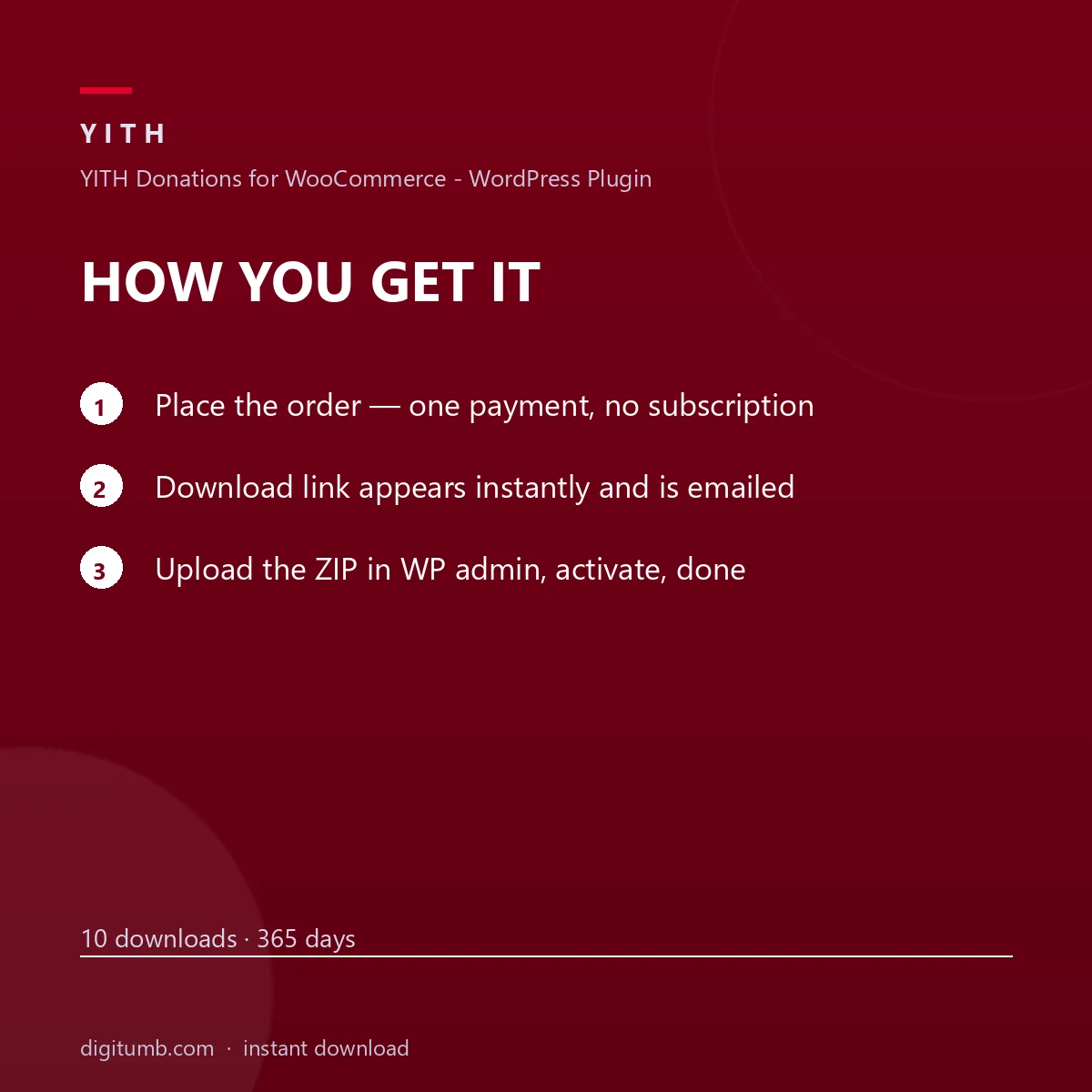
| Delivery | Instant ZIP download, 10 downloads, 365 days |
How a customer makes a donation in your shop
The plugin places a donation form on your site where customers enter the amount they want to donate. The interface includes a default 'Please enter amount' field and validation messages such as 'Please enter a number' and 'Please enter a number greater than 0', so an invalid amount is caught before it reaches the cart.
Once a donation is added, the customer sees a confirmation such as 'Thanks for your donation' and the donation appears in the cart. If a shopper tries to add a second one, the plugin shows 'You have already added a donation to the cart', which keeps the cart to one donation entry at a time.
Naming donation projects and linking a form to a product
Each donation project can be given its own name, so a store can present more than one cause or campaign and keep them distinct. A donation form can be associated with a single product, which ties the donation to a specific item in the catalogue.
The settings screens include options to show an extra field in the donation form and a label for that field, with text that appears before it. A 'Why you are making a donation' prompt is part of the form, and the donation total is displayed alongside the amount.
Donation widget and summary blocks for sidebars
A donation widget can be added to your sidebars, giving the cause a permanent spot outside the product pages. Two blocks are described in the plugin: a form block that adds a simple form letting customers add donations to the cart, and a summary block that shows users the number of donations made so far.
Pre-set donation amounts can be configured by entering values separated by a separator, which lets a shopper pick a suggested figure instead of typing one. The plugin also includes options to include tax in the total and to control which donations are shown.
What you receive and how it is licensed
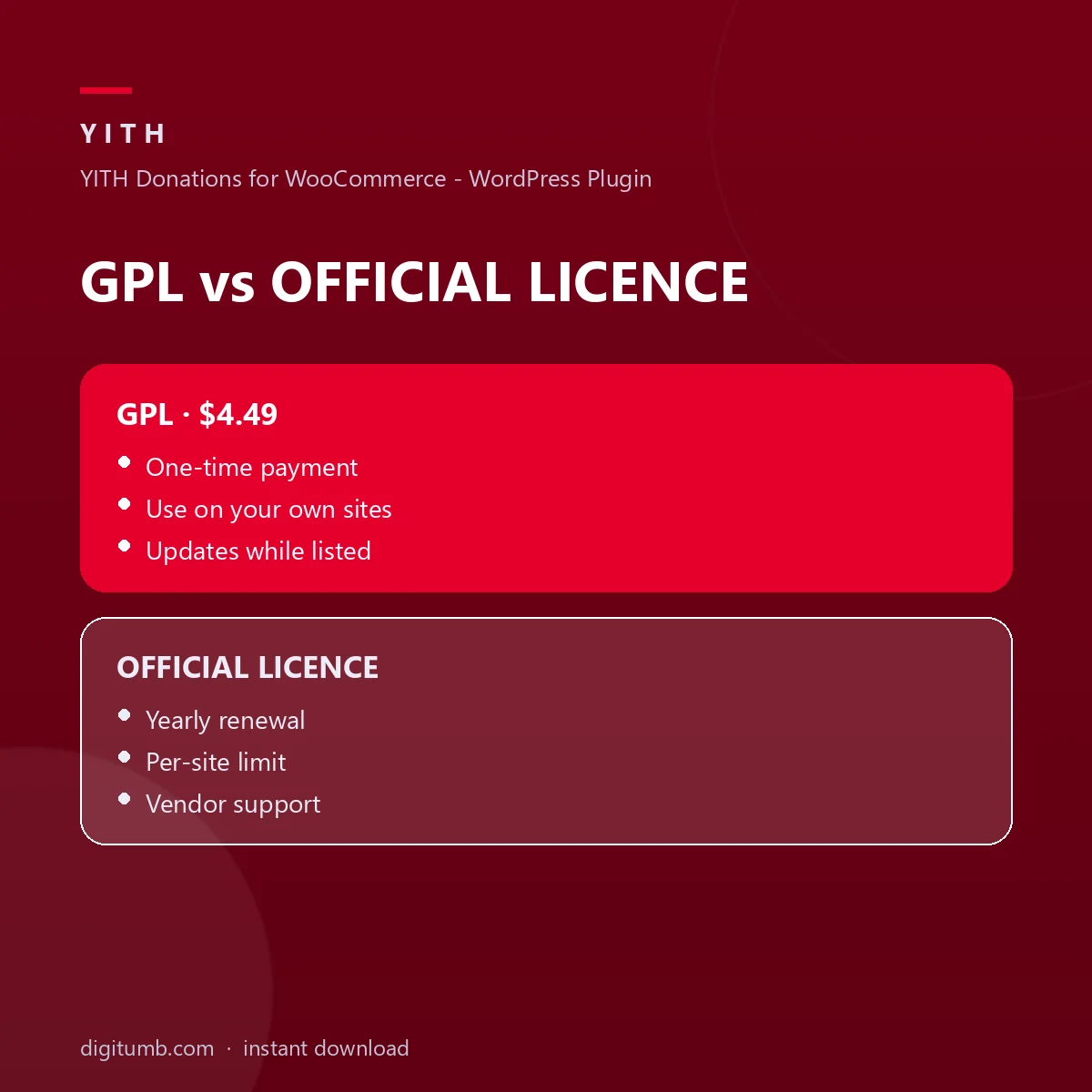
This is the GPL build of YITH Donations for WooCommerce, version 1.30.0, sold for $4.49 as a 1.8 MB zip. You get the same plugin files the developer ships, distributed under the GPL. There is no vendor update channel and no vendor support desk with this purchase; updates and help come from the GPL distribution, not from YITH.
The zip contains the plugin-fw, plugin-upgrade, templates and plugin-options folders, and installation follows the standard WordPress plugin upload routine.
What this build includes
| Named donation projects | Give each donation project its own name so multiple causes or solidarity campaigns can be presented separately in the shop. |
|---|---|
| Donation form per product | Associate a donation form with a single product, tying the donation to a specific catalogue item. |
| Sidebar donation widget | Add a donation widget to your sidebars so visitors can reach the donation form from outside product pages. |
| Customer-set amount | Shoppers type the amount they want to donate, with validation for non-numbers and values of zero or below. |
| Pre-set donation amounts | Enter suggested values separated by a delimiter so customers can pick a preset figure instead of entering one. |
| Extra form field | Show an extra field in the donation form with a configurable label and text that appears before it. |
| Donation summary block | Display a block that shows users the number of donations made so far. |
| One donation per cart | The cart accepts a single donation entry and shows a message if a customer tries to add another. |
Installing it on a WordPress site
- Unzip the downloaded zip file.
- Upload the plugin folder into the wp-content/plugins/ directory of your WordPress site.
- Activate YITH Donations for WooCommerce from the Plugins page.
Latest changes
Version 1.30.0, released 18 December 2023, adds support for WooCommerce 8.4, updates the YITH plugin framework and adds the ywcds_view_cart_title, ywcds_cart_url and ywcds_view_cart filters.
Frequently asked questions
Can customers choose how much they donate?
Yes. The donation form lets customers enter the amount they want to give. The plugin validates the entry with messages like 'Please enter a number' and 'Please enter a number greater than 0', and you can also configure pre-set amounts that customers can pick from.
Can I run more than one donation campaign?
Each donation project can be given its own name, so you can present several causes or solidarity campaigns as separate projects in the shop. A donation form can also be associated with a single product when the donation belongs to a specific item.
Where can the donation form appear on my site?
The plugin provides a donation widget you can add to your sidebars. It also includes a form block described as a simple form that lets customers add donations to the cart, and a summary block that shows the number of donations made so far.
Which WordPress and WooCommerce versions does this build support?
The plugin requires WordPress 6.2 and is tested up to WordPress 6.4. Version 1.30.0 adds support for WooCommerce 8.4, following earlier releases that added support for WooCommerce 8.3, 8.2, 8.1 and 8.0.
Do I get updates and support from YITH with this purchase?
No. This is the GPL build sold for $4.49: the same plugin files the developer ships, with no vendor update channel and no vendor support desk. Plan to handle updates and troubleshooting through the GPL distribution.
What happens if a customer adds a donation twice?
The cart holds one donation at a time. If a shopper tries to add another, the plugin displays 'You have already added a donation to the cart', and the customer sees a 'Thanks for your donation' confirmation for the entry already in the cart.
What the GPL build means for you
This is the same archive the developer publishes, redistributed under the GNU General Public License: you get the working files for $4.49 with no vendor update channel and no vendor support desk. If you need automatic updates or a support contract, buy the official license from the developer.
| This GPL build | Official license | |
|---|---|---|
| Price | $4.49 one time | Vendor subscription |
| Automatic updates | No | Yes |
| Developer support | No | Yes |
| Number of sites | Unlimited | Depends on plan |
Browse the rest of the WordPress plugins category or the full shop. The licence text is at GNU GPL v2, and general documentation is at WordPress.org.
You must be logged in to post a review.
You may also like…








Reviews
Clear filtersThere are no reviews yet.