



WP Fusion – Abandoned Cart Addon GPL
$4.49
WP Fusion Abandoned Cart Addon is an extension for WP Fusion that tracks abandoned carts and adds customer data to your CRM before checkout is complete.
WP Fusion Abandoned Cart Addon is an extension for WP Fusion that tracks abandoned carts and adds customer data to your CRM before checkout is complete. It captures the cart and the customer behind it while the shopper is still at the checkout, so your CRM holds the record even when the order never finishes. The addon works with WooCommerce and Easy Digital Downloads and is configured from its own Abandoned Cart settings screen inside WP Fusion.
| Product | WP Fusion – Abandoned Cart Addon |
|---|---|
| Version | 2.0.7 |
| Works with | WordPress 4.6+ / PHP 8.x+ |
| Tested up to | WordPress 6.8.0 |
| License | GPLv2 or later |
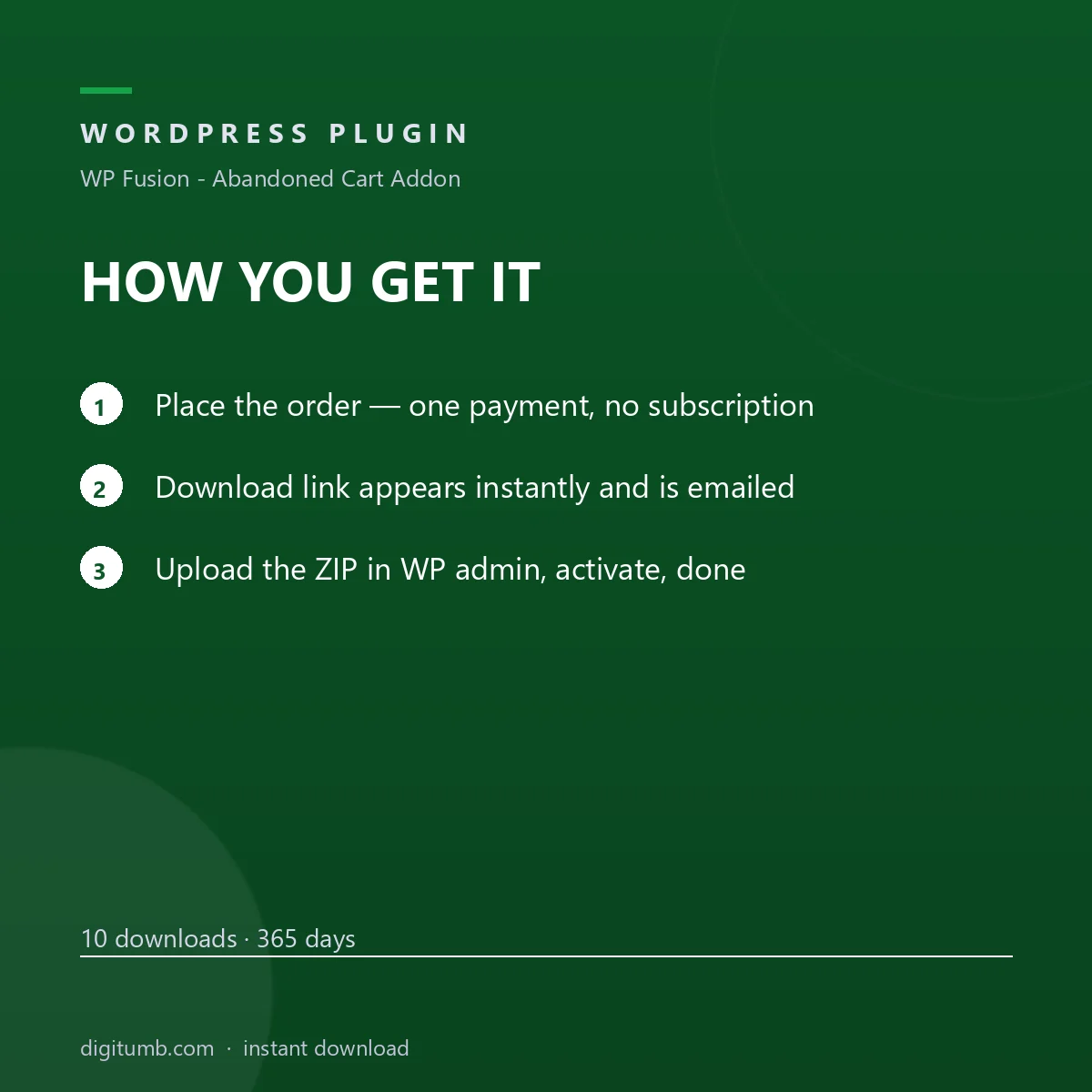
| Delivery | Instant ZIP download, 10 downloads, 365 days |
How the addon captures a cart before the order is placed
Abandoned Cart Tracking watches the checkout and records the cart contents along with the customer data tied to that session. Instead of waiting for a completed order, the addon writes the contact and the cart to your CRM while checkout is still in progress. When the cart is left behind, the record already exists in your CRM and can be tagged for follow-up.
The addon exposes a Trigger on Add to Cart option, so tracking can begin at the moment a product is added rather than only at the checkout step. Cart data is saved per customer, and the recovery link that goes back to the store is controlled by the Recovery URL Destination setting.
Tagging abandoned carts inside WP Fusion
Apply Tags – Abandoned Cart is the field where you choose the tags used for abandoned cart tracking. The same screen carries the Apply tags when cart abandoned setting, which decides what is written to the contact when a cart is left unfinished. Because the tags live in WP Fusion, they are the same tags you already use for other automations in your CRM.
A cart can be tagged automatically once it is treated as abandoned. Version 2.0.7 fixed abandoned cart tags not being applied with MemberPress when the Abandoned Cart Delay option is in use, so MemberPress carts now receive the tags on the same schedule as other carts.
WooCommerce, EDD, MemberPress and CheckoutWC coverage
WooCommerce and Easy Digital Downloads are both supported for cart recovery. With EDD, recovering a cart removes the ?wpfrc= query var from the URL and redirects the user so the session is set up correctly. WooCommerce carts can also sync shipping methods, and the addon handles the Undefined array key 0 warning that appeared when syncing shipping methods with WooCommerce Multivendor Marketplace.
MemberPress carts are saved by the addon as well. Version 2.0.7 added support for CheckoutWC, and it also fixed a fatal error that could occur when auto-applying WooCommerce coupons during an auto-login session if loading the user's tags returned an API error.
Cart item images, categories and attributes in the CRM record
Cart Items Image Size controls the size of the product images attached to the cart record. Product Categories lets you sync the categories from the product as categories on the contact, and the same screen can sync the selected attributes of the cart item as categories. This puts the product context of the abandoned cart into the CRM alongside the contact.
Settings for the addon sit under WP Fusion – Abandoned Cart Settings, with the related options grouped in Misc. Ecommerce Settings. The plugin runs on WordPress 4.6 and has been tested up to WordPress 6.8.0.
What this build includes
| Abandoned cart tracking | Records carts and the customer data behind them while checkout is still in progress, so the contact reaches your CRM before the order is completed. |
|---|---|
| Trigger on Add to Cart | Starts cart tracking when a product is added to the cart instead of waiting for the checkout page. |
| Abandoned cart tags | Choose the tags used for abandoned cart tracking and apply tags automatically when a cart is abandoned. |
| Recovery URL destination | Sets where the recovery link sends the customer when a cart is recovered from your CRM. |
| Cart item image size | Controls the image size used for cart items attached to the CRM record. |
| Category and attribute sync | Syncs product categories as contact categories and selected cart item attributes as categories. |
| WooCommerce and EDD support | Tracks and recovers carts for both WooCommerce and Easy Digital Downloads stores, including EDD session handling on recovery. |
| CheckoutWC support | Added in version 2.0.7, so carts built with CheckoutWC are tracked by the addon. |
Installing it on a WordPress site
- Install the addon zip through Plugins > Add New > Upload Plugin in WordPress and activate it alongside WP Fusion.
- Open WP Fusion – Abandoned Cart Settings and set Abandoned Cart Tracking, Apply Tags – Abandoned Cart and the Apply tags when cart abandoned option.
- Adjust Cart Items Image Size, Product Categories, attribute syncing and the Recovery URL Destination to match your CRM setup, then save.
Latest changes
Version 2.0.7 (8/26/2025) added CheckoutWC support and fixed abandoned cart tags with MemberPress when using the Abandoned Cart Delay option.
Frequently asked questions
Yes. WP Fusion Abandoned Cart Addon is compatible with WooCommerce, so you can track abandoned carts from a WooCommerce store and recover them through your CRM. It also handles WooCommerce shipping method syncing, including the WooCommerce Multivendor Marketplace case fixed in version 2.0.6.
Does it work with Easy Digital Downloads?
Yes. Easy Digital Downloads is supported for cart recovery. When a cart is recovered with EDD, the ?wpfrc= query var is removed from the URL and the user is redirected so the session is set up correctly.
Can I choose which tags mark an abandoned cart?
Yes. The Apply Tags – Abandoned Cart field holds the tags used for abandoned cart tracking, and Apply tags when cart abandoned controls when those tags are written to the contact. The tags are standard WP Fusion tags, so they can drive your existing CRM automations.
What is the GPL status and price?
This is a GPL build sold at $4.49. You receive the same plugin files the developer ships, with no vendor update channel and no vendor support desk.
Which WordPress version does it require?
The addon requires WordPress 4.6 and has been tested up to WordPress 6.8.0.
What the GPL build means for you
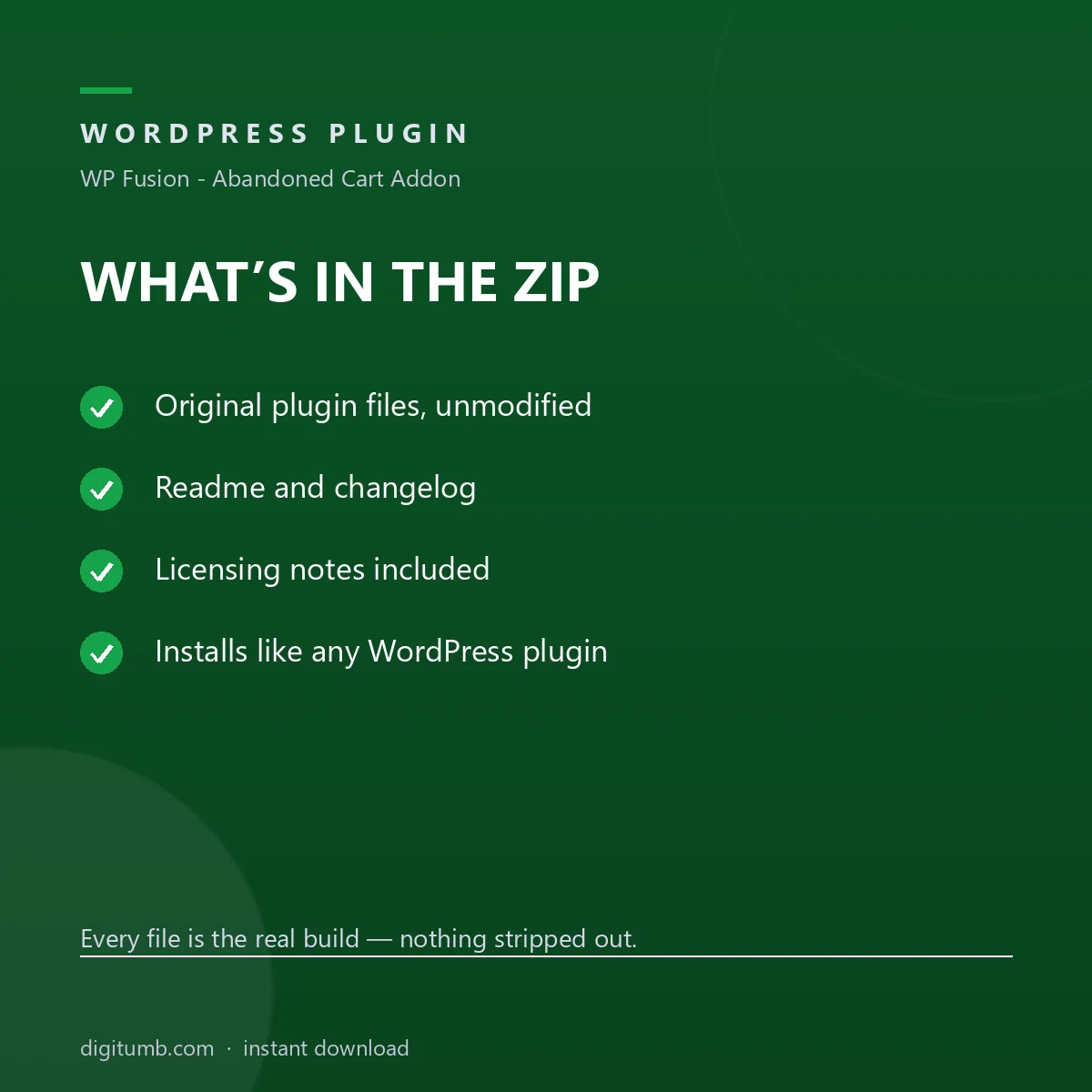
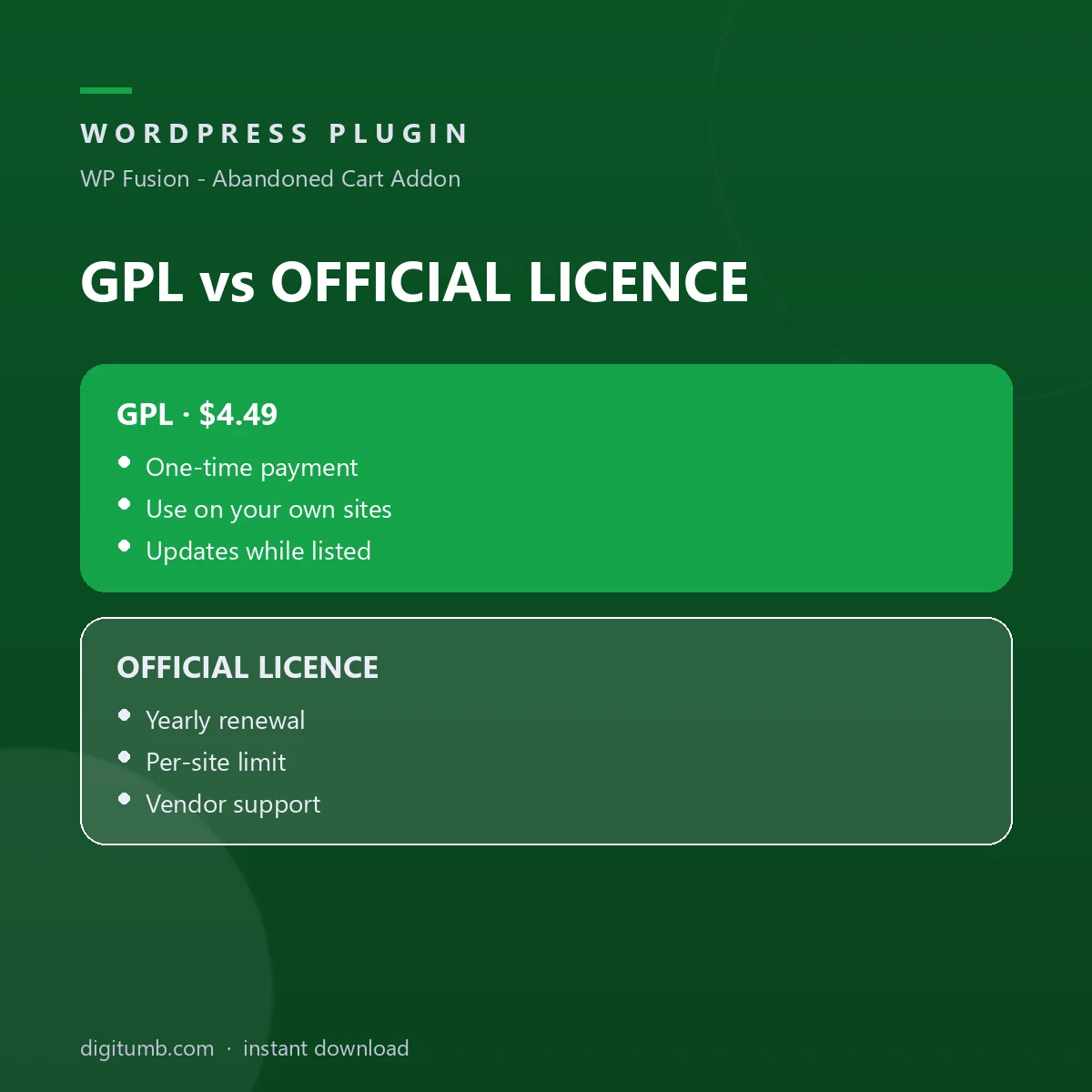
This is the same archive the developer publishes, redistributed under the GNU General Public License: you get the working files for $4.49 with no vendor update channel and no vendor support desk. If you need automatic updates or a support contract, buy the official license from the developer.
| This GPL build | Official license | |
|---|---|---|
| Price | $4.49 one time | Vendor subscription |
| Automatic updates | No | Yes |
| Developer support | No | Yes |
| Number of sites | Unlimited | Depends on plan |
Browse the rest of the WordPress plugins category or the full shop. The licence text is at GNU GPL v2, and general documentation is at WordPress.org.
You must be logged in to post a review.
You may also like…

Related products








Reviews
Clear filtersThere are no reviews yet.