

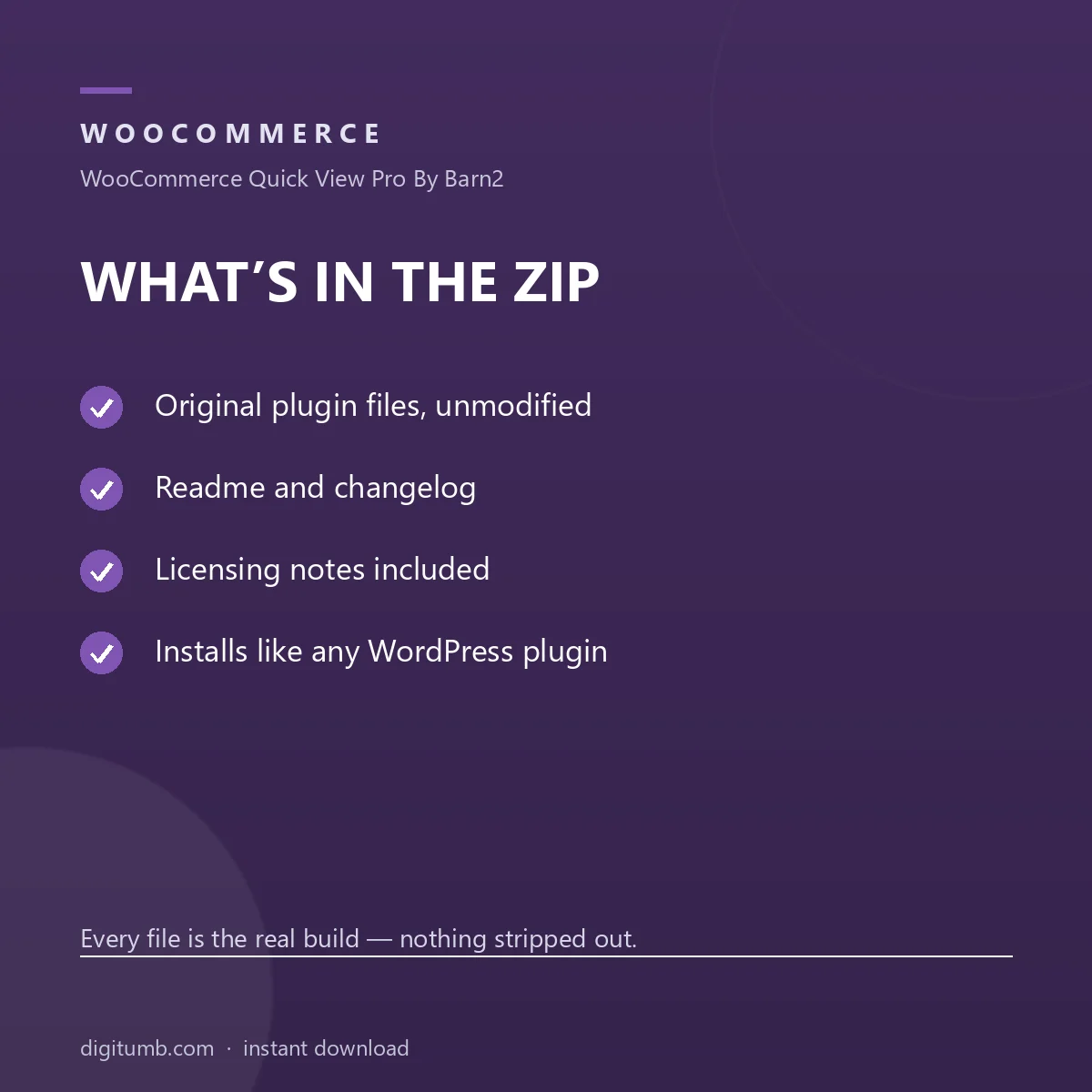
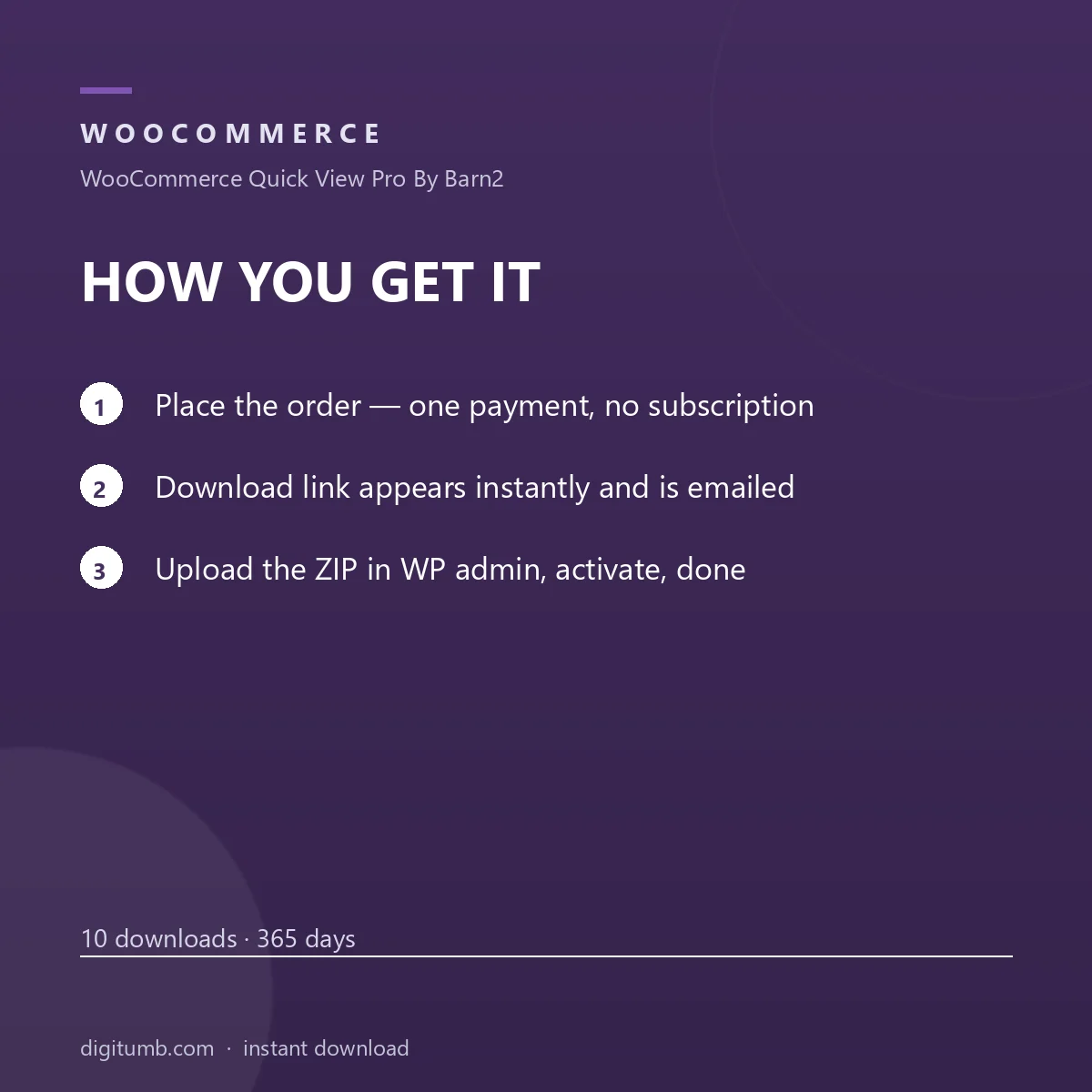


WooCommerce Quick View Pro By Barn2 GPL
$4.49
WooCommerce Quick View Pro is a WordPress plugin that displays your WooCommerce products inside a lightbox modal window.
WooCommerce Quick View Pro is a WordPress plugin that displays your WooCommerce products inside a lightbox modal window. Shoppers can add products to the cart from the lightbox instead of loading each single product page. You decide which of the usual single product page elements appear in the modal, or restrict it to images only and use it as an interactive gallery.
| Product | WooCommerce Quick View Pro |
|---|---|
| Version | 1.8.0 |
| Works with | WordPress 6.1+ / PHP 7.4+ |
| Tested up to | WordPress 7.1 |
| License | GPLv2 or later |
| Delivery | Instant ZIP download, 10 downloads, 365 days |
How the Quick View lightbox changes product browsing
Instead of sending shoppers to a separate product page, the plugin opens the product inside a modal window layered over the shop listing. The lightbox is built to let customers purchase quickly, so the buying decision happens on the page they are already browsing.
Content shown inside the lightbox is configurable. You can display or hide any of the content that normally appears on the single product page, which means the modal can be as full or as minimal as your catalogue needs.
Triggering Quick View from a button, product name or image
Two trigger styles are available. The plugin can add a dedicated Quick View button to your shop, or it can open the lightbox when a shopper clicks the product name or the product image in the shop listing.
The plugin also works alongside WooCommerce Product Table, so a lightbox can be opened directly from your product tables rather than only from standard shop layouts.
Using the lightbox as an image-only gallery
The modal does not have to sell. You can configure it to display only product images, turning the lightbox into an interactive gallery for the product. This gives shoppers a closer look at imagery without loading the full product page.
Because the same lightbox handles both modes, you can decide per store whether the modal is a buying tool, a gallery, or a mix of product content.
What this build includes
| Lightbox product display | Shows WooCommerce products in a modal window over the current page, so shoppers can purchase without visiting individual product pages. |
|---|---|
| Configurable lightbox content | Display or hide any of the content normally shown on the single product page, controlling exactly what appears inside the modal. |
| Quick View button | Adds a Quick View button to your shop so shoppers can open the lightbox from the listing. |
| Click name or image to open | Configure the plugin to open the lightbox when a shopper clicks the product name or product image in the shop listing. |
| Image-only gallery mode | Restrict the lightbox to product images and use it as an interactive gallery instead of a purchase panel. |
| WooCommerce Product Table integration | Works alongside the WooCommerce Product Table plugin to open a lightbox directly from your product tables. |
| WooCommerce Subscriptions integration | Added in version 1.8.0, the plugin integrates with WooCommerce Subscriptions for stores selling subscription products. |
| Block theme and shortcode support | Version 1.8.0 adds integration with block themes and products shortcodes, extending where the lightbox can appear. |
Installing it on a WordPress site
- Download the plugin ZIP file and go to Plugins -> Add New -> Upload, then select the ZIP file.
- Once installed, click to Activate the plugin.
- Configure the plugin settings at WooCommerce -> Settings -> Products -> Quick view.
Latest changes
Version 1.8.0 adds WooCommerce Subscriptions integration and block theme and products shortcode support, and fixes Quick View access for private products for administrators and shop managers.
Frequently asked questions
Does the lightbox replace the single product page?
No. The lightbox is an alternative route to buying. Customers can purchase from the modal without visiting the individual product pages, while the product pages themselves remain in place. You choose which single product page content appears inside the lightbox.
Can I control what shoppers see inside the Quick View window?
Yes. The plugin can be configured to display or hide any of the content normally displayed on the single product page. You can also strip it back to images only, which turns the lightbox into an interactive gallery for the product.
How do customers open Quick View?
Two options are available. You can display a Quick View button in your shop, or set the lightbox to open when a shopper clicks the product name or product image in the shop listing. The plugin also opens a lightbox directly from WooCommerce Product Table.
What are the server requirements?
The plugin requires WordPress 6.1 or later and PHP 7.4 or later. It has been tested up to WordPress 7.1. The download is a 1.0 MB ZIP file.
What do I get for $4.49?
You receive the same plugin files the developer ships, as a GPL build from our store. There is no vendor update channel and no vendor support desk included. The price is $4.49 and the current version is 1.8.0.
What the GPL build means for you
This is the same archive the developer publishes, redistributed under the GNU General Public License: you get the working files for $4.49 with no vendor update channel and no vendor support desk. If you need automatic updates or a support contract, buy the official license from the developer.
| This GPL build | Official license | |
|---|---|---|
| Price | $4.49 one time | Vendor subscription |
| Automatic updates | No | Yes |
| Developer support | No | Yes |
| Number of sites | Unlimited | Depends on plan |
Browse the rest of the WordPress plugins category or the full shop. The licence text is at GNU GPL v2, and general documentation is at WordPress.org.
You must be logged in to post a review.
You may also like…

Related products






Reviews
Clear filtersThere are no reviews yet.