




GoCardless for WooCommerce GPL
$4.49
GoCardless for WooCommerce is a feature plugin that lets a WooCommerce store accept payments through GoCardless direct debit.
GoCardless for WooCommerce is a feature plugin that lets a WooCommerce store accept payments through GoCardless direct debit. It requires WooCommerce to be installed before it can be activated, and it is compatible with Woo Subscriptions. Customers can pay by BACS and the other direct debit schemes listed in the GoCardless API documentation, and can store payment details for later checkouts.
| Product | GoCardless for WooCommerce |
|---|---|
| Version | 2.9.8 |
| Works with | WordPress 6.x+ / PHP 8.x+ |
| Tested up to | WordPress 6.8 |
| License | GPLv2 or later |
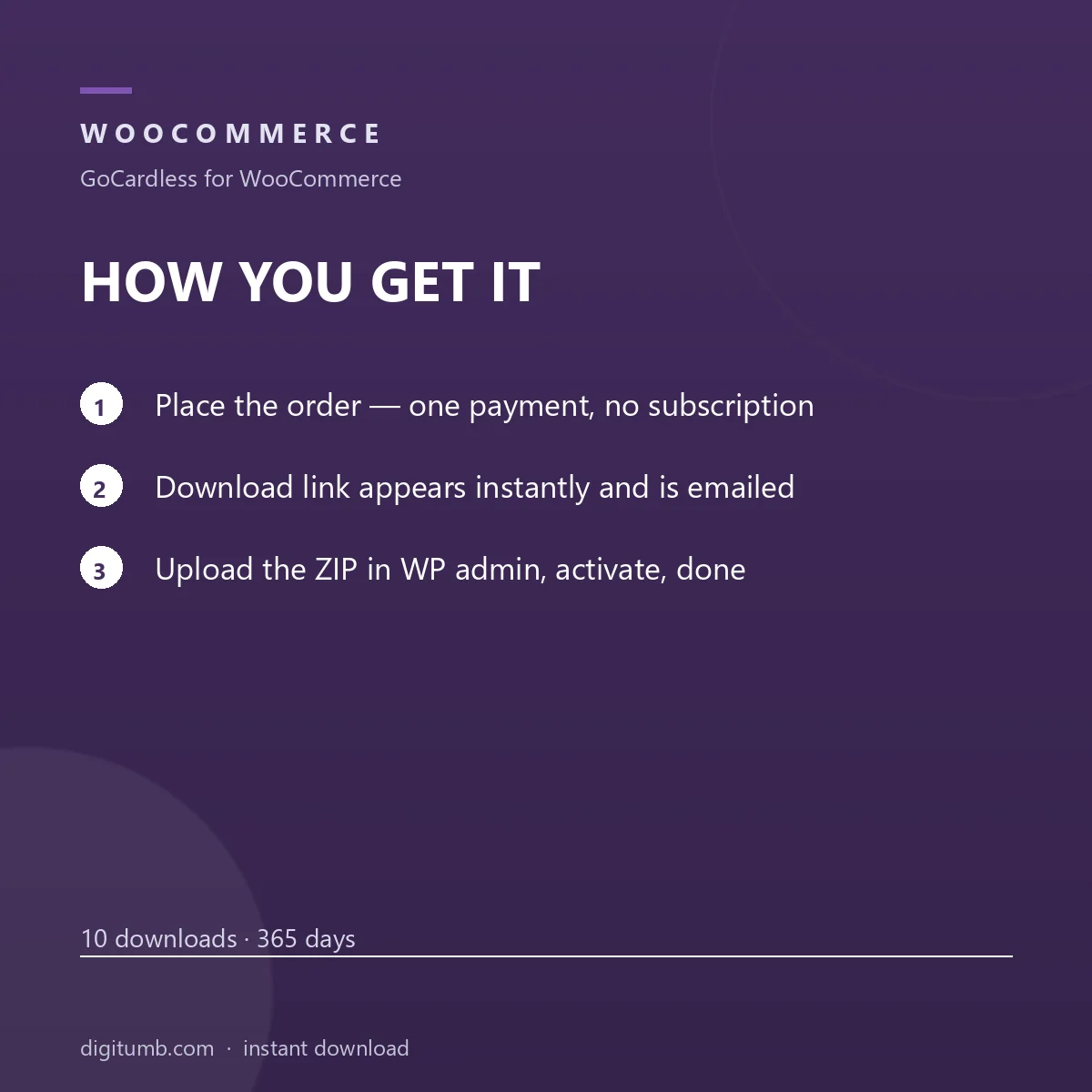
| Delivery | Instant ZIP download, 10 downloads, 365 days |
Which countries can on-board as GoCardless merchants?
GoCardless can collect from customers in many countries, but merchant on-boarding is limited to a fixed list: Austria, Belgium, Finland, France, Germany, Ireland, Luxembourg, Netherlands, Spain, Sweden, United Kingdom, United States, and Canada. If your business is registered outside these countries, the gateway cannot be set up for you.
The customer side is broader than the merchant side. Shoppers pay through the GoCardless direct debit schemes, so a store in an on-boarded country can still collect from payers elsewhere, subject to the schemes GoCardless supports.
How GoCardless webhooks reach your WooCommerce orders
Webhooks are how GoCardless tells your store that a payment succeeded. When they are blocked, orders stay pending and customers never reach the thank you page. If you run a security plugin or a server firewall, allow requests from GoCardless in its settings; the service sends webhooks from 35.204.73.47, 35.204.191.250 and 35.204.214.181.
The webhook secret and endpoint are configured by hand, not generated automatically. Setup prompts you for the secret and the endpoint address, and you paste in the values from your GoCardless account.
Sandbox and live GoCardless accounts
You can create a user on gocardless.com for live transactions and a separate user on the sandbox at manage-sandbox.gocardless.com for test transactions. When you first set up a site, the plugin prompts you to create a user for the correct GoCardless environment while you are setting up the webhooks.
Version 2.9.8 of this build adds a notice that shows when the merchant is connected in sandbox mode, so it is easier to tell a test connection from a live one before you take real orders.
Subscriptions, pre-orders and stored payment details
The extension is compatible with Woo Subscriptions, which makes it usable for recurring direct debit collection alongside one-off orders. It also includes support for WooCommerce Pre-Orders, which is a separate purchase.
Customers may opt to securely store payment information for future checkout, so returning shoppers do not have to re-enter their bank details each time. Subscription cancellation was improved in 2.9.7 to cancel Pending Submission payments and to prevent retries on payments that cannot be cancelled.
Why payouts may not arrive after orders come in
Orders can be placed and paid while payouts stay on hold if your GoCardless account is not yet verified. No payouts are made until verification is complete, and GoCardless sends emails when funds are waiting, so check your Spam folder if you have not seen them.
If the GoCardless token becomes invalid or inactive, the plugin now disconnects the account automatically and displays a reconnect notice, rather than silently failing at checkout.
What this build includes
| Direct debit checkout | Accepts payments through GoCardless in a WooCommerce store, with BACS and the schemes listed in the GoCardless API documentation. |
|---|---|
| Woo Subscriptions compatibility | Collects recurring direct debit payments for subscription products through the Woo Subscriptions extension. |
| WooCommerce Pre-Orders support | Handles pre-order payments through GoCardless; WooCommerce Pre-Orders is a separate purchase. |
| Stored payment details | Lets customers opt to securely store payment information so they can reuse it at a future checkout. |
| Sandbox connection notice | Displays a notice when the merchant account is connected in sandbox mode rather than live mode. |
| Automatic disconnect on invalid token | Disconnects the GoCardless account and shows a reconnect notice when the token becomes invalid or inactive. |
| Manual webhook configuration | Lets you enter the webhook secret and endpoint yourself, with setup guidance when the site is first configured. |
Installing it on a WordPress site
- Install WooCommerce and activate it, then install the GoCardless for WooCommerce plugin from your WordPress admin.
- Create a GoCardless user on gocardless.com for live payments or on manage-sandbox.gocardless.com for tests, and follow the prompt to pick the right environment when setting up webhooks.
- Enter your GoCardless API credentials in the plugin settings, fill in the webhook secret and endpoint manually, and add the GoCardless webhook IP addresses to your firewall allowlist.
Latest changes
Version 2.9.8 disconnects the account and shows a reconnect notice when the GoCardless token becomes invalid or inactive.
Frequently asked questions
Does GoCardless for WooCommerce support BACS?
Yes. The extension supports BACS along with the payment methods listed in the GoCardless API documentation, so UK customers can pay by bank transfer direct debit alongside the other supported schemes.
Can I test the gateway before taking live payments?
Yes. You can create a user on the GoCardless sandbox at manage-sandbox.gocardless.com for test transactions, separate from your live gocardless.com user. Setup prompts you to create the user for the correct environment when configuring webhooks, and a notice shows when you are connected in sandbox mode.
Why are orders not marked as paid after checkout?
A security plugin or server firewall is the usual cause, because it blocks the GoCardless webhook that confirms payment. Allow requests from 35.204.73.47, 35.204.191.250 and 35.204.214.181 in the firewall settings so the order status and thank you page work.
Do I have to set the webhook secret myself?
Yes. The webhook secret and endpoint must be filled in manually; they cannot be automated. The setup flow is designed to make that step as painless as possible, but you still copy the values from your GoCardless account.
What do I get for $4.49?
You get the GPL build of GoCardless for WooCommerce, version 2.9.8, as a 0.1 MB zip. The files are the same ones the developer ships, with no vendor update channel and no vendor support desk. The plugin is tested up to WordPress 6.8.
What the GPL build means for you
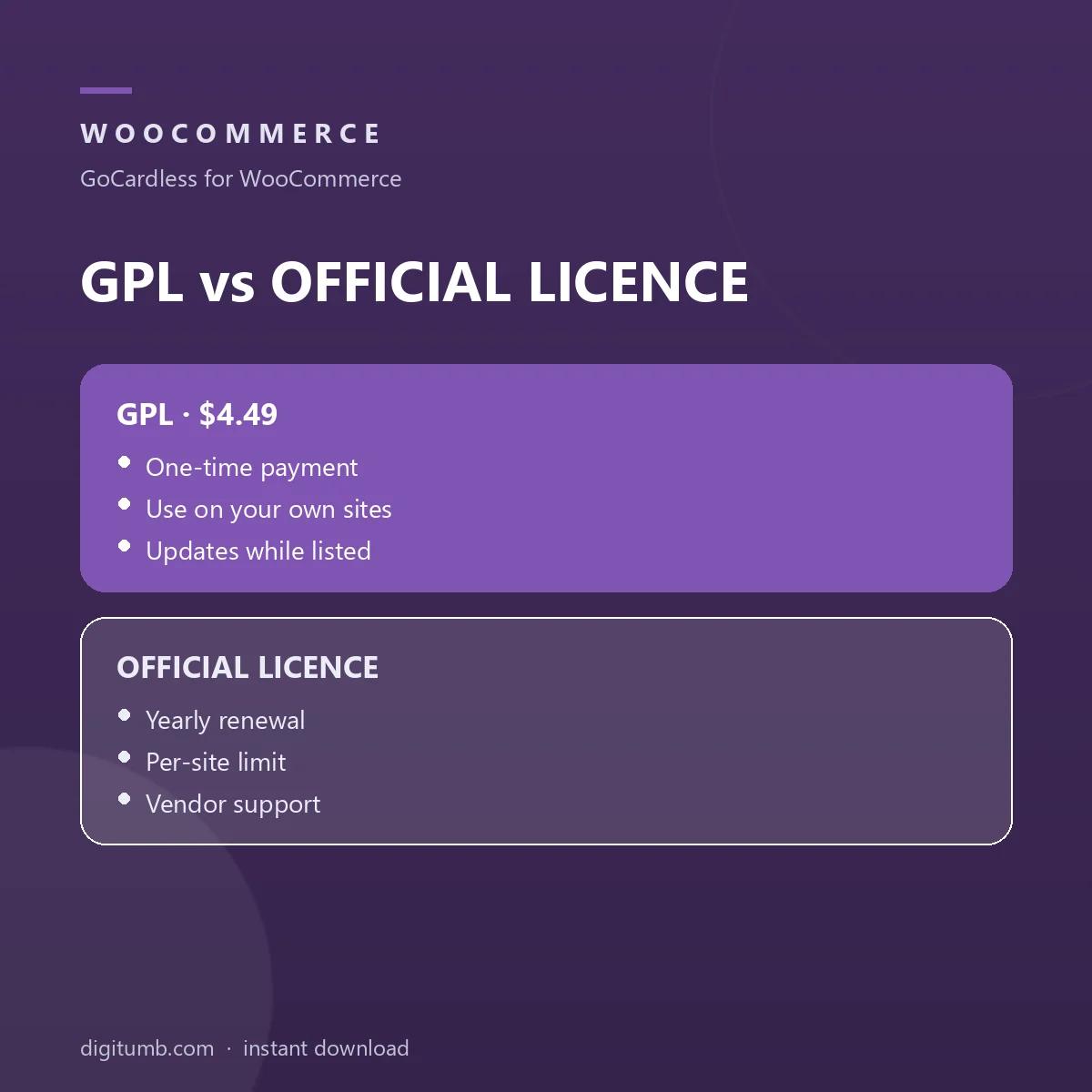
This is the same archive the developer publishes, redistributed under the GNU General Public License: you get the working files for $4.49 with no vendor update channel and no vendor support desk. If you need automatic updates or a support contract, buy the official license from the developer.
| This GPL build | Official license | |
|---|---|---|
| Price | $4.49 one time | Vendor subscription |
| Automatic updates | No | Yes |
| Developer support | No | Yes |
| Number of sites | Unlimited | Depends on plan |
Browse the rest of the WordPress plugins category or the full shop. The licence text is at GNU GPL v2, and general documentation is at WordPress.org.
You must be logged in to post a review.
You may also like…

Related products








Reviews
Clear filtersThere are no reviews yet.