



Wishlist Member GPL – WordPress Plugin
$4.49
Wishlist Member is a WordPress membership site plugin that lets you create, manage and monetize membership levels on your own site. You use it to gate content by membership level, run Pay Per Post.
Wishlist Member is a WordPress membership site plugin that lets you create, manage and monetize membership levels on your own site. You use it to gate content by membership level, run Pay Per Post access, and connect membership sales to WooCommerce. The GPL build we ship is version 3.37.0, an 8.1 MB zip, priced at $4.49 with the same files the developer ships, no vendor update channel and no vendor support desk.
| Product | wishlist-member |
|---|---|
| Version | 3.37.0 |
| Works with | WordPress 6.x+ / PHP 8.x+ |
| Tested up to | WordPress current |
| License | GPLv2 or later |
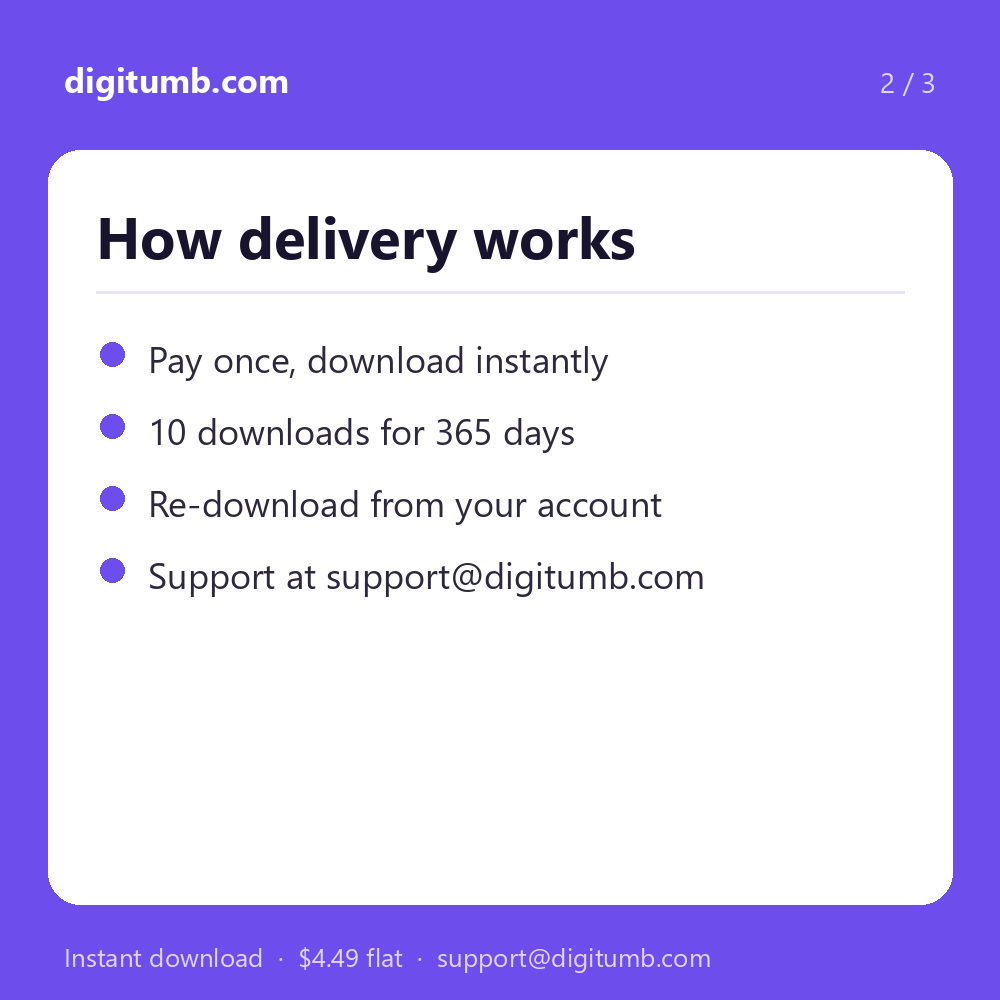
| Delivery | Instant ZIP download, 10 downloads, 365 days |
How Wishlist Member controls who sees which content
Membership levels are the core unit. The plugin keeps a level-to-content mapping, and its settings screens report when Membership Level access is updated for selected items. You assign content to levels, and the plugin handles the restriction on the front end.
Separate from levels, Wishlist Member supports Pay Per Post access. The same settings area reports Pay Per Post access updates and Pay Per Post Users updates for selected items, so individual posts can be sold or granted outside the normal level structure.
Selling memberships next to products with WooCommerce
Wishlist Member integrates with WooCommerce, so you can sell membership subscriptions alongside physical or digital products in the same store. That keeps product sales and membership sales in one checkout flow instead of two separate systems.
The plugin also works with Elementor. You can design custom membership pages in the Elementor page builder and have them sit inside the membership structure you configured.
Backups, imports and settings safety
The settings screens include a backup and restore routine. The plugin can queue a backup, warns you when WishList Member is currently doing a backup, and reports when a backup file is not found. Import results are reported explicitly: a successful import, an unknown error number, a general import error, or an SQL error during import.
Backup paths are validated. The plugin rejects paths containing < > : " | ? * and paths containing spaces, and it requires the path to stay within the wp-content directory. A valid, writable path is confirmed in the interface. If a reset fails to back up current settings, the reset is aborted rather than applied.
Member accounts and one-time login links
The plugin includes a Get One-Time Login Link action and standard login using username or email and password. When a member is created through the plugin, the interface confirms a new member was added.
Settings can be reset to default, and the plugin reports either a successful reset or an aborted one when the backup step fails. Content Protection status is shown and updated in the same settings area.
What this build includes
| Membership levels | Create and manage membership levels on your WordPress site and assign content access per level. |
|---|---|
| Pay Per Post access | Grant or sell access to individual posts outside the level structure, with per-item user updates. |
| WooCommerce integration | Sell membership subscriptions alongside physical or digital products through WooCommerce. |
| Elementor compatibility | Build custom membership pages with the Elementor page builder and place them in your membership setup. |
| One-time login links | Generate a one-time login link for a member from the plugin interface, alongside username or email login. |
| Settings backup and restore | Queue backups, restore settings, and read clear results for successful imports, missing files and SQL errors. |
| Backup path validation | The plugin checks that the backup path is writable, free of illegal characters, and inside wp-content. |
| Safe settings reset | Reset Wishlist Member to default settings, with the reset aborted if the current settings cannot be backed up first. |
Installing it on a WordPress site
- Download the Wishlist Member zip from your Digitumb order and keep the 8.1 MB file intact.
- In WordPress, go to Plugins, choose Add New, upload the zip, and activate the plugin.
- Follow the setup wizard to configure membership options and content restrictions, then set your backup path and confirm it is valid and writable.
Latest changes
This build is Wishlist Member 3.37.0.
Frequently asked questions
What does Wishlist Member do?
It is a membership site plugin for WordPress. You use it to create, manage and monetize membership levels, restrict content by level, and handle Pay Per Post access. It also connects to WooCommerce so membership subscriptions can be sold alongside other products.
Does Wishlist Member work with WooCommerce?
Yes. Wishlist Member integrates with WooCommerce, which lets you sell membership subscriptions alongside physical or digital products in the same store rather than running a separate checkout for memberships.
Can I build membership pages with Elementor?
Yes. Wishlist Member is compatible with Elementor, so you can design custom membership pages using the Elementor page builder and keep them within the membership structure you configured in the plugin.
How do I set up Wishlist Member on my site?
Download the plugin, upload it to your WordPress site, activate it, and follow the setup wizard to configure your membership options and content restrictions. After that, set a backup path and confirm the plugin reports it as valid and writable.
What happens if a settings reset fails?
The plugin backs up current settings before resetting. If that backup fails, the interface reports Reset Aborted and the reset is not applied, so your existing configuration stays in place.
What am I buying at $4.49?
You get the GPL build of Wishlist Member 3.37.0, an 8.1 MB zip containing the same files the developer ships. There is no vendor update channel and no vendor support desk included; the price is $4.49.
What the GPL build means for you
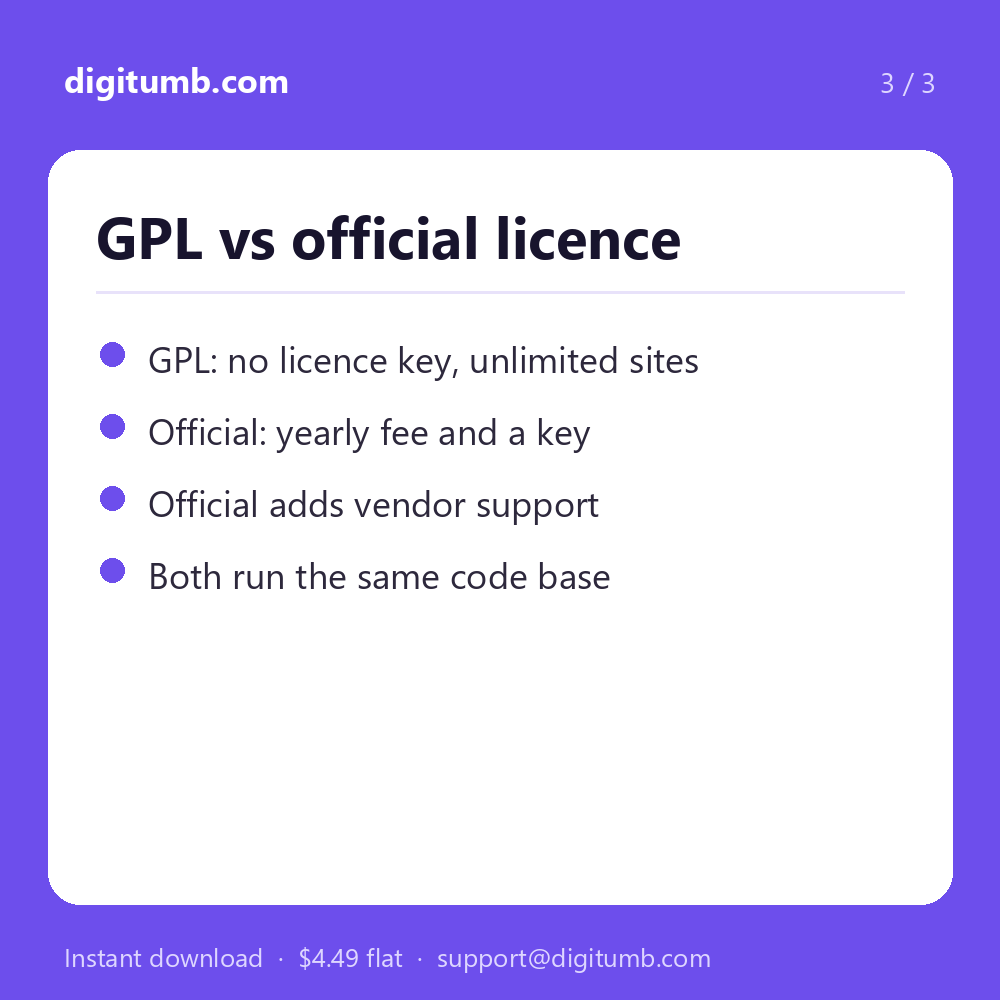
This is the same archive the developer publishes, redistributed under the GNU General Public License: you get the working files for $4.49 with no vendor update channel and no vendor support desk. If you need automatic updates or a support contract, buy the official license from the developer.
| This GPL build | Official license | |
|---|---|---|
| Price | $4.49 one time | Vendor subscription |
| Automatic updates | No | Yes |
| Developer support | No | Yes |
| Number of sites | Unlimited | Depends on plan |
Browse the rest of the WordPress plugins category or the full shop. The licence text is at GNU GPL v2, and general documentation is at WordPress.org.
You must be logged in to post a review.
You may also like…

Related products







Reviews
Clear filtersThere are no reviews yet.