


Voxel Multi Purpose WordPress Dynamic Theme GPL
$4.49
Voxel is a multi-purpose dynamic WordPress theme for building directory-style and content-driven websites. It gives you a flexible framework for creating different types of online experiences, with.
Voxel is a multi-purpose dynamic WordPress theme for building directory-style and content-driven websites. It gives you a flexible framework for creating different types of online experiences, with frontend post submission, user dashboards, dynamic tags and map settings built into the theme. The package here is the GPL build sold by digitumb.com for $4.49: the same theme files the developer ships, with no vendor update channel and no vendor support desk.
| Product | Voxel |
|---|---|
| Version | 1.7.16 |
| Works with | WordPress 6.x+ / PHP 8.x+ |
| Tested up to | WordPress current |
| License | GPLv2 or later |
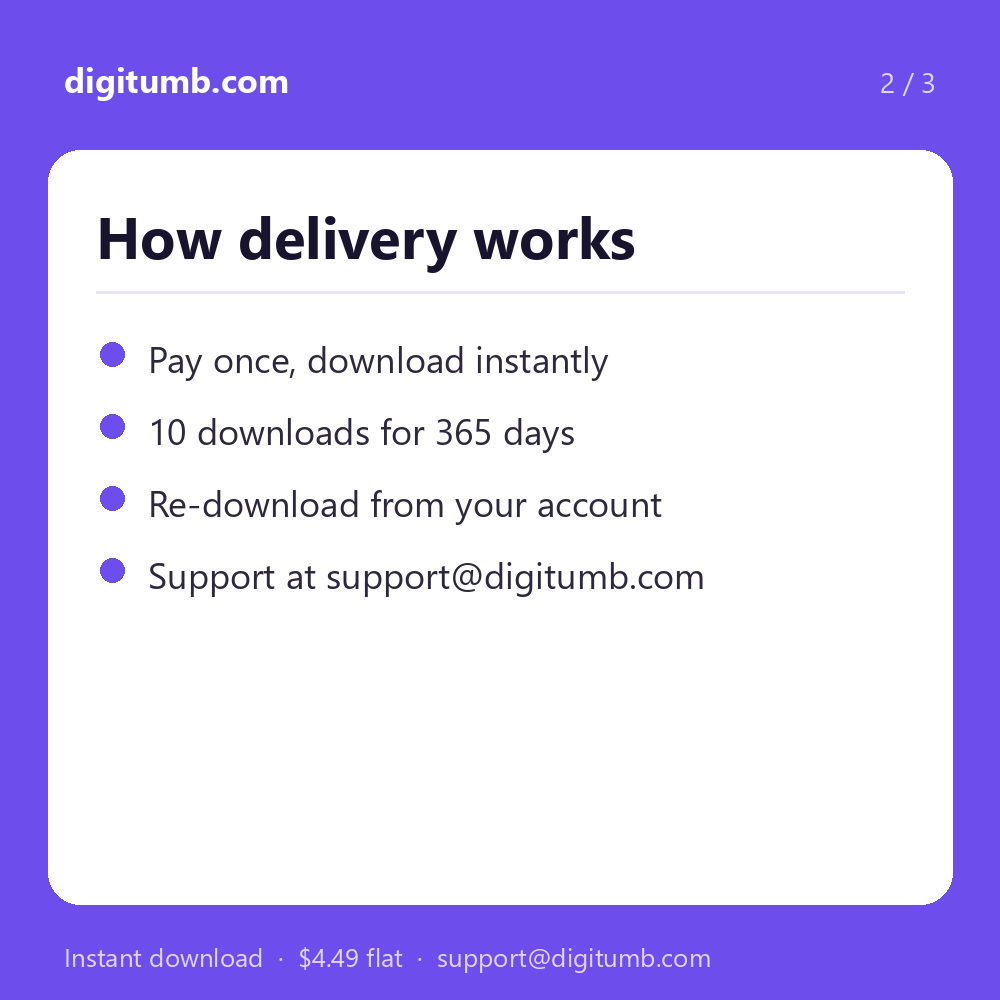
| Delivery | Instant ZIP download, 10 downloads, 365 days |
What can you build with Voxel's dynamic directory tools?
Voxel is built around post types you define and control. The theme settings include an Edit post type screen and a Create post menu, so you can shape the content structure your directory or listing site needs. A User Dashboard Menu lets members reach their own area, and the frontend form option lets them create and edit posts without entering the WordPress admin.
Dynamic Tag (VX) outputs the value of a dynamic tag inside your layouts, which is how reusable content blocks pull data from the post being displayed. Post statistics, timeline styles and image aspect ratio settings (for example 16/9) are exposed as theme options, so the presentation of listings stays consistent across the site.
How does Voxel handle maps, permissions and restricted content?
Map display is configurable from the theme settings: default latitude, default longitude, default zoom level, minimum zoom level and maximum zoom level. That lets you center a directory on a region and limit how far visitors can zoom out or in. Permission checks are part of the theme's workflow, with messages such as Permission check failed and Permission denied appearing when a user is not allowed to perform an action.
Restricted content is a configurable area, alongside Privacy Policy and Terms & Conditions entries, so you can decide what visitors see before they log in. Login & registration settings cover the account side, and a Stripe Connect account field is present for connecting payment handling to the site.
Which plugins work alongside Voxel?
Voxel is compatible with Yoast SEO, WPForms and Elementor, so you can add SEO controls, forms and page building on top of the theme. WooCommerce compatibility is included as well, which means an online store and product management can run on the same installation as your directory content.
The theme also includes a Search customer function and a Promotion package option, both visible in its settings screens. Expiration date handling is present for time-limited content, and post revisions can be edited through the frontend form, with the theme reporting when a requested revision cannot be found.
What this build includes
| Frontend post forms | Let users create and edit posts from the frontend instead of the WordPress admin, with the theme checking permissions before an edit is allowed. |
|---|---|
| User dashboard menu | Give registered members a dashboard menu where they can reach the areas and actions the theme exposes to them. |
| Dynamic tags (VX) | Output the value of a dynamic tag in your layouts so reusable blocks display data from the post currently being viewed. |
| Map zoom and center controls | Set default latitude, longitude and zoom level, plus minimum and maximum zoom, to control how maps appear and behave. |
| Restricted content rules | Configure restricted content together with Privacy Policy and Terms & Conditions so you decide what visitors can access. |
| WooCommerce compatibility | Run an online store and manage products on the same WordPress installation as your directory or listing content. |
| Elementor, Yoast SEO and WPForms compatibility | Add page building, SEO controls and forms using plugins the theme lists as compatible. |
| Promotion packages with expiration | Use the promotion package setting and expiration date field to manage time-limited promoted content on your site. |
Installing it on a WordPress site
- Download the theme zip file from your digitumb.com order and keep it somewhere you can find it.
- In your WordPress dashboard go to Appearance > Themes, click Add New, then upload the theme zip file.
- Activate Voxel and open the theme options panel to configure post types, maps, menus and the other settings.
Latest changes
This package is Voxel version 1.7.16.
Frequently asked questions
Does Voxel work with WooCommerce?
Yes. Voxel is fully compatible with WooCommerce, so you can create an online store and manage products on the same site as your directory content. The theme also lists Yoast SEO, WPForms and Elementor as compatible plugins.
Can visitors submit posts without seeing the WordPress admin?
The theme includes an Edit in frontend form option and a Create post menu, so members can create and edit posts from the frontend. Permission checks run before an edit, and the theme shows a message if the user is not allowed to edit that post.
How do I control the map shown on listings?
Map settings include default latitude, default longitude, default zoom level, minimum zoom level and maximum zoom level. You set these once in the theme options, which fixes where the map centers and how far visitors can zoom.
What do I get for $4.49 and is there vendor support?
You get the GPL build of Voxel version 1.7.16 as a 6.9 MB zip: the same theme files the developer ships, sold by digitumb.com for $4.49. There is no vendor update channel and no vendor support desk with this build.
Can I limit what logged-out visitors see?
Yes. The theme has a Restricted content setting, and you can also set Privacy Policy and Terms & Conditions entries. Login & registration options cover how accounts are handled on the site.
What the GPL build means for you
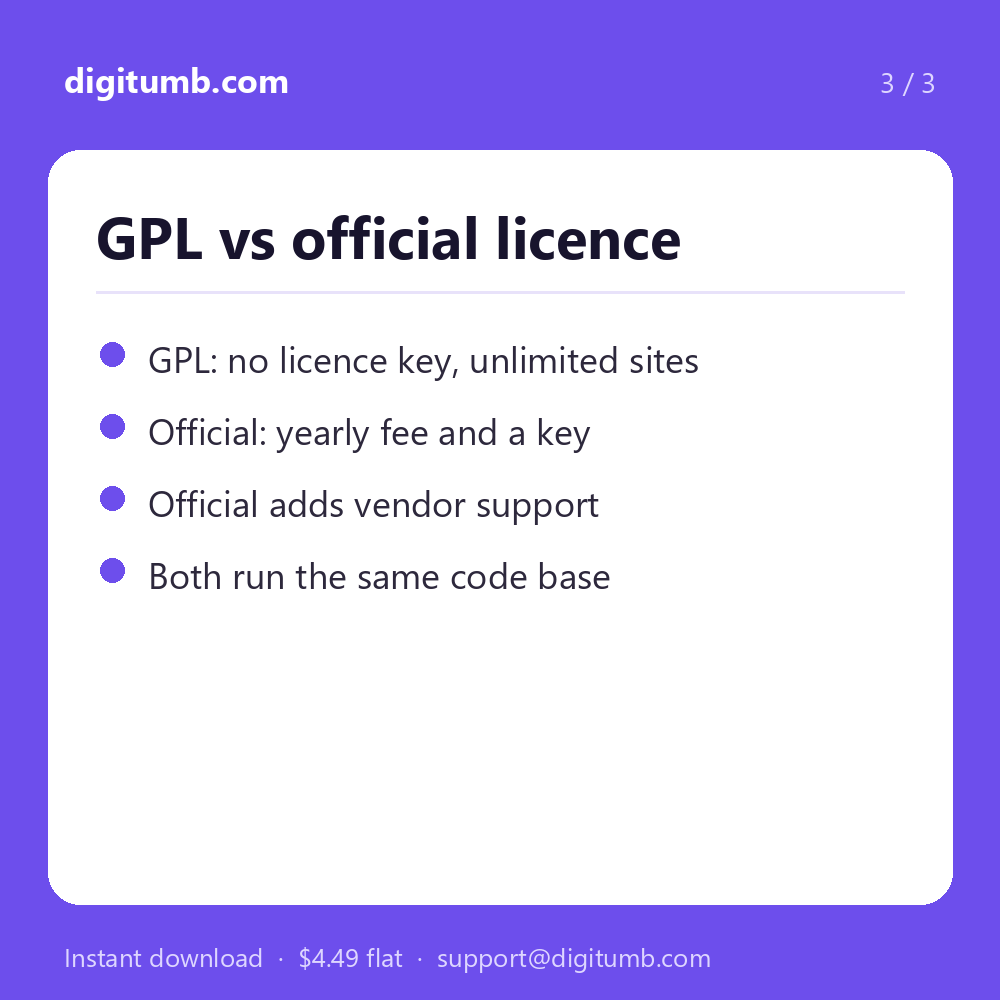
This is the same archive the developer publishes, redistributed under the GNU General Public License: you get the working files for $4.49 with no vendor update channel and no vendor support desk. If you need automatic updates or a support contract, buy the official license from the developer.
| This GPL build | Official license | |
|---|---|---|
| Price | $4.49 one time | Vendor subscription |
| Automatic updates | No | Yes |
| Developer support | No | Yes |
| Number of sites | Unlimited | Depends on plan |
Browse the rest of the WordPress themes category or the full shop. The licence text is at GNU GPL v2, and general documentation is at WordPress.org.
You must be logged in to post a review.
You may also like…

Related products





Reviews
Clear filtersThere are no reviews yet.