
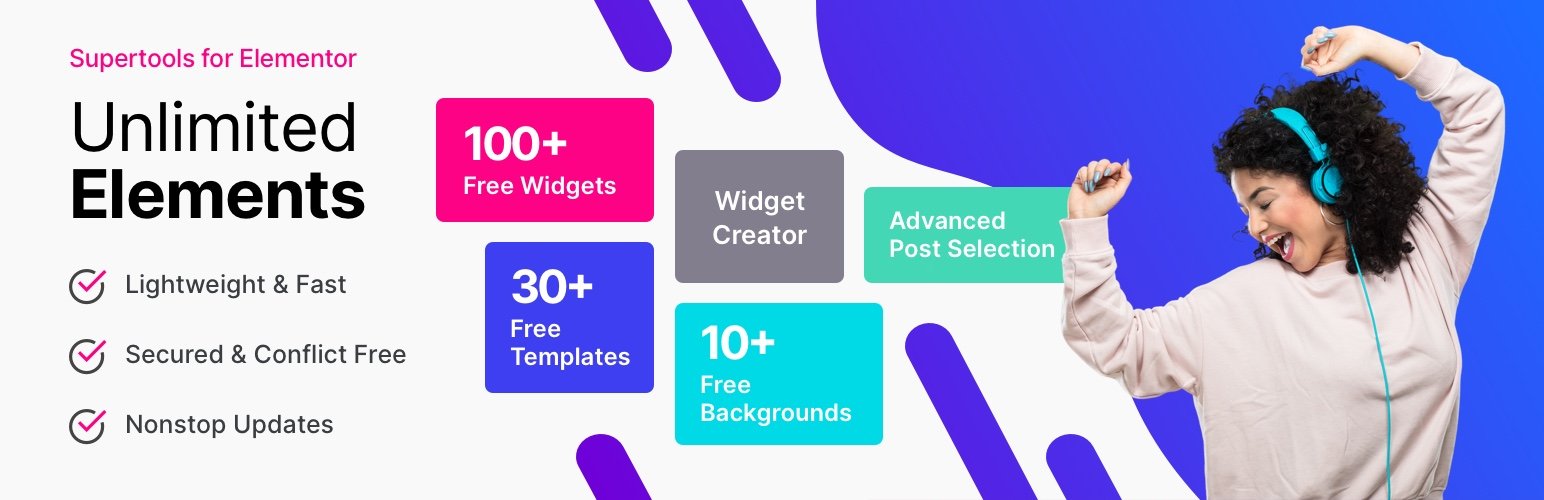



Unlimited Elements for Elementor GPL
$4.49
Unlimited Elements for Elementor is an add-on plugin that extends the Elementor page builder with a widget library and a set of design tools.
Unlimited Elements for Elementor is an add-on plugin that extends the Elementor page builder with a widget library and a set of design tools. It ships with a Widget Creator framework, template kits, a Loop Builder, background widgets, post and WooCommerce widgets with filters, a mega menu builder, a mega slider builder, a form builder and a calculator builder. This GPL build is version 2.0.29, a 7.2 MB zip, sold at $4.49.
| Product | Unlimited Elements for Elementor |
|---|---|
| Version | 2.0.29 |
| Works with | WordPress 5.7+ / PHP 8.x+ |
| Tested up to | WordPress 7.1 |
| License | GPLv2 or later |
| Delivery | Instant ZIP download, 10 downloads, 365 days |
Widget Library and Widget Creator inside Elementor
The plugin adds its own widget library to the Elementor panel, so you can drop widgets into a page and control their options from the Elementor interface. Widgets are installed from the Unlimited Elements menu in the WordPress sidebar: hover over a widget and click install.
When the built-in widgets do not cover a layout, the Widget Creator framework lets you build custom professional widgets without searching for multiple add-ons. The plugin is designed so you do not need to know code to use the widgets and tools, and the Widget Creator is there for users familiar with code who want a tailored widget.
Dynamic content: Loop Builder, multi-source widgets and galleries
The Loop Builder builds dynamic loop items using any widget layout filled with dynamic content. Multi-source widgets populate widgets dynamically from ACF, JSON/CSV, WooCommerce, posts, users, menus and APIs, and multi-source galleries can be built from Woo products, posts, Instagram and API sources.
Post widgets and filters create post layouts with real-time filtering, while Elementor filter widgets use AJAX facets. WooCommerce widgets and filters display products in grids, sliders, carousels and other dynamic layouts.
Mega menu, slider, popup, form and calculator builders
The Mega Menu Builder creates advanced mega menus with widgets, images, icons and links. The Mega Slider Builder converts any Elementor section into a slider slide. Remote control widgets and sync between widgets let you build layouts where one widget drives another.
A Dynamic Popup Builder adds quick-view dynamic popups built with Elementor templates. The Elementor Form Builder builds simple or advanced forms with drag-and-drop widgets, and the Calculator Builder creates calculators for any industry with a drag-and-drop builder.
Templates, live copy paste and animated backgrounds
Elementor templates let you start projects instantly with pre-designed template kits. Live Copy Paste copies ready-made designs from the Unlimited Elements site directly into Elementor.
Background widgets improve designs with animated backgrounds. The plugin works with any theme where Elementor works, and it is compatible with WordPress multisite and WooCommerce.
What this build includes
| Widget Library | Adds an innovative widget library to the Elementor page builder and simplifies your workflow. |
|---|---|
| Widget Creator | Create custom professional widgets without searching for multiple add-ons. |
| Loop Builder | Build dynamic loop items using any widget layout filled with dynamic content. |
| Multi-Source Widgets | Populate widgets dynamically using ACF, JSON/CSV, WooCommerce, posts, users, menus and APIs. |
| Multi-Source Galleries | Build galleries from WooCommerce products, posts, Instagram and API sources. |
| Post Widgets & Filters | Create post layouts with real-time filtering options. |
| WooCommerce Widgets & Filters | Display products in grids, sliders, carousels and other dynamic layouts. |
| Mega Menu Builder | Create advanced mega menus with widgets, images, icons and links. |
| Mega Slider Builder | Convert any Elementor section into a slider slide. |
| Dynamic Popup Builder | Add quick-view dynamic popups built with Elementor templates. |
| Elementor Form Builder | Build simple or advanced forms using drag-and-drop widgets. |
| Calculator Builder | Create calculators for any industry with a powerful drag-and-drop builder. |
Installing it on a WordPress site
- Install Elementor first; Unlimited Elements is an add-on and does not work without it.
- Upload the plugin folder to /wp-content/plugins/, or install the plugin through the WordPress plugins screen, then activate it through the Plugins screen.
- Open Unlimited Elements in the WordPress side menu, hover over the widget you want and click install.
Latest changes
Version 2.0.29 fixes inline SVG icon handling so only matching data:image PNG, JPEG or WebP bytes are kept, and keeps the loop template stylesheet loading once when WPML replaces the Elementor CSS file.
Frequently asked questions
Can I use Unlimited Elements for Elementor without Elementor?
No. The plugin is an add-on for Elementor and cannot be used without it. Install Elementor first, then activate Unlimited Elements and install the widgets you want from its menu in the WordPress sidebar.
Does the plugin work with any theme?
Yes. The plugin works with any theme where Elementor works. It is also compatible with WordPress multisite installations, so it can be used across multiple sites within the same network, and with WooCommerce for eCommerce layouts.
Do I need to know code to use the widgets?
No. The plugin is designed to be user-friendly so you can use its widgets and tools without coding expertise. For users familiar with code, the Widget Creator framework allows creating custom Elementor widgets for a more tailored and advanced design experience.
What happens to my existing content if I move to the premium version?
Your existing elements and content work with the premium version, so you do not lose your hard work. This build already includes the plugin's pro folder alongside the free widget collection, and widgets are installed individually from the Unlimited Elements menu.
What are the GPL terms and the price of this build?
You receive the same plugin files the developer ships, as a GPL build, for $4.49. There is no vendor update channel and no vendor support desk attached to this purchase.
What WordPress version does the plugin require?
Unlimited Elements requires WordPress 5.7 and has been tested up to WordPress 7.1. The package is a 7.2 MB zip containing the plugin folders, including the widget, settings and pro directories.
What the GPL build means for you
This is the same archive the developer publishes, redistributed under the GNU General Public License: you get the working files for $4.49 with no vendor update channel and no vendor support desk. If you need automatic updates or a support contract, buy the official license from the developer.
| This GPL build | Official license | |
|---|---|---|
| Price | $4.49 one time | Vendor subscription |
| Automatic updates | No | Yes |
| Developer support | No | Yes |
| Number of sites | Unlimited | Depends on plan |
Browse the rest of the WordPress plugins category or the full shop. The licence text is at GNU GPL v2, and general documentation is at WordPress.org.
You must be logged in to post a review.
You may also like…






Reviews
Clear filtersThere are no reviews yet.