

Event Tickets Plus The Events Calendar GPL
$4.49
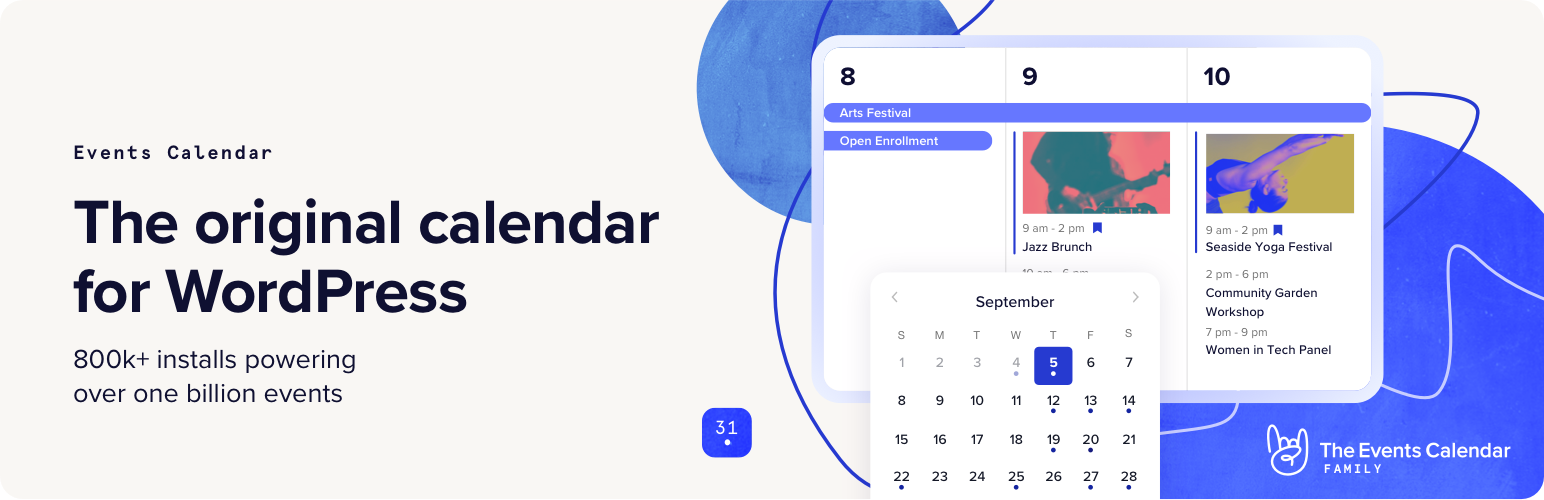
Event Tickets Plus is a WordPress plugin that extends the core Event Tickets plugin so you can sell tickets through WooCommerce or Easy Digital Downloads.
Event Tickets Plus is a WordPress plugin that extends the core Event Tickets plugin so you can sell tickets through WooCommerce or Easy Digital Downloads. It lets you attach tickets to any existing post type or run a full events and ticketing setup with The Events Calendar. Sales stay on your own site, and every ticket carries a unique QR code for check-in at the door.
| Product | Event Tickets Plus |
|---|---|
| Version | 6.12.0 |
| Works with | WordPress 6.9+ / PHP 7.4+ |
| Tested up to | WordPress 7.1 |
| License | GPLv2 or later |
| Delivery | Instant ZIP download, 10 downloads, 365 days |
How Event Tickets Plus keeps ticket sales inside your WordPress site
Ticket checkout runs through the commerce provider you already use, so buyers never leave your site for a third-party portal. Because the sale is processed by WooCommerce or Easy Digital Downloads, the reports, SKU tracking and other tools built into that provider apply to tickets as well.
You control the branding, look and feel of the ticket listings so they match the rest of your site. Tickets can be attached to any existing post type, or to events from The Events Calendar when you want a complete events and ticketing solution.
Setting price tiers, capacity limits and sales timeframes
Each ticket can have its own price tier, a limit on how many are available, and a timeframe that decides when sales open and close. Capacity can be handled per ticket or drawn from a shared pool, with an option to limit sales to a portion of that shared capacity.
The 6.12.0 release adds relative sales dates to ticket presets and to WooCommerce tickets on events, in both the classic and block editors. A ticket created from a preset starts and ends its sales relative to the event and follows the event when its dates change.
Checking guests in with QR coded tickets
Every ticket carries a unique QR code, which makes confirming and checking in attendees at the door straightforward. Purchasers can also receive printable PDF tickets by email.
The plugin includes attendee collection settings, so you can decide which information is gathered from each person registering. Name and contact details are collected by default, and additional fields can be added from the field menu.
What this GPL build contains and how it is licensed
This is a GPL build of Event Tickets Plus 6.12.0, distributed as a 17.2 MB zip. The files are the same ones the developer ships, sold here for $4.49. There is no vendor update channel and no vendor support desk attached to this purchase.
What this build includes
| Ticket sales through WooCommerce or Easy Digital Downloads | Sell tickets using the commerce provider you already run, and reuse its reports and SKU tracking for ticket products. |
|---|---|
| Tickets on any post type | Attach tickets to any existing post type, or use The Events Calendar for a full events and ticketing setup. |
| Price tiers and availability windows | Set different price tiers per ticket, limit how many are available, and choose the timeframes when tickets can and cannot be bought. |
| Shared and independent capacity | Manage capacity per ticket or through a shared capacity pool, with the option to limit sales to a portion of that shared capacity. |
| QR code check-in | Each ticket has a unique QR code so attendees can be confirmed and checked in at the door. |
| Printable PDF tickets by email | Send printable PDF tickets to purchasers by email after they buy. |
| Attendee information fields | Collect name and contact details by default, then add extra fields and save a fieldset for reuse on other RSVPs. |
| Relative sales dates on presets and WooCommerce tickets | Ticket presets and WooCommerce tickets can start and end sales relative to the event, and follow the event when its dates change. |
Installing it on a WordPress site
- In your WordPress dashboard go to Plugins, then Add New, and choose the Upload option.
- Select the event-tickets-plus zip file from your desktop and follow the on-screen instructions while the upload completes.
- Activate the plugin when prompted; a message confirms activation was successful. For new updates, add your valid License Key under Events, Settings, Licenses.
Latest changes
Version 6.12.0 adds relative sales dates to ticket presets and WooCommerce tickets, and fixes a PHP warning in Purchase Rules when a venue, series, category or tag is deleted.
Frequently asked questions
What does Event Tickets Plus add to the core Event Tickets plugin?
It adds the ability to sell tickets with WooCommerce or Easy Digital Downloads, on any existing post type or alongside The Events Calendar. Unique QR codes, PDF tickets sent by email, price tiers, capacity limits and attendee information fields are part of the extension.
Do buyers leave my site to complete a ticket purchase?
No. Ticket sales are kept entirely within your site through your chosen commerce provider, so there is no third-party portal and no outside solution required to process the order.
Can I limit how many tickets are sold?
Yes. Tickets can have their own capacity or draw from a shared capacity, and you can optionally limit sales to a portion of that shared capacity. Unlimited capacity is also available as a setting.
What are the server requirements?
The plugin requires WordPress 6.9 and PHP 7.4, and is tested up to WordPress 7.1. Event Tickets 4.6 or above and Event Tickets Plus 4.6 or above are listed requirements, with The Events Calendar 4.6 or above optional.
Does this purchase include vendor updates and support?
No. The build is GPL, sold at $4.49 with the same files the developer ships. There is no vendor update channel and no vendor support desk included, so plan for your own update and support arrangements.
What the GPL build means for you
This is the same archive the developer publishes, redistributed under the GNU General Public License: you get the working files for $4.49 with no vendor update channel and no vendor support desk. If you need automatic updates or a support contract, buy the official license from the developer.
| This GPL build | Official license | |
|---|---|---|
| Price | $4.49 one time | Vendor subscription |
| Automatic updates | No | Yes |
| Developer support | No | Yes |
| Number of sites | Unlimited | Depends on plan |
Browse the rest of the WordPress plugins category or the full shop. The licence text is at GNU GPL v2, and general documentation is at WordPress.org.
You must be logged in to post a review.
You may also like…

Related products







Reviews
Clear filtersThere are no reviews yet.