



QuickCal GPL – WordPress Plugin
$4.49
QuickCal is an appointment booking calendar plugin for WordPress that lets a site take and manage bookings from the WordPress dashboard and from the front end. Administrators and clients each get.
QuickCal is an appointment booking calendar plugin for WordPress that lets a site take and manage bookings from the WordPress dashboard and from the front end. Administrators and clients each get their own view: upcoming, pending and past appointments, with contact details and appointment information in one place. Bookings can be tied to WooCommerce payments, and front-end agents can work from assigned calendars. The GPL build is $4.49 and ships the same plugin files the developer releases.
| Product | QuickCal |
|---|---|
| Version | 1.0.24 |
| Works with | WordPress 5.0+ / PHP 7.4+ |
| Tested up to | WordPress 6.8 |
| License | GPLv2 or later |
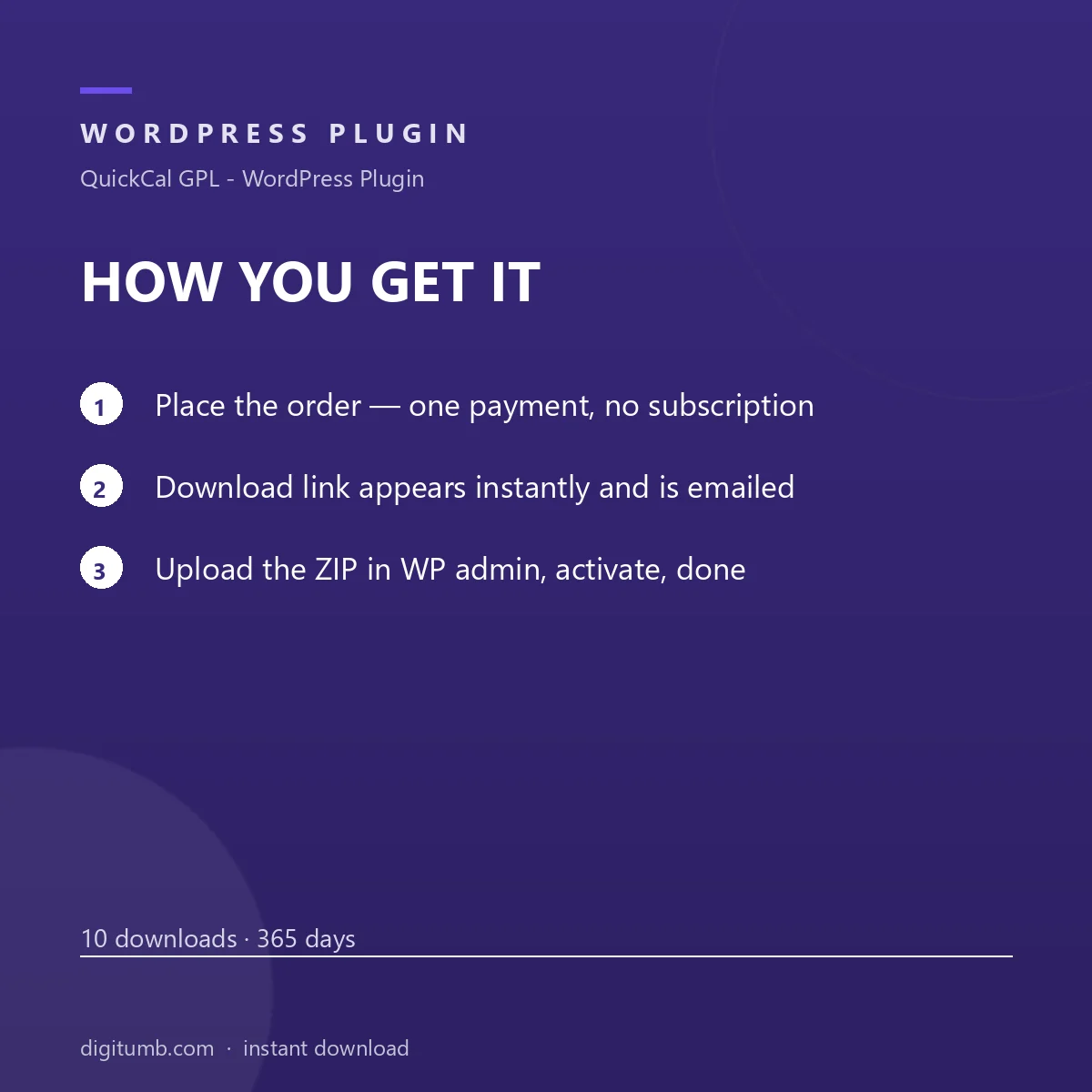
| Delivery | Instant ZIP download, 10 downloads, 365 days |
Who sees which appointments in QuickCal
Clients get a front-end view split into Upcoming Appointments, Pending Appointments and Appointment History, each with its own empty state. Appointment Information and Contact Information sit alongside the booking, and a note appears when the customer record no longer exists or when an appointment has already passed.
Since version 1.0.23, customer changes, cancellations and payment actions are limited to the signed-in owner of the appointment. Guests who are not logged in see a prompt to log in before their upcoming appointments are listed.
Front-End Agents and assigned calendars
The Booked Add-On: Front-End Agents gives staff their own front-end workspace. Agent actions and CSV exports are restricted to the calendars assigned to that agent, so one agent's list does not expose another calendar's bookings.
The history, upcoming and pending lists are paginated in the database at 50 appointments per page. On busy calendars this keeps the agent screens responsive instead of pulling every record at once.
WooCommerce bookings and unpaid appointments
QuickCal works with WooCommerce so booking payments run through the shop you already use. Missing WooCommerce order checks now run as a bounded background job rather than loading orders while the booking page renders, which keeps the booking form from waiting on order lookups.
Abandoned unpaid appointments are processed in bounded cron batches. A saved every2hours cleanup schedule handles the sweep, and invalid cleanup intervals are treated safely instead of breaking the schedule.
Access checks on agent tools, exports and demo data
Nonce and capability checks were added to Front-End Agents, CSV exports, WooCommerce actions and dismissible notices. Legacy demo appointment tools are disabled by default; switching them on requires administrator permissions and a valid nonce.
Version 1.0.24 also added WordPress regression coverage for the reported WorkSpa failures, so those booking flows are checked in testing.
What this build includes
| Customer appointment history | Clients view upcoming, pending and past appointments from the front end, with separate empty states and a prompt to log in when needed. |
|---|---|
| Owner-only appointment actions | Changes, cancellations and payment actions are limited to the signed-in owner of the appointment. |
| Calendar-scoped agent tools | Front-End Agents actions and CSV exports only reach the calendars assigned to that agent. |
| Paginated agent lists | History, upcoming and pending appointment lists are paginated in the database at 50 appointments per page. |
| WooCommerce payment integration | Booking payments can run through WooCommerce, with missing order checks handled by a bounded background job. |
| Scheduled cleanup of unpaid bookings | Abandoned unpaid appointments are processed in bounded cron batches on a saved every2hours schedule, with invalid intervals handled safely. |
| Protected demo tools | Legacy demo appointment tools stay off by default; opt-in use requires administrator permissions and nonces. |
Installing it on a WordPress site
- Upload the QuickCal zip file through the WordPress admin dashboard and activate the plugin.
- Follow the setup wizard to configure your booking calendar and settings.
- Set up the cleanup schedule and any Front-End Agents, then check the booking page and WooCommerce flow as a test customer.
Latest changes
Version 1.0.24 moves missing WooCommerce order checks to a bounded background job, paginates agent lists at 50 appointments per page, adds the saved every2hours cleanup schedule and processes abandoned unpaid appointments in bounded cron batches.
Frequently asked questions
Does QuickCal work with WooCommerce payments?
Yes. QuickCal is compatible with WooCommerce, so bookings can take payments through your shop. Missing WooCommerce order checks run as a bounded background job instead of loading orders during booking page rendering.
Can two Front-End Agents see each other's bookings?
No. Agent actions and CSV exports are restricted to the calendars assigned to that agent. Agent history, upcoming and pending lists are also paginated in the database at 50 appointments per page.
What happens to unpaid bookings that are never completed?
Abandoned unpaid appointments are processed in bounded cron batches. A saved every2hours cleanup schedule runs the sweep, and invalid cleanup intervals are treated safely rather than breaking the schedule.
Will QuickCal match my Astra or Divi site?
QuickCal is designed to work with popular WordPress themes, including Astra and Divi. It requires WordPress 5.0 and PHP 7.4, and is tested up to WordPress 6.8.
What do I get for $4.49?
The GPL build of QuickCal, version 1.0.24, as a 1.0 MB zip containing the same plugin files the developer ships. There is no vendor update channel and no vendor support desk with this build.
What the GPL build means for you
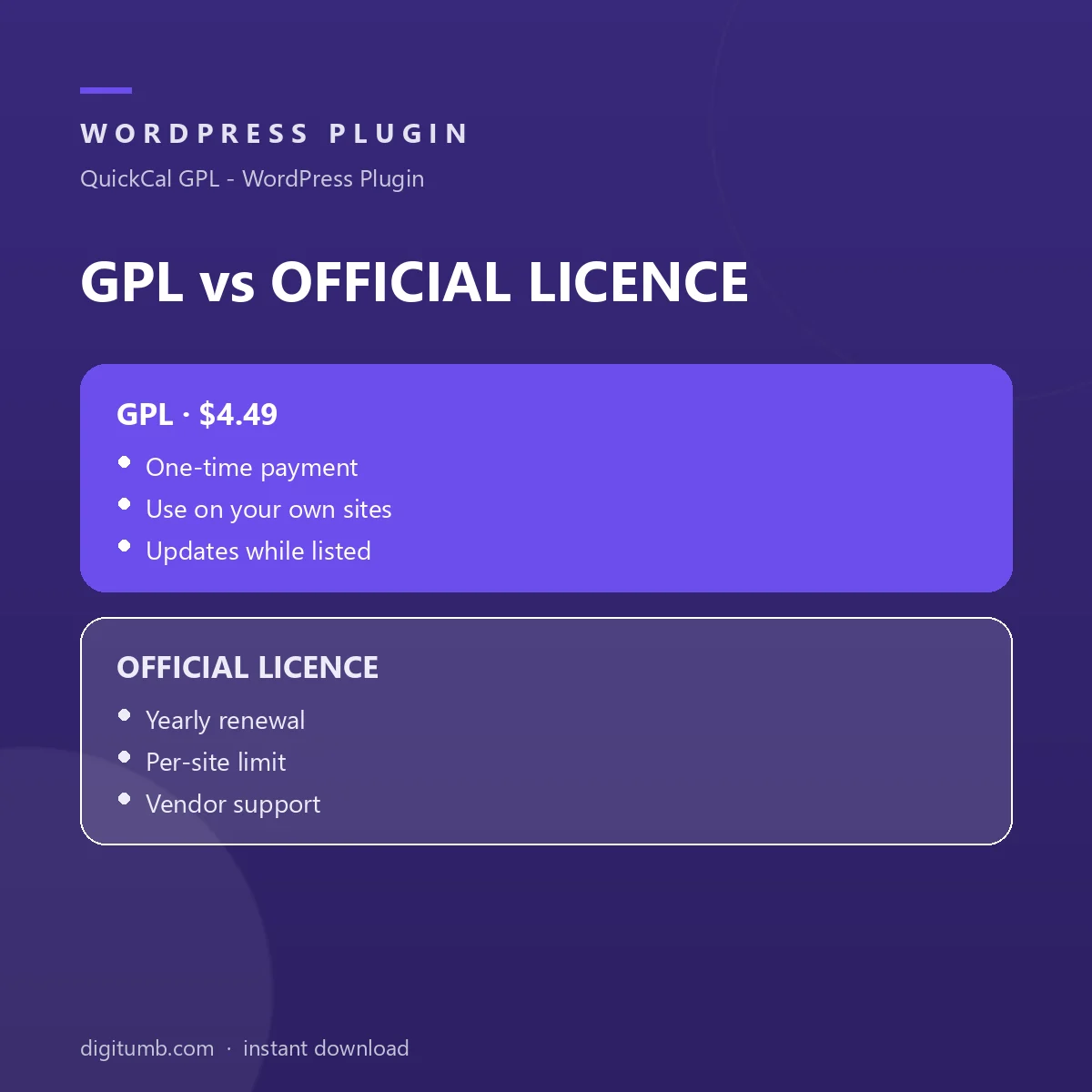
This is the same archive the developer publishes, redistributed under the GNU General Public License: you get the working files for $4.49 with no vendor update channel and no vendor support desk. If you need automatic updates or a support contract, buy the official license from the developer.
| This GPL build | Official license | |
|---|---|---|
| Price | $4.49 one time | Vendor subscription |
| Automatic updates | No | Yes |
| Developer support | No | Yes |
| Number of sites | Unlimited | Depends on plan |
Browse the rest of the WordPress plugins category or the full shop. The licence text is at GNU GPL v2, and general documentation is at WordPress.org.
You must be logged in to post a review.
You may also like…

Related products






Reviews
Clear filtersThere are no reviews yet.