


Protect Your Digital Life
$4.49
A digital security kit with an ebook, mini-course, guides, a checklist and audio that shows how to harden accounts, back up data and spot scams.
This digital security kit is a done-for-you bundle of an ebook, a mini-course, three focused guides, two listicles, a prompt pack, a toolstack, a checklist and audio that teaches account hardening, backup planning and scam awareness. It is built for freelancers, small teams and anyone who runs business data on ordinary devices and wants a practical safety routine without technical jargon.
What you get in the download
| Written pages | 302 pages |
|---|---|
| Word count | 35,385 words |
| Audio | 159.6 minutes |
| Files | 51 files |
| Download size | 138.0 MB |
| Formats | PDF, DOCX, MP3 |
What does a digital security kit actually contain?
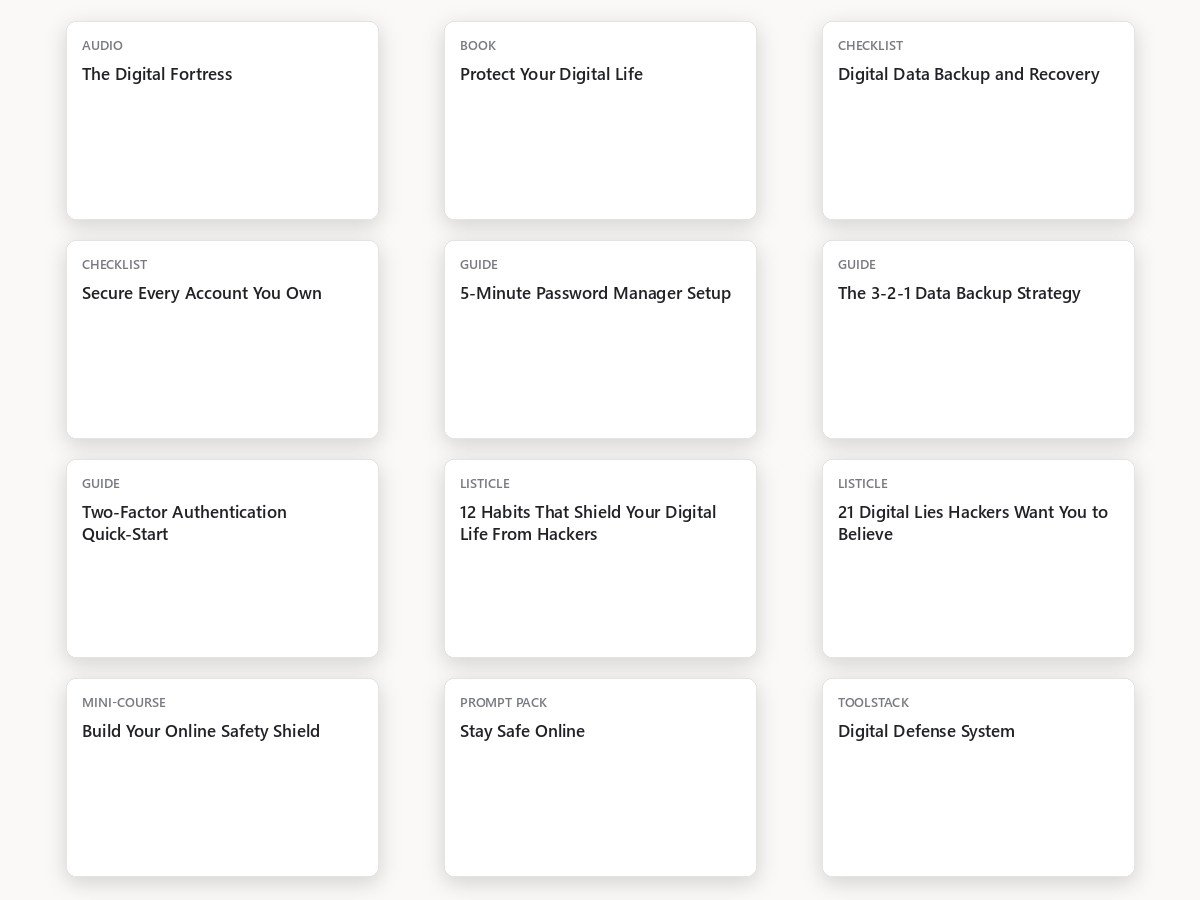
The bundle brings together ten written assets and an audio set. An ebook sets the overall picture, while a mini-course walks through building a personal safety routine step by step. Three focused guides cover the 3-2-1 backup method, two-factor authentication setup and password manager configuration.
Alongside the guides sit a prompt pack, two listicles on habits and common hacker lies, a toolstack and an account checklist. Everything ships as print-ready PDF, editable DOCX and MP3 audio, so the material works on paper, on screen and on the move.
How does the digital security kit handle passwords and two-factor login?
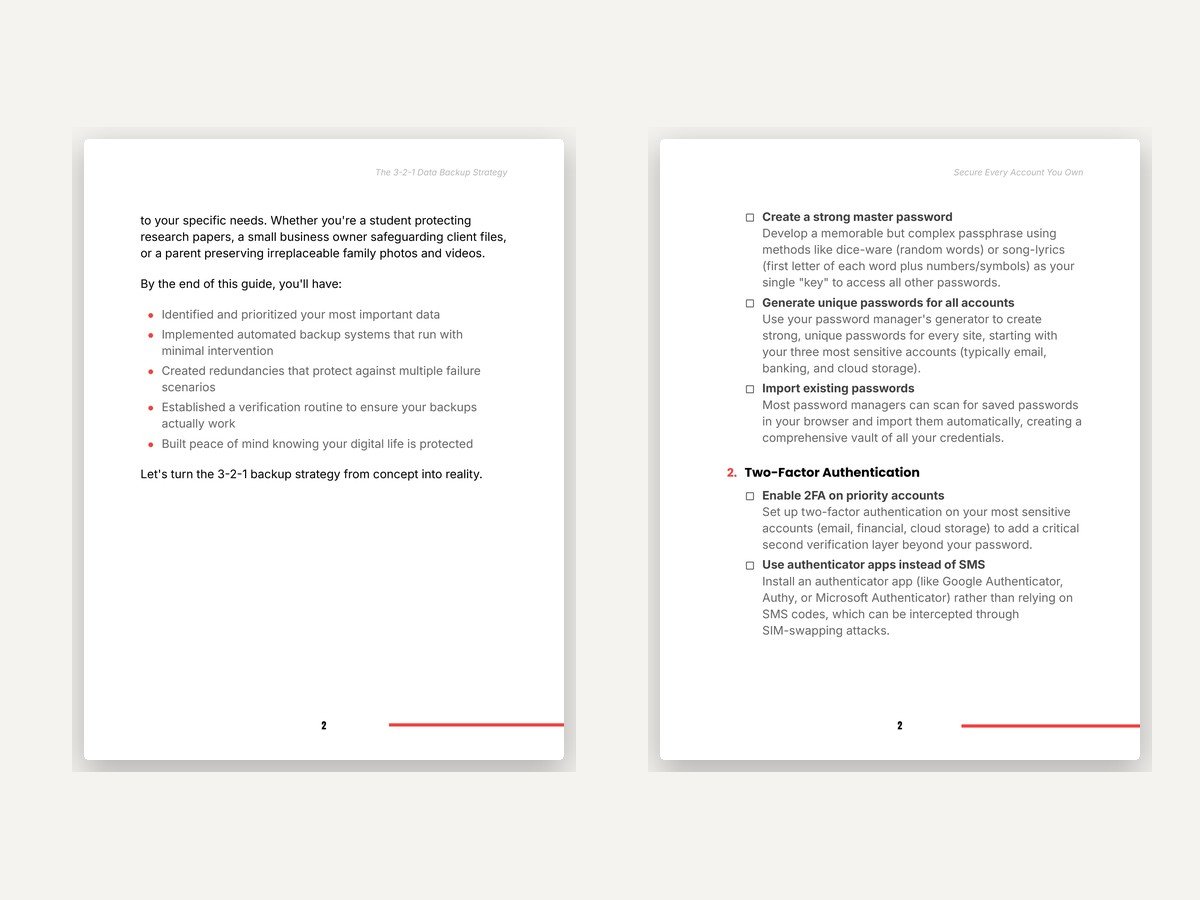
Password reuse and weak login steps are where most account takeovers begin. The kit addresses both with a dedicated password manager setup guide and a separate two-factor quick-start, each written for someone who has never configured either tool before.
The account checklist then turns those two habits into a repeatable sweep: every account you own gets a password review and an authentication check. You finish with a short list of what still needs attention rather than an overwhelming audit.
What is the 3-2-1 backup approach and why does it matter?
The 3-2-1 rule is a simple way to think about copies: keep three copies of important data, on two different kinds of storage, with one copy stored off-site. The guide explains the reasoning and then shows how to apply it to a small business or solo operation.
It is written for people who have never planned a backup and for those whose current backup has never been tested. The goal is a routine you can actually keep, not an enterprise system.
Who is the digital security kit for?
Freelancers who hold client files on a laptop, small teams sharing cloud accounts, and solo founders running a business from a phone all fit the intended reader. The material assumes no IT department and no security background.
It also suits anyone who has clicked a suspicious link and wants a calmer, more structured approach. The tone is plain and the steps are short.
Can I use these materials with clients and my team?
Yes. The buyer can use these materials in their own business, with their team and with clients, but cannot resell or redistribute the files as their own product. That makes the bundle usable for internal training, client onboarding packs or a paid workshop handout.
The editable DOCX files let you add your own branding and examples before sharing.
Every file in the kit
- ebook — 62 pages: Sets the overall picture of personal and small-business digital safety.
- mini-course — 38 pages: Walks through building a safety routine in short steps.
- guide — 34 pages: Explains the 3-2-1 backup method and how to apply it.
- guide — 31 pages: Shows how to switch on two-factor authentication account by account.
- guide — 29 pages: Sets up a password manager from a standing start.
- prompt pack — 27 pages: Gives ready-made prompts for safety planning and review.
- listicle — 26 pages: Lists habits that reduce exposure to hackers.
- listicle — 24 pages: Names common false beliefs attackers rely on.
- toolstack — 19 pages: Maps a defence system of tools and routines.
- checklist — 6 pages: Turns account hardening into a sweep you can tick off.
Who it is for
- A freelancer storing client files on a personal laptop
- A small team sharing cloud accounts without an IT lead
- A solo founder running a business from a phone
- Someone who wants a plain routine after a suspicious message
Licence
Use these materials in your own business, with your team and in client work. You cannot resell or redistribute the files as your own product.
Frequently asked questions
Do I need technical knowledge to use this kit?
No. The guides are written for readers with no security background and no IT department. Steps are short and concrete, and the account checklist keeps the work bounded so you are not asked to audit everything at once.
What formats are included?
The files ship as print-ready PDF, editable DOCX and MP3 audio. That means you can read on paper, edit the text for your own use, or listen while travelling. The audio runs alongside the written material rather than replacing it.
Can I share the files with clients?
You can use the materials in your own business, with your team and with clients, but you cannot resell or redistribute the files as your own product. The editable DOCX format lets you adapt the text before handing it over.
How much does the kit cost?
The price is $4.49 for the full bundle. You receive every written asset and the audio set in the three formats listed, delivered as a single download.
Browse more kits in Business & Startup or see the full library.
You must be logged in to post a review.
Related products





Reviews
Clear filtersThere are no reviews yet.