

Nitro Universal Woocommerce Theme From Ecommerce Experts GPL
$4.49
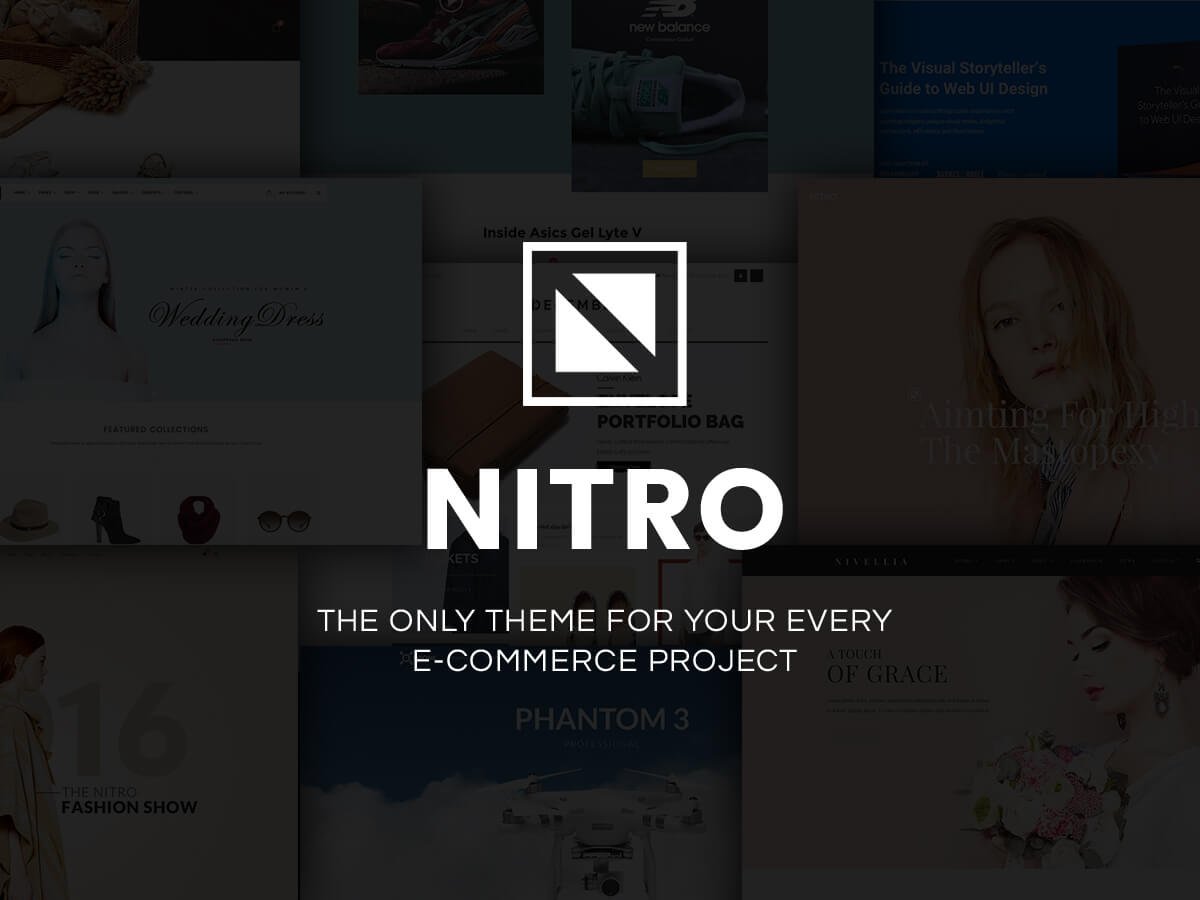
WR Nitro is a WordPress eCommerce theme built for WooCommerce projects. It ships with ready-to-use layouts for different ecommerce industries such as fashion, electronics, furniture, digital, sports.
WR Nitro is a WordPress eCommerce theme built for WooCommerce projects. It ships with ready-to-use layouts for different ecommerce industries such as fashion, electronics, furniture, digital, sports and jewelry. The theme targets the mix WooCommerce customers look for: intuitive design, robust loading performance and eCommerce function, with Elementor compatibility for building custom layouts and a required-plugins installer for the plugins it depends on.
| Product | WR Nitro |
|---|---|
| Version | 1.7.9 |
| Works with | WordPress 6.x+ / PHP 8.x+ |
| Tested up to | WordPress current |
| License | GPLv2 or later |
| Delivery | Instant ZIP download, 10 downloads, 365 days |
Which store types does WR Nitro ship layouts for?
Nitro includes ready-to-use layouts aimed at specific ecommerce industries: fashion, electronics, furniture, digital, sports, jewelry and other categories. Instead of starting from a blank canvas, you pick the layout that matches your product range and adapt it to your catalog.
The layouts are part of the theme package itself, so the design direction for each industry is already in place when you activate Nitro on a WordPress site. The theme is described as the only WordPress eCommerce theme you need for WooCommerce projects, which reflects how broadly the layout set covers retail categories rather than one narrow niche.
How does WR Nitro work with WooCommerce and Elementor?
Nitro is fully compatible with WooCommerce, so you can set up and manage an online store with the theme in place. Product pages, cart and checkout run on WooCommerce while Nitro supplies the storefront design and the eCommerce functions shoppers interact with.
Elementor compatibility lets you create custom layouts and designs through the drag-and-drop interface. You can build page structures visually rather than editing templates by hand, and combine that with the theme's built-in customization options after activation. The theme is presented as a versatile base for diverse WooCommerce stores.
What is inside the WR Nitro zip file?
The download is a 2.3 MB zip. At the top level you find the woorockets folder, a woocommerce folder holding the theme's WooCommerce templates, a vc_templates folder and a libraries folder. Those folders are what the theme loads when it renders shop and product views.
The theme's settings screens include a required-plugins installer. It walks through installing, updating and activating bundled plugins, and reports status such as plugin activated successfully, installed but not activated, requires update, update recommended, installed version, minimum required version and available version, so you can see what each plugin needs before you continue.
What do the theme's plugin screens show me?
When you open the installer you see a list of required plugins with an install, update or activate action for each one. Messages confirm progress, for example begin installing plugin, begin updating plugin and begin activating plugin, and a notice tells you when the following plugin was activated successfully.
The screens also flag problems: a plugin that needs updating to be compatible with your theme shows an update required notice, and when no plugins are selected for an action the theme reports that no action was taken. If something fails at the plugin API level, the theme returns you to the required plugins installer or the dashboard so you can retry.
What this build includes
| Industry-ready layouts | Choose from prebuilt layouts for fashion, electronics, furniture, digital, sports, jewelry and other ecommerce categories without designing a storefront from scratch. |
|---|---|
| WooCommerce storefront | Run a full online store on WooCommerce with Nitro providing the theme layer for product and shop pages. |
| Elementor page building | Create custom layouts and designs with Elementor's drag-and-drop interface instead of writing template code. |
| Required plugin installer | Install, update and activate the plugins the theme depends on from one screen, with clear status messages for each plugin. |
| Version and update status readout | See installed version, minimum required version and available version for each required plugin, plus whether an update is recommended. |
| Built-in customization options | Adjust the theme through its own options panel after activation, alongside the page builder. |
| WooCommerce template folder | The package includes a dedicated woocommerce folder holding the theme's WooCommerce template files. |
| Comment navigation | Blog and post comment areas include older and newer comment navigation links and a closed-comments notice. |
Installing it on a WordPress site
- Upload the theme zip through your WordPress dashboard under Appearance > Themes.
- Activate Nitro, then open the required plugins installer to install and activate the plugins the theme lists.
- Customize the storefront using the built-in theme options and Elementor to build your layouts.
Latest changes
This build is WR Nitro version 1.7.9.
Frequently asked questions
Is WR Nitro compatible with WooCommerce?
Yes. Nitro is fully compatible with WooCommerce, which lets you set up and manage an online store with the theme. The package also includes a woocommerce folder with the theme's WooCommerce template files and a vc_templates folder alongside it.
Can I build layouts with Elementor in WR Nitro?
Yes. Nitro is compatible with Elementor, so you can create custom layouts and designs using the drag-and-drop interface. This works alongside the theme's built-in customization options, which you reach after activating the theme.
How do I install WR Nitro on my WordPress site?
Upload the theme file via the WordPress dashboard under Appearance > Themes. Once activated, customize it with the built-in options and page builder, and use the required plugins installer to set up the plugins the theme needs.
What happens if a required plugin is out of date?
The theme shows an update required notice telling you the plugin needs updating to be compatible with your theme. You can then run the update from the same installer screen, which reports the installed version and the available version before you proceed.
What am I buying at $4.49?
You receive the GPL build of WR Nitro version 1.7.9, a 2.3 MB zip containing the same theme files the developer ships. There is no vendor update channel and no vendor support desk with this purchase; the price is $4.49.
What the GPL build means for you
This is the same archive the developer publishes, redistributed under the GNU General Public License: you get the working files for $4.49 with no vendor update channel and no vendor support desk. If you need automatic updates or a support contract, buy the official license from the developer.
| This GPL build | Official license | |
|---|---|---|
| Price | $4.49 one time | Vendor subscription |
| Automatic updates | No | Yes |
| Developer support | No | Yes |
| Number of sites | Unlimited | Depends on plan |
Browse the rest of the WordPress themes category or the full shop. The licence text is at GNU GPL v2, and general documentation is at WordPress.org.
You must be logged in to post a review.
You may also like…

Related products




Reviews
Clear filtersThere are no reviews yet.