

Memberpress Course Quizzes GPL
$4.49
MemberPress Course Quizzes is an add-on for MemberPress Courses that lets course creators build interactive quizzes and attach them to online courses.
MemberPress Course Quizzes is an add-on for MemberPress Courses that lets course creators build interactive quizzes and attach them to online courses. Quizzes assess learner knowledge and engagement, and the add-on handles grading and feedback automatically. It installs like any WordPress plugin and is managed from the MemberPress courses section of your dashboard.
| Product | memberpress-course-quizzes |
|---|---|
| Version | 1.4.0 |
| Works with | WordPress 6.x+ / PHP 8.x+ |
| Tested up to | WordPress current |
| License | GPLv2 or later |
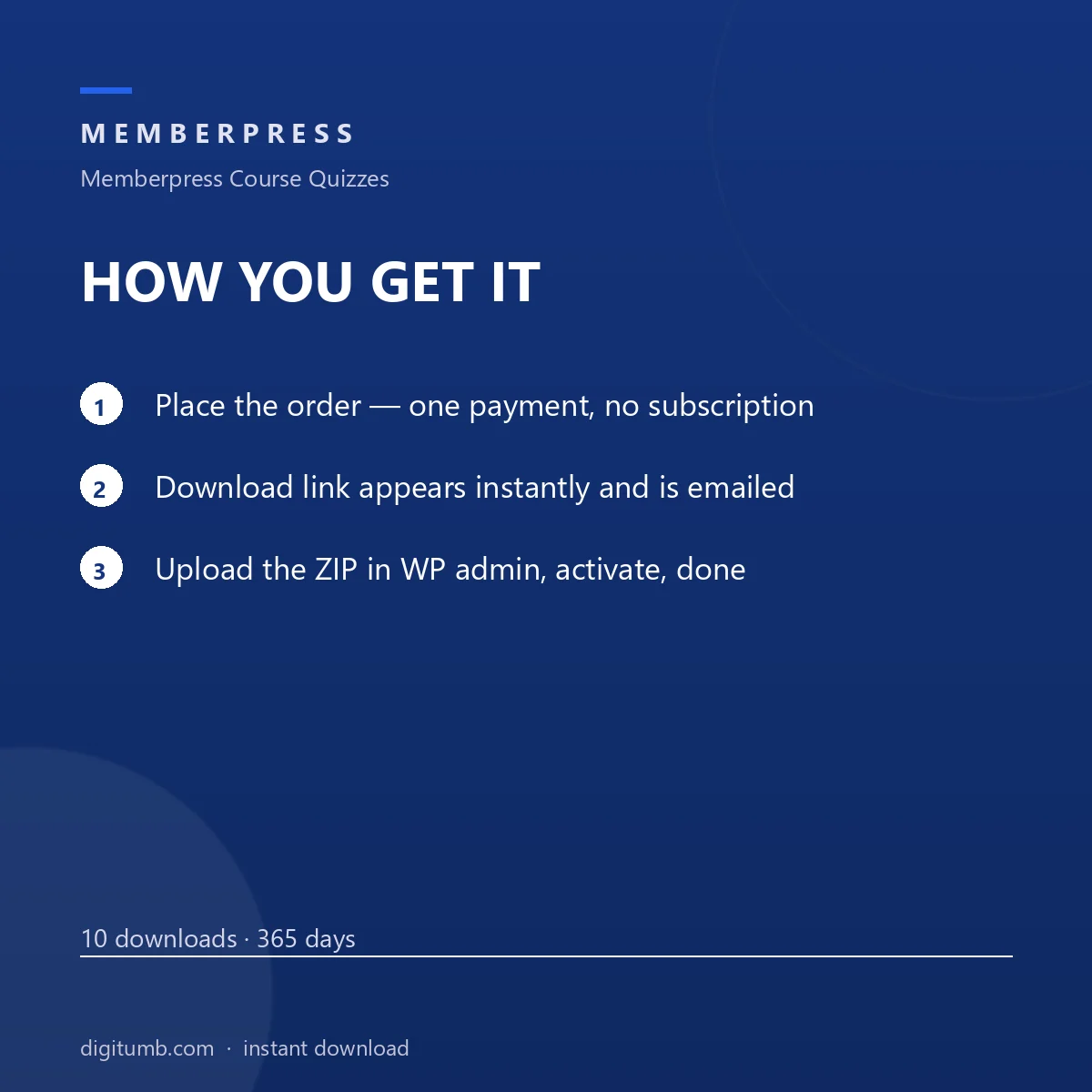
| Delivery | Instant ZIP download, 10 downloads, 365 days |
What MemberPress Course Quizzes adds to a MemberPress course
The add-on extends MemberPress Courses with a quiz layer. You create questions and quizzes, organise questions with tags, and manage everything from the MemberPress courses area of the WordPress dashboard. Learners take the quizzes inside your courses, and the add-on grades the results and returns feedback without manual marking.
Question and attempt management sits in the same admin screens. You can search quizzes, search and edit question tags, page through attempts, and remove questions you no longer need. Attempt records show past activity per quiz, so a quiz that has already been taken is flagged before you edit it.
Question library tools: tags, duplicates and orphan checks
Questions live in a shared library rather than only inside a single quiz. Tags let you group questions and apply bulk actions such as adding a tag to a selection, and the tag screen supports adding, searching, editing and updating tags. A quiz can be duplicated, and the interface warns if a duplicate post could not be created.
The library also reports question usage. An orphan count shows questions used in zero quizzes, and a separate state marks questions that appear in multiple quizzes. Deleting questions permanently is a bulk action that skips any question still in use, so a question attached to a live quiz is not removed by accident.
Attempts, backfill and editing a quiz that learners have taken
Attempts are listed per quiz with a configurable number of attempts per page. When you open a quiz for editing, the screen prepares it first and tells you when it is ready. If the quiz has past attempts, that is stated on screen so you know the edit affects a quiz already in use.
A backfill routine brings existing quiz data into the add-on's structure. The screen reports when all quizzes are backfilled, confirms completion with a reload, and on failure offers a retry or a WP-CLI command as an alternative route. Questions per page can be set for the question list.
Where Course Quizzes fits with other plugins and themes
The add-on is built to work with popular WordPress plugins including WooCommerce and Elementor, so quiz content can sit alongside a store or page-builder layouts. It is also compatible with the Divi theme, which means quizzes can be placed in courses built with Divi.
Access to quiz screens is permission-checked. Screens return messages such as insufficient permissions or a failed security check when a user is not allowed to act, and quiz or attempt records that no longer exist report as not found instead of failing silently.
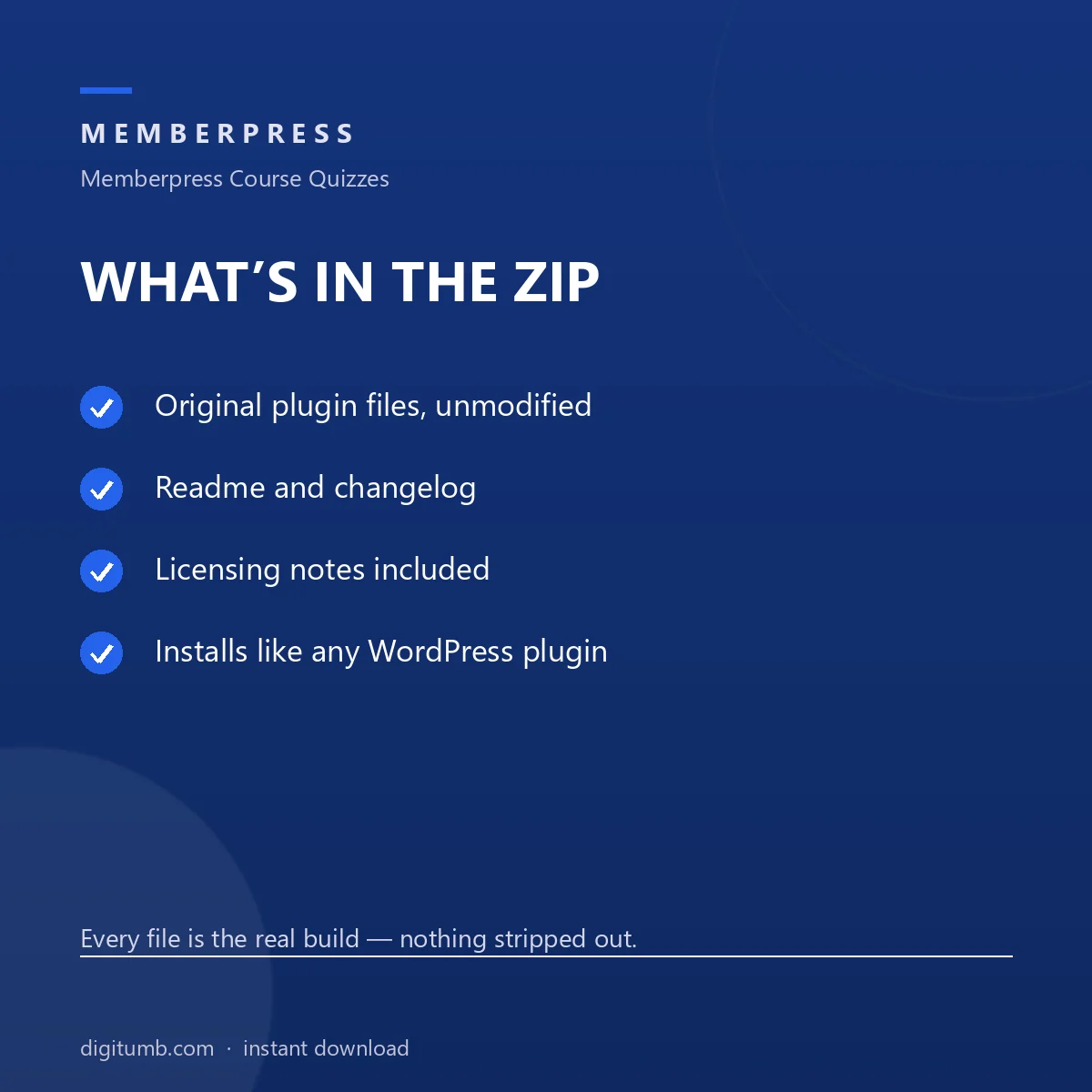
What this build includes
| Interactive course quizzes | Add quizzes to MemberPress courses so learners answer questions inside the course and their knowledge and engagement can be assessed. |
|---|---|
| Automated grading and feedback | The add-on grades quiz attempts and returns feedback automatically, removing manual marking from the course creator's workload. |
| Question tags with bulk actions | Create, search, edit and update question tags, then apply the Add tag bulk action to selected questions in the library table. |
| Orphan and multi-quiz indicators | See which questions are used in zero quizzes and which appear in multiple quizzes before you clean up the library. |
| Safe permanent deletion | Delete selected questions permanently in bulk; questions still in use are skipped rather than removed. |
| Quiz duplication | Duplicate an existing quiz to reuse its structure, with an on-screen message if the duplicate post cannot be created. |
| Attempt list with paging | Review quiz attempts in a paged list and set how many attempts appear per page in the admin screens. |
| Backfill routine | Run a backfill to bring existing quizzes into the add-on's structure, with completion status, reload and a WP-CLI fallback command. |
Installing it on a WordPress site
- Upload the plugin zip through the WordPress dashboard and activate it.
- Open the MemberPress courses section of the dashboard to start creating quizzes and questions.
- Set attempts per page and questions per page to suit your admin workflow, then run the backfill if you have existing quiz data.
Frequently asked questions
What does MemberPress Course Quizzes actually do?
It is an add-on for MemberPress Courses that adds interactive quizzes to online courses. Course creators build questions and quizzes, learners take them inside the course, and the add-on grades the attempts and provides feedback so knowledge and engagement can be assessed.
How do I install MemberPress Course Quizzes?
Upload the plugin file through the WordPress dashboard, activate it, then go to the MemberPress courses section to begin creating quizzes. The zip is 0.2 MB and version 1.4.0, and the archive contains app, public, build, brand and i18n folders.
Does it work with Divi, WooCommerce and Elementor?
Yes. The add-on is designed to work with popular WordPress plugins such as WooCommerce and Elementor, and it is compatible with the Divi theme, so quizzes can be integrated into Divi-built courses.
What happens if I delete a question that is still used in a quiz?
Permanent deletion is a bulk action, and questions still in use are skipped. The library also flags orphans used in zero quizzes and questions that appear in multiple quizzes, so you can check usage before deleting.
Is this the same build the developer ships, and what about updates?
This is a GPL build containing the same files the developer ships, priced at $4.49. It has no vendor update channel and no vendor support desk; the developer of the add-on is Caseproof, LLC.
What the GPL build means for you
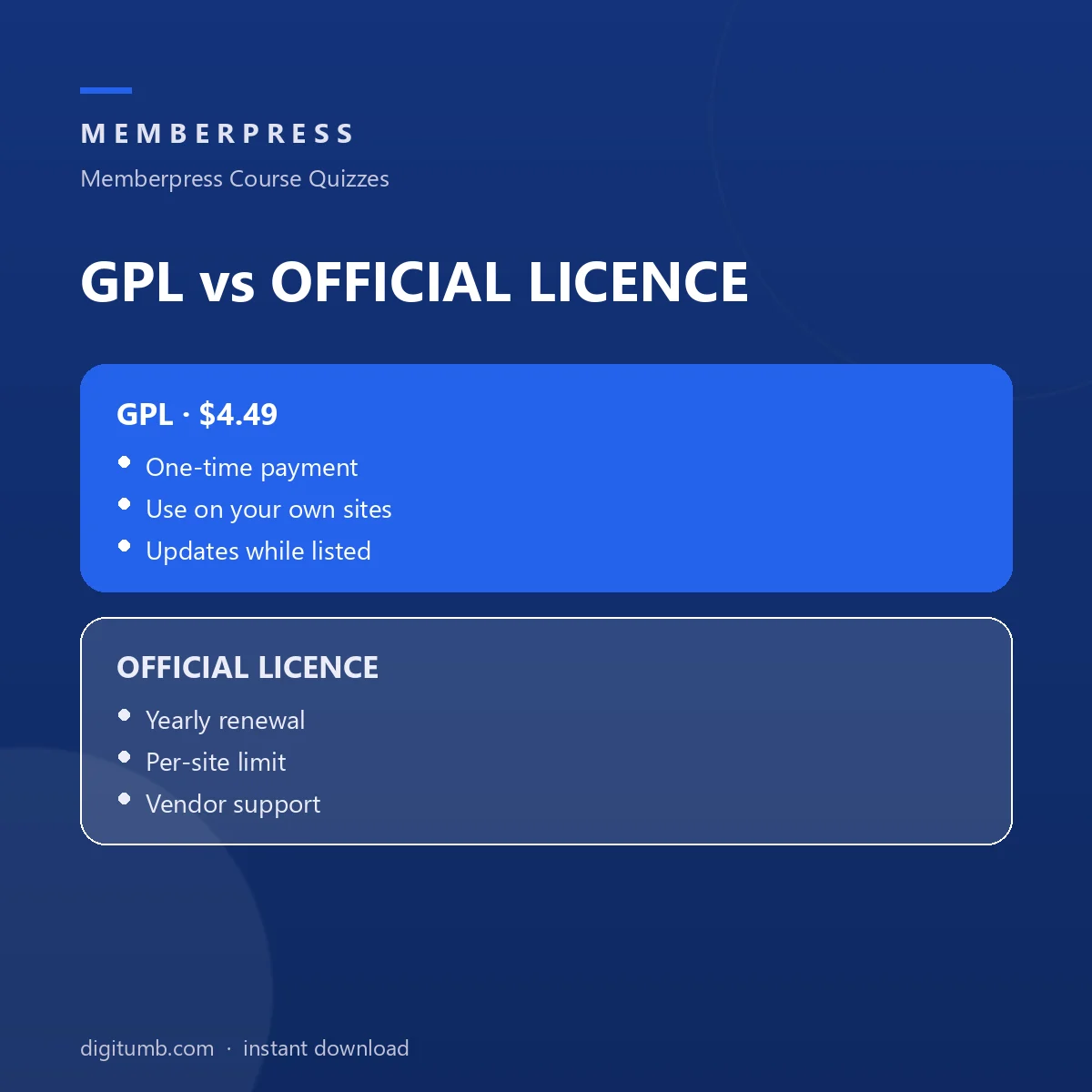
This is the same archive the developer publishes, redistributed under the GNU General Public License: you get the working files for $4.49 with no vendor update channel and no vendor support desk. If you need automatic updates or a support contract, buy the official license from the developer.
| This GPL build | Official license | |
|---|---|---|
| Price | $4.49 one time | Vendor subscription |
| Automatic updates | No | Yes |
| Developer support | No | Yes |
| Number of sites | Unlimited | Depends on plan |
Browse the rest of the WordPress plugins category or the full shop. The licence text is at GNU GPL v2, and general documentation is at WordPress.org.
You must be logged in to post a review.
You may also like…

Related products








Reviews
Clear filtersThere are no reviews yet.