
LearnDash – Mailchimp Lms Integration GPL
$4.49
LearnDash Mailchimp is a plugin that connects your LearnDash courses to Mailchimp email lists.
LearnDash Mailchimp is a plugin that connects your LearnDash courses to Mailchimp email lists. It lets LearnDash students opt in to Mailchimp lists, and it tags those students by course so you can organize subscribers around what they study. This GPL build ships the same files as the developer, with no vendor update channel and no vendor support desk, priced at $4.49.
| Product | LearnDash – Mailchimp |
|---|---|
| Version | v1.5.0 |
| Works with | WordPress 4.5.0+ / PHP 5.4.0+ |
| Tested up to | WordPress 6.0.2 |
| License | GPLv2 or later |
| Delivery | Instant ZIP download, 10 downloads, 365 days |
Student opt-in to Mailchimp lists
The plugin gives LearnDash students a way to opt in to Mailchimp lists rather than being added without a choice. That keeps your mailing list built from people who asked to be on it, while the course context stays attached to each subscriber.
List opt-in is the core job of the plugin. Once a student opts in, the connection between your LearnDash course and your Mailchimp audience is what the rest of the settings work around.
Tagging students by course
Each course can carry its own stored Mailchimp tag, so subscribers can be tagged by the course they are enrolled in. This makes it possible to segment your Mailchimp audience by course rather than treating all LearnDash students as one group.
Because the tag is stored per course, the plugin needs to keep that value straight when courses are duplicated. Version 1.5.0 supports LearnDash's built-in Course Cloner so the stored Mailchimp tag for a course is not copied onto the new copy.
Where the Mailchimp settings live
Settings sit under LearnDash LMS -> Settings -> Mailchimp. Since version 1.4.0 the License Field has moved to a sub-page under Mailchimp -> Licensing, because the LearnDash Hub Plugin, installed automatically when updating to LearnDash v4.3.0.2, removes the LMS License Tab from view.
Version 1.3.0 added a message at the top of the Settings screen directing you to enter your License key if you have not already done so, and a description on the API Key field telling you where to get one. The plugins listing also carries a link directing you to enter your License Key.
Compatibility and requirements
The plugin requires WordPress 4.5.0 and PHP 5.4.0, and is tested up to WordPress 6.0.2. The download is a 0.4 MB zip with the learndash-mailchimp and core folders inside.
Version 1.5.0 of the plugin is what you receive. It is a GPL build: the same files the developer ships, with no vendor update channel and no vendor support desk.
What this build includes
| Student list opt-in | Let LearnDash students opt in to your Mailchimp lists instead of adding them without consent. |
|---|---|
| Course-based tagging | Store a Mailchimp tag per course so subscribers can be tagged by the course they are enrolled in. |
| Course Cloner support | Prevents a course's stored Mailchimp tag from being copied onto the new copy when using LearnDash's Course Cloner. |
| API key guidance | The API Key field carries a description telling you where to get a key. |
| License key reminder | A message at the top of the Settings screen and a link in the plugins listing direct you to enter your License key. |
Installing it on a WordPress site
- Install the plugin through the WordPress dashboard and activate it.
- Open LearnDash LMS -> Settings -> Mailchimp and enter your Mailchimp API key, using the field description to find where to get one.
- Enter your License key on the Mailchimp -> Licensing sub-page, then set the Mailchimp tag you want stored for each course.
Frequently asked questions
Do students get added to Mailchimp automatically?
Students opt in to Mailchimp lists through the plugin. The integration is built around that opt-in, so your lists are filled by students who chose to join rather than by everyone enrolled in a course.
Can I segment subscribers by course?
Yes. Each course stores its own Mailchimp tag, so subscribers can be tagged by the course they are enrolled in. You can then work with those tags inside Mailchimp to separate students by course.
What happens to course tags when I clone a course?
Version 1.5.0 supports LearnDash's built-in Course Cloner so the stored Mailchimp tag for a course is not copied to the new copy. The duplicate starts without inheriting the original course's tag.
Where do I enter the Mailchimp API key and License key?
Both live under LearnDash LMS -> Settings -> Mailchimp. The API Key field includes a description of where to get a key, and the License key goes on the Licensing sub-page. A message at the top of the Settings screen reminds you if the License key is still missing.
What are the WordPress and PHP requirements?
The plugin requires WordPress 4.5.0 and PHP 5.4.0, and is tested up to WordPress 6.0.2. Check these against your site before installing, since older WordPress or PHP versions fall outside what the plugin states.
What do I get for $4.49?
You get a GPL build of LearnDash Mailchimp v1.5.0 as a 0.4 MB zip, containing the same files the developer ships. There is no vendor update channel and no vendor support desk included with this build.
What the GPL build means for you
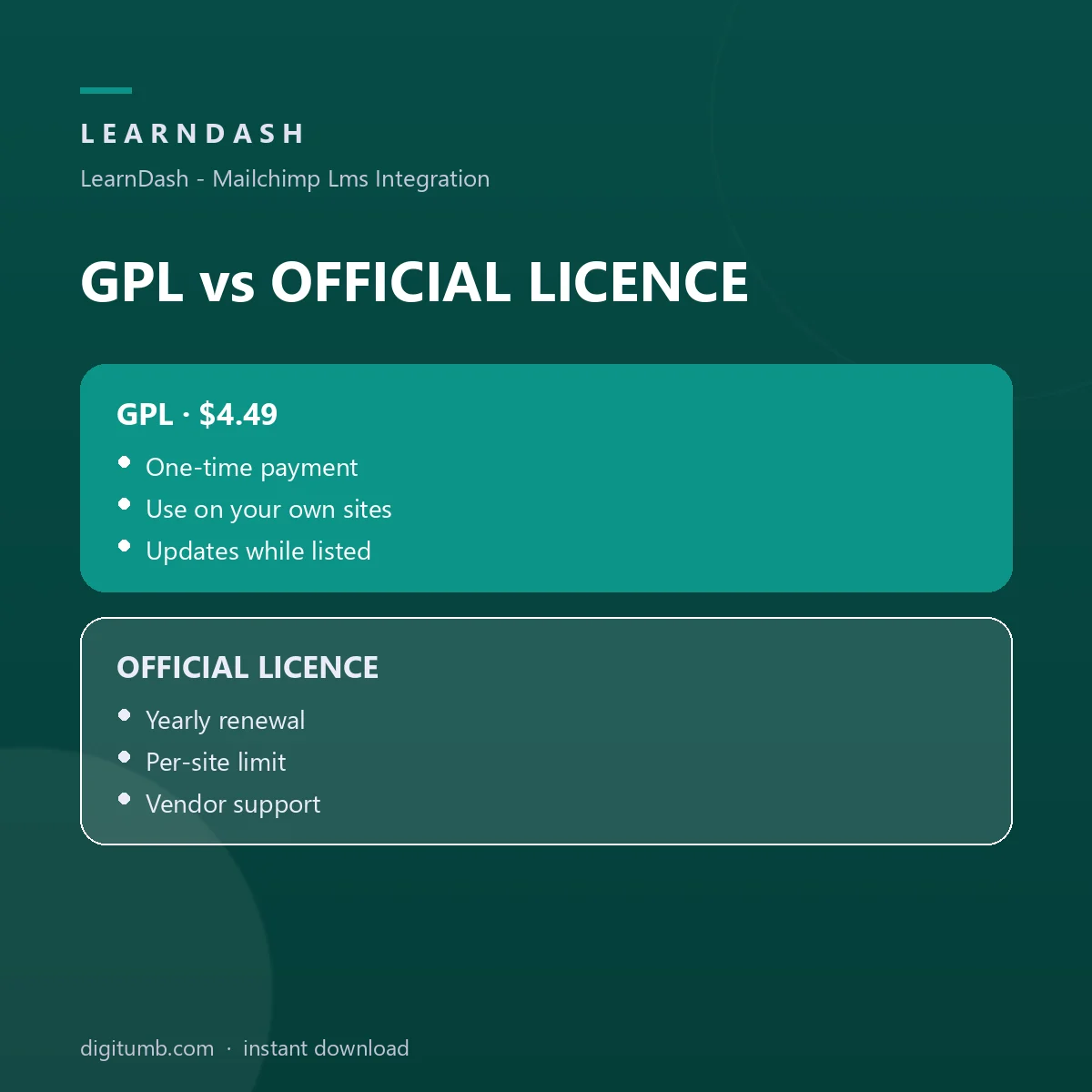
This is the same archive the developer publishes, redistributed under the GNU General Public License: you get the working files for $4.49 with no vendor update channel and no vendor support desk. If you need automatic updates or a support contract, buy the official license from the developer.
| This GPL build | Official license | |
|---|---|---|
| Price | $4.49 one time | Vendor subscription |
| Automatic updates | No | Yes |
| Developer support | No | Yes |
| Number of sites | Unlimited | Depends on plan |
Browse the rest of the WordPress plugins category or the full shop. The licence text is at GNU GPL v2, and general documentation is at WordPress.org.
You must be logged in to post a review.
You may also like…

Related products










Reviews
Clear filtersThere are no reviews yet.