


Eventon Event Tickets GPL
$4.49
EventOn Event Tickets is an addon for eventON that lets you sell and manage event tickets from your WordPress site.
EventOn Event Tickets is an addon for eventON that lets you sell and manage event tickets from your WordPress site. You set up ticket types, manage inventory, assign a WooCommerce product to a ticket and process payments, then track attendees and ticket sales from the event settings. This build ships the same plugin files the developer releases, at $4.49, with no vendor update channel and no vendor support desk.
| Product | eventon-event-tickets |
|---|---|
| Version | 2.4.19 |
| Works with | WordPress 6.x+ / PHP 8.x+ |
| Tested up to | WordPress current |
| License | GPLv2 or later |
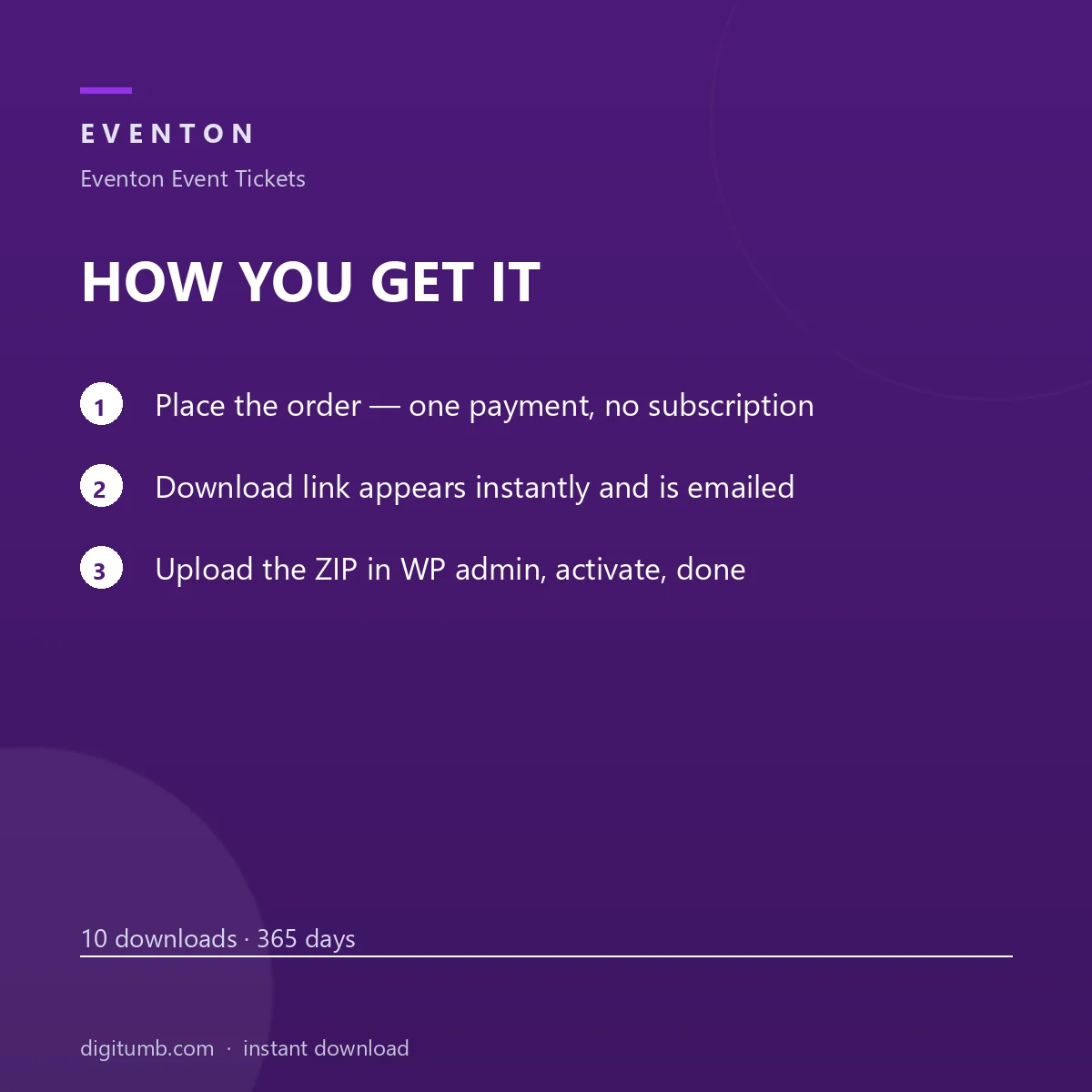
| Delivery | Instant ZIP download, 10 downloads, 365 days |
How tickets connect to WooCommerce products
Each event ticket can be assigned to a WooCommerce product. The settings screen shows which product is currently assigned, alerts you if the ticket is already attached to a product, and confirms when a new product assignment is saved.
Tickets can also run without a WooCommerce product. The plugin works independently, and WooCommerce is used when you want the extra eCommerce handling that comes with a product-based checkout.
Ticket capacity, stock and sales tracking
A ticket can be set with a total event capacity, or with no capacity limit at all. The settings show tickets that are in stock and tickets that are active, so you can see which events have ticket sales switched on.
Sales reporting covers ticket sales by order status and ticket sales based on the time of the sale, with time measured relative to the current time. A separate view breaks down sales by customer location and lists the top 3.
Attendee lists and emailing buyers
Attendee data is searchable by ticket ID, name or email. Each record shows who purchased the ticket, the payment status, other tickets in the same order, and any order that contains no ticket.
You can email the attendee list to someone. Options limit the send to guests with completed orders or to guests with pending orders, and you set the email addresses, subject and message. The screen reports when the email was sent and warns when no completed orders were found.
Check-in and event start status
A guest attendance panel reports the checked-in count for the event. The ticket box also shows the time left until the event starts and flags when the event has already started.
Event repeat instances are selectable when you work with an event that repeats, so ticket actions can be tied to the instance you choose.
What this build includes
| Assign a WooCommerce product to a ticket | Attach each event ticket to a WooCommerce product and see the current assignment in the ticket settings. |
|---|---|
| Set total event capacity | Give a ticket a total event capacity or leave it with no capacity limit. |
| See tickets in stock | The settings list tickets that are in stock and tickets that are active for events with tickets enabled. |
| Search attendee records | Find attendees by ticket ID, name or email and review purchase and payment status. |
| Email the attendee list | Send the attendee list to chosen email addresses with your own subject and message. |
| Filter email by order status | Email only guests with completed orders or only guests with pending orders. |
| Report sales by time of sale | View ticket sales based on the time of the ticket sale, measured in relation to the current time. |
| Report sales by location | See ticket sales by customer location with the top 3 listed. |
| Track checked-in guests | Read the checked-in count from the guest attendance data panel. |
| Select event repeat instances | Choose which repeat instance of an event the ticket settings apply to. |
Installing it on a WordPress site
- Upload the EventOn Event Tickets plugin file through the WordPress admin under Plugins, then activate it.
- Open the EventOn settings and configure the ticket options, including capacity and the WooCommerce product assignment where you use one.
- Connect your payment gateway, then check the attendee and sales screens to confirm tickets are recording orders.
Latest changes
This page covers EventOn Event Tickets version 2.4.19.
Frequently asked questions
Does EventOn Event Tickets require WooCommerce?
No. The plugin works independently, and WooCommerce can be used alongside it when you want additional eCommerce functionality. If you do assign a WooCommerce product to a ticket, the settings show that assignment and let you change it.
Can I email only the guests who completed their order?
Yes. The attendee email screen has options for completed order guests and pending order guests. You enter the recipient addresses separated by commas, write a subject and message, and the screen confirms when the email is sent.
How do I find a specific attendee?
Attendee records can be searched by ticket ID, name or email. Each result shows who purchased the ticket, the payment status and any other tickets in the same order, so you can check one buyer without scrolling the whole list.
Is the Astra theme supported?
Yes. EventOn Event Tickets is compatible with the Astra theme, so ticket settings and event pages can sit inside an Astra-based site design.
What do I get for $4.49?
You get the GPL build of EventOn Event Tickets version 2.4.19 as a 0.2 MB zip, containing the same plugin files the developer ships. There is no vendor update channel and no vendor support desk with this build.
What the GPL build means for you
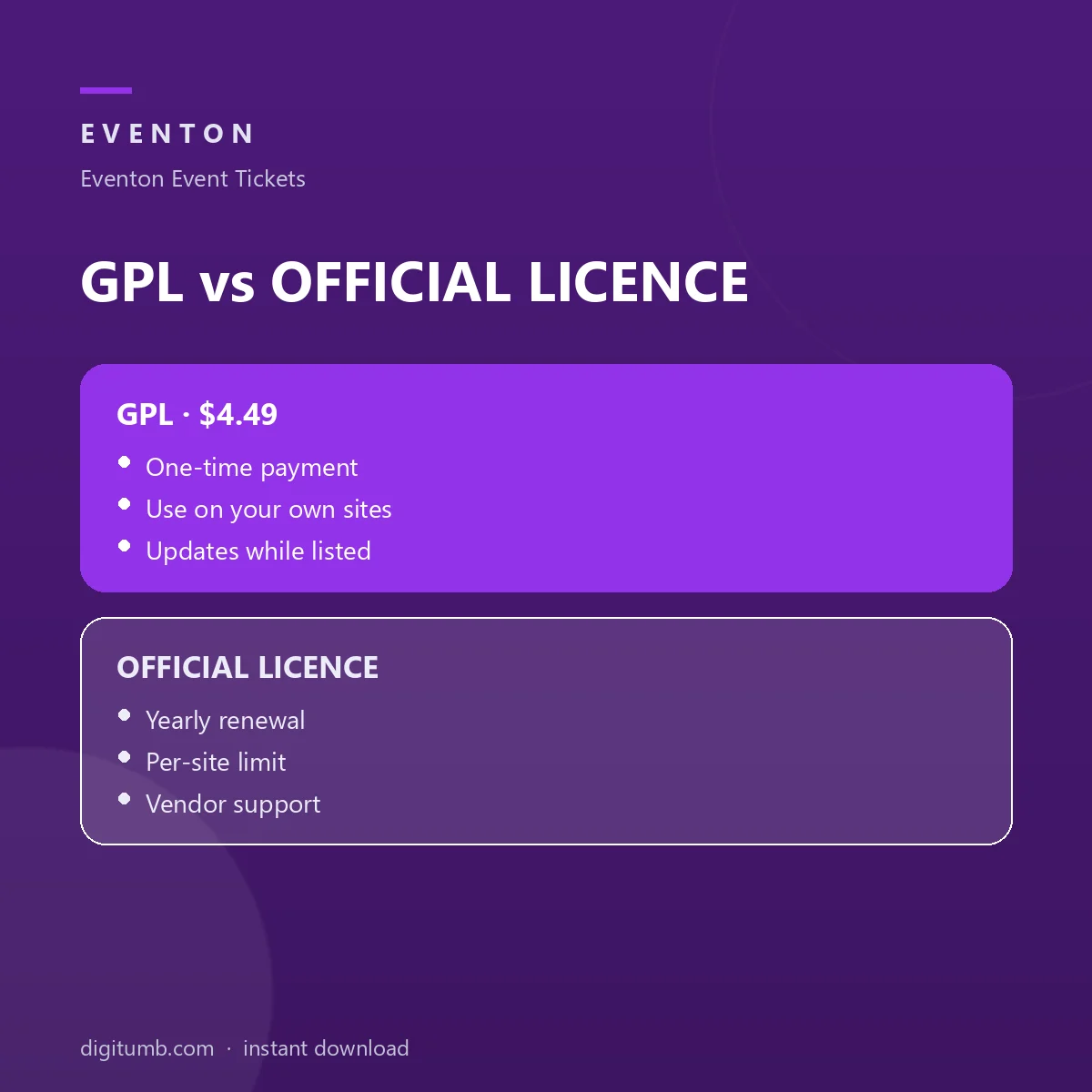
This is the same archive the developer publishes, redistributed under the GNU General Public License: you get the working files for $4.49 with no vendor update channel and no vendor support desk. If you need automatic updates or a support contract, buy the official license from the developer.
| This GPL build | Official license | |
|---|---|---|
| Price | $4.49 one time | Vendor subscription |
| Automatic updates | No | Yes |
| Developer support | No | Yes |
| Number of sites | Unlimited | Depends on plan |
Browse the rest of the WordPress plugins category or the full shop. The licence text is at GNU GPL v2, and general documentation is at WordPress.org.
You must be logged in to post a review.
You may also like…

Related products







Reviews
Clear filtersThere are no reviews yet.