

Easy Tables Table Manager For Wpbakery Page Builder GPL
$4.49
Easy Tables Table Manager for WPBakery Page Builder is a WPBakery addon that lets you create, edit and manage tables directly inside the page builder interface, so structured data can be displayed.
Easy Tables Table Manager for WPBakery Page Builder is a WPBakery addon that lets you create, edit and manage tables directly inside the page builder interface, so structured data can be displayed without leaving the editor. Tables are built as part of the WPBakery workflow rather than in a separate tool. This GPL build ships the same files as the developer releases, at $4.49, with no vendor update channel and no vendor support desk.
| Product | easy-tables-table-manager-for-wpbakery-page-builder |
|---|---|
| Version | v2.2.0 |
| Works with | WordPress 6.x+ / PHP 8.x+ |
| Tested up to | WordPress current |
| License | GPLv2 or later |
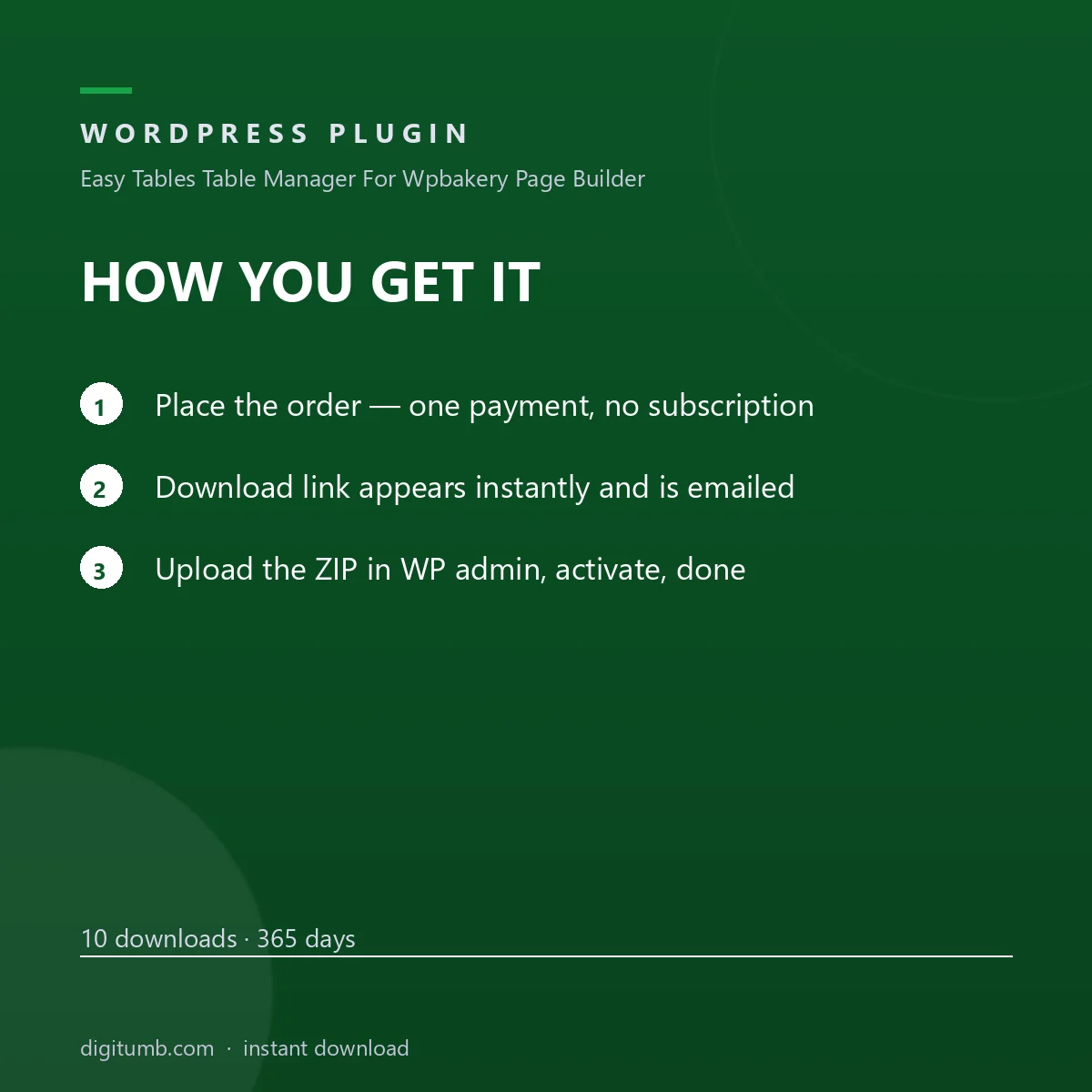
| Delivery | Instant ZIP download, 10 downloads, 365 days |
How Easy Tables works inside the WPBakery editor
Easy Tables adds table management to the WPBakery Page Builder interface. Instead of building a table in an external spreadsheet tool and pasting markup into a text block, you create the table where the page is being assembled. The table is then edited and managed from the same place.
That placement matters for how you work: table data is handled as part of the page content you are already editing in WPBakery. When a table needs a change, you return to the builder element and update it there.
Creating, editing and managing tables in one place
The addon covers three tasks: creating a table, editing its contents and managing it afterwards. All three happen within the WPBakery interface, which keeps table work in the same environment as the rest of the layout.
Because the table is managed rather than hard-coded, you can return to it later and change what it holds. The purpose is structured presentation of data, so the output is a table that displays information in a clear, column-and-row format.
Where Easy Tables fits and where it does not
Easy Tables is built specifically for WPBakery Page Builder. It does not support Elementor or other page builders. If your site is built on WPBakery, the addon belongs in that stack; if you are on Elementor or another builder, this is not the tool for that site.
Compatibility with the latest version of WordPress is part of the product, so the addon can be used alongside current WordPress features and updates.
What the GPL build from this store includes
You receive the same plugin files the developer ships, distributed as a GPL build for $4.49. There is no vendor update channel attached and no vendor support desk, so updates and assistance do not come from the original developer through this purchase.
The download is a 0.0 MB zip containing version 2.2.0 of the plugin. Installation follows the standard WordPress plugin route described below.
What this build includes
| Table creation in WPBakery | Create tables directly within the WPBakery Page Builder interface, without leaving the page editor to build them elsewhere. |
|---|---|
| In-editor table editing | Edit table content from the WPBakery interface, so changes are made where the page is assembled. |
| Table management | Manage the tables you have created from the same WPBakery environment, keeping table work in one place. |
| Structured data display | Present data in a structured row-and-column format so information reads as a table rather than loose text. |
| Responsive tables | Build tables that are responsive, as described for this WPBakery addon. |
| Current WordPress compatibility | Fully compatible with the latest version of WordPress, so the addon works alongside current WordPress features and updates. |
| WPBakery-only scope | Designed for WPBakery Page Builder; it does not support Elementor or other page builders. |
Installing it on a WordPress site
- Download the 0.0 MB zip from your order and keep it handy; it contains version 2.2.0 of the plugin.
- In WordPress, go to Plugins > Add New > Upload Plugin, choose the zip file and run the install.
- Activate the plugin, then open a page in WPBakery Page Builder and add an Easy Tables element to create, edit and manage your table.
Latest changes
This build is version 2.2.0 of Easy Tables Table Manager for WPBakery Page Builder.
Frequently asked questions
What does Easy Tables Table Manager actually do?
It lets you create, edit and manage tables directly within the WPBakery Page Builder interface. The point is to display data in a structured format without leaving the builder, so table work stays part of the page you are assembling.
Can I use Easy Tables with Elementor?
No. Easy Tables is designed specifically for WPBakery Page Builder and does not support Elementor or other page builders. It is the right addon only for sites built on WPBakery.
Does it work with the latest WordPress version?
Yes. Easy Tables is fully compatible with the latest version of WordPress, so it can be used with current WordPress features and updates.
What do I get for $4.49?
A GPL build containing the same plugin files the developer ships, version 2.2.0, delivered as a 0.0 MB zip. There is no vendor update channel and no vendor support desk behind this purchase.
Do I need a separate table tool?
No. Creating, editing and managing tables all happen inside the WPBakery interface, so you do not need to build the table elsewhere and paste it in. The addon handles the table as part of your WPBakery page.
What the GPL build means for you
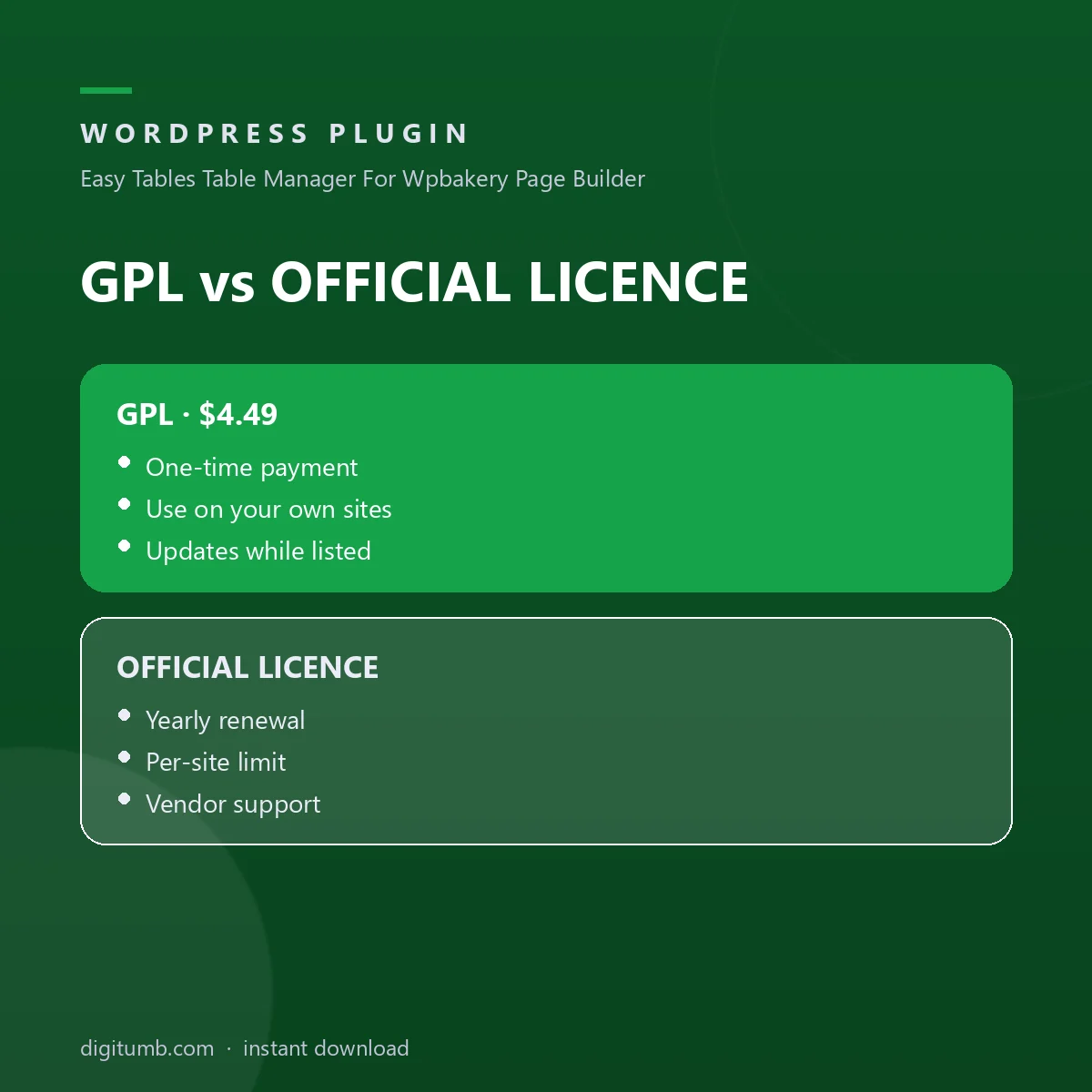
This is the same archive the developer publishes, redistributed under the GNU General Public License: you get the working files for $4.49 with no vendor update channel and no vendor support desk. If you need automatic updates or a support contract, buy the official license from the developer.
| This GPL build | Official license | |
|---|---|---|
| Price | $4.49 one time | Vendor subscription |
| Automatic updates | No | Yes |
| Developer support | No | Yes |
| Number of sites | Unlimited | Depends on plan |
Browse the rest of the WordPress plugins category or the full shop. The licence text is at GNU GPL v2, and general documentation is at WordPress.org.
You must be logged in to post a review.
You may also like…

Related products









Reviews
Clear filtersThere are no reviews yet.