



Dokan Pro Ecommerce Marketplace Plugin GPL
$4.49
Dokan Pro Ecommerce Marketplace Plugin is a WordPress plugin that builds a multivendor eCommerce marketplace on top of WooCommerce, powered by WooCommerce and weDevs.
Dokan Pro Ecommerce Marketplace Plugin is a WordPress plugin that builds a multivendor eCommerce marketplace on top of WooCommerce, powered by WooCommerce and weDevs. Vendors get a dashboard to create and update products, while the store owner controls commissions, product status, categories, tags and store banners. Terms and condition checks, single seller mode and customer info hiding give the marketplace owner rules to work with from the settings screens.
| Product | dokan-pro-ecommerce-marketplace-plugin |
|---|---|
| Version | 5.3.5 |
| Works with | WordPress 6.x+ / PHP 8.x+ |
| Tested up to | WordPress current |
| License | GPLv2 or later |
| Delivery | Instant ZIP download, 10 downloads, 365 days |
How Dokan Pro handles vendor commissions
Commission settings let you set the amount you get from sales in both percentage and fixed fee form. A separate control overrides the default commission the admin gets from each sale, so you can change what the marketplace keeps per vendor without touching every product.
Because the commission is set from the marketplace settings, it applies to the sales vendors make through your WooCommerce store. This is the money side of running a multivendor marketplace: you define the split, and the plugin applies it.
What vendors can do from the Dokan dashboard
Vendors create and update products, and the product status setting decides what happens next: a product can be held as Pending Review before it goes live. Vendors can also duplicate their own products when the Duplicate Product option is on.
Product category selection lets you choose a category type for products across the marketplace. Vendors Can Create Tags allows vendors to add new product tags from their dashboard, and Add New Attribute Values lets them add new values to predefined attributes. Vendor Product Review Status Change gives vendors the ability to change a product review status from the dashboard as well.
Marketplace rules: terms, single seller mode and customer info
Enable Terms and Condition adds a terms and conditions checkbox to the vendor registration form, and the prompt terms and condition check asks vendors to accept terms when they create a store on your site. That gives you a recorded agreement step during onboarding.
Enable Single Seller Mode restricts customers from buying from multiple vendors at a time, which keeps an order tied to one vendor. Hide Customer Info removes customer information from the order details vendors see, so vendors can fulfil orders without reading the customer's personal details.
Store banner width and vendor store presentation
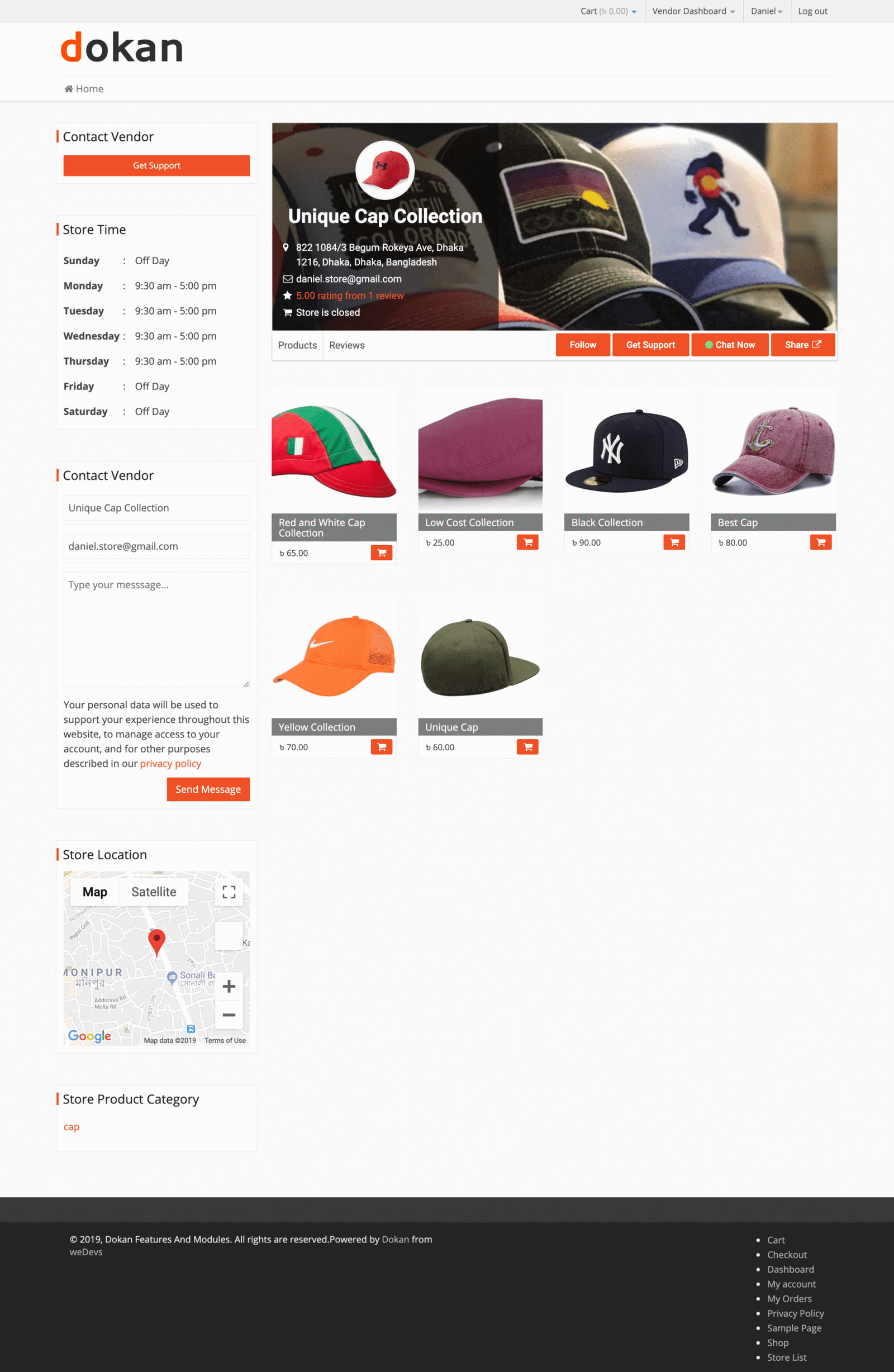
Store Banner Width chooses the width for your vendor's banner image as displayed on the vendor store. Setting the width once keeps vendor storefronts consistent instead of letting each banner render at its own size.
The plugin package includes the modules, dependencies and templates folders, which is where the marketplace modules, bundled dependencies and template files live.
What this build includes
| Percentage and fixed commission | Set the amount you get from sales as a percentage, a fixed fee, or both, from the commission settings. |
|---|---|
| Commission override | Override the default commission the admin gets from each sale so marketplace earnings can differ per vendor. |
| Terms and condition checkbox | Add a terms and conditions checkbox to the vendor registration form and prompt vendors to accept when creating a store. |
| Single seller mode | Restrict customers from buying from multiple vendors at a time, keeping each order with one vendor. |
| Product status control | Decide the status of a product when a vendor creates or updates it, including holding it as Pending Review. |
| Vendor product duplication | Allow vendors to duplicate their own products from the vendor dashboard instead of rebuilding each listing. |
| Product category selection | Select a category type for products so vendors work within the category structure you define. |
| Vendor tags and attribute values | Let vendors create new product tags and add new values to predefined attributes from the vendor dashboard. |
| Hidden customer info | Hide customer information from the order details vendors see while they process their orders. |
| Vendor review status change | Let vendors change a product review status from the vendor dashboard. |
| Store banner width | Choose the width for vendor banner images as displayed on the vendor store. |
Installing it on a WordPress site
- Install the Dokan Pro plugin zip on your WordPress site and activate it alongside WooCommerce.
- Open the Dokan settings and set commissions, product status, category selection and terms and condition options for your marketplace.
- Enable single seller mode, customer info hiding and store banner width as needed, then register vendors and review their first products.
Latest changes
Version 5.3.5 is the current build in this package, a 22.1 MB zip.
Frequently asked questions
Does Dokan Pro require WooCommerce?
Yes. Dokan Pro is an eCommerce marketplace plugin for WordPress powered by WooCommerce and weDevs, so WooCommerce is the store engine behind vendor products and orders. The marketplace settings sit on top of that WooCommerce store.
Can I stop vendors from seeing customer details?
Yes. The Hide Customer Info setting hides customer information from the order details vendors see. Vendors can still work their orders, but the customer's information is not shown to them in those order details.
What happens to a new vendor product before it goes live?
The Product Status setting controls the status of a product when a vendor creates or updates it. You can set it so products are held as Pending Review, which means you review vendor submissions before they appear in the marketplace.
Is this the GPL build, and what does that mean for updates and support?
This is the GPL build at $4.49: the same files the developer ships, distributed under GPL. It comes with no vendor update channel and no vendor support desk, so updates and help come from the GPL distribution rather than the original developer.
How do I set the commission the marketplace keeps?
Use the commission settings to set the amount you get from sales in percentage and fixed fee form. A separate override changes the default commission the admin gets from each sale, which is useful when vendors need different terms.
What the GPL build means for you
This is the same archive the developer publishes, redistributed under the GNU General Public License: you get the working files for $4.49 with no vendor update channel and no vendor support desk. If you need automatic updates or a support contract, buy the official license from the developer.
| This GPL build | Official license | |
|---|---|---|
| Price | $4.49 one time | Vendor subscription |
| Automatic updates | No | Yes |
| Developer support | No | Yes |
| Number of sites | Unlimited | Depends on plan |
Browse the rest of the WordPress plugins category or the full shop. The licence text is at GNU GPL v2, and general documentation is at WordPress.org.
You must be logged in to post a review.
You may also like…

Related products







Reviews
Clear filtersThere are no reviews yet.