





Bookmify Appointment Booking Plugin GPL
$4.49
Bookmify Appointment Booking Plugin is a WordPress scheduling tool that gives businesses a customizable booking system their clients can use to schedule services online.
Bookmify Appointment Booking Plugin is a WordPress scheduling tool that gives businesses a customizable booking system their clients can use to schedule services online. Appointments are managed from the same WordPress site that hosts your service pages, and the plugin connects to WooCommerce for payment processing. Version 1.4.9 is supplied as a 6.2 MB GPL build at $4.49.
| Product | bookmify-appointment-booking-plugin |
|---|---|
| Version | 1.4.9 |
| Works with | WordPress 6.x+ / PHP 8.x+ |
| Tested up to | WordPress current |
| License | GPLv2 or later |
| Delivery | Instant ZIP download, 10 downloads, 365 days |
What Bookmify does for a service business on WordPress
Bookmify puts an online booking system on your WordPress site so clients can reserve services themselves instead of calling or emailing. The booking options and forms are customizable, which means the fields and choices a client sees can be adjusted to the services you sell. Businesses use it to manage appointments efficiently from one place.
Because scheduling happens on the site rather than in a separate tool, the booking flow sits alongside the rest of your content. Clients pick a service, complete the form you configured, and the appointment is recorded for the business to manage.
How Bookmify handles payments through WooCommerce
Bookmify is compatible with WooCommerce, so appointment payments can run through your online store's existing payment processing. A client booking a service can pay at the point of booking rather than being invoiced afterwards.
This matters for businesses already selling on WooCommerce: appointments become another item your store handles, and you keep one payment setup instead of adding a second one for scheduling.
Designing booking pages with Elementor
Bookmify works with Elementor, so booking pages can be designed with the Elementor page builder. You can build the page around the booking element and style it to match the rest of the site.
For sites already built in Elementor, this keeps the booking page inside the same editing workflow as every other page, with no separate design tool to learn.
What is in the Bookmify package and how it is licensed
The download contains the plugin files in a 6.2 MB zip with Licensing and documentation folders. You receive the same files the developer ships. This GPL build is sold at $4.49 and comes with no vendor update channel and no vendor support desk.
Setup is handled inside WordPress: upload the plugin file under Plugins, activate it, then follow the setup wizard to configure booking options and customize forms.
What this build includes
| Client-facing online scheduling | Clients schedule services online through a customizable booking system on your WordPress site, without contacting the business first. |
|---|---|
| Customizable booking options and forms | Booking options and forms can be configured during setup, so the choices a client sees match the services you offer. |
| WooCommerce payment integration | Bookmify is compatible with WooCommerce, allowing appointment payment processing to run through your online store. |
| Elementor page building | Works with Elementor, so booking pages can be designed and customized with the Elementor page builder. |
| Appointment management for businesses | Businesses manage appointments efficiently from the WordPress dashboard through the plugin's booking system. |
| Guided setup wizard | After activation, a setup wizard walks through configuring booking options and customizing forms. |
Installing it on a WordPress site
- Download the 6.2 MB zip and upload the plugin file through the WordPress admin panel under Plugins.
- Activate Bookmify Appointment Booking Plugin on your site.
- Follow the setup wizard to configure your booking options and customize your forms.
Frequently asked questions
Can clients book and pay for appointments in one step?
Yes. Bookmify is compatible with WooCommerce, which allows you to integrate payment processing for appointments directly through your online store. A client can schedule a service online and the payment is handled by your WooCommerce setup rather than a separate system.
Does Bookmify work with my Elementor-built site?
Bookmify works well with Elementor, enabling you to design and customize your booking pages using the Elementor page builder. If the rest of your site is built in Elementor, the booking page stays in the same editing workflow.
What steps are needed to get Bookmify running?
Upload the downloaded plugin file through the WordPress admin panel under Plugins, then activate it. After activation, follow the setup wizard to configure your booking options and customize your forms. No separate installation outside WordPress is required.
What am I buying at $4.49?
You get the Bookmify Appointment Booking Plugin files as a 6.2 MB zip, the same files the developer ships, under the GPL. The price is $4.49. There is no vendor update channel and no vendor support desk included with this build.
What the GPL build means for you
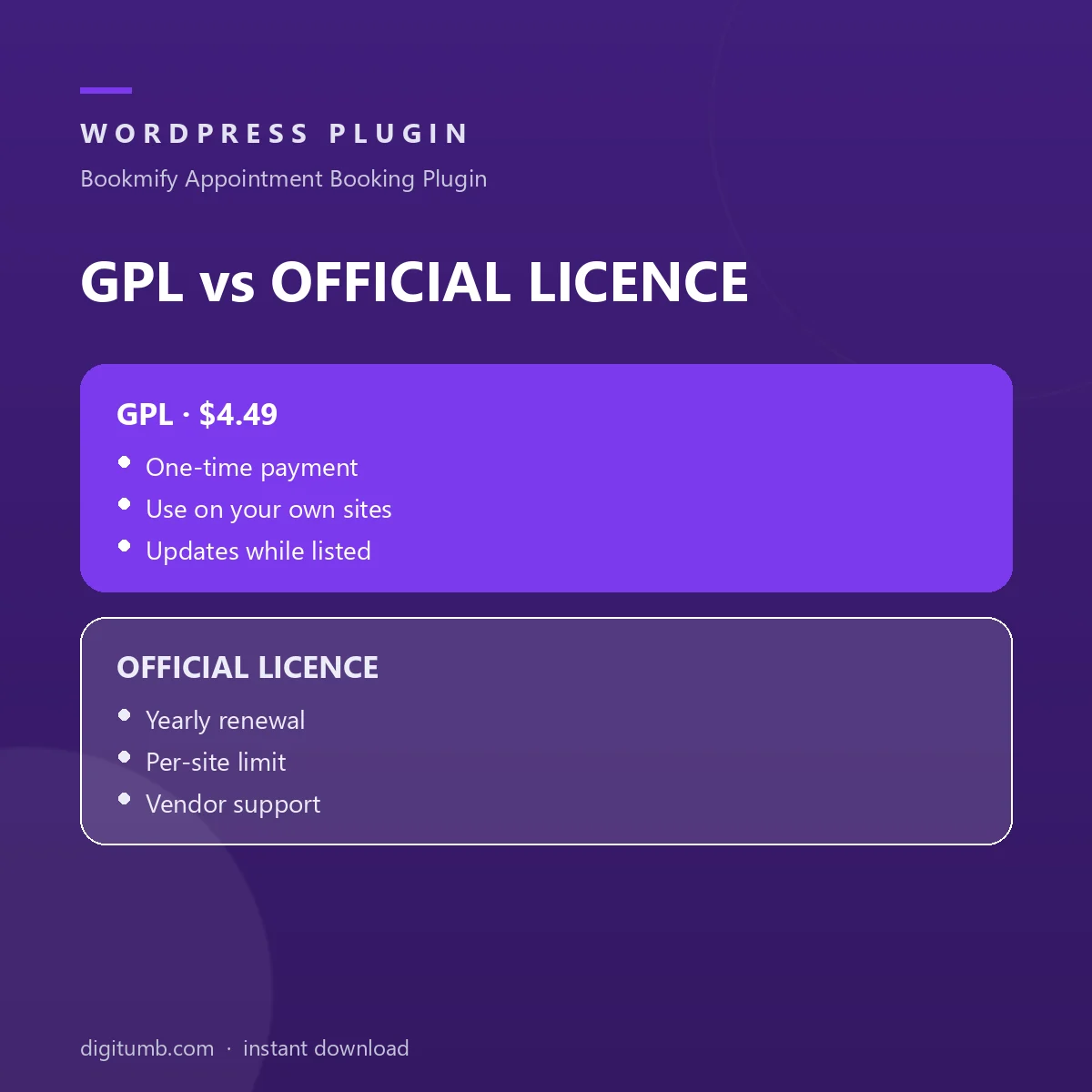
This is the same archive the developer publishes, redistributed under the GNU General Public License: you get the working files for $4.49 with no vendor update channel and no vendor support desk. If you need automatic updates or a support contract, buy the official license from the developer.
| This GPL build | Official license | |
|---|---|---|
| Price | $4.49 one time | Vendor subscription |
| Automatic updates | No | Yes |
| Developer support | No | Yes |
| Number of sites | Unlimited | Depends on plan |
Browse the rest of the WordPress plugins category or the full shop. The licence text is at GNU GPL v2, and general documentation is at WordPress.org.
You must be logged in to post a review.
You may also like…

Related products




Reviews
Clear filtersThere are no reviews yet.