


Bookly Multiply Appointments Add On GPL
$4.49
Bookly Multiply Appointments Add On is a WordPress plugin extension for Bookly that lets a client book more than one appointment inside a single transaction.
Bookly Multiply Appointments Add On is a WordPress plugin extension for Bookly that lets a client book more than one appointment inside a single transaction. Instead of sending a customer through the booking form once per service, the add-on collects multiple bookings and completes them together, which shortens the path from choosing a slot to paying. It is a GPL build of the developer's files, sold at digitumb.com for $4.49.
| Product | bookly-multiply-appointments-add-on |
|---|---|
| Version | 3.0 |
| Works with | WordPress 6.x+ / PHP 8.x+ |
| Tested up to | WordPress current |
| License | GPLv2 or later |
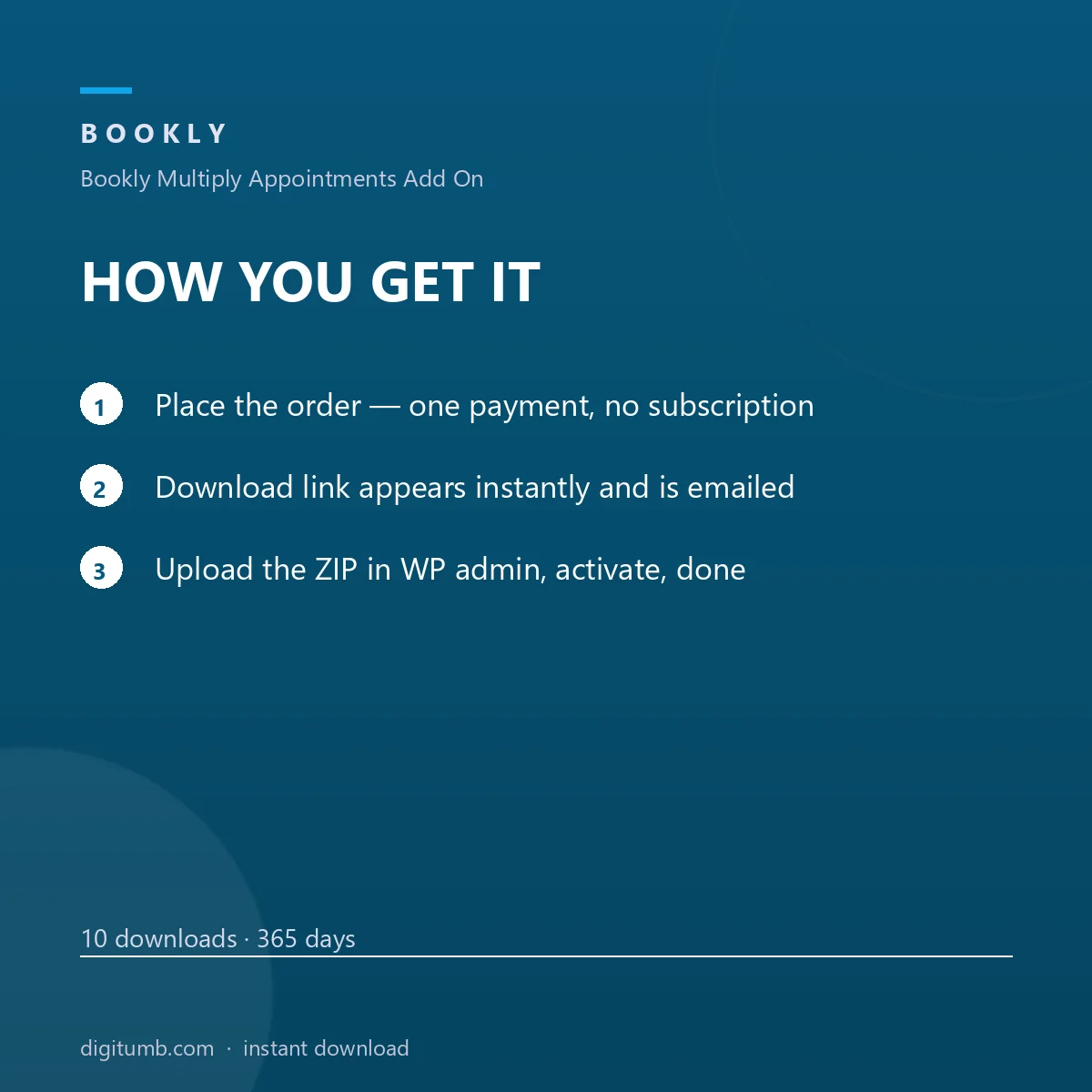
| Delivery | Instant ZIP download, 10 downloads, 365 days |
How does booking several appointments in one transaction work?
The add-on changes the booking flow so a customer can select multiple appointments before confirming. Rather than returning to the start of the form after each service, the client builds a set of bookings and submits them as one order. That single transaction is the core behaviour of the plugin, and it is what separates it from a standard Bookly booking form that handles one appointment at a time.
For a salon, clinic or studio that sells combinations of services, this shortens the checkout path. The customer picks the appointments they want, reviews them together, and pays once. The plugin ships with backend, lib and frontend folders in the zip, so the booking logic and the customer-facing part are both part of the package.
Does the add-on work with WooCommerce checkout?
Yes. The Bookly Multiply Appointments Add On is compatible with WooCommerce, so multiple appointments booked in one transaction can be managed and paid for through your WooCommerce store. Bookings and payments sit in the same place your shop already uses, which keeps order handling familiar for store owners who already run WooCommerce.
This matters when the booking is only one part of a wider purchase. The add-on passes the combined appointment set into the WooCommerce flow instead of creating a separate payment path, so the customer completes a normal store checkout.
Can I build custom booking pages with Elementor?
The plugin works with Elementor, so you can create custom booking pages with the page builder rather than relying only on the default Bookly layout. You place the booking elements on a page you design, and the add-on handles the multiple-appointment behaviour behind them.
Designing the page and enabling multi-booking are separate jobs: Elementor controls layout and presentation, while the add-on controls how many appointments a customer can put into one transaction. Used together, they let you present a booking page that matches the rest of the site while still supporting combined bookings.
What do you receive with this GPL build?
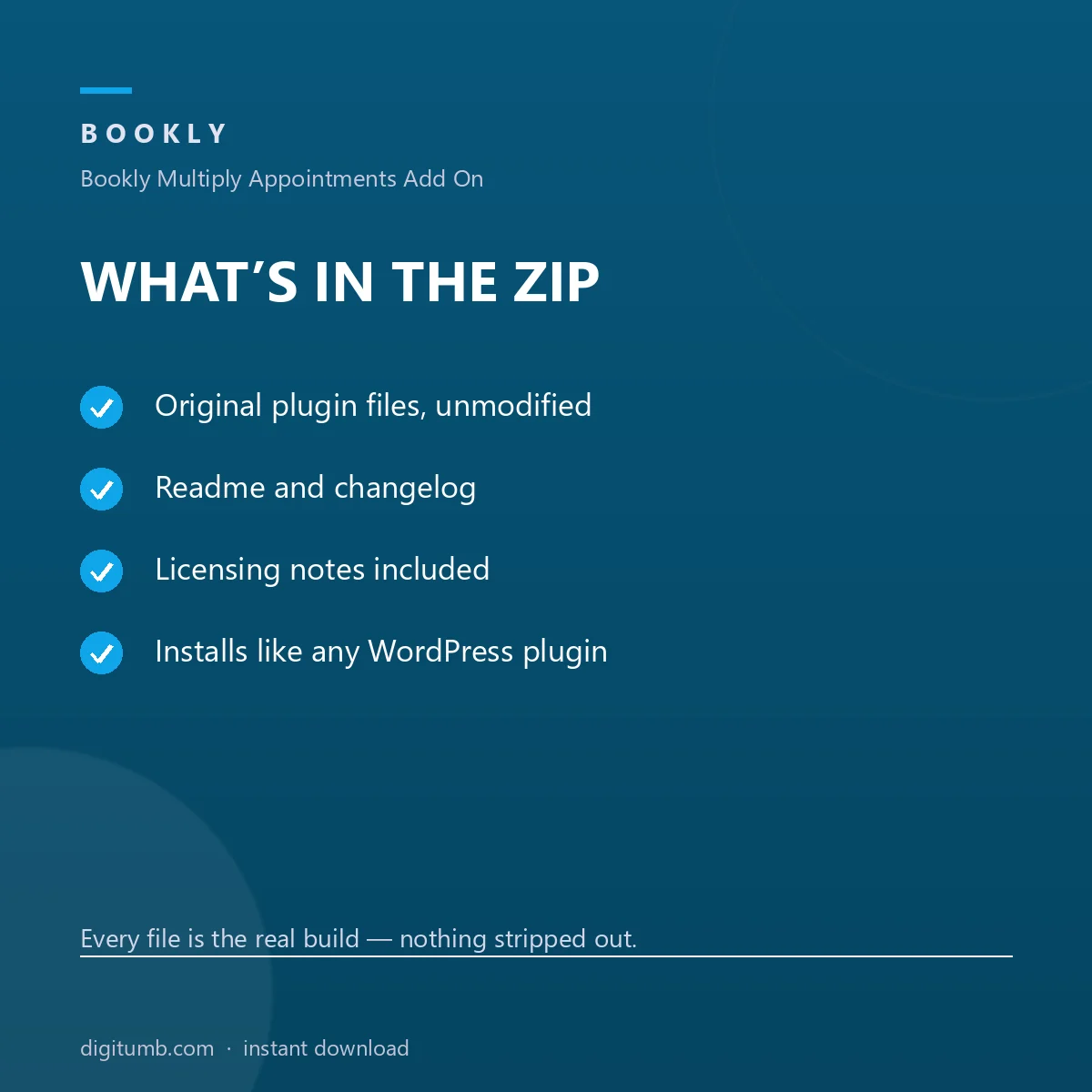
You receive the same plugin files the developer ships, packaged as a GPL build and offered at $4.49 through digitumb.com. The download is a zip containing the backend, lib and frontend folders. Version 3.0 is the build in this package, and the zip size is 0.0 MB.
This build comes with no vendor update channel and no vendor support desk. Any updates you want later are your own responsibility to source; the purchase covers the files as shipped here, not a subscription to the developer's release service.
What this build includes
| Multiple appointments per transaction | Clients book more than one appointment in a single transaction instead of repeating the booking form for each service. |
|---|---|
| Simplified booking flow | The combined booking process reduces the steps a customer takes between choosing appointments and completing the order. |
| WooCommerce compatibility | Bookings and payments from a multi-appointment transaction can be managed through your WooCommerce store. |
| Elementor compatibility | You can create custom booking pages in Elementor and still use the add-on's multiple-appointment booking behaviour. |
| Bookly add-on integration | The plugin extends Bookly's booking form so combined appointments are handled inside the existing booking setup. |
Installing it on a WordPress site
- Install Bookly on your WordPress site, then upload the add-on zip through the Plugins screen and activate it.
- Open the Bookly settings and confirm that multiple appointments can be selected in the booking form.
- If you sell through WooCommerce, check that the combined booking reaches the WooCommerce checkout, and place the booking elements on an Elementor page if you use a custom layout.
Frequently asked questions
What does Bookly Multiply Appointments Add On actually change?
It allows users to book multiple appointments in a single transaction. The booking process is simplified because the customer does not have to complete a separate booking for each service, which improves the overall booking experience for clients arranging more than one appointment.
Will combined bookings appear in my WooCommerce orders?
The add-on is compatible with WooCommerce, so you can manage bookings and payments through your WooCommerce store. A transaction that contains several appointments is handled in the same store environment you already use for orders, rather than in a separate system.
Do I need Elementor to use this add-on?
No. Elementor compatibility means the add-on works well with Elementor if you want to create custom booking pages. If you are happy with your current Bookly booking page, you can keep it and still use the multiple-appointment behaviour.
Is this the developer's own build, and what about updates?
You get the same files the developer ships, as a GPL build from digitumb.com at $4.49. There is no vendor update channel and no vendor support desk attached to this purchase, so plan to handle future updates yourself.
What the GPL build means for you
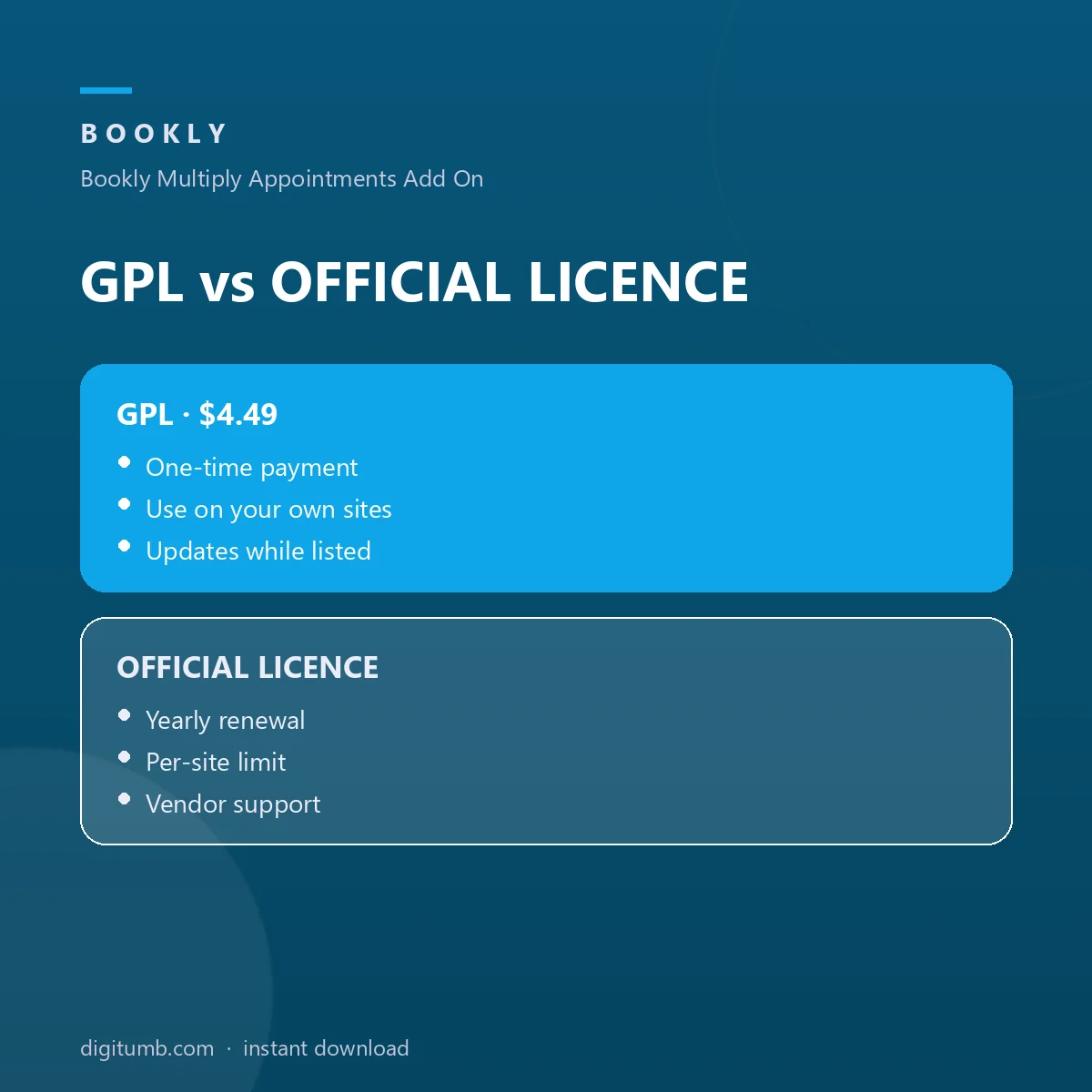
This is the same archive the developer publishes, redistributed under the GNU General Public License: you get the working files for $4.49 with no vendor update channel and no vendor support desk. If you need automatic updates or a support contract, buy the official license from the developer.
| This GPL build | Official license | |
|---|---|---|
| Price | $4.49 one time | Vendor subscription |
| Automatic updates | No | Yes |
| Developer support | No | Yes |
| Number of sites | Unlimited | Depends on plan |
Browse the rest of the WordPress plugins category or the full shop. The licence text is at GNU GPL v2, and general documentation is at WordPress.org.
You must be logged in to post a review.
You may also like…

Related products





Reviews
Clear filtersThere are no reviews yet.