

AutomatorWP – Youtube GPL
$4.49
AutomatorWP – Youtube is an addon for AutomatorWP that adds new triggers based on YouTube video watching.
AutomatorWP – Youtube is an addon for AutomatorWP that adds new triggers based on YouTube video watching. When a logged-in user watches a YouTube video, or when a guest does, the trigger fires and your AutomatorWP automations run. It is a small, focused addon: it supplies the trigger, and AutomatorWP handles the automation that follows.
| Product | AutomatorWP – Youtube |
|---|---|
| Version | 1.0.3 |
| Works with | WordPress 4.4+ / PHP 8.x+ |
| Tested up to | WordPress 6.1 |
| License | GPLv2 or later |
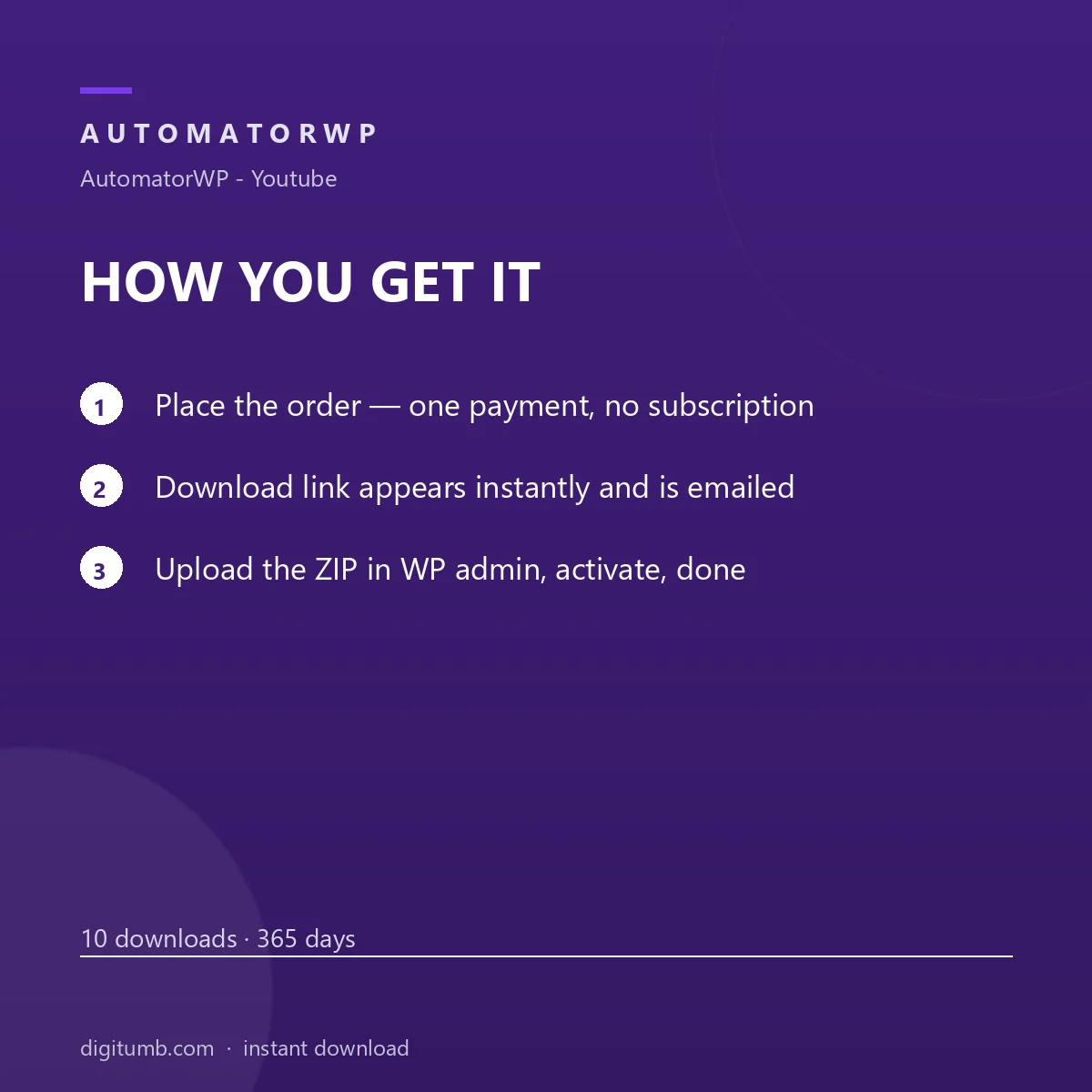
| Delivery | Instant ZIP download, 10 downloads, 365 days |
What the YouTube trigger does inside AutomatorWP
The addon adds a trigger called "User watches a Youtube video" to your AutomatorWP trigger list. You pick the video by its YouTube URL or ID, attach it to an automation, and the automation runs when a logged-in user watches that video.
A second, anonymous trigger is included: "Guest watches a Youtube video". It lets you build automations that react to visitors who are not signed in, which the logged-in trigger cannot cover.
Configuring the video player in the trigger settings
Trigger settings include fields for the video itself and for the embedded player. You enter the YouTube video URL or ID, and you can set the player width in pixels (640 by default) and the height in pixels (360 by default).
Two yes/no options control playback: automatically play the video (default no) and show player controls (default yes). The settings screen also exposes a shortcode attributes field, and it reminds you to leave the trigger identifier at the value provided by the trigger.
Works with the plugins you already run
Because the trigger lives inside AutomatorWP, it can feed the actions and integrations that AutomatorWP already connects. The addon is described as compatible with popular plugins including WooCommerce and BuddyPress, and with Elementor for building layouts.
That means a video-watch event can be the starting point for the same kinds of automations you build around other triggers on your site, without a separate integration layer for YouTube.
What this build includes
| User watches a video trigger | Fires an AutomatorWP automation when a logged-in user watches a YouTube video you specify by URL or ID. |
|---|---|
| Guest watches a video trigger | An anonymous trigger that reacts to guests watching a YouTube video, so automations can run for visitors who are not logged in. |
| Video URL or ID field | Point the trigger at a specific video by pasting its YouTube URL or its ID into the trigger settings. |
| Player size control | Set the embedded player width and height in pixels; the defaults are 640 wide and 360 high. |
| Autoplay option | Choose whether the video plays automatically, using a yes or no value that defaults to no. |
| Player controls toggle | Decide whether the player shows its controls, using a yes or no value that defaults to yes. |
| Shortcode attributes field | A dedicated settings field for shortcode attributes, so the player output can be adjusted from the trigger configuration. |
Installing it on a WordPress site
- In your WordPress backend, go to Plugins -> Add new and click the "Upload Plugin" button next to the "Add plugins" title.
- Upload the downloaded zip file and activate the plugin.
- Alternatively, upload the zip into your wp-content/plugins/ folder, unzip it there, then open the Plugins menu in your WordPress admin area and activate the plugin.
Latest changes
Version 1.0.3 fixes the item title for cloned automations.
Frequently asked questions
Do I need AutomatorWP installed for this addon to work?
Yes. AutomatorWP – Youtube is an addon that adds triggers to AutomatorWP. The triggers are what your automations start from, so the base AutomatorWP plugin is the place where you build the automations that the YouTube triggers set off.
Can I trigger automations for visitors who are not logged in?
Yes. Version 1.0.2 added the anonymous trigger "Guest watches a Youtube video". Use it when you want an automation to run for a visitor who is not signed in; the regular trigger covers logged-in users.
How do I tell the trigger which video to watch?
Enter the YouTube video URL or its ID in the trigger settings. The same screen lets you set the player width and height in pixels, choose whether the video autoplays, and choose whether player controls are shown.
What are the player defaults if I change nothing?
The player defaults to 640 pixels wide and 360 pixels high, autoplay off, and player controls on. Each of these is a setting you can change in the trigger configuration.
Is this the same build the developer ships, and what about updates?
This is the GPL build: the same files the developer ships, priced at $4.49. There is no vendor update channel and no vendor support desk with this purchase. It requires WordPress 4.4 and is tested up to WordPress 6.1.
What the GPL build means for you
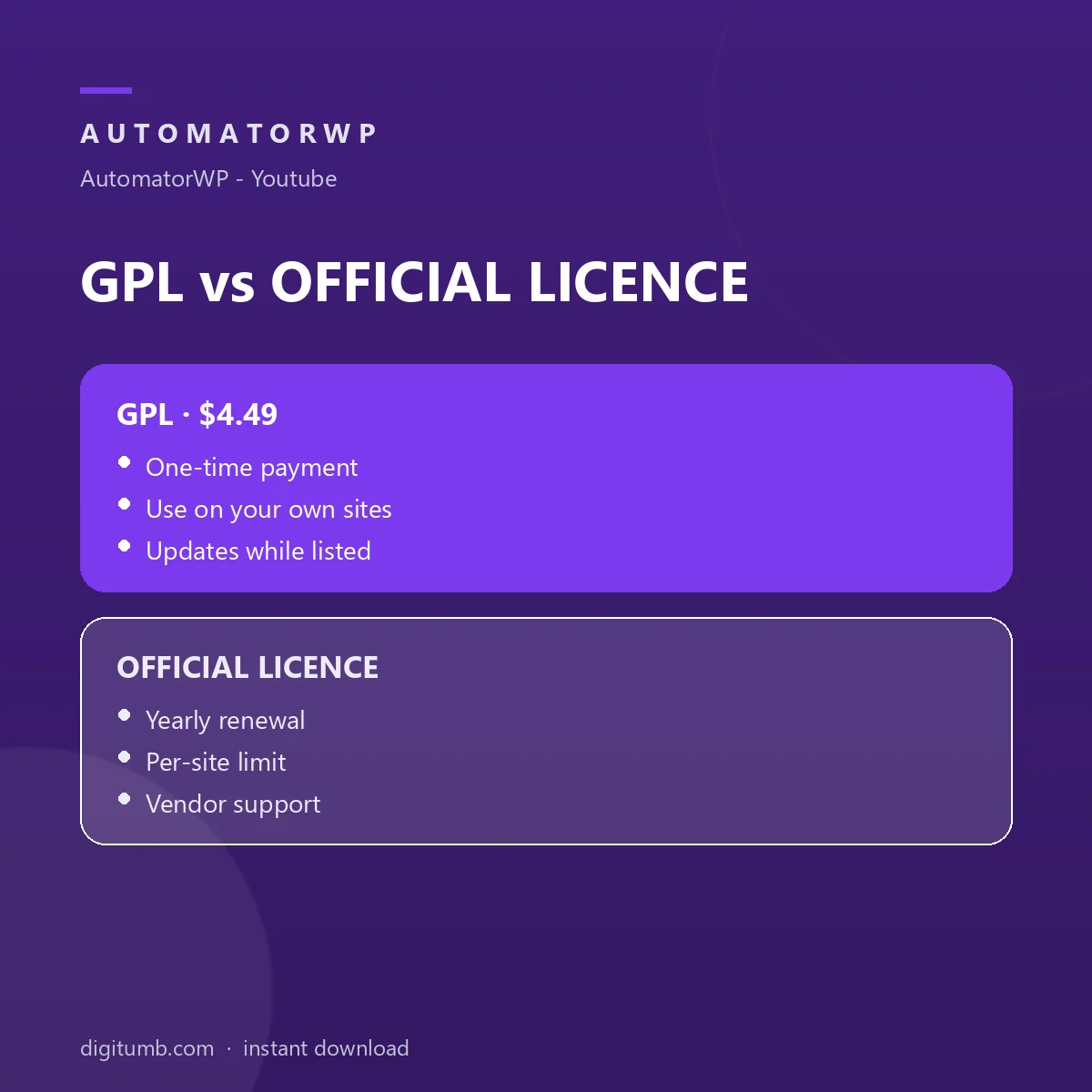
This is the same archive the developer publishes, redistributed under the GNU General Public License: you get the working files for $4.49 with no vendor update channel and no vendor support desk. If you need automatic updates or a support contract, buy the official license from the developer.
| This GPL build | Official license | |
|---|---|---|
| Price | $4.49 one time | Vendor subscription |
| Automatic updates | No | Yes |
| Developer support | No | Yes |
| Number of sites | Unlimited | Depends on plan |
Browse the rest of the WordPress plugins category or the full shop. The licence text is at GNU GPL v2, and general documentation is at WordPress.org.
You must be logged in to post a review.
You may also like…

Related products







Reviews
Clear filtersThere are no reviews yet.