

AutomatorWP – BuddyPress GPL
$4.49
AutomatorWP – BuddyPress is an add-on that connects BuddyPress community events to automated workflows.
AutomatorWP – BuddyPress is an add-on that connects BuddyPress community events to automated workflows. It exposes BuddyPress activity as triggers, its features as actions and profile or group conditions as filters, so a registration, a friendship request or a group join can start a chain of work on its own. The plugin is a GPL build sold at $4.49.
| Product | AutomatorWP – BuddyPress |
|---|---|
| Version | 1.5.4 |
| Works with | WordPress 4.4+ / PHP 8.x+ |
| Tested up to | WordPress 7.0 |
| License | GPLv2 or later |
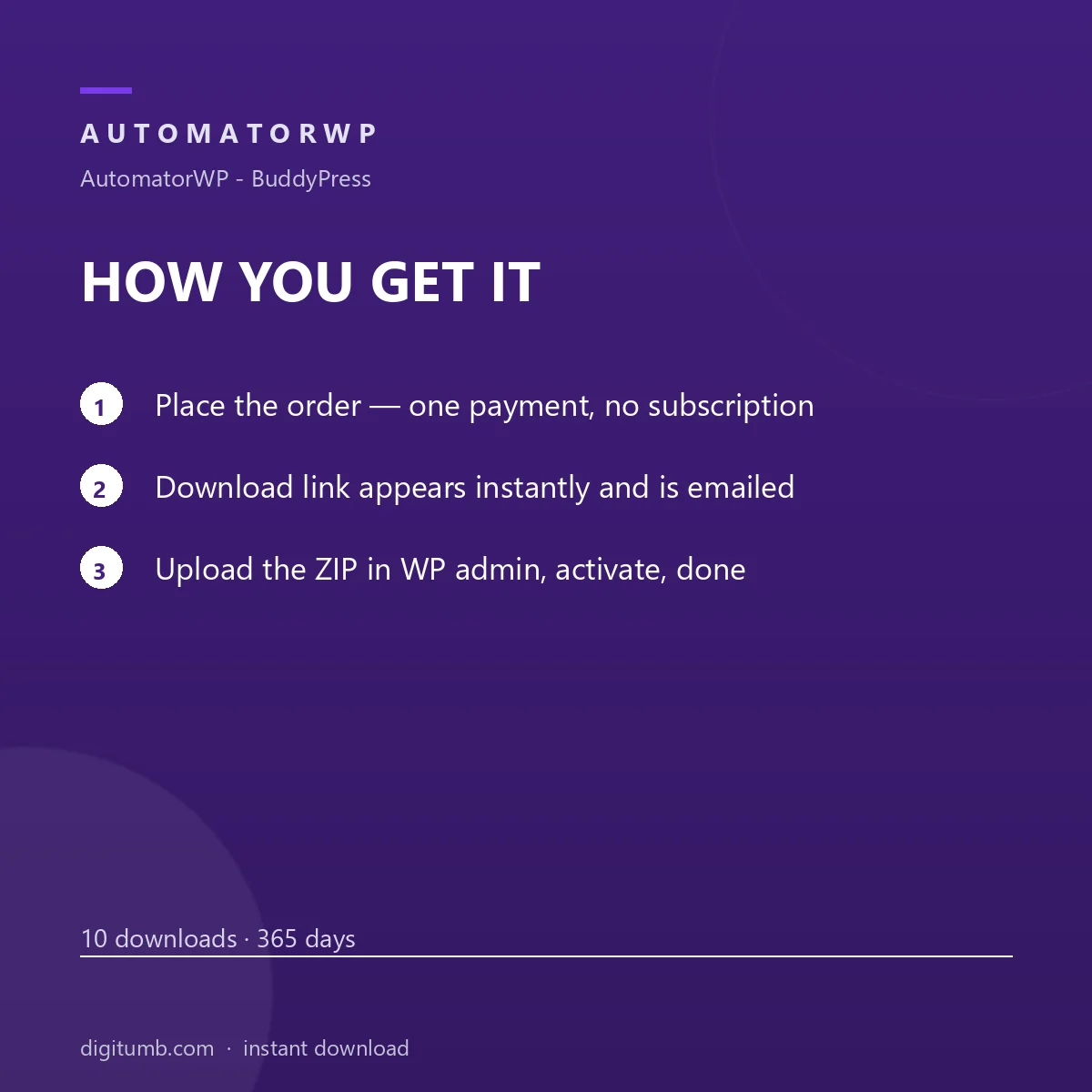
| Delivery | Instant ZIP download, 10 downloads, 365 days |
Which BuddyPress events can start an automation
Triggers cover registration and profile activity: a user registers with a specific field value, an account gets activated, a user updates avatar, cover image or profile information, sets a specific profile field value or gets assigned to a profile type.
Social and group events are covered too. Friendship requests are tracked when sent, accepted, rejected or removed, from either side. Private messages, activity stream messages, replies, favorites and group activity each have their own trigger, as do group creation, joining, leaving, private group requests, invitations and role changes. Spam marking and unmarking, activity spam marking and reply deletion also fire triggers.
What an automation can do inside BuddyPress
Actions write back into the community. You can set a user profile type, update a profile field, post an activity to a user or to a group, and add a notification to a single user, to every member of a group or to members holding a given group role.
Messaging and membership actions follow the same pattern: send a private message to a user, to all group members or to members with a role, send email to group members or role holders, create a group or a subgroup, add a user to a group, remove a user from all or one group, start or stop a friendship, and mark or unmark a user as spam.
How filters and tags narrow each workflow
Four filters decide whether a workflow continues: the user profile type matches a specific type, a profile field matches a specific value, the user is in a group with a role, or the user is not in a group with a role.
Tags pass data between steps. Profile link and URL tags, profile field tags and raw profile field tags pull values from the user, group tags carry group information such as name, description and URL, and activity tags carry activity content and title.
Group actions and their setup options
Group-related actions ask you to select a group first; the plugin reports when the Groups component is not active and rejects an invalid group during setup. Activities can be hidden from the sitewide activity stream with a checkbox.
Notification and message actions offer an exclude option so the user who completes the automation does not receive the notification. Notification actions accept an optional link used for RSS feeds, and role-based actions let you choose which group roles receive the notification.
What this build includes
| Friendship triggers | Start a workflow when a friendship request is sent, accepted, rejected or removed, including the receiving user's side of each event. |
|---|---|
| Group lifecycle triggers | Fire automations when a user creates, joins or leaves a group, requests a private group, gets accepted or invites someone. |
| Profile field triggers | React when a user registers with a specific field value, sets a profile field value or is assigned to a profile type. |
| Group notifications | Add a notification to every member of a group or only to members holding a chosen group role. |
| Group email and private messages | Send email or private messages to all group members or to members with a specific role, with an option to exclude the triggering user. |
| Membership management actions | Create groups and subgroups, add a user to a group, or remove a user from all or one specific group. |
| Activity posting | Publish an activity to a user or a group, with optional action link and a checkbox to hide it from the sitewide activity stream. |
| Role and type filters | Continue a workflow only when a profile type or field value matches, or when the user is in a group with a role. |
Installing it on a WordPress site
- In the WordPress backend, go to Plugins -> Add new and click the Upload Plugin button next to the Add plugins title.
- Upload the downloaded zip file and activate the plugin.
- Alternatively, upload the zip into wp-content/plugins/, unzip it, open the Plugins menu and activate AutomatorWP – BuddyPress.
Latest changes
Version 1.5.4 improves the group selector.
Frequently asked questions
Does this plugin work without BuddyPress installed?
The plugin automates BuddyPress features, and its settings screens report when the Groups or notifications component is not active. BuddyPress itself is the community plugin that provides member profiles, activity streams, user groups and messaging, so it needs to be present for these triggers and actions to have something to act on.
Can I send an email to only some members of a group?
Yes. The email actions can target all members of a group or only members with a role of a group. Notification actions offer the same all-members or role-based choice, and both include an option to exclude the user who completes the automation.
What happens if I pick a group that no longer exists?
The action setup reports an invalid group when the selected group is not valid, and it also reports when the Groups component is not active. You select the group in the action settings, and the group selector was improved in version 1.5.4.
Is this the same build the developer ships, and what about updates?
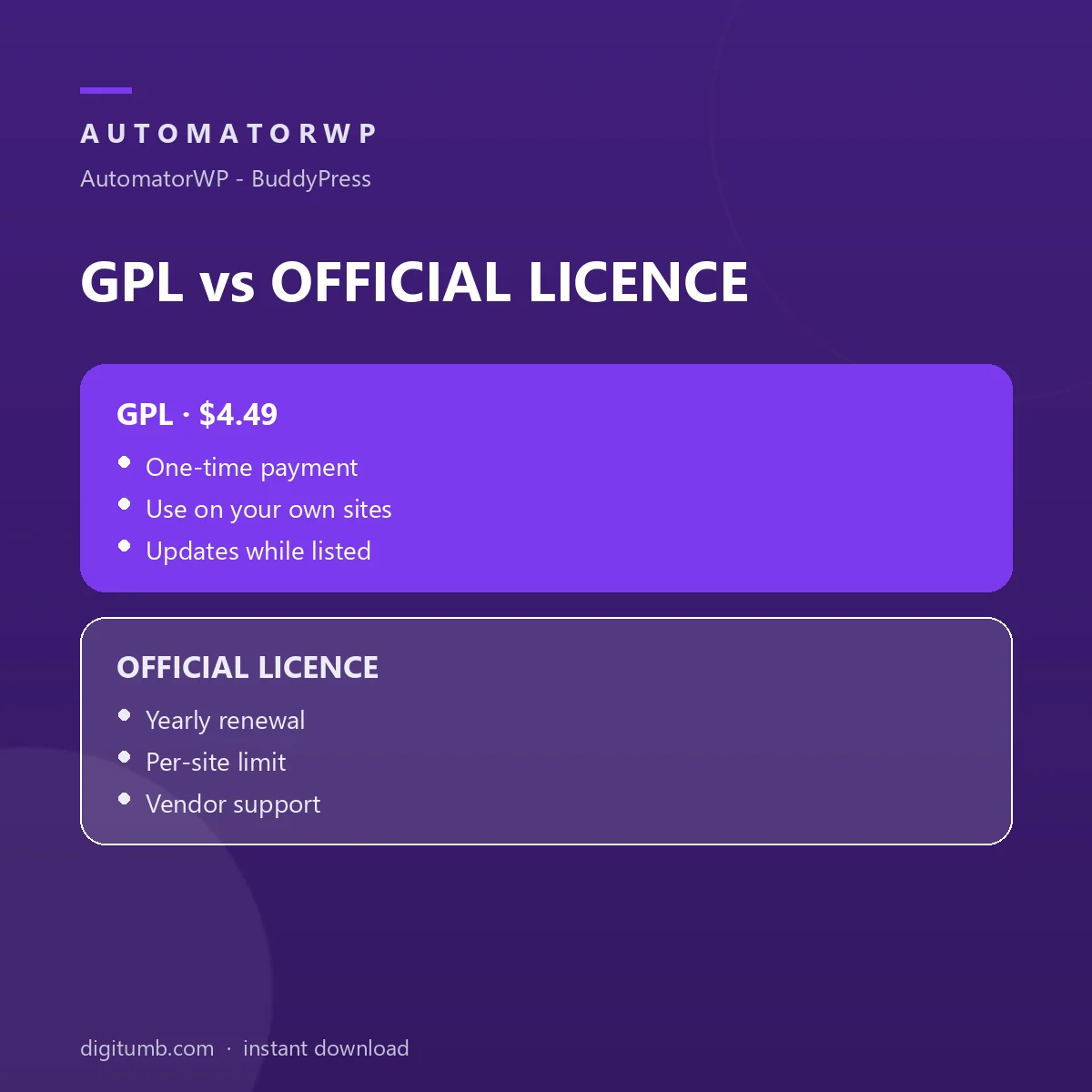
This is a GPL build: the same plugin files the developer ships, sold here for $4.49. It comes with no vendor update channel and no vendor support desk, so updates and help are not provided by the original developer through this purchase.
What the GPL build means for you
This is the same archive the developer publishes, redistributed under the GNU General Public License: you get the working files for $4.49 with no vendor update channel and no vendor support desk. If you need automatic updates or a support contract, buy the official license from the developer.
| This GPL build | Official license | |
|---|---|---|
| Price | $4.49 one time | Vendor subscription |
| Automatic updates | No | Yes |
| Developer support | No | Yes |
| Number of sites | Unlimited | Depends on plan |
Browse the rest of the WordPress plugins category or the full shop. The licence text is at GNU GPL v2, and general documentation is at WordPress.org.
You must be logged in to post a review.
You may also like…

Related products








Reviews
Clear filtersThere are no reviews yet.