

Ait Elements Toolkit GPL
$4.49
AIT Elements Toolkit is a WordPress plugin that extends your page builder with more than 30 elements and custom post forms.
AIT Elements Toolkit is a WordPress plugin that extends your page builder with more than 30 elements and custom post forms. It provides a collection of customizable elements and templates that enhance the design and functionality of WordPress websites, making it easier to build professional-looking pages. The toolkit also ships custom post types for advertisements, events, facilities and questions and answers, so structured content can be created and managed from the dashboard.
| Product | ait-elements-toolkit |
|---|---|
| Version | 3.0.1 |
| Works with | WordPress 6.x+ / PHP 8.x+ |
| Tested up to | WordPress current |
| License | GPLv2 or later |
| Delivery | Instant ZIP download, 10 downloads, 365 days |
What elements and templates does AIT Elements Toolkit add to a page builder?
The plugin supplies a collection of customizable elements and templates that extend what a page builder can place on a page. Each element is configurable, so the same building blocks can be adapted to different layouts instead of being fixed blocks.
Because the elements are customizable, you can adjust design and functionality on the page itself. The result is a broader set of layout options available inside your existing page-building workflow, without switching to a separate design tool.
Which custom post forms ship with the plugin?
The toolkit includes custom post forms for several content types. Advertisements have their own list, add-new and edit screens, plus advertisement categories with a parent category field. Advertisement options include the text displayed in the advertising space and the link used for the image in that space.
Events are handled the same way, with an events list, event categories and fields for setting an event image, starting date, ending date and location. Facilities have their own add-new and search screens, a descriptive title field and facility categories. Questions and Answers are managed as a separate post form as well.
Does AIT Elements Toolkit work with WooCommerce, Astra and Divi?
Yes. The toolkit is compatible with WooCommerce, which lets you create customized product pages and change how an online store looks. It is also designed to work well with popular themes such as Astra and Divi, so the elements can be used alongside the theme you already run.
That combination means store pages and regular content pages can both use the same element set. You do not have to choose between a WooCommerce-ready setup and a theme such as Astra or Divi.
What this build includes
| 30+ page builder elements | Extend your page builder with more than 30 elements for building page layouts. |
|---|---|
| Customizable elements and templates | Adjust the supplied elements and templates so they fit the design and functionality of your site. |
| Custom post forms | Create and manage structured content through custom post forms instead of plain posts. |
| Advertisement management | Add advertisements with categories, advertising space text and a link for the image. |
| Event listings | Publish events with an image, starting and ending dates, a location and event categories. |
| Facility entries | Add facilities with a descriptive title and organize them under facility categories. |
| Questions and Answers | Manage questions and answers as their own content type inside the dashboard. |
| WooCommerce compatibility | Build customized product pages and enhance the appearance of an online store. |
| Theme compatibility | Works with popular themes such as Astra and Divi. |
Installing it on a WordPress site
- Download the plugin zip file from your Digitum order.
- In the WordPress admin panel, go to Plugins, choose Add New, then Upload Plugin and select the zip file.
- Install and activate the plugin, then open the toolkit features from your dashboard to start building pages.
Frequently asked questions
What does AIT Elements Toolkit do?
It provides a collection of customizable elements and templates that enhance the design and functionality of WordPress websites, making it easier to create professional-looking pages. Alongside the elements, it adds custom post forms for advertisements, events, facilities and questions and answers.
Is AIT Elements Toolkit compatible with WooCommerce?
Yes. The plugin is compatible with WooCommerce, allowing you to create customized product pages and enhance your online store's appearance. The same element set can be used on store pages and on regular content pages.
Can I use it with Astra or Divi?
Yes. AIT Elements Toolkit is designed to work well with popular themes such as Astra and Divi, so you can enhance your site's functionality regardless of your chosen theme.
How do I set up AIT Elements Toolkit on my WordPress site?
Download the plugin, upload it through the WordPress admin panel, and activate it. You can then access the toolkit features from your dashboard to start building your pages. The zip file is 0.1 MB, and this build is version 3.0.1.
What am I buying at $4.49?
You receive the GPL build of the plugin: the same files the developer ships, distributed without a vendor update channel and without a vendor support desk. The price is $4.49. Updates and help come from the GPL community around the plugin, not from the original vendor.
What the GPL build means for you
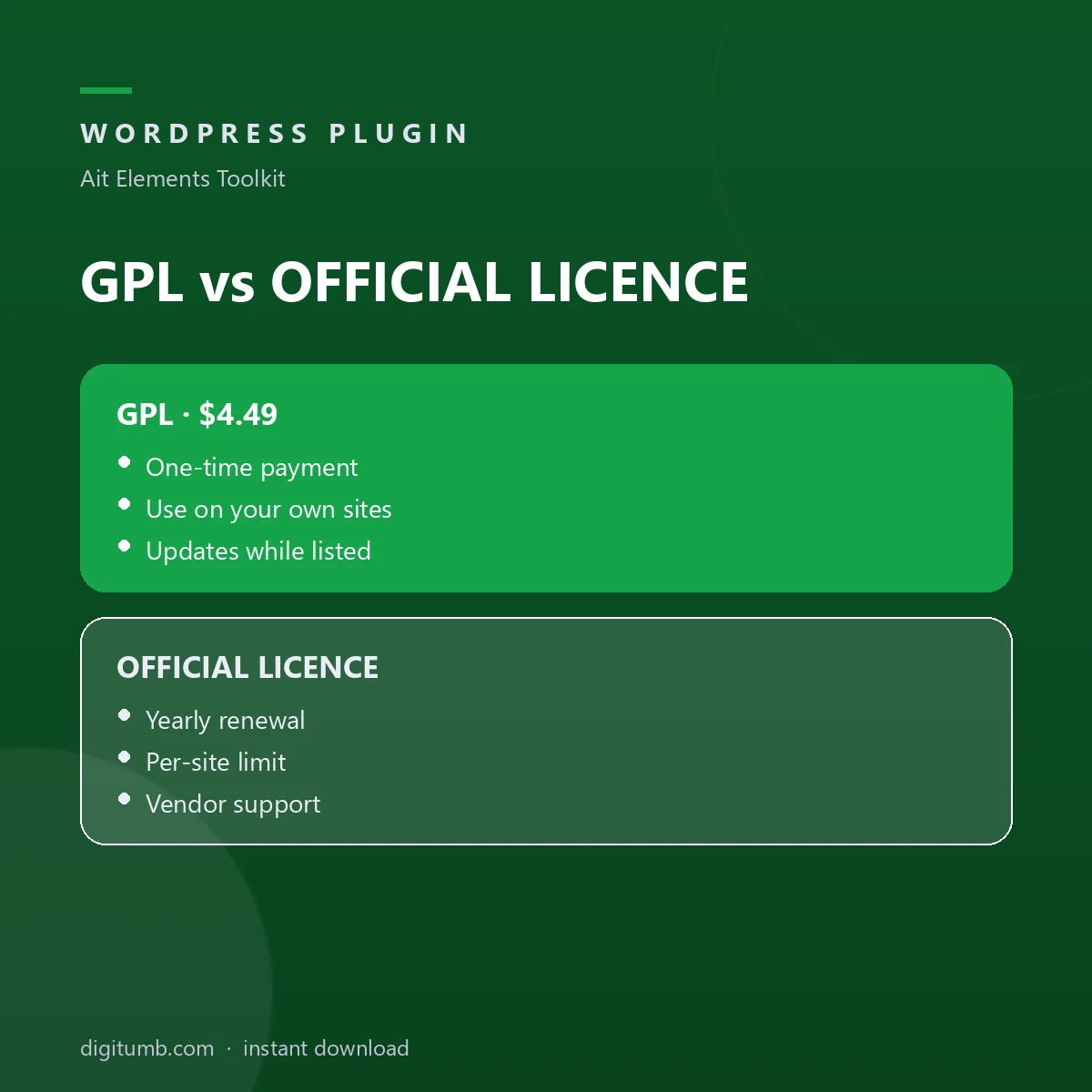
This is the same archive the developer publishes, redistributed under the GNU General Public License: you get the working files for $4.49 with no vendor update channel and no vendor support desk. If you need automatic updates or a support contract, buy the official license from the developer.
| This GPL build | Official license | |
|---|---|---|
| Price | $4.49 one time | Vendor subscription |
| Automatic updates | No | Yes |
| Developer support | No | Yes |
| Number of sites | Unlimited | Depends on plan |
Browse the rest of the WordPress plugins category or the full shop. The licence text is at GNU GPL v2, and general documentation is at WordPress.org.
You must be logged in to post a review.
You may also like…

Related products






Reviews
Clear filtersThere are no reviews yet.