
AutomatorWP – Link GPL
$4.49
AutomatorWP Link is an add-on for AutomatorWP that adds new triggers letting your users complete automations through link clicks.
AutomatorWP Link is an add-on for AutomatorWP that adds new triggers letting your users complete automations through link clicks. The add-on registers a trigger called "User clicks on a link", so a click on a link you place on your site can start the automation you have built. It is a small plugin that extends what AutomatorWP can react to, and it is distributed here as a GPL build for $4.49.
| Product | AutomatorWP – Link |
|---|---|
| Version | 1.0.4 |
| Works with | WordPress 4.4+ / PHP 8.x+ |
| Tested up to | WordPress 7.0 |
| License | GPLv2 or later |
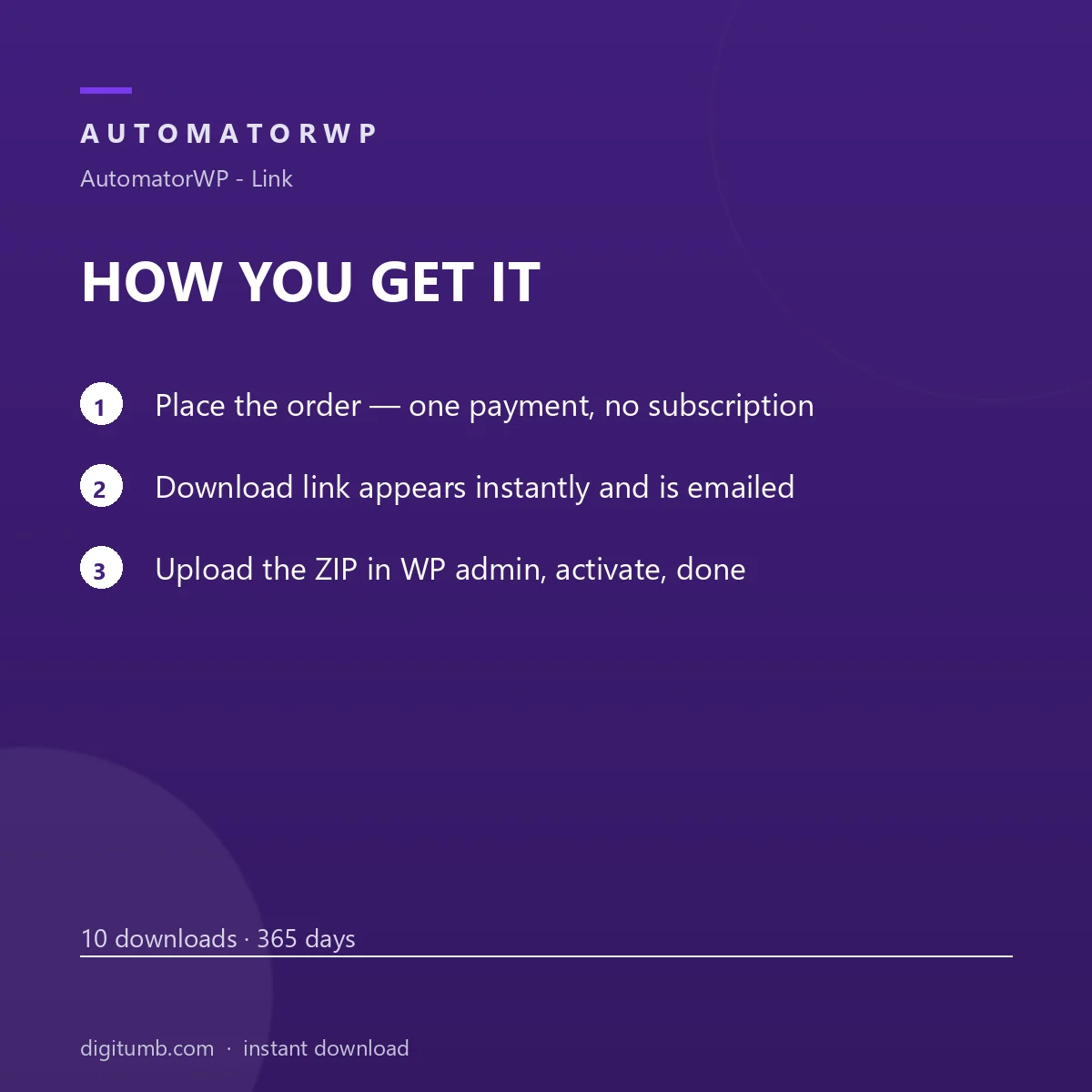
| Delivery | Instant ZIP download, 10 downloads, 365 days |
What the link-click trigger does inside AutomatorWP
The add-on contributes one trigger to AutomatorWP: User clicks on a link. When a logged-in user clicks a link that matches the trigger settings, the automation attached to that trigger runs. This gives you a way to base automations on link interaction rather than on other events AutomatorWP already covers.
The trigger settings screen exposes the trigger identifier, which stays at the value provided by the trigger, and fields for the link itself: label text, id attribute, class attribute, target attribute and title attribute. These attributes are also available as shortcode attributes, so the link you output can be matched by the trigger.
Choosing between link clicks and button clicks
AutomatorWP Link is built for link clicks only. If your automation should start when a user clicks a button, the separate AutomatorWP Button add-on is the one to use instead. Keeping the two add-ons distinct means you install only the trigger type your automations actually need.
The default label text shown for the link is "Click me!", and the remaining attributes let you target a specific link by id or class when several links exist on the same page.
Tags for the post a link was clicked from
What this build includes
| Link-click trigger | Adds the "User clicks on a link" trigger to AutomatorWP so a link click can start an automation. |
|---|---|
| Link attribute matching | Set the link label, id, class, target and title attributes so the trigger matches the link you intend. |
| Shortcode attributes | The link attributes are available as shortcode attributes for the link output. |
| Post detail tags | Tags give access to details about the post where the link was clicked from, usable in automation actions. |
| Separate trigger group | The add-on's triggers are organized into their own independent group in the AutomatorWP interface. |
Installing it on a WordPress site
- In the WordPress backend, go to Plugins -> Add new and click "Upload Plugin" next to the "Add plugins" title.
- Upload the downloaded zip file and activate the plugin.
- Alternatively, upload the zip file into your wp-content/plugins/ folder, unzip it, then open the Plugins menu and activate AutomatorWP – Link.
Latest changes
Version 1.0.4 added a post_id attribute.
Frequently asked questions
Do I need AutomatorWP installed to use this add-on?
Yes. AutomatorWP Link is an add-on that adds triggers to AutomatorWP. It registers the "User clicks on a link" trigger, which you then use when building automations in AutomatorWP. Install and activate AutomatorWP first, then this add-on.
Can it trigger automations on button clicks?
No. This add-on is designed to add triggers for link clicks. For button clicks, the separate AutomatorWP Button add-on is the one intended for that purpose. The two add-ons cover different click types, so choose the one that matches the element on your page.
Which link attributes can I set on the trigger?
The trigger settings include the link label text, the link id attribute, the link class attribute, the link target attribute and the link title attribute. The trigger identifier stays at the value provided by the trigger. These attributes are also available as shortcode attributes.
Which WordPress version does it require?
The plugin requires WordPress 4.4 and has been tested up to WordPress 7.0. Check that your site meets the minimum version before activating the add-on.
What do I get for $4.49?
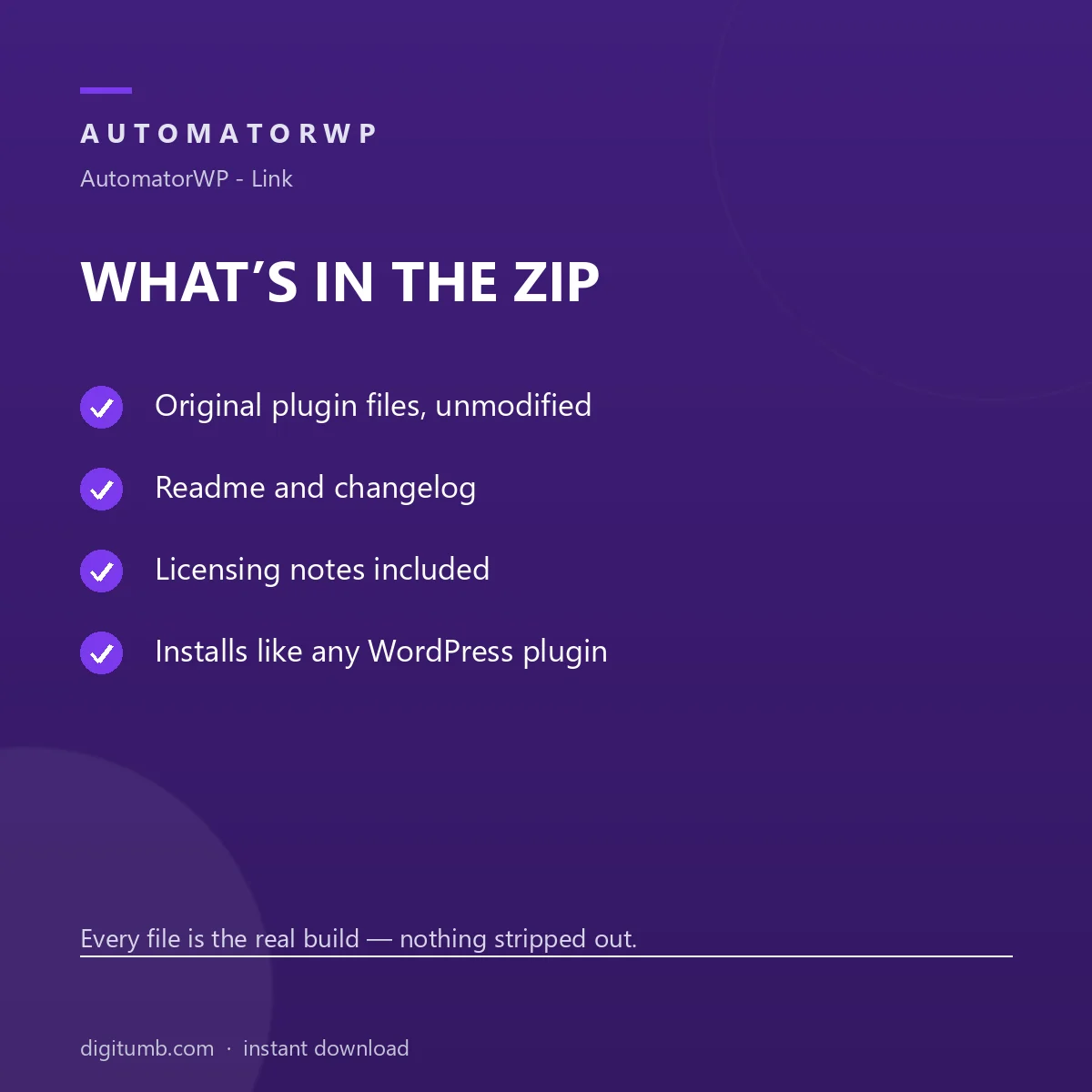
You receive the GPL build of AutomatorWP Link, version 1.0.4, as a zip file. The files are the same as the developer ships. There is no vendor update channel and no vendor support desk with this build; the price is $4.49.
What the GPL build means for you
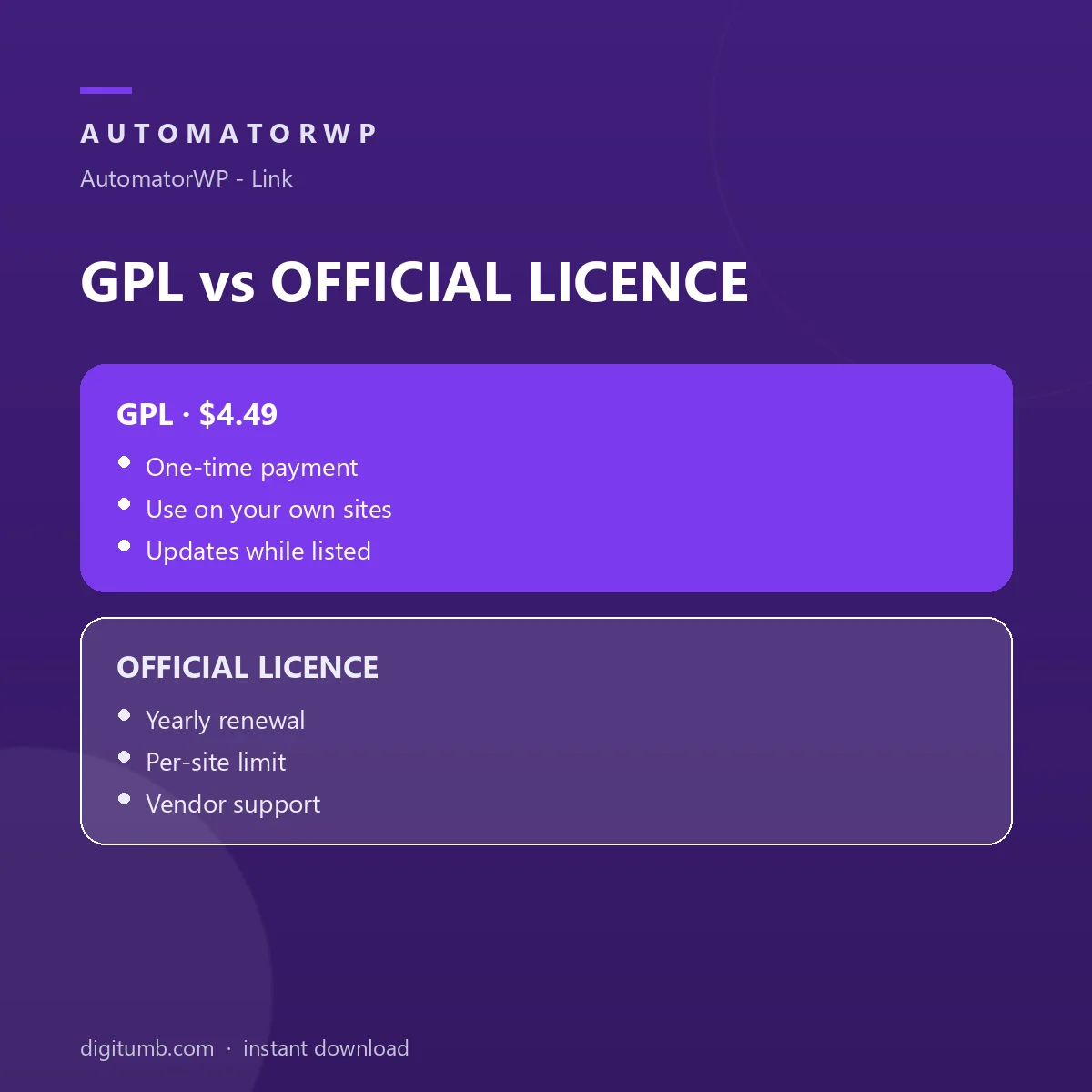
This is the same archive the developer publishes, redistributed under the GNU General Public License: you get the working files for $4.49 with no vendor update channel and no vendor support desk. If you need automatic updates or a support contract, buy the official license from the developer.
| This GPL build | Official license | |
|---|---|---|
| Price | $4.49 one time | Vendor subscription |
| Automatic updates | No | Yes |
| Developer support | No | Yes |
| Number of sites | Unlimited | Depends on plan |
Browse the rest of the WordPress plugins category or the full shop. The licence text is at GNU GPL v2, and general documentation is at WordPress.org.
You must be logged in to post a review.
You may also like…

Related products










Reviews
Clear filtersThere are no reviews yet.