

AutomatorWP – Vimeo GPL
$4.49
AutomatorWP Vimeo is an add-on for AutomatorWP that adds Vimeo video triggers to your WordPress automation recipes.
AutomatorWP Vimeo is an add-on for AutomatorWP that adds Vimeo video triggers to your WordPress automation recipes. It lets you fire an automation when a logged-in user watches a Vimeo video, and it also includes an anonymous trigger for guests who watch a Vimeo video. The plugin ships as a GPL build at $4.49, with the same files the developer ships, no vendor update channel and no vendor support desk.
| Product | AutomatorWP – Vimeo |
|---|---|
| Version | 1.0.4 |
| Works with | WordPress 4.4+ / PHP 8.x+ |
| Tested up to | WordPress 6.5 |
| License | GPLv2 or later |
| Delivery | Instant ZIP download, 10 downloads, 365 days |
Which Vimeo triggers does this add-on add to AutomatorWP?
Two triggers are available. The first is 'User watches a Vimeo video', which runs an automation when a logged-in user watches a Vimeo video. The second is an anonymous trigger, 'Guest watches a Vimeo video', which covers visitors who are not logged in.
Because these are triggers inside AutomatorWP, you attach them to the automations you already build there. The trigger settings ask for the Vimeo video URL or ID, so you point each trigger at a specific video.
How do I point a trigger at a specific Vimeo video?
The trigger configuration includes a field for the Vimeo video URL or ID. Enter the address of the video or its ID, and the trigger watches for that video in your automations.
The same settings screen carries the trigger identifier, which you leave at the value provided by the trigger. It also exposes player width and height in pixels, with defaults of 640 and 360, plus shortcode attributes you can fill in.
Can guests who are not logged in be part of an automation?
Yes. The anonymous trigger 'Guest watches a Vimeo video' was added in version 1.0.2 and lets you run an automation for visitors who watch a Vimeo video without being signed in.
This sits alongside the logged-in trigger, so a single AutomatorWP setup can react to both registered users and guests watching Vimeo content.
What changed in the recent releases of this add-on?
Version 1.0.4 fixes a bug by preventing duplicated variable declarations in JavaScript. Version 1.0.3 corrected the item title for cloned automations.
Version 1.0.2 added the guest trigger described above. Version 1.0.1 brought style improvements, and version 1.0.0 was the initial release.
Does AutomatorWP Vimeo work with my theme and other AutomatorWP add-ons?
The add-on is built to work with other AutomatorWP add-ons and with popular plugins, and it is compatible with most popular WordPress themes, so the Vimeo triggers fit into the automations you already run.
It requires WordPress 4.4 and is tested up to WordPress 6.5. The current build is version 1.0.4, and the download zip is 0.0 MB.
What this build includes
| Logged-in Vimeo trigger | Run an AutomatorWP automation when a signed-in user watches a Vimeo video, using the 'User watches a Vimeo video' trigger. |
|---|---|
| Guest Vimeo trigger | React to visitors who are not logged in with the anonymous 'Guest watches a Vimeo video' trigger. |
| Video URL or ID field | Set the trigger to a specific video by entering its Vimeo URL or ID in the trigger settings. |
| Player size fields | Control player width and height in pixels from the trigger settings, with defaults of 640 by 360. |
| Shortcode attributes | Pass shortcode attributes through the trigger settings to adjust how the player is rendered. |
| Trigger identifier field | Keep the trigger identifier at the value provided by the trigger, as the settings screen instructs. |
Installing it on a WordPress site
- In the WordPress backend, go to Plugins -> Add new and click the Upload Plugin button next to the Add plugins title.
- Upload the downloaded zip file and activate the plugin.
- Alternatively, upload the zip into your wp-content/plugins/ folder, unzip it, then open the Plugins menu and activate AutomatorWP – Vimeo.
Latest changes
Version 1.0.4 fixes a JavaScript bug by preventing duplicated variable declarations.
Frequently asked questions
Do I need AutomatorWP installed to use this Vimeo add-on?
Yes. This is an add-on that adds Vimeo triggers to AutomatorWP. Install AutomatorWP first, then upload and activate the Vimeo add-on so its triggers appear in your automation setup.
What information does the trigger need about my video?
The settings screen asks for the Vimeo video URL or ID. You also see player width and height fields, defaulting to 640 and 360 pixels, and a shortcode attributes field. Leave the trigger identifier at the value provided by the trigger.
Can I trigger an automation for guests, not just logged-in users?
Yes. The anonymous trigger 'Guest watches a Vimeo video' runs automations for visitors who are not signed in. It was added in version 1.0.2 and works alongside the logged-in user trigger.
What WordPress version does this add-on need?
The add-on requires WordPress 4.4 and is tested up to WordPress 6.5. Check that your site meets the minimum before activating the plugin.
What do I get for $4.49 and what is not included?
You get a GPL build: the same plugin files the developer ships, priced at $4.49. There is no vendor update channel and no vendor support desk attached to this build, so updates and support come from the GPL distribution rather than the developer.
What the GPL build means for you
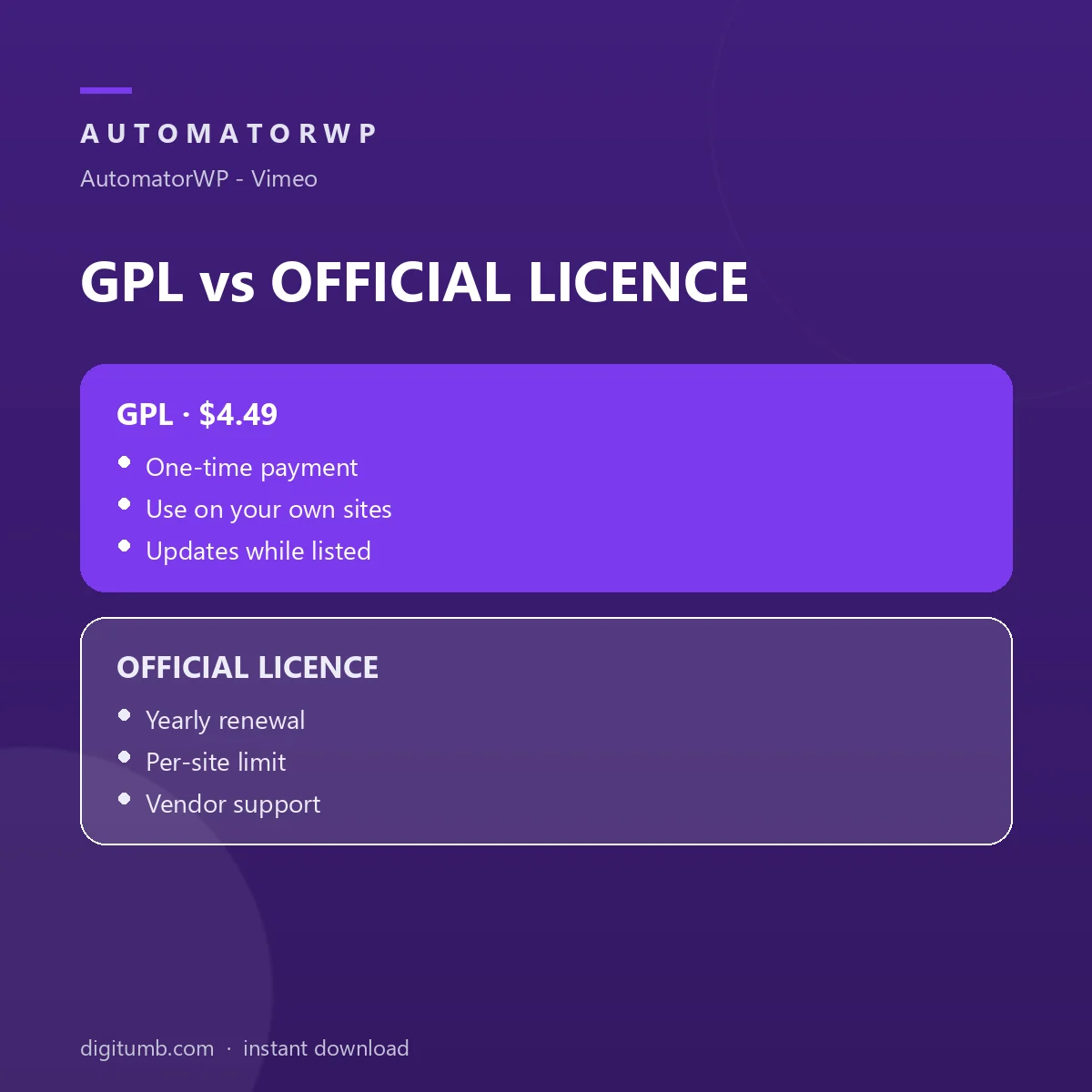
This is the same archive the developer publishes, redistributed under the GNU General Public License: you get the working files for $4.49 with no vendor update channel and no vendor support desk. If you need automatic updates or a support contract, buy the official license from the developer.
| This GPL build | Official license | |
|---|---|---|
| Price | $4.49 one time | Vendor subscription |
| Automatic updates | No | Yes |
| Developer support | No | Yes |
| Number of sites | Unlimited | Depends on plan |
Browse the rest of the WordPress plugins category or the full shop. The licence text is at GNU GPL v2, and general documentation is at WordPress.org.
You must be logged in to post a review.
You may also like…

Related products







Reviews
Clear filtersThere are no reviews yet.