
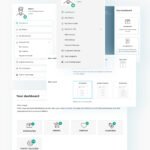

Memberpress Toolbox Limit Signups GPL
$4.49
MemberPress Toolbox Limit Signups is a MemberPress addon that lets you set and manage limits on user registrations for your membership site.
MemberPress Toolbox Limit Signups is a MemberPress addon that lets you set and manage limits on user registrations for your membership site. You define the signup limits in the plugin settings, and the addon keeps your membership levels under the control you choose. It is built to run alongside the latest version of MemberPress, so the limits work with your existing membership setup rather than replacing it.
| Product | memberpress-toolbox-limit-signups |
|---|---|
| Version | 1.0.0 |
| Works with | WordPress 6.x+ / PHP 8.x+ |
| Tested up to | WordPress current |
| License | GPLv2 or later |
| Delivery | Instant ZIP download, 10 downloads, 365 days |
How signup limits work inside MemberPress Toolbox Limit Signups
The addon adds a control layer over MemberPress registrations. After activation you open the plugin settings and define your signup limits there, so the rules live in one place instead of being handled separately for every form. That gives you a single place to maintain the registration ceiling for your membership site.
Because the limits are managed from the plugin settings, you can adjust them as your membership levels change. The addon is described as allowing you to set and manage limits on user registrations, which is the core of what it does: keeping registration volume within the bounds you choose while you maintain control over your membership levels.
Customizing user notifications when a signup limit applies
Setup includes customizing user notifications as needed. When a visitor runs into a signup limit, the notification shown to that user is something you configure in the plugin settings rather than a fixed message you cannot change. This lets the wording match your site and tell the visitor what happened.
Notification text sits on the same settings screen where you define the limits, so both are handled together during configuration. You decide the limit and the wording that accompanies it, then leave them in place or revise them later as your membership levels shift.
Compatibility with MemberPress, WooCommerce and page builders
The plugin is designed to work alongside popular WordPress plugins, including WooCommerce and various page builders. That means it fits into an existing setup where WooCommerce handles transactions and a page builder handles layout, without asking you to replace those tools.
MemberPress compatibility is stated directly: the addon is fully compatible with the latest version of MemberPress, so its signup limits can be used without conflicts with the membership plugin itself. You keep your current membership structure and add the limit controls on top of it.
What the GPL build from Digitum includes
You receive the same files the developer ships, packaged as a GPL build. There is no vendor update channel and no vendor support desk attached to this purchase. The price is $4.49.
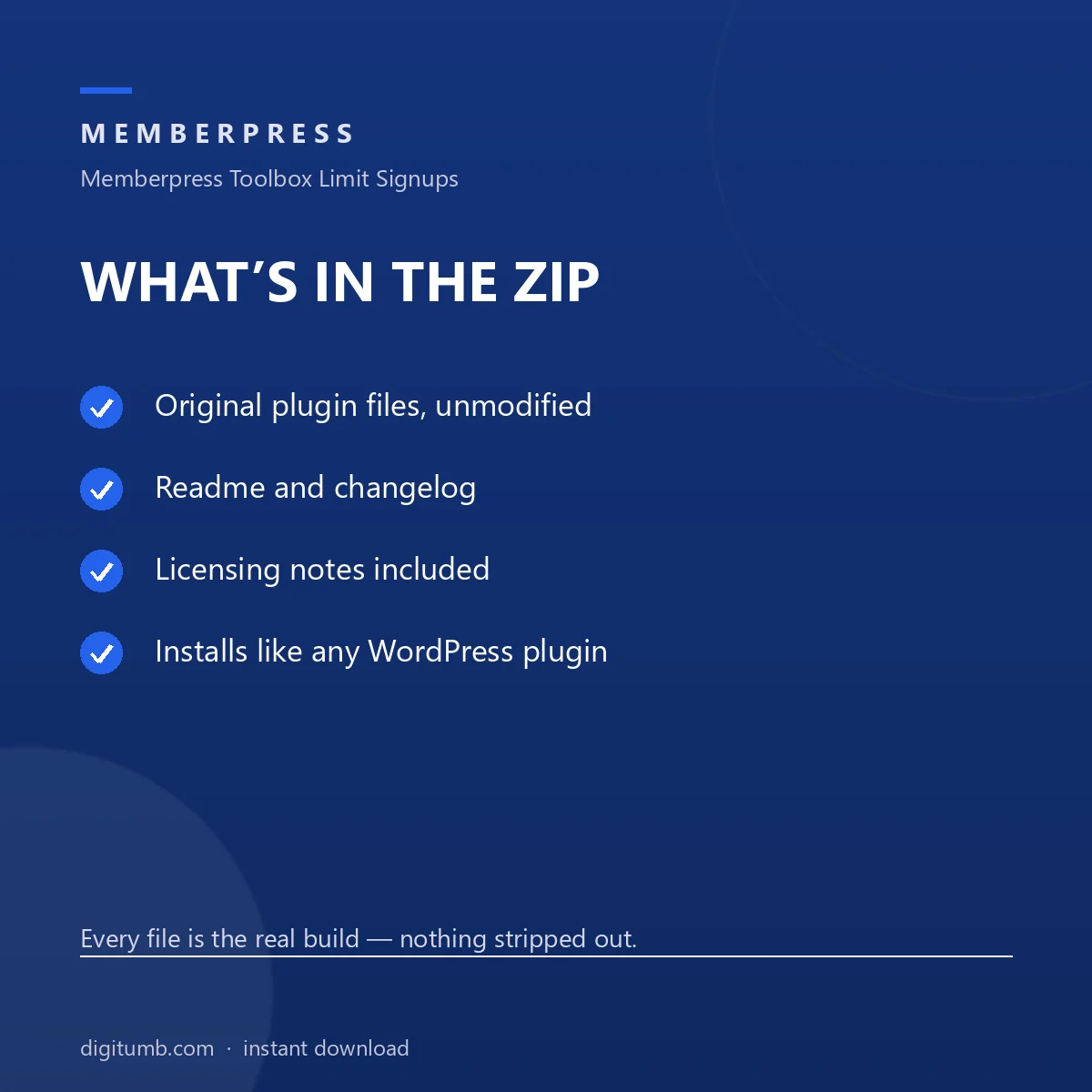
The download is a zip archive with the top-level folders mptb-limit-signups, app and scripts. Version 1.0.0 is the build in this package, and the zip size is 0.0 MB.
Where the signup limits apply on a membership site
Limits are aimed at user registrations for your membership site. If you run several membership levels, the addon gives you one settings area to manage the limits that govern signups, instead of tracking them by hand across separate forms or pages.
That single settings area is also where you return when you need to change a limit. The plugin does not require you to rebuild your membership pages; you set the limits, save them, and the addon applies the control you defined.
Who this MemberPress addon is for
This addon suits site owners running a MemberPress membership who need a cap on registrations and want the notification text to be their own. It is a focused tool: it limits signups and manages those limits, and it works with the latest MemberPress release.
If your site already uses WooCommerce or a page builder, the plugin is designed to sit alongside them. You install it, define the limits and notifications, and keep the rest of your setup as it is.
What this build includes
| Set registration limits | Define limits on user registrations for your membership site from the plugin settings, so signup volume stays within the bounds you choose. |
|---|---|
| Manage limits per membership level | Adjust signup limits as your membership levels change, keeping control over each level's registration intake from one settings area. |
| Custom user notifications | Customize the notifications users see as needed when a signup limit applies, with the wording configured in the plugin settings. |
| Works with the latest MemberPress | Fully compatible with the latest version of MemberPress, so the limits run alongside your membership setup without conflicts. |
| Fits WooCommerce and page builders | Designed to work alongside popular WordPress plugins including WooCommerce and various page builders, integrating into an existing site setup. |
| Single settings location | Define and later manage your signup limits from the plugin settings, rather than tracking registration ceilings by hand across separate forms. |
Installing it on a WordPress site
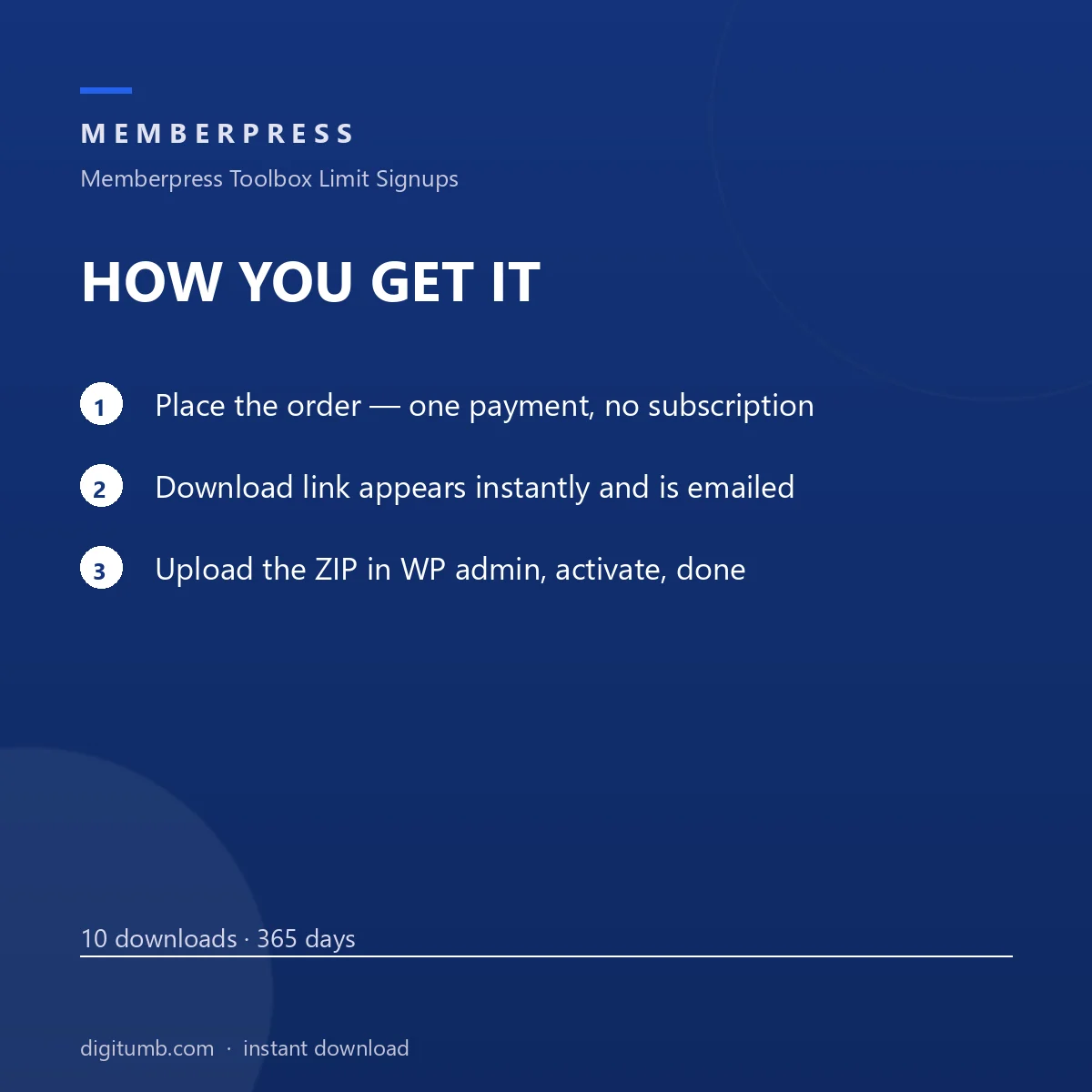
- Upload the plugin file through the WordPress admin area.
- Activate MemberPress Toolbox Limit Signups.
- Open the plugin settings to define your signup limits and customize user notifications as needed.
Latest changes
Version 1.0.0 is the build included in this package.
Frequently asked questions
What does MemberPress Toolbox Limit Signups actually do?
It lets you set and manage limits on user registrations for your membership site. You define the limits in the plugin settings, which keeps control over your membership levels and how many signups each one accepts.
Does it work with WooCommerce and my page builder?
Yes. The plugin is designed to work alongside popular WordPress plugins, including WooCommerce and various page builders, so it integrates into a setup that already uses those tools.
How do I install and configure it?
Upload the plugin file through the WordPress admin area and activate it. Then go to the plugin settings to define your signup limits and customize user notifications as needed. No separate configuration file is required.
Is it compatible with the current MemberPress release?
Yes. The addon is fully compatible with the latest version of MemberPress, so you can use its signup limits without conflicts with the membership plugin.
What do I get with the $4.49 GPL build?
You get the same files the developer ships, packaged as a GPL build. There is no vendor update channel and no vendor support desk. The zip contains the mptb-limit-signups, app and scripts folders.
Can I change a signup limit after setup?
Yes. The limits are managed from the plugin settings, so you return to that screen to adjust them as your membership levels change. The notification wording is configured in the same place.
What the GPL build means for you
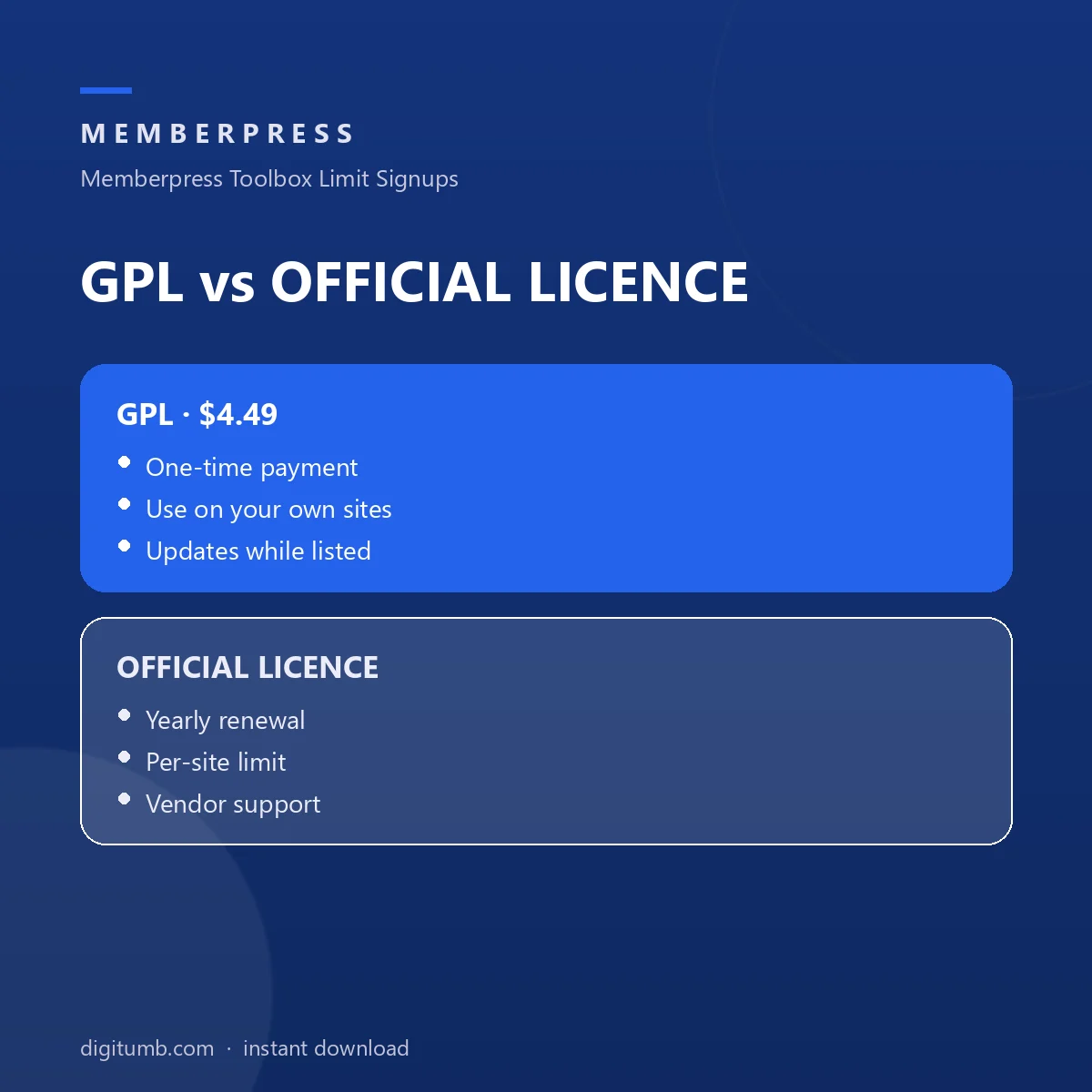
This is the same archive the developer publishes, redistributed under the GNU General Public License: you get the working files for $4.49 with no vendor update channel and no vendor support desk. If you need automatic updates or a support contract, buy the official license from the developer.
| This GPL build | Official license | |
|---|---|---|
| Price | $4.49 one time | Vendor subscription |
| Automatic updates | No | Yes |
| Developer support | No | Yes |
| Number of sites | Unlimited | Depends on plan |
Browse the rest of the WordPress plugins category or the full shop. The licence text is at GNU GPL v2, and general documentation is at WordPress.org.
You must be logged in to post a review.
You may also like…

Related products






Reviews
Clear filtersThere are no reviews yet.