


Gravity Forms Paypal Payments Pro Addon GPL
$4.49
Gravity Forms PayPal Payments Pro Addon is a plugin that connects PayPal Payments Pro to Gravity Forms so visitors can pay by credit card directly on your WordPress site instead of being sent to a.
Gravity Forms PayPal Payments Pro Addon is a plugin that connects PayPal Payments Pro to Gravity Forms so visitors can pay by credit card directly on your WordPress site instead of being sent to a PayPal page. It adds PayPal Payments Pro settings to Gravity Forms and passes card details from your form to the gateway. This build is version 2.7 and ships as a 0.1 MB zip.
| Product | gravity-forms-paypal-payments-pro-addon |
|---|---|
| Version | 2.7 |
| Works with | WordPress 6.x+ / PHP 8.x+ |
| Tested up to | WordPress current |
| License | GPLv2 or later |
| Delivery | Instant ZIP download, 10 downloads, 365 days |
Taking credit card payments inside a Gravity Forms form
The addon lets you accept credit card payments directly on your WordPress site through Gravity Forms. Shoppers see a card field on the form itself, and the form shows the message "Please enter your credit card information." when card details are required.
Declined and expired cards are handled in the form: the buyer sees "This credit card has been declined by your bank. Please use another form of payment." or "The credit card has expired." The form can also report that the merchant does not accept the card.
Subscription periods and recurring payments
A pay period setting determines how often the recurring payment should occur. The addon supports periods such as Every Two Weeks, Twice Every Month, Every Four Weeks and Twice Every Year, alongside the other options in the pay period selector.
Each entry is registered for subscription status checks by the cron job. The addon recognises Subscription Created, Subscription Payment Added, Subscription Canceled and Subscription Expired events, so a form can react when a subscription changes state.
Updating the post when a subscription ends
A form option called "Update Post when subscription is cancelled" lets you change the post attached to the entry after a cancellation. You can set the post to Draft, so the content stops being public once the subscription is cancelled.
The same setting area covers expiry: the addon records a Subscription Expired status, and the form can show the message "Subscription has expired." when that happens.
PayPal Payments Pro account fields
The addon has a PayPal Payments Pro Settings page with Username, Password, Vendor and Partner fields. A form can override each of these values per form: enter a new value to override the Username, Password, Vendor or Partner on the settings page.
The Vendor field is optional and is described as your merchant login ID if different from the Username above. If you have registered with a PayPal Reseller, you enter their ID in the Partner field.
What this build includes
| On-site card payments | Accept credit card payments directly on your WordPress site through Gravity Forms, without sending the buyer to a separate PayPal checkout page. |
|---|---|
| Card error messages | The form shows specific messages for a declined card, an expired card, and a card the merchant does not accept. |
| Recurring pay periods | Select a pay period that sets how often the recurring payment occurs, including Every Two Weeks, Twice Every Month, Every Four Weeks and Twice Every Year. |
| Cron subscription checks | Entries are registered for subscription status checks by the cron job, so the addon tracks subscription state after the first payment. |
| Subscription status events | The addon recognises Subscription Created, Subscription Payment Added, Subscription Canceled and Subscription Expired events for each entry. |
| Post status on cancellation | Use the Update Post when subscription is cancelled option to set the post to Draft when a subscription is cancelled. |
| Per-form credential overrides | Override the Username, Password, Vendor or Partner from the PayPal Payments Pro Settings page with new values on an individual form. |
| Reseller and vendor IDs | Enter an optional Vendor merchant login ID when it differs from the Username, and a Partner ID if you registered with a PayPal Reseller. |
Installing it on a WordPress site
- Upload the downloaded plugin zip to your WordPress admin dashboard under Plugins and activate it.
- Open the Gravity Forms settings menu and configure your PayPal Payments Pro payment settings.
- Add the payment fields to a form, then set the pay period and any per-form Username, Password, Vendor or Partner overrides you need.
Latest changes
This is version 2.7 of the addon, delivered as a 0.1 MB zip.
Frequently asked questions
What does Gravity Forms PayPal Payments Pro Addon do?
It lets users accept credit card payments directly on their WordPress site through Gravity Forms, which keeps the payment step inside the form. The addon connects the form to PayPal Payments Pro and handles card entry, declined and expired card messages, and subscription status changes.
Does this addon work with WooCommerce?
No. The addon is specifically designed to work with Gravity Forms and does not integrate directly with WooCommerce. Use it on forms built with Gravity Forms, not on WooCommerce checkout pages.
Can I use it with the Astra theme?
Yes. The addon is compatible with the Astra theme, so you can build payment forms that fit your site design. The card fields and messages appear inside the Gravity Forms form on Astra pages.
How do I set up the addon on my site?
Upload the downloaded plugin file to your WordPress admin dashboard under Plugins, activate it, and then configure your payment settings in the Gravity Forms settings menu. After that, add the payment fields to the form that should take card payments.
How is the GPL build different from the developer's files?
You get the same files as the developer ships, at $4.49. There is no vendor update channel and no vendor support desk attached to this build; the store provides the zip, and the plugin's own screens are as the developer wrote them.
What the GPL build means for you
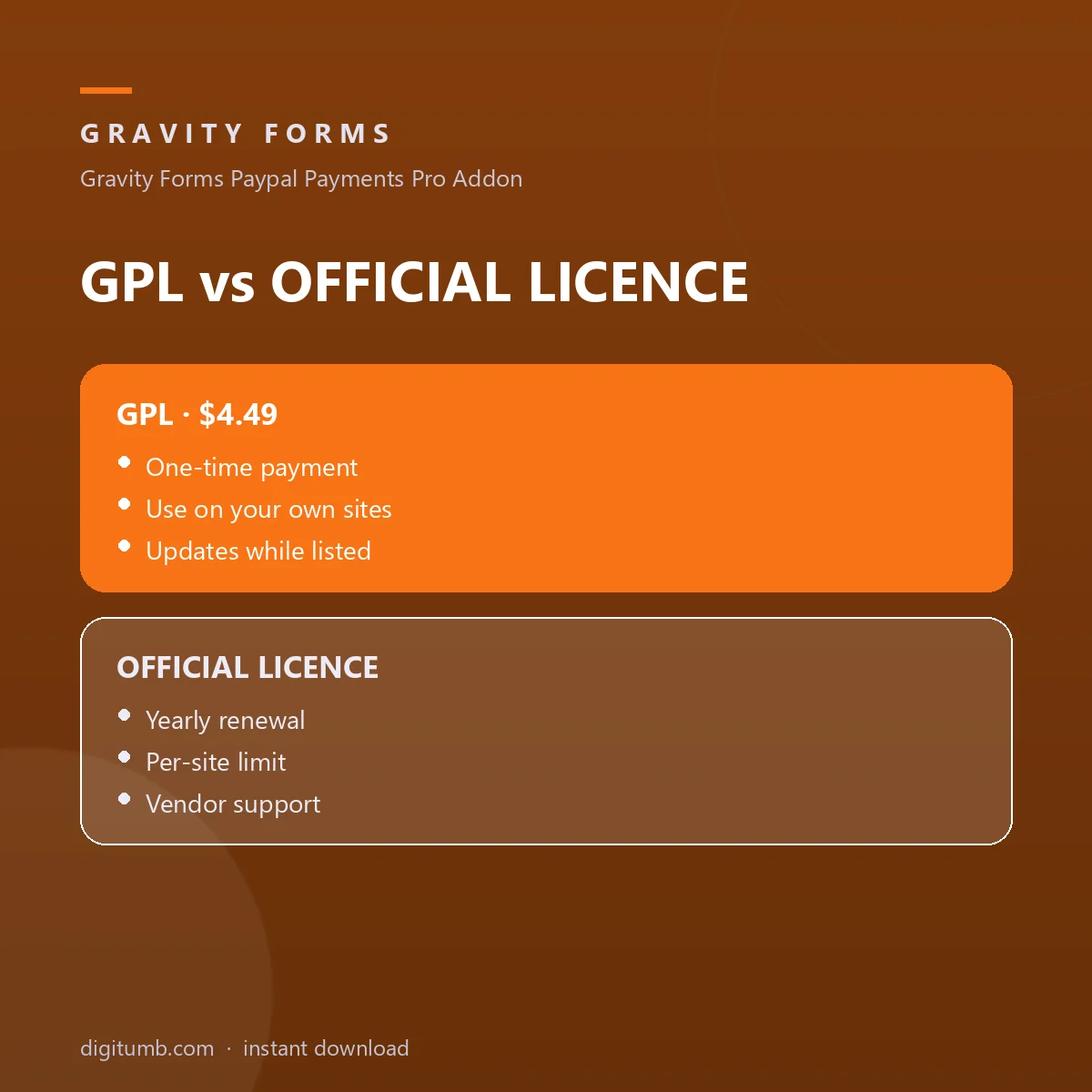
This is the same archive the developer publishes, redistributed under the GNU General Public License: you get the working files for $4.49 with no vendor update channel and no vendor support desk. If you need automatic updates or a support contract, buy the official license from the developer.
| This GPL build | Official license | |
|---|---|---|
| Price | $4.49 one time | Vendor subscription |
| Automatic updates | No | Yes |
| Developer support | No | Yes |
| Number of sites | Unlimited | Depends on plan |
Browse the rest of the WordPress plugins category or the full shop. The licence text is at GNU GPL v2, and general documentation is at WordPress.org.
You must be logged in to post a review.
You may also like…

Related products









Reviews
Clear filtersThere are no reviews yet.