


Buddypress Moderation Tools GPL
$4.49
BuddyPress Moderation Tools is a WordPress plugin that adds abuse reporting and content moderation to BuddyPress communities.
BuddyPress Moderation Tools is a WordPress plugin that adds abuse reporting and content moderation to BuddyPress communities. Site members and visitors can report posts and comments, and administrators review each item in a moderation queue to approve, reject or restore it. The plugin covers group moderation settings, reportable item types and role-based whitelisting so a community can keep user-generated content under control.
| Product | buddypress-moderation-tools |
|---|---|
| Version | 1.5.2 |
| Works with | WordPress 6.x+ / PHP 8.x+ |
| Tested up to | WordPress current |
| License | GPLv2 or later |
| Delivery | Instant ZIP download, 10 downloads, 365 days |
How the report and moderation queue works
Reported content lands in a log the admin opens from the plugin settings. The queue separates items awaiting moderation from all reported items and hidden reported items, so you can work through new reports first and revisit hidden content later. Each entry can be marked clean, restored, removed from the queue or deleted, and the log shows a placeholder for content that has since been removed.
Actions are confirmed with clear notices such as Updated successfully, Item removed from queue or Report deleted, and failed attempts return a message asking you to try again later. A log with nothing in it shows The log is empty, and the moderation screen shows No items in moderation when the queue is clear.
What site owners can configure in Moderation Settings
General Settings control who is allowed to report content. The Who can report option covers Visitors and Site members, letting you decide whether logged-out readers can flag a post or only registered community members.
Reportable items decide which content types appear in the log; a type must be active before its reports can be viewed. Whitelisted Roles exclude trusted groups from reporting entirely, with contents from those roles never becoming reportable. Report categories can be created and deleted from the same settings area.
BuddyPress Moderation Tools alongside WooCommerce and bbPress
The plugin is built to work with other popular plugins, including WooCommerce and bbPress, so a community that already runs a shop or a forum can add reporting without pulling those parts of the site apart.
Compatibility with the latest version of BuddyPress is stated by the developer, which matters if your community runs on a current BuddyPress release and you want reporting to follow the same content types.
What this build includes
| Front-end abuse reports | Let users report content on your WordPress and BuddyPress site, sending each flagged item into the moderation log for review. |
|---|---|
| Moderation queue views | Switch between Reported Items, Awaiting Moderation, All Reported Items and Hidden Reported Items to triage reports in the order you prefer. |
| Item-level actions | Mark an item clean, restore it, remove it from the queue or delete the report, with a confirmation message after each action. |
| Report categories | Create and delete report categories, giving reporters a structured way to describe why content is being flagged. |
| Reportable item types | Choose which content types are reportable; a type must be active before its reports can be viewed in the log. |
| Role whitelisting | Add roles to the whitelist so content from trusted members is never reportable, reducing noise in the queue. |
| Reporter access control | Decide whether reports come from Visitors and Site members or from a narrower group, using the Who can report setting. |
| Reporter email column | The moderation log includes a Reporter Email field, so each report can be tied to the account that submitted it. |
Installing it on a WordPress site
- Upload the plugin zip through the WordPress Plugins screen and activate BuddyPress Moderation Tools.
- Open Moderation Settings and choose who can report content and which item types are reportable.
- Set reportable items, add whitelisted roles and create report categories, then check the Reported Items log as reports arrive.
Latest changes
This is version 1.5.2 of the plugin, supplied as a 0.3 MB zip.
Frequently asked questions
What does BuddyPress Moderation Tools actually do?
It gives administrators the ability to moderate user-generated content within BuddyPress communities. Users report posts and comments, and admins review, approve or reject those items from a moderation log to keep the community environment safe.
Can visitors who are not logged in submit a report?
Yes, if you allow it. The Who can report setting offers Visitors & Site members as an option, so you can accept reports from logged-out readers as well as registered community members, or restrict reporting to members only.
Does it work with WooCommerce and bbPress?
The plugin is designed to work with other popular plugins, including WooCommerce and bbPress, so it can sit alongside a shop or forum on the same site. It is also stated to be fully compatible with the latest version of BuddyPress.
How can I stop reports about trusted users?
Use the Whitelisted Roles setting. Content from roles you add there won't be reportable, so reports generated by trusted members stay out of the moderation queue.
What do I get for $4.49?
You get the GPL build of the plugin, version 1.5.2, as a 0.3 MB zip containing the src folder: the same files the developer ships. There is no vendor update channel and no vendor support desk with this build.
What the GPL build means for you
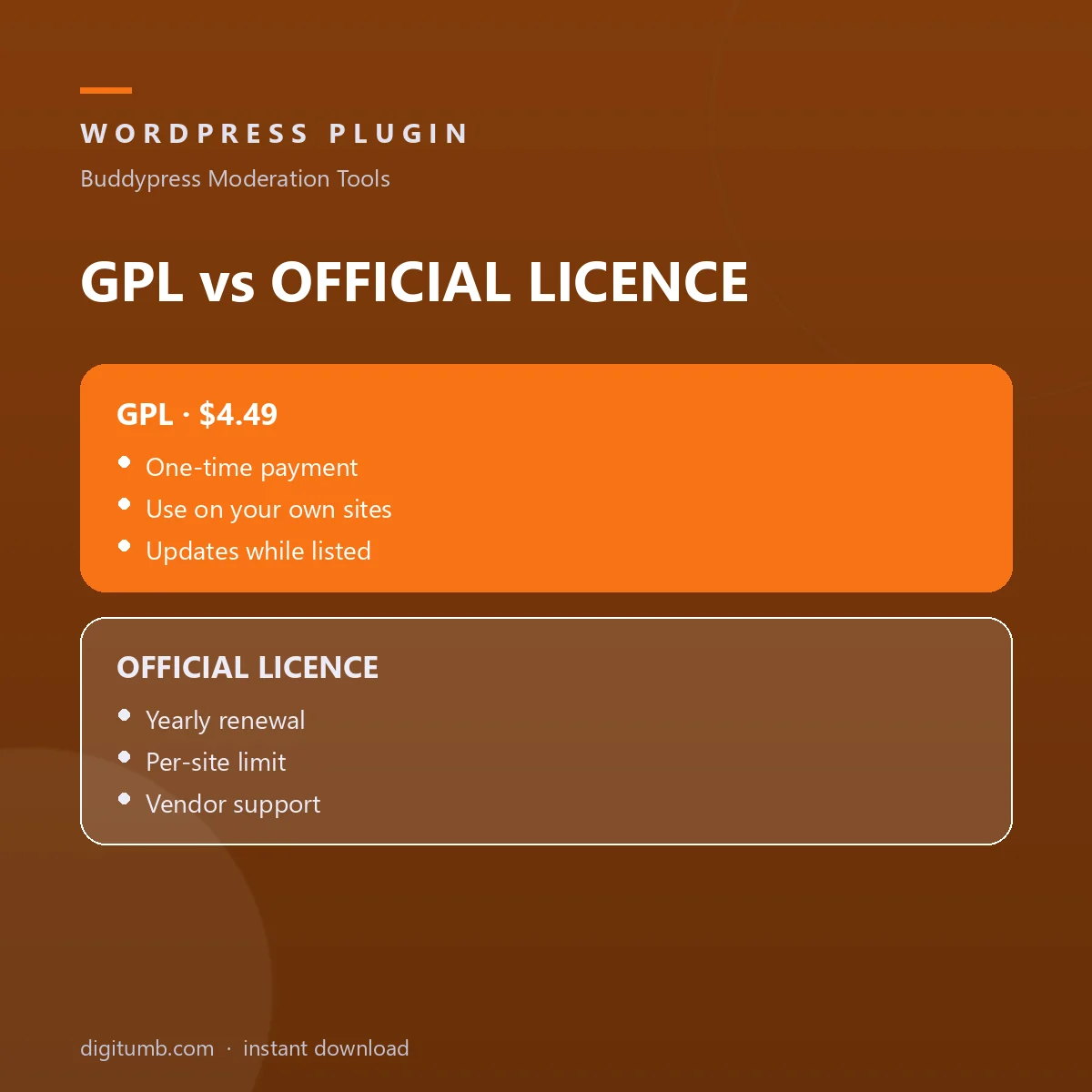
This is the same archive the developer publishes, redistributed under the GNU General Public License: you get the working files for $4.49 with no vendor update channel and no vendor support desk. If you need automatic updates or a support contract, buy the official license from the developer.
| This GPL build | Official license | |
|---|---|---|
| Price | $4.49 one time | Vendor subscription |
| Automatic updates | No | Yes |
| Developer support | No | Yes |
| Number of sites | Unlimited | Depends on plan |
Browse the rest of the WordPress plugins category or the full shop. The licence text is at GNU GPL v2, and general documentation is at WordPress.org.
You must be logged in to post a review.
You may also like…

Related products







Reviews
Clear filtersThere are no reviews yet.