

The7 Multi Purpose Website Building Toolkit GPL
$4.49
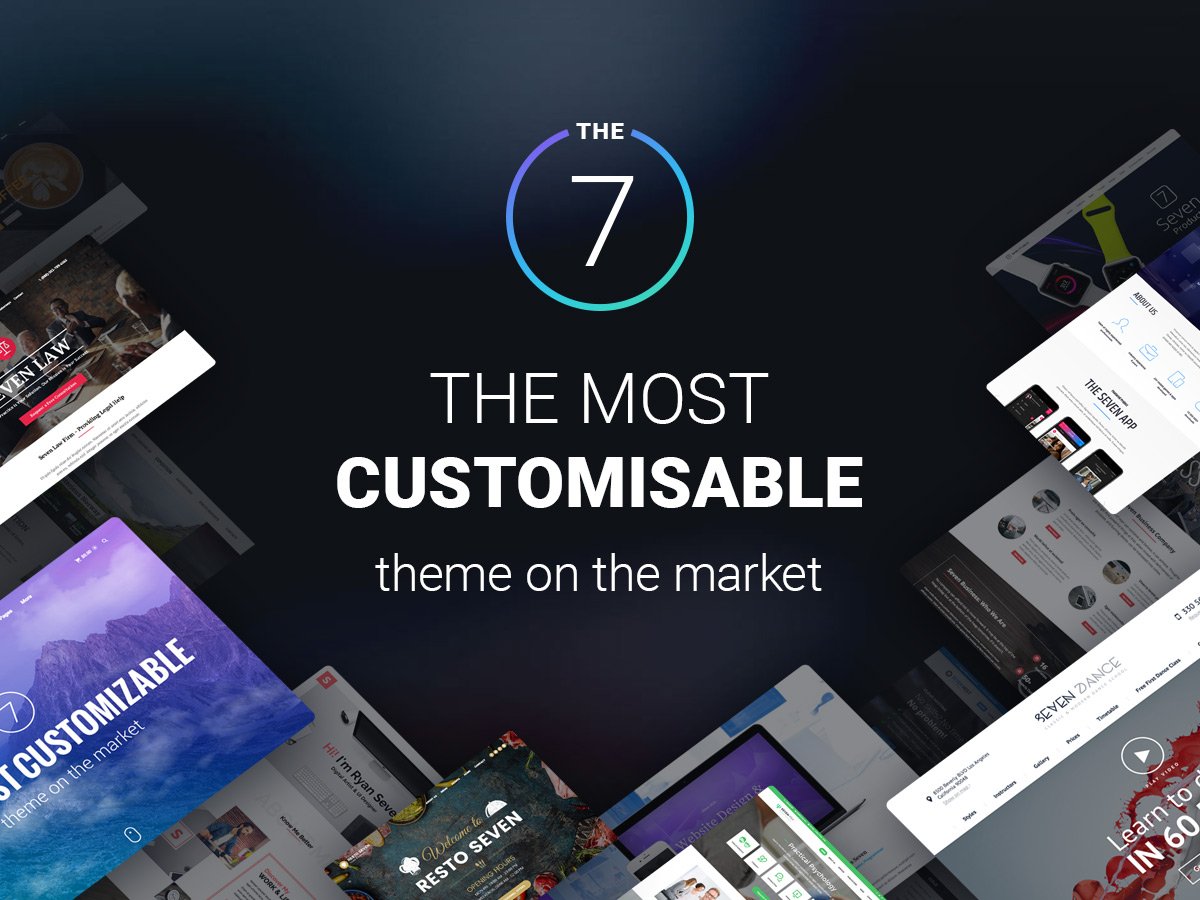
The7 is a multipurpose WordPress theme by Dream-Theme that gives you flexible layout and design tools for building responsive websites.
The7 is a multipurpose WordPress theme by Dream-Theme that gives you flexible layout and design tools for building responsive websites. It works with Elementor, WPBakery Page Builder, the Gutenberg block editor and Full Site Editing, and WooCommerce, alongside the theme's own customization options. You get a toolkit aimed at any design and any layout, with translation-ready strings, SEO-friendly markup and mobile-friendly front-end behaviour.
| Product | The7 |
|---|---|
| Version | 15.1.0.1 |
| Works with | WordPress 6.6.0+ / PHP 7.4.0+ |
| Tested up to | WordPress 7.1.0 |
| License | GPLv2 or later |
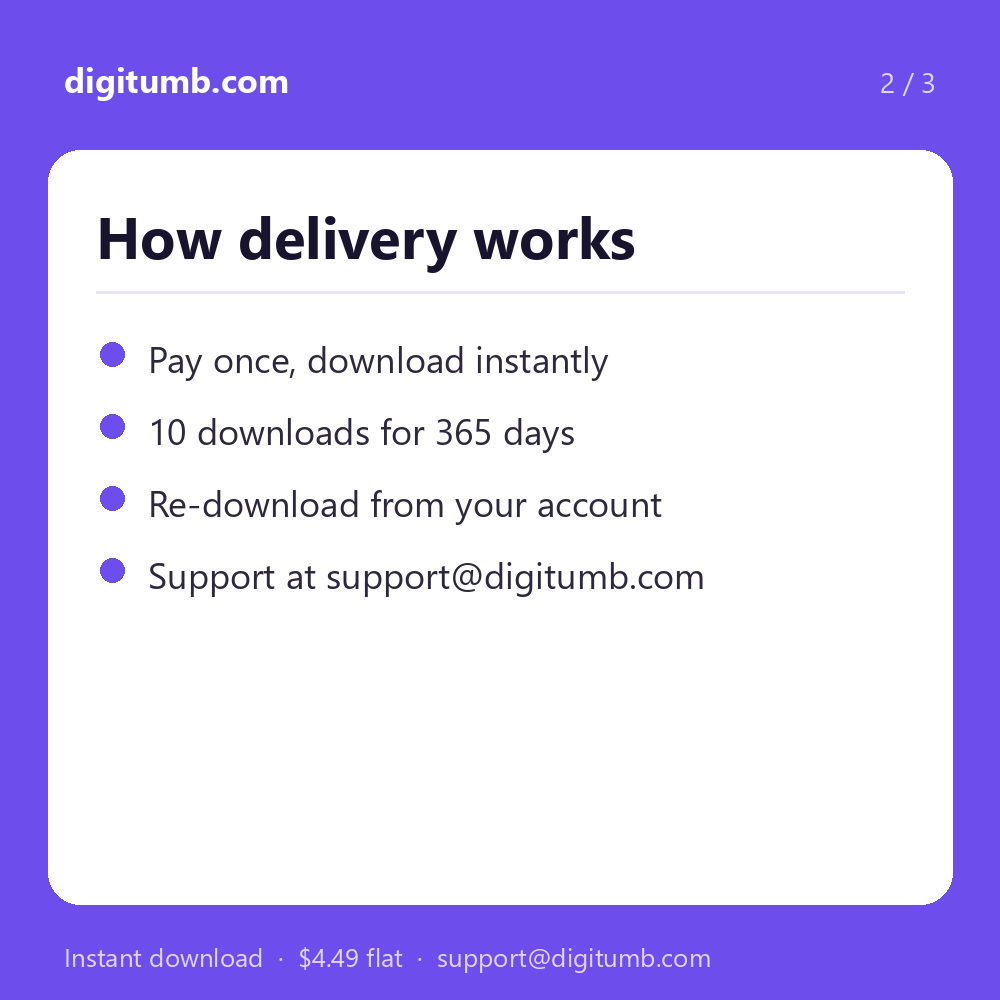
| Delivery | Instant ZIP download, 10 downloads, 365 days |
Which page builders does The7 work with?
The theme ships with compatibility layers for several editing environments. You can build pages with Elementor, WPBakery Page Builder, or the Gutenberg block editor, including Full Site Editing. The7 also carries its own native customization features and theme options, so a layout can be assembled from the builder you already prefer rather than one forced choice.
The ZIP includes folders named fse and template-parts, along with inc, css, js, images, woocommerce, fonts and lib. Those folders reflect the mix of block editor support, template parts and WooCommerce integration that comes with the theme.
How does The7 handle WooCommerce stores?
WooCommerce compatibility is built in, and the vendor states the theme is designed to work with WooCommerce so you can create an online store. A dedicated woocommerce folder sits inside the package, and the theme style.css description lists WooCommerce among the tools in the building toolkit.
Store owners get the same layout and design controls as other site types, applied to shop pages and product templates through the theme's customization features.
What does the theme setup screen include?
After activation, The7 shows a setup screen where recommended plugins can be installed and activated if your site needs them. The theme dashboard also provides Website Templates and Pre-made Websites areas, with a button to go to Website Templates and a field for a page URL to import.
Template import reports its result in plain messages, including a success notice and a failure notice for pre-made website templates. Database update prompts tell you when your site database needs to match the latest version of The7, with a button to run the update.
Is The7 translation ready and search friendly?
Strings are translation ready and the theme is compatible with WPML. Markup is described as SEO friendly, layouts are responsive, and front-end behaviour is mobile friendly, certified by Google according to the theme description.
Interface strings cover common front-end elements such as comment navigation, search results, album navigation and fullscreen toggling, so those parts of a site carry the theme's own wording.
What are the hosting and WordPress requirements?
The7 requires WordPress 6.6.0 or later and PHP 7.4.0 or later, and is tested up to WordPress 7.1.0. The theme also includes a diagnostic message for hosting issues, reading that The7 detected an issue with your hosting, so you can check your server environment if something behaves unexpectedly.
This build is version 15.1.0.1 and the download is an 8.0 MB zip.
What this build includes
| Elementor page building | Build and style pages with Elementor; the vendor states full compatibility so you can use both tools together for design work. |
|---|---|
| WPBakery Page Builder support | Assemble layouts with WPBakery Page Builder through the theme's compatibility layer for popular builders. |
| Block editor and Full Site Editing | Work in Gutenberg and Full Site Editing, using the theme's block editor settings and template parts. |
| WooCommerce integration | Create an online store with WooCommerce, which the vendor says the theme is designed to work with. |
| Pre-made website templates | Import pre-made website templates from the theme dashboard, with success and failure notices shown after each import attempt. |
| Database update tooling | Run the database update from the dashboard when your site database needs to match the latest version of The7. |
| WPML-compatible translation strings | Translate the theme's strings, which are translation ready and compatible with WPML. |
| Responsive, mobile-friendly front end | Serve responsive layouts and mobile-friendly front-end behaviour, with markup described as SEO friendly and Google-certified mobile friendliness. |
Installing it on a WordPress site
- Upload the dt-the7 theme folder to /wp-content/themes/.
- In the WordPress admin area, go to Appearance > Themes and activate The7.
- Install and activate the recommended plugins shown in the theme setup screen if needed, then configure the theme through theme options, page builder integrations or block editor settings.
Latest changes
This package is version 15.1.0.1 of The7.
Frequently asked questions
Does The7 work with Elementor?
Yes. The vendor states The7 is fully compatible with Elementor, so you can use the theme's design and layout tools alongside Elementor's features. Pages can also be built with WPBakery Page Builder or the Gutenberg block editor if you prefer those environments.
Can I build an online store with The7?
Yes. WooCommerce compatibility is part of the theme, and the vendor states it is designed to work with WooCommerce to help you create an online store. The package includes a woocommerce folder, and store pages use the same layout and design controls as the rest of the site.
What WordPress and PHP versions does The7 need?
The theme requires WordPress 6.6.0 or later and PHP 7.4.0 or later. It is tested up to WordPress 7.1.0. If your environment falls short, the theme's own diagnostic message can flag a hosting issue so you know where to look.
Is The7 translation ready?
Yes. The theme's strings are translation ready and it is compatible with WPML. Front-end interface strings such as comment navigation, search results and album navigation are part of the theme, so translated sites carry consistent wording in those areas.
How is this GPL build supplied?
You receive the same theme files the developer ships, distributed as a GPL build for $4.49. There is no vendor update channel and no vendor support desk attached to this purchase; updates and help come from the GPL distribution rather than the original developer.
What the GPL build means for you
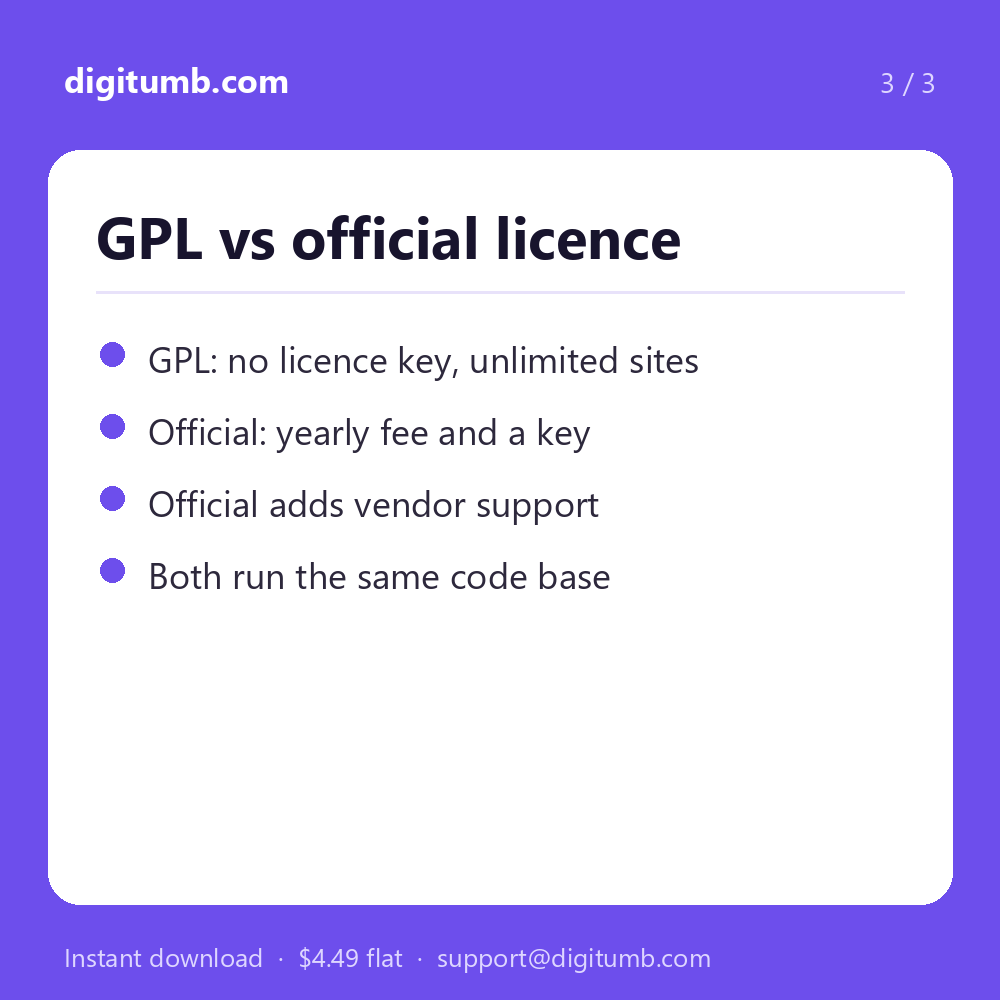
This is the same archive the developer publishes, redistributed under the GNU General Public License: you get the working files for $4.49 with no vendor update channel and no vendor support desk. If you need automatic updates or a support contract, buy the official license from the developer.
| This GPL build | Official license | |
|---|---|---|
| Price | $4.49 one time | Vendor subscription |
| Automatic updates | No | Yes |
| Developer support | No | Yes |
| Number of sites | Unlimited | Depends on plan |
Browse the rest of the WordPress plugins category or the full shop. The licence text is at GNU GPL v2, and general documentation is at WordPress.org.
You must be logged in to post a review.
You may also like…

Related products





Reviews
Clear filtersThere are no reviews yet.